
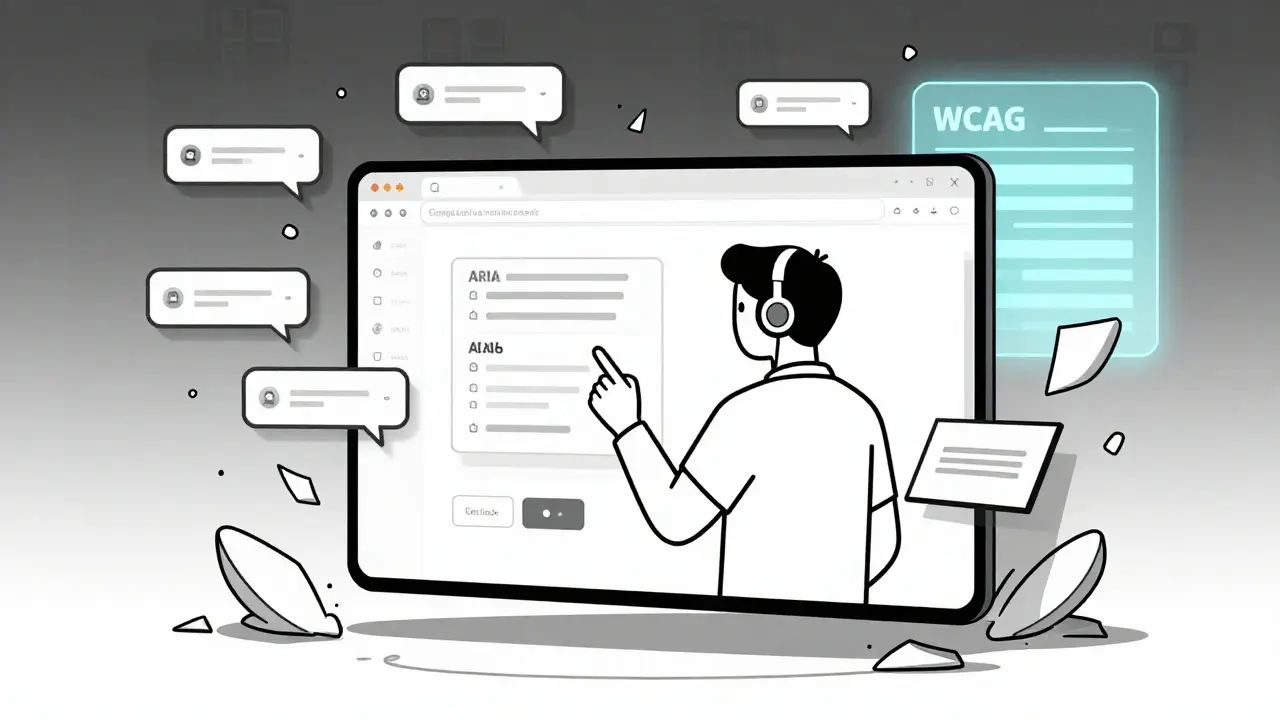
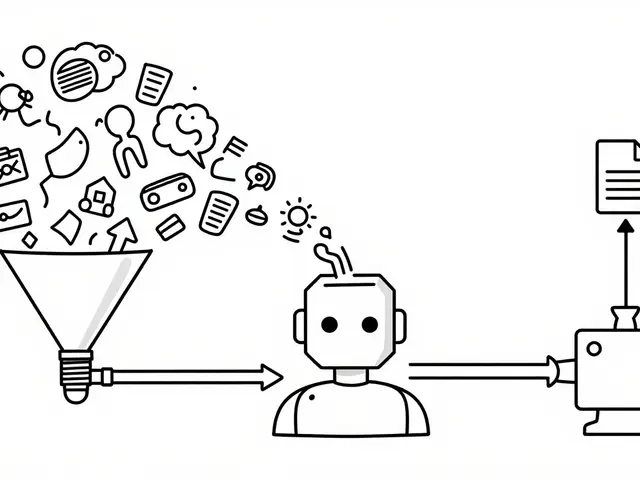
AI is building websites, writing form labels, generating images, and even designing navigation menus. But for people who rely on screen readers, keyboard-only control, or voice commands, these AI-made interfaces are often unusable. It’s not a bug-it’s a systemic failure. While companies cheer AI for cutting development time and boosting personalization, they’re ignoring a simple truth: AI-generated interfaces are breaking accessibility at scale.
AI Doesn’t Know What WCAG Is
WCAG 2.2, the current standard for web accessibility, was written for human-designed websites. It assumes static content, predictable layouts, and consistent behavior. AI doesn’t work like that. It generates content on the fly. One user gets a form with clear labels. Another gets the same form with fields shuffled, missing headings, and alt text that says "a picture of something." A 2024 study from ACM Digital Library analyzed six AI-generated websites and found 308 distinct accessibility errors. Over half were cognitive issues-like interfaces that changed structure mid-task or buttons that disappeared after a few clicks. The rest were technical WCAG violations: no ARIA roles, broken focus order, missing form associations. These aren’t edge cases. They’re the norm.Even big platforms like ChatGPT and Google Bard score between 42% and 58% on automated accessibility scans. Compare that to manually coded sites, which average 65-78%. The gap isn’t small. It’s a chasm. And it’s getting wider.
Real People, Real Failures
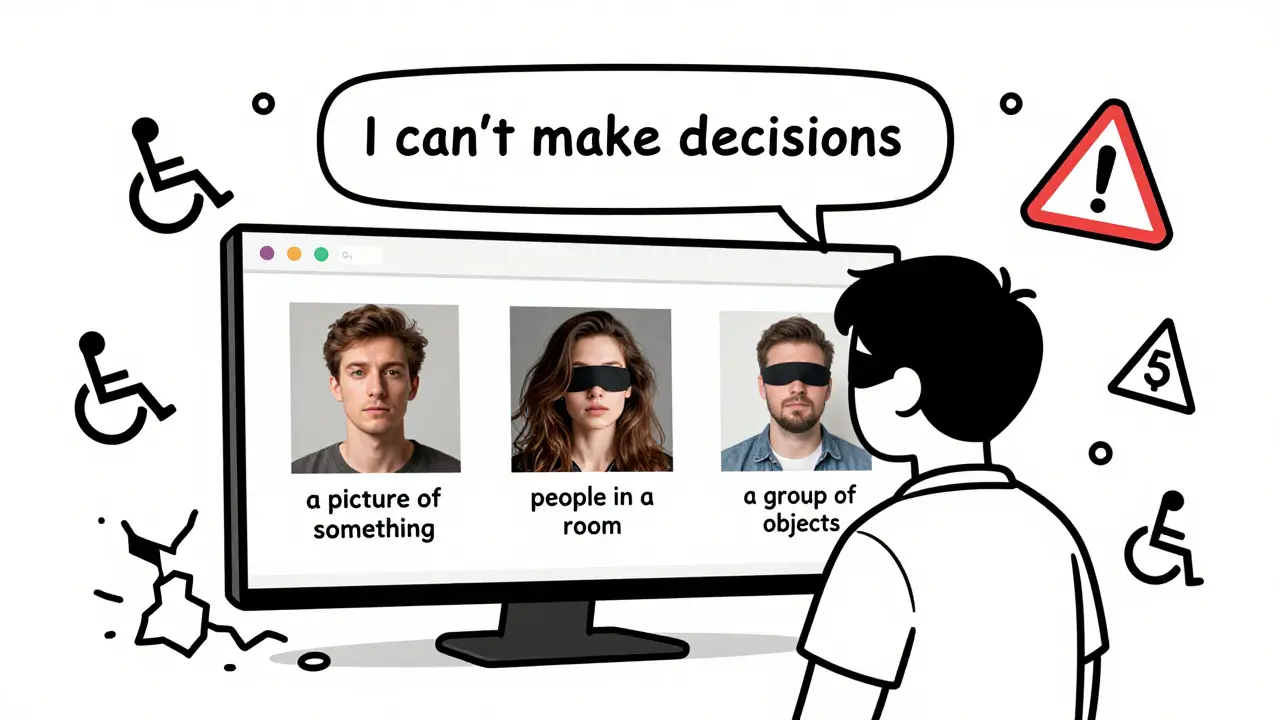
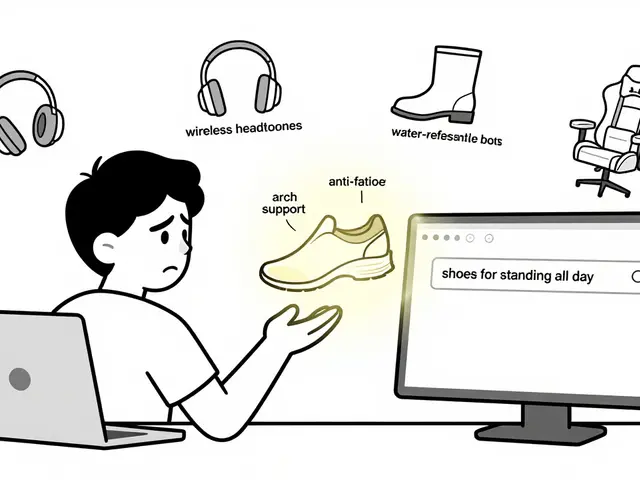
Behind every failed AI interface is a real person trying to get through their day. On Reddit’s r/Accessibility, users report AI chatbots that ignore keyboard navigation after three responses. One user described filling out a government benefits form-only for the AI to reorder fields while they were typing. That’s a direct violation of WCAG 2.2 Success Criterion 1.3.2: Meaningful Sequence. For someone using a screen reader, that means losing their place, restarting, and giving up.Image generation tools are worse. AudioEye’s 2024 analysis found that 73% of AI-generated alt text was inaccurate or useless. "A picture of something." "People in a room." "A group of objects." These aren’t just bad-they’re harmful. Blind users rely on alt text to understand context. When it’s wrong, they can’t make decisions. They can’t trust the system.
And it’s not just users with visual impairments. People with cognitive disabilities face unpredictable flows. AI tries to "personalize" interfaces, but that means changing layouts, hiding buttons, or rewriting instructions based on assumptions. One user on Trustpilot wrote: "I asked the chatbot to explain my bill. It gave me a 10-step summary with no headings. I couldn’t find the key info. I gave up."
WebAIM’s 2025 survey of 1,200 assistive technology users found 87% encountered at least one AI interface failure every week. Sixty-three percent said they couldn’t complete tasks on AI-powered customer service portals at all. That’s not convenience. That’s exclusion.
Why WCAG Alone Can’t Save Us
The W3C says WCAG applies to all web content-no matter how it’s made. That’s technically true. But it’s not practical. WCAG was built for fixed pages. AI generates fluid, dynamic, personalized outputs. You can’t audit an interface that changes every time someone asks a question.Dr. Sarah Horton, co-author of A Web for Everyone and a W3C consultant, put it plainly: "AI’s personalized experiences require adaptable solutions beyond current WCAG checkpoints."
WCAG 2.2 doesn’t have rules for:
- What happens when an AI rewrites a form after a user starts filling it out
- How to test alt text when every image is unique and generated in real time
- How to ensure consistent navigation when menus change based on user history
- Who’s responsible when the AI model itself is biased or broken
Pivotal Accessibility summed it up in 2025: "WCAG was not written with generative models, adaptive interfaces, or real-time algorithmic decisions in mind."
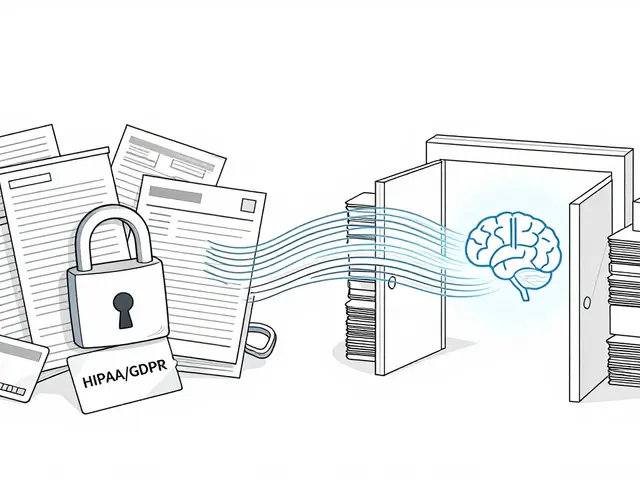
That doesn’t mean WCAG is useless. It means we need more. We need to build accessibility into the AI pipeline-not bolt it on after the fact.
Who’s Responsible When AI Fails?
This is the biggest unanswered question. If an AI chatbot on your company’s website gives a blind user garbage alt text, who’s to blame?- The vendor who sold you the AI model?
- The developer who integrated it without testing?
- The product manager who prioritized speed over inclusion?
- The CEO who didn’t ask the question at all?
The U.S. Access Board’s 2025 report called out "bossware technologies"-AI tools used to monitor employees-that failed to accommodate workers with disabilities. One employee with tremors couldn’t use an AI-driven productivity tracker because it misread their movements as inactivity. The system flagged them for poor performance. No one thought to test it with assistive devices.
There’s no clear legal answer yet. But the DOJ is already citing WCAG 2.1 in ADA settlements involving AI interfaces. The EU’s 2025 AI Act requires accessibility compliance for high-risk systems. California’s AB-331, effective January 1, 2026, mandates "algorithmic accessibility assessments" for public-facing AI systems.
Legal risk is rising. And so is the cost of ignoring it.
What Works: Real Solutions, Not Quick Fixes
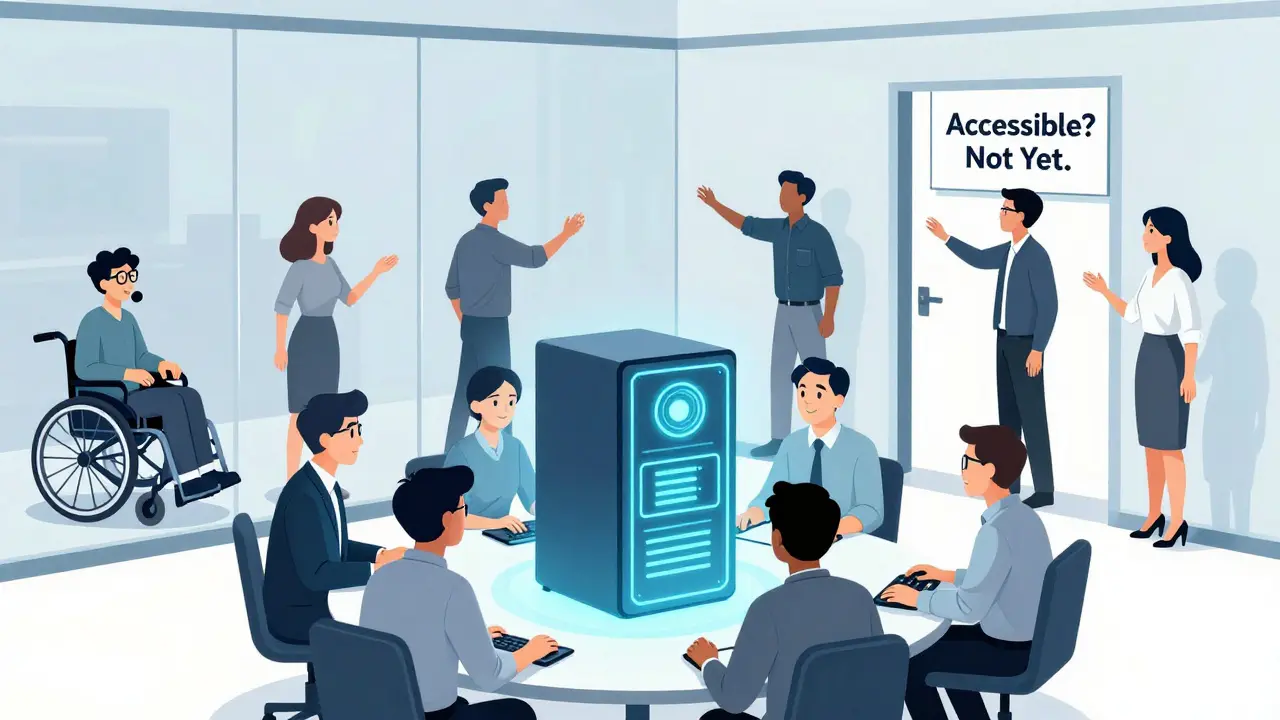
Some organizations are getting it right. Mass.gov requires that all AI-generated content use proper HTML5 tags and pass WCAG 2.1 checks before going live. They don’t just run an automated scanner-they have developers manually test dynamic flows with screen readers and keyboard-only navigation.Exalt Studio found that adding accessibility checks during AI development adds 15-22% to timelines. But it cuts post-launch remediation costs by 97 times. Retrofitting is expensive. Building in is cheaper.
Best practices that actually work:
- Use semantic HTML5-no exceptions. AI must generate
<button>, not<div class="button">. It must use<label>properly, not rely on aria-labels alone. - Test with real users. Pay people with disabilities to test your AI interface. Don’t just ask for feedback-pay them fairly. Pivotal Accessibility says this is non-negotiable.
- Lock down dynamic changes. If content shifts, announce it with ARIA live regions. Don’t let AI reorder forms or hide buttons without warning.
- Implement design tokens. Store accessibility settings (contrast, font size, focus indicators) as reusable values. That way, even if the AI changes content, the experience stays consistent.
- Use ANDI (Accessible Name and Description Inspector). It’s free. It’s simple. It catches the most common AI failures.
There’s also a growing community effort. The GitHub repository "AI-Accessibility-Patterns" has 478 pages of tested solutions, maintained by 37 contributors. It’s not official. But it’s the closest thing we have to a playbook.
The Future Is Either Inclusive or Exclusionary
By 2027, Gartner predicts 90% of new digital products will include AI. That means accessibility isn’t a side project anymore-it’s core infrastructure.WCAG 3.0, currently in draft, tries to fix this. It introduces outcome-based testing instead of rigid rules. That’s a step forward. But it won’t be ready until 2027. We can’t wait.
Tools like Accessible.org’s "Tracker AI" (launched January 2026) can now generate detailed accessibility reports on demand. But they still need human review. AI can’t audit itself. Not yet.
The choice isn’t between AI and accessibility. It’s between building AI that includes everyone-or building AI that leaves millions behind. Right now, we’re choosing the latter.
Companies that treat accessibility as a checkbox are already falling behind. Those that treat it as a design constraint-from the first line of code-will lead the next decade. Because inclusion isn’t a feature. It’s the foundation.
 Artificial Intelligence

Adithya M
January 31, 2026 AT 08:57AI-generated interfaces are a nightmare for screen reader users, and nobody’s even talking about it. I tested a chatbot form last week - it reordered fields mid-input, and I lost my place three times. By the fourth try, I just closed the tab. This isn’t ‘edge case’ stuff - it’s daily life for millions. Companies are racing to ship AI ‘magic,’ but they’re shipping exclusion instead.
WCAG was never meant for dynamic, ever-changing content. It’s like trying to use a paper map to navigate a self-driving car. The standards are obsolete, and pretending they’re enough is just corporate laziness dressed up as compliance.
And don’t get me started on alt text. ‘A picture of something’? That’s not descriptive - that’s a slap in the face. Blind users aren’t asking for art criticism. We need context. We need to know if it’s a warning sign, a product image, or a person crying in a hospital bed. AI doesn’t care. And that’s the problem.
I’ve seen companies spend $2M on AI personalization but balk at hiring one accessibility tester. That’s not innovation. That’s discrimination with a tech bro veneer.
Someone needs to sue. Not settle. Sue. Hard. Until the cost of ignoring accessibility is higher than the cost of fixing it, nothing changes.
And yes, I’m angry. You should be too.
Donald Sullivan
January 31, 2026 AT 18:47Bro, I just used an AI customer service bot for my cable bill. It gave me a 12-step process with no headings, no labels, and a button that vanished after 3 seconds. I had to call actual human support. At 2 a.m. Because the AI was too ‘smart’ to be usable.
WCAG 2.2 is already outdated. We need WCAG 3.0 yesterday. But even that won’t fix lazy devs who treat accessibility like a checkbox. AI doesn’t make bad interfaces - lazy people using AI do.
Tina van Schelt
February 2, 2026 AT 06:46Let’s be real - we’re not just failing accessibility, we’re performing a grotesque ballet of exclusion while sipping oat milk lattes and calling it ‘innovation.’
AI doesn’t ‘break’ accessibility - it amplifies the arrogance of people who think ‘personalization’ means rewriting the rules of human interaction without consent. One user gets a streamlined form. Another gets a labyrinth of disappearing buttons and alt text that reads like a drunk poet’s diary.
And don’t tell me ‘it’s just a beta.’ We’re not beta-testing on robots. We’re beta-testing on people who need these tools to survive. That’s not a feature gap. That’s a moral collapse wrapped in a GitHub repo.
Meanwhile, the same execs who greenlit this are flying to Davos to talk about ‘equity.’ I’m not mad. I’m just… profoundly disappointed.
And yes, I’m crying. Not because I’m emotional - because this is the 2020s and we still can’t build a damn form that doesn’t betray its users.
Jawaharlal Thota
February 4, 2026 AT 06:41Look, I’ve been working in accessibility for over 15 years, and I’ve seen every trend come and go - from Flash widgets to mobile-first designs to responsive grids. But this? This is different. AI isn’t just another tool - it’s a paradigm shift that’s happening faster than anyone can adapt.
And yes, WCAG is outdated. But the solution isn’t to throw it out - it’s to evolve it. We need new checkpoints for dynamic content, real-time adaptation, and algorithmic bias detection. We need to define what ‘consistent experience’ means when the interface is constantly reshaping itself based on user behavior, location, mood, or past clicks.
Right now, most AI systems are trained on data that ignores accessibility entirely. No one fed them screen reader logs. No one gave them keyboard navigation patterns. No one told them that ‘a picture of something’ is not an acceptable alt text - because the training data was scraped from websites that didn’t care either.
So we need to retrain the models. Not just with better data, but with lived experience. We need to pay blind users, Deaf users, neurodivergent users - not as testers, but as co-designers. Pay them well. Pay them regularly. Let them sit in the product meetings. Let them veto features.
And yes, it adds 15–22% to dev time. But here’s the math: retrofitting one inaccessible AI interface costs $250K in legal fees, user complaints, and lost customers. Building it right from the start? $15K. And that’s not even counting the goodwill. The trust. The dignity.
There’s a reason Mass.gov does it right. They didn’t wait for the law. They did it because they knew it was the right thing. And if you’re not doing the same, you’re not just behind - you’re complicit.
Lauren Saunders
February 4, 2026 AT 09:42Wow. So much performative outrage. Let’s not pretend WCAG was ever perfect - it’s a 20-year-old document written by academics who’ve never coded a live interface. And now you’re mad because AI, a tool that’s still in its infancy, doesn’t magically obey a rulebook designed for static HTML pages?
Meanwhile, the real accessibility crisis is that people still think alt text should be ‘descriptive’ instead of functional. ‘A picture of a woman holding a coffee’? That’s not helpful. ‘Coffee cup on desk, no text’ is. Context matters, not poetic fluff.
And yes, AI generates bad alt text - but so do humans. And yet we don’t ban all human designers. We fix the process. Maybe instead of demanding more regulation, we should demand better training for AI engineers? Or better tooling? Or maybe… just maybe… stop treating accessibility like a moral crusade and start treating it like engineering?
Also, ‘pay people with disabilities to test’ - cute. But who pays for the 100,000 other users who don’t fit your diversity checklist? Are we now designing for a single demographic and calling it inclusion? That’s not accessibility. That’s tokenism with a spreadsheet.