

By 2025, nearly half of all code written globally is generated or assisted by AI. That’s not a prediction-it’s a fact from Second Talent’s 2025 report. If you’re a developer, team lead, or engineering manager, you’re either using an AI coding assistant right now, or you’re falling behind. The tools aren’t science fiction anymore. They’re in your IDE, suggesting the next line of code before you finish typing. But here’s the catch: AI coding assistants don’t automatically make you faster. They make you different. And that difference can either save you hours-or cost you days.
What AI Coding Assistants Actually Do
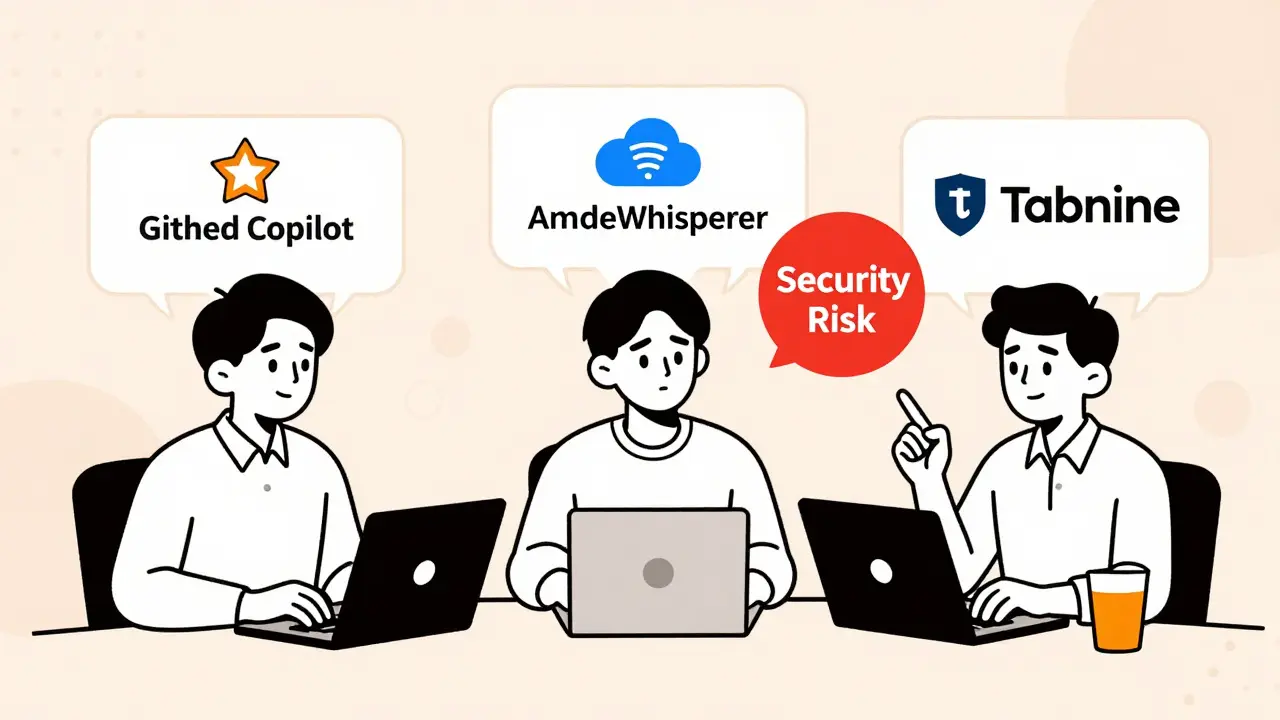
These aren’t autocomplete tools from 2010. Modern AI coding assistants like GitHub Copilot, Amazon CodeWhisperer, and Tabnine use large language models trained on billions of lines of real code. They don’t just guess what you might type-they understand context. If you write a comment saying “create a function that validates user email and returns a 400 error if invalid,” the AI doesn’t just pull a random snippet. It looks at your project’s style, your framework, your existing functions, and your dependencies. Then it suggests code that fits.
It works in real time inside Visual Studio Code, JetBrains IDEs, and even terminal-based editors. You can ask it to generate unit tests, explain a complex API, or refactor a messy loop. It writes documentation, translates code between languages, and even fixes bugs you didn’t notice. According to Harvard Business School’s 2024 study, developers using these tools complete tasks 25.1% faster and produce outputs with 40%+ higher quality-when the tasks are well-defined and the AI has enough context.
The Productivity Numbers-And Why They Don’t Tell the Whole Story
Most vendors claim you’ll get 20-30% faster development. GitHub says Copilot users complete 126% more projects per week. Microsoft’s internal data shows a 21% boost in knowledge work. On the surface, that sounds like a no-brainer. But here’s what they don’t tell you: those gains aren’t universal.
A 2025 randomized controlled trial by METR, led by Harvard professor Matthew Welsh, found something surprising. Experienced open-source developers using AI assistants actually took 19% longer to complete realistic coding tasks lasting 20 minutes to 4 hours. Why? Because they spent more time verifying, correcting, and cleaning up AI-generated code. The AI suggested a function that worked 80% of the time-but when it failed, it failed in weird, hard-to-spot ways. Developers ended up spending more time debugging than they would’ve spent writing the code manually.
That’s the paradox. Individual output goes up, but total time spent doesn’t always drop. Faros AI calls this the “AI Productivity Paradox.” You write more code. But you also review more code. And if your team isn’t set up to handle that review load, you’re just shifting work, not reducing it.
Who’s Winning the AI Coding Assistant Race in 2025
There are four main players, and they’re not all the same.
- GitHub Copilot leads with 46% market share. It’s the most polished, integrates perfectly with GitHub’s ecosystem (pull requests, issues, repos), and has the highest accuracy in JavaScript, Python, and TypeScript-85% according to Stack Overflow’s 2025 survey. But it’s weak with legacy systems like COBOL (only 42% accuracy). Pricing: $10/month for individuals, $19/month for teams.
- Amazon CodeWhisperer sits at 22% share. Its strength? AWS integration. If you’re building on Lambda, S3, or DynamoDB, it knows the APIs inside out. Accuracy drops to 58% outside AWS, but its built-in security scanning is better than most. Price: $19/month.
- Tabnine holds 18% and is the only one with strong on-premises deployment. If your company won’t let code leave the firewall, Tabnine’s self-hosted model (after 40-60 hours of setup) hits 92% accuracy on internal codebases. It’s $12/month, but the hidden cost is engineering time to train it.
- Meta’s Code Llama 3 (released August 2025) is open-source, with a 400B-parameter model and a 1M-token context window. It’s free, but you need serious infrastructure to run it. Most teams use it for research or as a fallback, not daily work.
GitHub Copilot wins for most teams because it just works. CodeWhisperer wins for AWS shops. Tabnine wins for security-first companies. Code Llama wins for budget-conscious developers who don’t mind tinkering.
Where AI Coding Assistants Fall Short
AI isn’t magic. It doesn’t understand your business goals. It doesn’t know why your CFO cares about this feature. It doesn’t care about tech debt.
Here are the real gaps:
- Security risks: 48% of AI-generated code contains potential vulnerabilities, according to Second Talent. It might generate a SQL query that works-but leaves you open to injection attacks. Or it might hardcode an API key. You can’t trust it.
- Complex logic: If you’re writing a real-time trading algorithm, a distributed consensus protocol, or a low-latency game engine, AI struggles. It’s good at patterns, not deep systems thinking.
- Legacy code: COBOL, Fortran, old Java-AI doesn’t know these systems. Even if it does generate something, it often ignores decades of undocumented conventions.
- Prompt engineering: You can’t just type “fix this bug.” You need to describe the context, the error, the expected behavior, and the environment. Most developers take 2-3 weeks to get good at this.
And here’s the quiet killer: skill atrophy. A 2025 survey by engineering leaders found that 37% of junior developers using AI daily are losing their ability to debug without it. They’re becoming operators, not engineers.
How to Actually Use AI Without Losing Control
Teams that thrive with AI don’t just turn it on and hope for the best. They build guardrails.
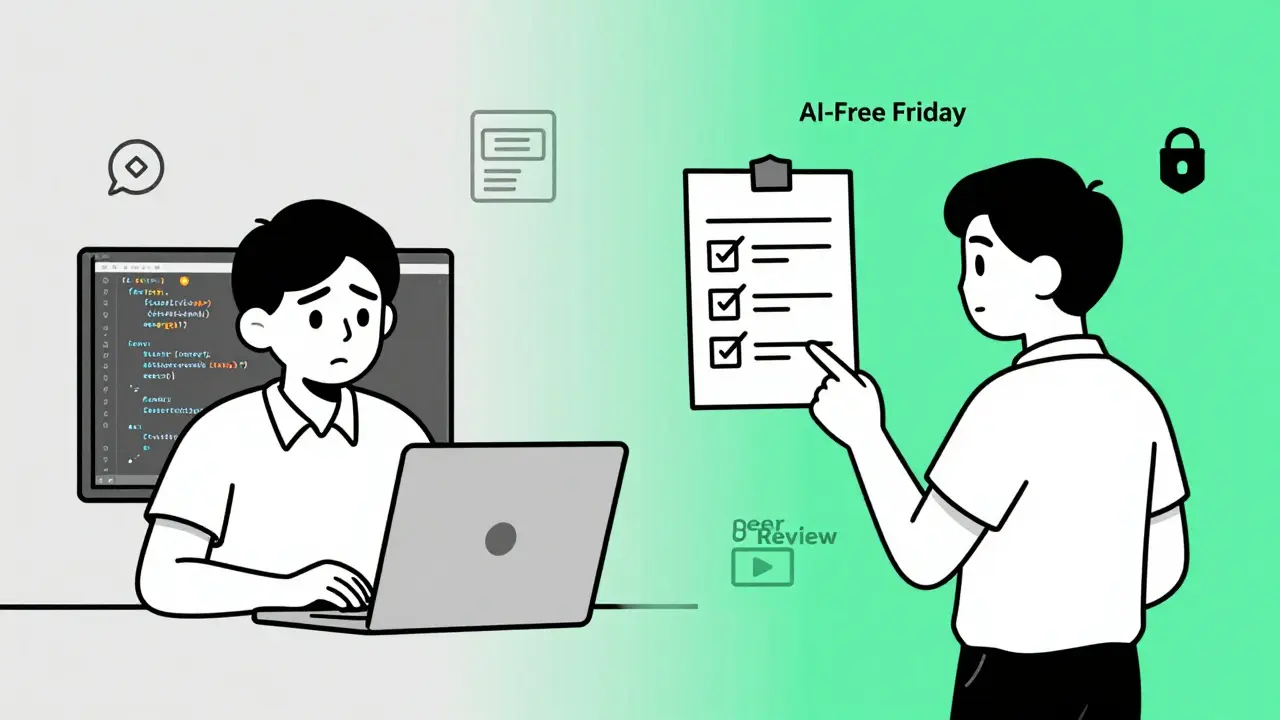
- Require peer review: 63% of enterprises now mandate that all AI-generated code be reviewed by another developer before merging. Treat AI suggestions like a first draft-not final code.
- Scan for security: Use tools like Snyk or CodeQL to automatically check AI output for vulnerabilities. Don’t rely on the AI’s own “security scan.”
- Use AI for boilerplate, not brains: Let it write unit tests, CRUD endpoints, config files, and documentation. Keep the complex logic, algorithms, and architecture decisions human.
- Train your team: GitHub offers a free “AI Pair Programming” certification. Coursera’s “Prompt Engineering for Developers” has over 48,000 enrollments. Use them.
- Try AI-free Fridays: 48% of teams use one day a week without AI to keep skills sharp. It’s not about rejecting tech-it’s about preserving competence.
The Bigger Picture: Why This Matters Beyond Coding
This isn’t just about writing code faster. It’s about who gets to do the work.
Onboarding new developers used to take 3 weeks. Now, with AI, it’s down to 5 days. That’s huge for scaling teams. Female engineers adopt AI at 31%-lower than male engineers at 52%. Engineers over 40 adopt at 39%, while under-30s are at 68%. That’s not a coincidence. It’s a gap in access, training, and confidence.
Companies spent $4 billion on AI coding assistants in 2025-55% of all departmental AI spend. That’s more than marketing, IT ops, and customer success combined. But Gartner predicts only 30% of enterprises will see real productivity gains. Why? Because they’re treating AI like a tool, not a process change.
The real winners will be the teams that treat AI as a co-pilot-not a replacement. That means retraining, redefining roles, and rebuilding workflows. It means accepting that AI will make some tasks easier… and others more complicated.
What’s Next in 2026
GitHub is launching Copilot Guardrails in Q1 2026-a feature that auto-blocks AI suggestions that violate security rules. Amazon’s CodeWhisperer Enterprise will let you fine-tune models on your own codebase. The Linux Foundation is starting the “Secure AI Code” initiative to set industry standards.
By 2027, Gartner predicts 50% of all code will be AI-generated. But that doesn’t mean developers will disappear. It means the best developers will be the ones who know how to guide, correct, and validate AI-not just use it.
The question isn’t whether you should use AI coding assistants. It’s whether you’re using them wisely.
Do AI coding assistants write better code than humans?
No-not by themselves. AI generates code faster and handles repetitive tasks well, but it doesn’t understand business logic, edge cases, or long-term system health. Human developers still outperform AI in complex problem-solving, security design, and debugging unexpected failures. The best results come from combining AI speed with human judgment.
Are AI coding assistants secure?
Not inherently. Studies show 48% of AI-generated code contains potential security vulnerabilities, like hardcoded secrets or SQL injection risks. AI doesn’t know your security policies. Always scan AI output with tools like Snyk or CodeQL, and never merge AI-generated code without a manual review. Treat it like untrusted third-party code.
Which AI coding assistant is best for beginners?
GitHub Copilot is the best for beginners because it’s the most intuitive, has the highest accuracy in common languages like Python and JavaScript, and integrates directly with the most popular IDEs. It also provides clear explanations and documentation suggestions, helping new developers learn faster. Start with the free tier, then upgrade if your team uses GitHub.
Can AI coding assistants replace junior developers?
They can reduce the need for junior devs to write boilerplate code, but they can’t replace them. Junior developers bring curiosity, adaptability, and the ability to learn from feedback. AI can’t replicate that. Instead of replacing them, AI lets juniors focus on higher-value tasks like testing, documentation, and understanding architecture-making them better engineers faster.
How much does it cost to implement AI coding assistants?
The software cost is low: $10-$19 per user/month. But the real cost is time. Teams typically spend 80-120 hours on integration, training, security setup, and creating review policies. Companies that skip training end up wasting more time fixing bad AI suggestions than they save. Budget for both license fees and team enablement.
Is AI coding assistant usage growing?
Yes-90% of software developers now use AI coding assistants, up from 76% in 2023. 82% use them daily or weekly. Enterprise adoption is rising fast, with 65% of top-performing tech teams using them. Spending on AI coding tools grew 4.1x year-over-year in 2025, making it the fastest-growing segment of enterprise AI.
Final Thought: Don’t Just Use AI. Master It
AI coding assistants aren’t here to make your job easier. They’re here to make your job different. The developers who thrive won’t be the ones who type the least. They’ll be the ones who ask the best questions, verify the most carefully, and understand the limits of what AI can-and can’t-do. The future belongs to engineers who can guide AI, not just follow it.
 Artificial Intelligence



Priyank Panchal
December 20, 2025 AT 02:11AI writing code is like giving a toddler a chainsaw-sure they can make something move, but you’re gonna need a damn lawyer after they’re done. I’ve seen Copilot generate production-ready SQL that opened the whole DB to injection. No thanks. I’ll write my own loops, thanks very much.
Ian Maggs
December 22, 2025 AT 01:02It’s fascinating, isn’t it?-the way we’ve outsourced not just labor, but cognition. We used to learn by doing; now we learn by correcting. The AI doesn’t think-it predicts. And prediction, no matter how statistically sophisticated, is not understanding. We’re not automating development-we’re automating ignorance. And when the system fails-and it will-we’ll have a generation of engineers who can’t debug a for-loop without a prompt.
Michael Gradwell
December 22, 2025 AT 01:36Anyone still using Tabnine in 2025 is either in a bunker or running a COBOL legacy system. Copilot is the only real tool. If you’re spending more time reviewing AI code than writing it, you’re doing it wrong. Stop overthinking. Just use it. The rest of us are shipping.
Madeline VanHorn
December 23, 2025 AT 13:30Ugh. So basically, you're saying juniors are becoming code monkeys who just click 'accept' on AI suggestions? How sad. Real engineers used to build things from scratch. Now they're just proofreaders for a bot that doesn't even know what a semicolon is for. I'm just glad I'm not one of them.
Glenn Celaya
December 24, 2025 AT 07:53AI coding assistants are just the latest proof that tech is collapsing into a cult of convenience. You want to know why junior devs can't debug? Because they've never had to. The AI does everything except the thinking. And now we're paying $19/month to outsource our competence. Meanwhile, the real engineers-the ones who actually know what a stack trace is-are the ones who turned it off and went back to vim. You're not a developer if you can't write a function without a chatbot whispering in your ear
Wilda Mcgee
December 24, 2025 AT 17:55Hey, I’ve been using Copilot for a year now and honestly? It’s been a game-changer for onboarding new folks. One of my mentees went from zero to shipping her first feature in 3 days-because the AI explained the code as it went. We still review everything, we still test everything, we still have AI-free Fridays. But now we’re not drowning in boilerplate-we’re actually talking about architecture. AI didn’t replace us. It freed us to do the stuff that matters. And if you’re scared of it? That’s okay. Just don’t block others from trying. We’re all learning together.
Chris Atkins
December 25, 2025 AT 10:52Been using CodeWhisperer on my AWS stuff and it's wild how it just knows what I need before I finish typing. No drama. No fuss. Just works. My team started with skepticism but now we're all on it. The only thing I miss? Typing my own semicolons. But hey, if the machine wants to add them, who am I to argue