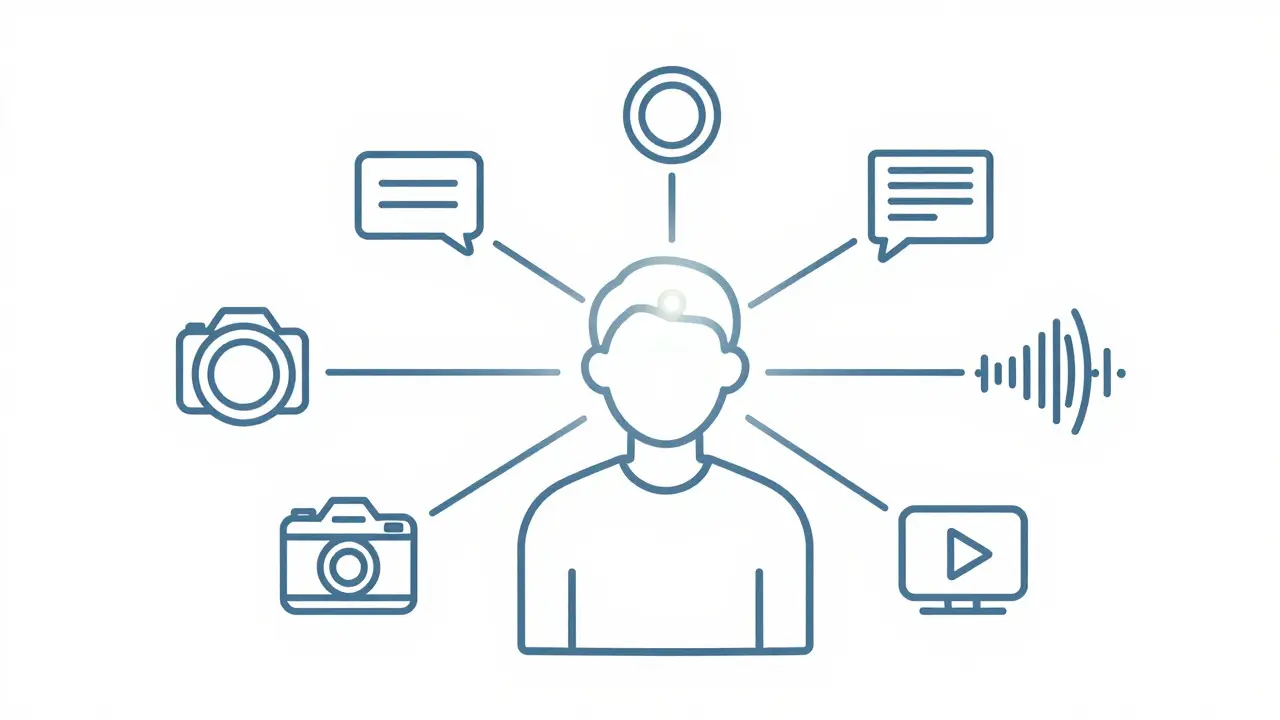
Most people still think of Multimodal Generative AI as a fancy chatbot that can see pictures. But if you are building an application for 2026, that view is dangerously outdated. The real power isn't just in the model; it's in how you structure the data going in and the content coming out. If your input strategy is messy, your output will be hallucinated nonsense. If your output format is rigid, you miss the user entirely.
This guide cuts through the hype. We are looking at the practical mechanics of designing systems that handle text, images, audio, and video simultaneously. We will break down the specific technical choices you need to make regarding input strategies that align diverse data types into a coherent context and the engineering behind generating consistent outputs across different media. Whether you are building a customer support bot or an industrial monitoring tool, these principles determine whether your app feels like magic or just expensive noise.
The Core Problem: Why Unimodal Design Fails
Let's start with a common mistake. You have a support ticket. It contains a screenshot of an error code, a voice memo from the angry customer, and a text description of what they were doing. A traditional unimodal system tries to process these separately. It transcribes the audio, describes the image, and reads the text. Then, it hopes the LLM connects the dots. This is where things fall apart. The connection between the visual error code and the tone of the voice is lost in translation.
Multimodal AI solves this by processing these streams together. According to recent industry analyses, the key difference is "cross-modal reasoning." Instead of translating one modality to another (like converting speech to text), the model learns joint representations. It understands that a specific facial expression in a video clip correlates with a spike in audio volume and a keyword in the transcript. This isn't just about convenience; it's about accuracy. When you feed a model only text, you are giving it a partial map of reality. When you feed it the full sensory context, you are giving it the whole territory.
Input Strategies: How to Feed the Model
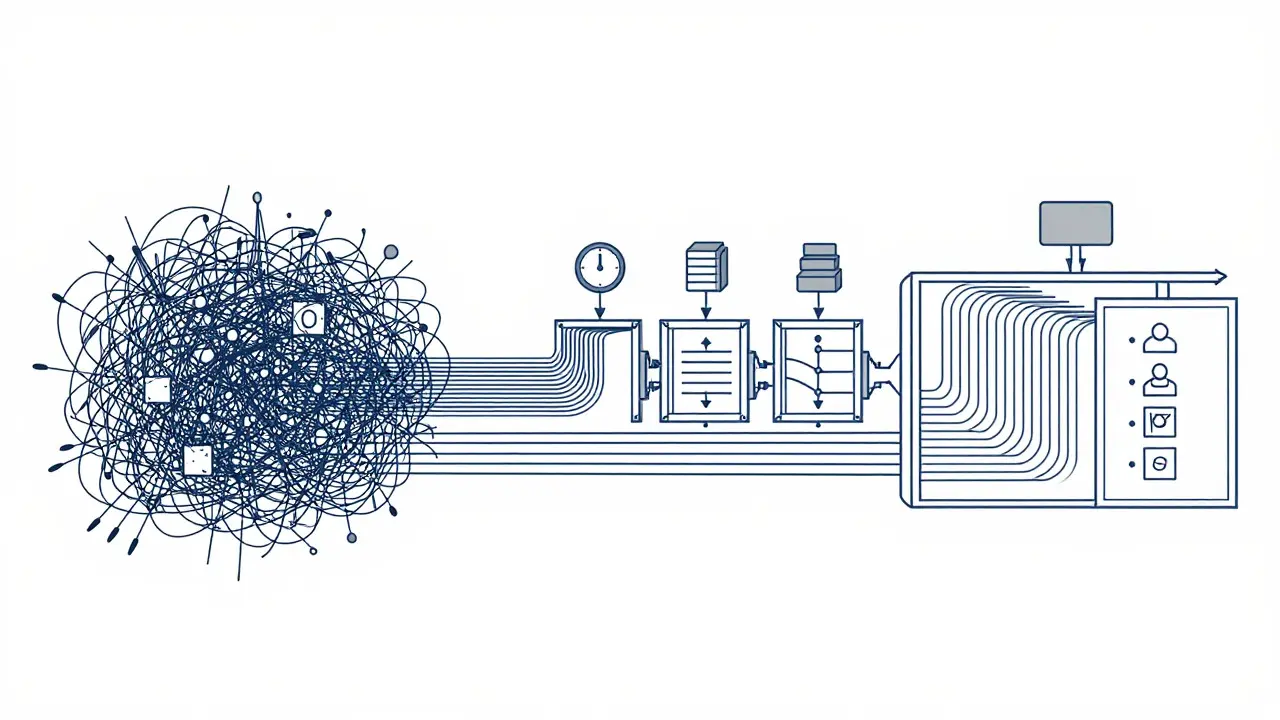
Designing the input pipeline is where most developers get stuck. You cannot just throw raw files at the API. You need a structured approach to handling asynchronous and heterogeneous data.
- Temporal Alignment: Audio and video have time components. Text does not. If you are analyzing a meeting recording, you must timestamp every sentence. Without this, the model doesn't know which speaker said what when. Use specialized fusion techniques to synchronize these streams before they hit the model.
- Hierarchical Chunking: Don't send a 4-hour video file as a single blob. Break it into semantic chunks. For example, segment a video by scene changes or audio pauses. This allows the model to process manageable segments while retaining context via sliding windows.
- Modality Weighting: Not all inputs are equal. In a medical diagnosis app, the MRI scan might carry more weight than the patient's spoken history. Your input strategy should allow you to signal priority to the model, either through prompt engineering or architectural adjustments.
A critical trend in 2026 is the use of Multimodal Transformers like ViLT or UNITER. These architectures jointly process text and vision inputs to capture cross-modal interactions. They don't just look at the pixels; they look at the relationship between the pixels and the words. This is essential for tasks like visual question answering, where the answer depends on both the image content and the specific nuance of the question.
Output Formats: Beyond Text Generation
Now that the model understands the multi-source input, what does it give back? Most teams default to text because it's easy. But true multimodal applications often require rich, multi-format outputs.
- Text Generation: Still the backbone. Uses autoregressive decoding, predicting one token at a time. Best for summaries, explanations, and structured data extraction (like JSON).
- Image Generation: Uses diffusion models. These progressively convert noisy representations into detailed images. Useful for creating visual aids based on text descriptions or generating product mockups from sketches.
- Audio Synthesis: Converts text or semantic intent into natural-sounding speech. In 2026, this includes emotional tone analysis, allowing the output voice to match the urgency of the situation.
- Video Generation: The hardest part. Requires maintaining temporal consistency frame-by-frame. Ideal for educational content or simulated scenarios.
The challenge here is consistency. If your model generates a character in a story, that character needs to look the same in the generated image, sound the same in the audio, and act consistently in any video clips. Maintaining this identity across modalities is a persistent technical hurdle. You need robust state management to ensure that the "entity" remains stable even as the "format" changes.
Comparing Leading Platforms
You have several options for the engine room of your application. Each has distinct strengths depending on your input/output needs.
| Platform | Primary Strength | Best Input Strategy | Ideal Output Format |
|---|---|---|---|
| Google Gemini | Cross-modal reasoning & long context | Large documents + video/audio mix | Structured JSON, Code, Text |
| OpenAI GPT-4o | Real-time interaction & voice | Live audio/video streams | Natural Speech, Real-time Text |
| Anthropic Claude | Document understanding & safety | Dense text + diagrams | Detailed Explanations, Structured Data |
Notice the pattern. If your app relies heavily on real-time conversation, like a virtual assistant, GPT-4o's low-latency voice mode is hard to beat. If you are processing massive amounts of historical data, like years of surveillance footage or financial reports, Gemini's large context window is the winner. There is no single "best" platform; there is only the best fit for your specific input/output ratio.
Implementation Pitfalls and Pro Tips
Based on developer surveys and enterprise case studies, here is what actually breaks in production.
1. The Synchronization Delay: In live applications, audio and video streams often arrive out of sync. If your backend processes them independently, you get lag. Solution: Use a buffer system that waits for a complete semantic unit (like a sentence) before triggering inference, rather than processing every millisecond of data.
2. Computational Cost: Processing multiple modalities simultaneously requires substantial computational power. IBM researchers note that aligning different data types increases complexity significantly. Don't run multimodal inference on every single user action. Reserve it for high-value moments, like when a user uploads a complex document or starts a video call.
3. Ethical Blind Spots: With more data comes more risk. If you are using biometric data (faces, voices), you need strict transparency. The EU AI Act, effective in 2025, has specific requirements for multimodal systems involving biometrics. Ensure your input strategy logs which modalities were used for decision-making.
Pro Tip: Start simple. Experiment with combining a strong language model with a dedicated image generator (like Stable Diffusion). Get the workflow right before trying to build a fully integrated native multimodal model. This reduces development time and helps you isolate where errors occur.
Future Trajectories: What's Next?
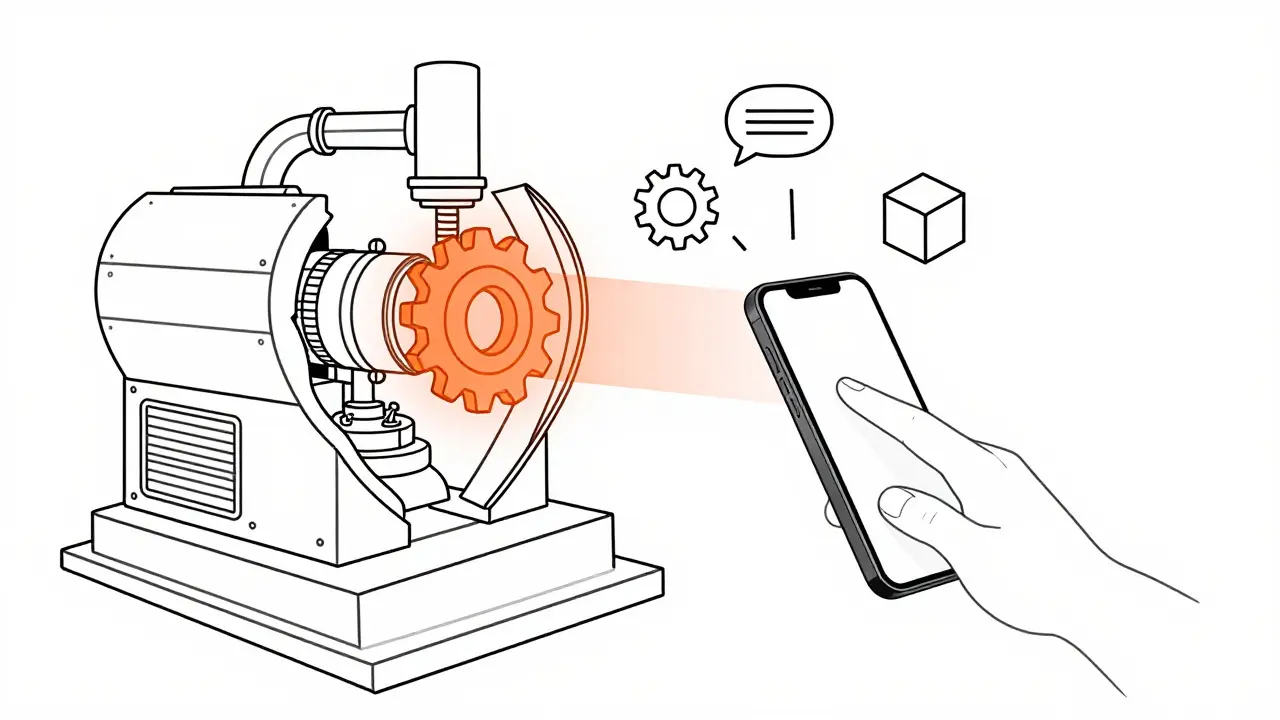
We are moving toward spatial computing interfaces. The integration of multimodal AI with AR platforms means your app won't just display information; it will overlay it onto the physical world. Imagine pointing your phone at a broken machine and having the AI highlight the faulty part in real-time, explaining the fix via voice while showing a 3D diagram. This requires "spatial understanding," a new layer of input strategy that goes beyond 2D images.
By 2027, cross-modal reasoning will be table stakes. The competitive advantage will shift from "can we do it?" to "how efficiently and consistently can we do it?" Focus on reducing latency and improving output consistency now, and you will be ahead of the curve when the market matures.
What is the main difference between multimodal and unimodal AI?
Unimodal AI processes one type of data (e.g., only text). Multimodal AI processes multiple types (text, image, audio) simultaneously, allowing it to understand relationships between different data sources that would be missed if processed separately.
Which output format is hardest to generate consistently?
Video generation is currently the most challenging due to the need for temporal consistency. Ensuring that objects and characters remain stable across frames while matching the narrative context is computationally intensive and technically complex.
How much development time does a multimodal app take?
Enterprise-grade implementations typically require 300-500 hours of development time. This includes setting up data pipelines, handling synchronization, and testing cross-modal consistency. Simpler prototypes can be built in weeks, but production readiness takes longer.
Do I need specialized hardware for multimodal AI?
Yes, generally. Processing multiple data streams in real-time requires significant GPU acceleration. Cloud-based solutions like Vertex AI or Azure OpenAI handle this infrastructure for you, but self-hosted solutions will need high-end NVIDIA GPUs.
What is the biggest regulatory risk for multimodal apps?
Biometric data processing is the primary concern. Regulations like the EU AI Act require transparency for systems that use faces, voices, or other biometric identifiers. You must clearly disclose which modalities are being analyzed and store consent records.
 Artificial Intelligence