
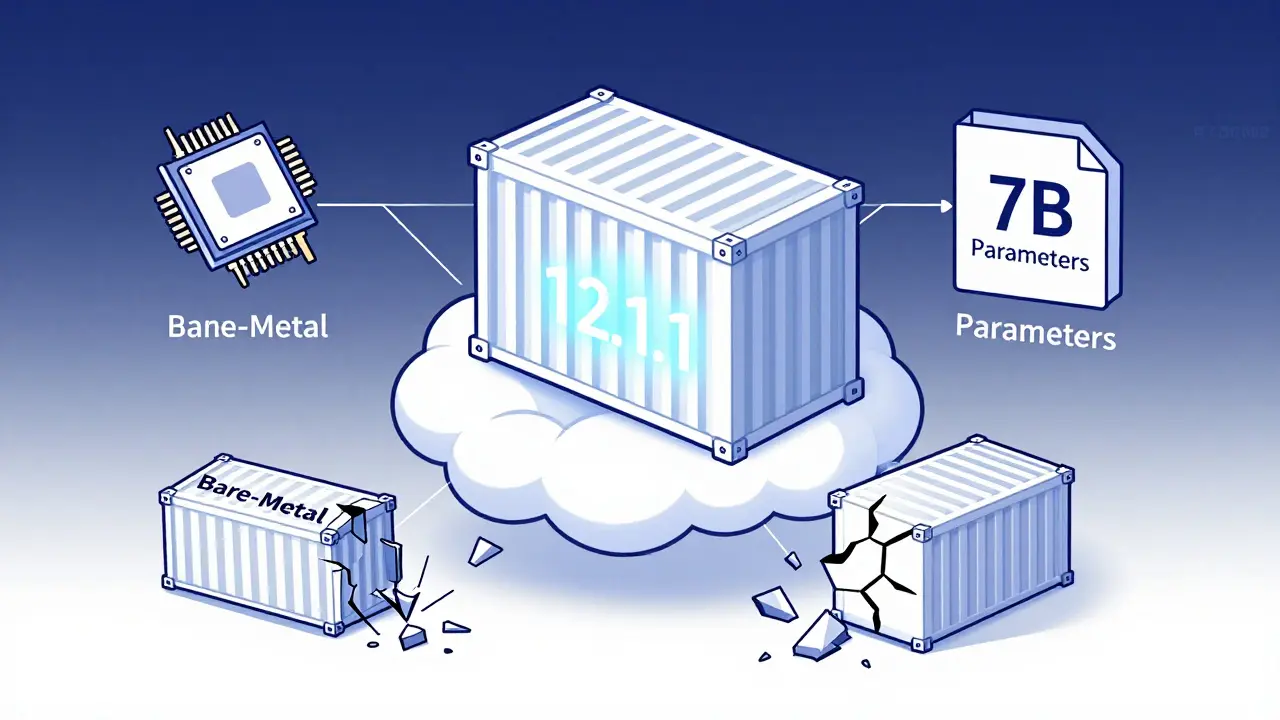
Deploying a large language model (LLM) isn’t just about loading weights into memory. If you’ve ever tried running a 7B or 32B parameter model on a server and watched it crash because of a CUDA version mismatch, you know the pain. Containerization fixes this-but only if you do it right. The difference between a model that starts in 3 minutes versus 18 isn’t magic. It’s containerization done with the right base image, proper CUDA alignment, and smart image optimization.
Why Containers Are Non-Negotiable for LLMs
Bare-metal deployments used to be the norm. Install Python, install PyTorch, install CUDA drivers, copy the model weights, and hope nothing breaks. But in production, this approach fails 68% of the time, according to Lakera.ai’s 2025 report. Why? Environment drift. Your dev machine runs CUDA 12.1. The staging server runs 12.3. The production GPU node runs 12.0. The model loads fine on your laptop but crashes on the cluster. That’s not a bug-it’s a systemic problem. Containers solve this by freezing the entire environment: OS, drivers, libraries, and model code-all in one portable unit. NVIDIA’s official container images, likenvidia/cuda:12.1.1-cudnn8-runtime-ubuntu22.04, come preloaded with tested driver-toolkit combinations. You don’t guess. You just pull and run.
And it’s not just about stability. Enterprises are adopting containerized LLMs at scale. IDC found that 61% of Fortune 500 companies now containerize their LLMs, mostly for security and consistency. GDPR and HIPAA compliance? Easier when model weights are locked inside a container with controlled access.
CUDA Versions: The Silent Killer of LLM Deployments
CUDA isn’t just a library. It’s the bridge between your GPU and your model. But it’s also the most common source of failure. NVIDIA’s 2025 CUDA Best Practices Guide says 57% of all LLM deployment issues come from CUDA version mismatches. That’s not a typo. More than half the time, the model doesn’t load because the driver version doesn’t match the toolkit version. Here’s the hard truth: You can’t just install the latest CUDA toolkit and call it a day. NVIDIA releases new CUDA versions every 6-8 months. But your GPU driver doesn’t update as fast. And your cloud provider might still be on an older driver stack. The fix? Always match your container’s CUDA toolkit to your host’s driver version. NVIDIA provides a compatibility matrix that tells you exactly which driver versions support which CUDA toolkits. For LLMs in 2026, CUDA 12.1.1 is still the most stable baseline. AWS’s Deep Learning Containers for vLLM use it. NVIDIA’s NGC images use it. Most production deployments use it. If you’re unsure what driver version you’re running, check with:nvidia-smi
That command shows your driver version. Then cross-reference it with NVIDIA’s matrix. Never assume. Always verify.
Base Images: Don’t Build from Scratch
You might be tempted to start with a clean Ubuntu image and install everything manually. Don’t. It’s slow. It’s error-prone. And it creates bloated images. Instead, use NVIDIA’s pre-built base images. They’re optimized for GPU workloads and include everything you need:nvidia/cuda:12.1.1-cudnn8-runtime-ubuntu22.04- Minimal runtime image with CUDA, cuDNN, and NCCLnvidia/cuda:12.1.1-devel-ubuntu22.04- Includes compilers and debug tools (use for building, not production)
-runtime variant is your best friend for deployment. It cuts image size by 40% compared to the full development image. Why? It removes compilers, build tools, and documentation you don’t need at inference time.
And yes-NVIDIA’s images are updated regularly. But don’t chase the latest. Stability beats novelty in production. Stick with 12.1.1 unless you have a specific need for 12.4 (which AWS just released in January 2026).
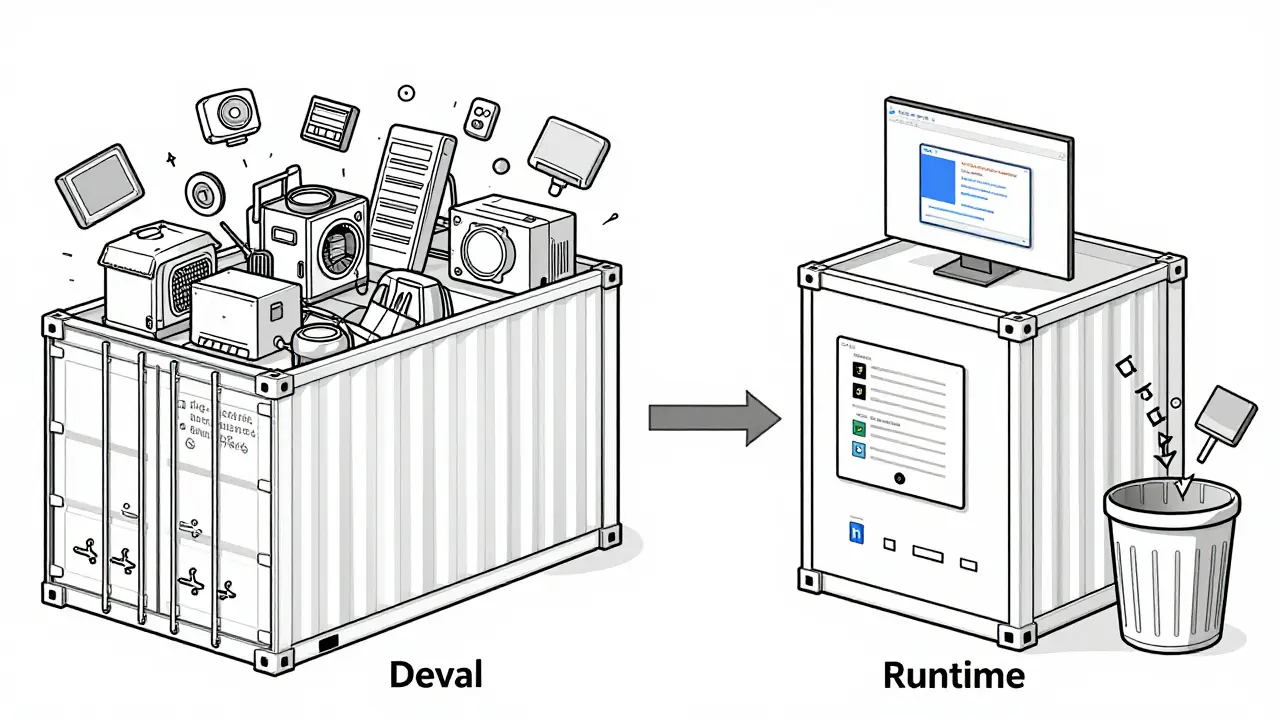
Image Optimization: Shrink Your Container, Speed Up Starts
A 32B parameter model like DeepSeek-R1-Distill-Qwen-32B can weigh 60GB alone. Add Python, PyTorch, vLLM, and CUDA libraries, and your container hits 80GB. That’s a nightmare to push, pull, or deploy. The solution? Multi-stage Docker builds. Here’s how it works:- Use a
develimage to install dependencies and convert your model to.safetensorsformat. - Copy only the model weights and required libraries into a second, minimal
runtimeimage. - Discard everything else.
pip install --no-cache-dir torch transformers vllm
That prevents pip from storing temporary files in your image layer.
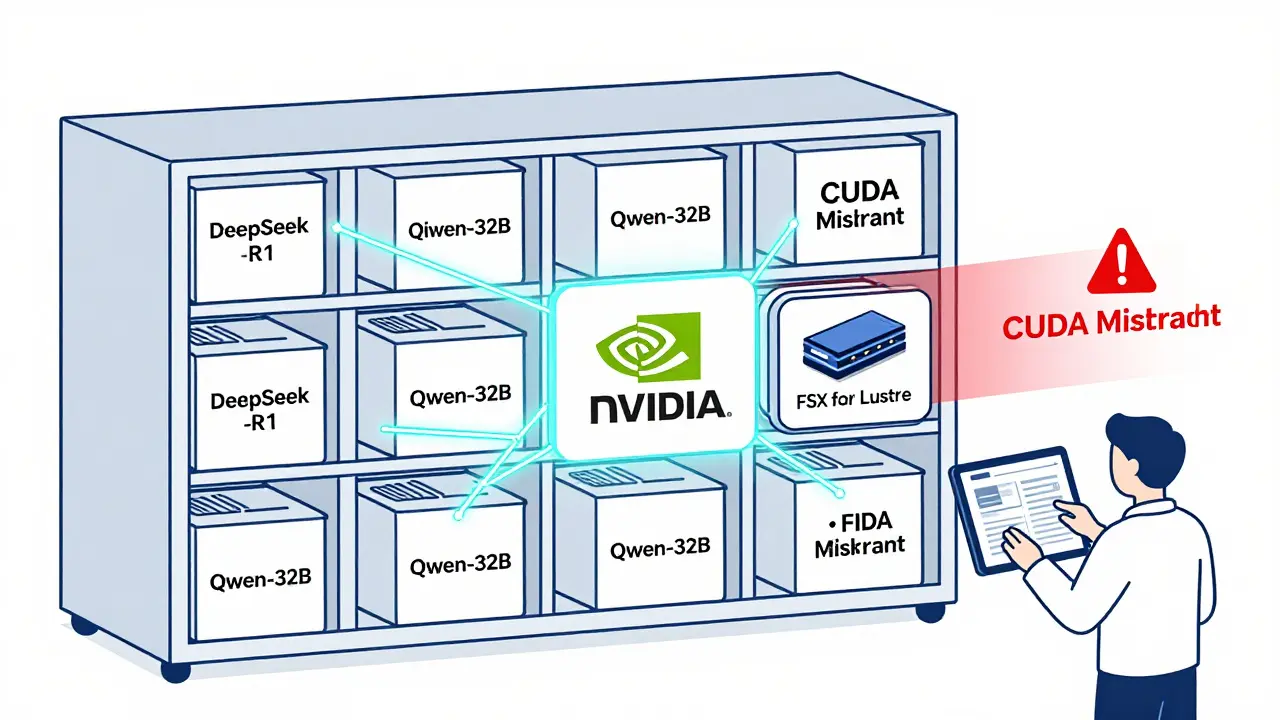
And never bake model weights into the container unless you’re deploying a single, static model. Instead, mount them at runtime from a high-speed storage system like AWS FSx for Lustre. That way, you can swap models without rebuilding the entire container.
Model Serialization: Ditch Pickle, Use Safetensors
Python’s pickle is dangerous. It can execute arbitrary code when loading a file. That’s a security nightmare for LLMs exposed to user input. Enter.safetensors. Developed by Hugging Face, this format stores weights in a binary format that can’t run code. It’s faster, safer, and more reliable.
Most modern LLM frameworks-vLLM, Text Generation Inference, and Hugging Face’s Transformers-now default to .safetensors. If your model is still in .bin or .pt, convert it before containerizing.
Use this simple script:
from safetensors.torch import save_file
save_file(model.state_dict(), "model.safetensors")
Then load it in your container with:
model = AutoModelForCausalLM.from_pretrained("./model", safe_serialization=True)
It’s one line. Zero risk. Better performance.
Performance Gains: What You Really Save
Optimizing your container isn’t just about size. It’s about speed. NVIDIA’s benchmarks show that CUDA-optimized containers achieve 30-40% better GPU utilization than generic ones. Why? Because they’re tuned for tensor parallelism, memory pooling, and kernel fusion. AWS’s vLLM Deep Learning Containers take this further. They include:- Pre-compiled CUDA kernels optimized for LLM inference
- Integrated EFA drivers for low-latency multi-node communication
- FSx for Lustre integration for 15x faster model loading
Challenges You Can’t Ignore
Containerization isn’t magic. It has real trade-offs. Image size: Even optimized, a 32B model container can be 25GB+. Pushing that to a registry takes minutes. Use image compression tools likedocker-squash or consider splitting model weights from the container entirely.
Cold starts: Loading 60GB of weights from disk still takes 2-20 minutes. Solutions? Use memory-mapped files, pre-warm containers, or keep a few replicas always running.
GPU memory limits: If you don’t set memory limits in Kubernetes, a runaway LLM can crash your entire node. Always define:
resources:
  limits:
    nvidia.com/gpu: 2
    memory: 48Gi
Dr. Sarah Chen from Lakera.ai saw multiple Kubernetes nodes crash because containers had no memory caps. Set limits. Always.
Debugging CUDA issues: Error messages like “CUDA out of memory” or “driver version mismatch” are useless until you know where to look. Keep NVIDIA’s compatibility matrix bookmarked. Use nvidia-smi on the host and nvcc --version inside the container to compare versions side by side.
What’s Next? The Future of LLM Containers
NVIDIA’s roadmap for Q2 2026 includes CUDA Container Toolkit 2.0-a tool that auto-detects driver-toolkit mismatches and suggests fixes. That’s huge. No more manual matrix checks. AWS is building EKS-LLM Optimizer, launching in Q3 2026, which auto-configures CPU/GPU/memory allocation based on model size and traffic. No more guessing. And quantization? It’s moving into the container build process. By 2027, Gartner predicts 75% of production containers will include 4-bit or 8-bit quantized models baked in during build time. That means smaller images, faster loads, and lower GPU memory use-all without changing your code. The bottom line? Containerization isn’t optional anymore. It’s the standard. And the companies winning at LLM deployment aren’t the ones with the biggest models. They’re the ones with the cleanest, most optimized containers.What CUDA version should I use for LLM containerization in 2026?
For production deployments in 2026, CUDA 12.1.1 remains the most stable and widely supported version. While newer versions like 12.4 are available (AWS released optimized containers for it in January 2026), 12.1.1 has the broadest compatibility with GPU drivers and LLM frameworks like vLLM and Hugging Face Transformers. Always match your container’s CUDA toolkit version to your host’s NVIDIA driver version using NVIDIA’s official compatibility matrix.
Why is my LLM container so large?
LLM containers are large because they include the model weights (often 10-80GB), Python runtime, PyTorch, CUDA libraries, and dependencies. A 32B model alone can be 60GB. To reduce size, use multi-stage Docker builds: install everything in a build stage, then copy only the model and minimal runtime dependencies into a final image. Also, avoid baking weights into the image-mount them at runtime from high-speed storage like FSx for Lustre.
Should I use .safetensors instead of .bin or .pt files?
Yes, always. .safetensors is a secure, fast, memory-mapped format developed by Hugging Face that prevents arbitrary code execution-a critical security fix for LLMs exposed to user input. It loads faster than pickle-based formats and is now the default in most modern frameworks. Convert your models before containerizing using safetensors.torch.save_file().
How do I fix CUDA version mismatch errors?
First, check your host’s driver version with nvidia-smi. Then check your container’s CUDA toolkit version with nvcc --version. If they don’t match, switch to a base image that aligns with your host driver. Use NVIDIA’s official compatibility matrix to find the correct combination. Never install CUDA manually inside the container-use NVIDIA’s pre-built images instead.
Is containerization better than serverless for LLMs?
Yes, for almost all production LLMs. Serverless platforms like AWS Lambda have a 10GB storage limit, which is too small for any model larger than 1B parameters. Containers can handle 100GB+ models and give you full control over GPU memory, parallelism, and networking. Serverless is only viable for tiny models or prototyping. For anything serious, containers are the only practical choice.
What’s the best way to reduce cold start time for LLM containers?
Cold start time is dominated by model weight loading. To reduce it: use FSx for Lustre or similar high-throughput storage (cuts load time from 15+ minutes to under 2 minutes), use memory-mapped loading with .safetensors, pre-warm containers by keeping a few replicas running, or use Kubernetes pod anti-affinity to spread load. Avoid loading weights from slow network storage like S3 or EBS without caching.
 Artificial Intelligence



Aimee Quenneville
January 27, 2026 AT 09:56also, safetensors? yes. pickle is like leaving your front door open with a sign that says 'steal my gpu'.
Cynthia Lamont
January 27, 2026 AT 13:23Kirk Doherty
January 28, 2026 AT 23:09Dmitriy Fedoseff
January 30, 2026 AT 02:32When I see someone use a custom base image for an LLM, I don't see innovation. I see arrogance. And arrogance crashes clusters. The matrix isn't bureaucracy-it's humility made code.
Nicholas Zeitler
January 31, 2026 AT 16:13Teja kumar Baliga
February 1, 2026 AT 02:08k arnold
February 1, 2026 AT 20:43Tiffany Ho
February 2, 2026 AT 11:09michael Melanson
February 4, 2026 AT 02:10