

Most websites load slow not because of one big mistake, but because of a hundred tiny ones. A designer adds a high-res image. A developer pulls in another analytics script. A marketing team slaps on a live chat widget. None of these feel like big deals. But together, they turn a 2-second load into 8 seconds. And users leave.
That’s where performance budgets come in. They’re not fancy tools or magic settings. They’re simple limits-like a financial budget, but for speed. You decide ahead of time: How much JavaScript? How many images? How fast must the page feel? Then you build, test, and ship with those numbers as your guardrails.
Why Performance Budgets Actually Work
Without a budget, performance is an afterthought. You ship, then fix. You get complaints. You scramble. You patch. Rinse and repeat.
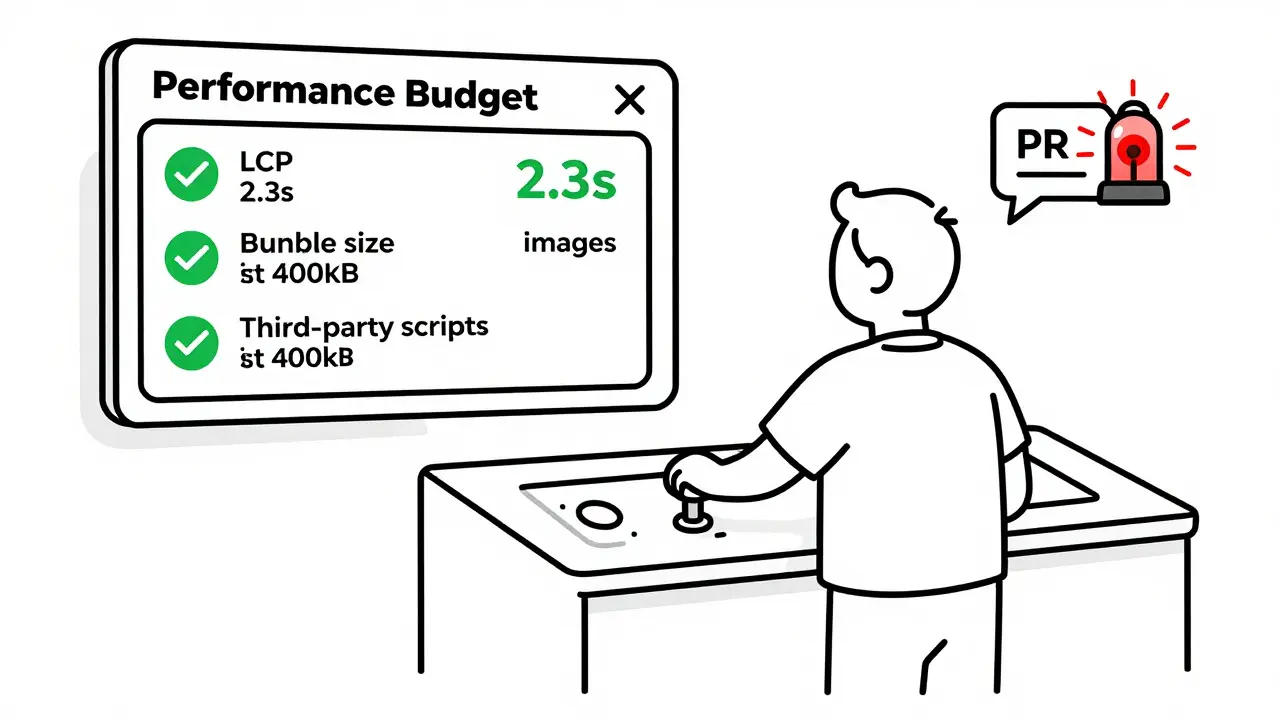
With a budget, performance is built in. It’s part of the definition of done. If your page hits 1.8MB of JavaScript? The build fails. If LCP hits 3.2 seconds? The PR gets blocked. No debate. No excuses.
Teams that use performance budgets see real results. One SaaS company cut support tickets about slow loading by 35% after enforcing a 2.5-second LCP limit. Another saw a 22% drop in bounce rate after capping total page weight at 1.2MB. These aren’t outliers-they’re repeatable outcomes.
Google’s Core Web Vitals aren’t just SEO noise. They’re signals that users care about speed. And if your site doesn’t meet those thresholds, Google will bury you in search results. Performance budgets make sure you’re not guessing-you’re measuring, and you’re meeting standards.
What to Measure: The Four Key Categories
Not all metrics are created equal. You can’t just say, “Make it fast.” You need specific, measurable limits. Here’s what matters:
- Resource Size: Total page weight, JavaScript bundle size, image file sizes. Aim for under 1.5MB total. JavaScript alone? Keep it under 500KB. Above that, parsing and execution start dragging down interactivity.
- Quantity: How many HTTP requests? Aim for under 40. How many third-party scripts? No more than 5. Each one adds latency, cookies, tracking, and risk. Every script you don’t load is a speed win.
- Milestone Timing: These are the Core Web Vitals. First Contentful Paint (FCP) under 1.8s. Largest Contentful Paint (LCP) under 2.5s. Time to Interactive (TTI) under 3.8s. These aren’t suggestions-they’re the benchmarks Google uses to rank you.
- Rule-Based Scores: Lighthouse performance score. Don’t aim for 80. Aim for 90+. If your score drops below that, something broke. Fix it before it ships.
Start small. Pick two or three of these. Don’t try to track everything on day one. Pick the ones that hurt most. If your users are on slow networks? Focus on page weight. If your product page takes forever to load? Lock in LCP. Then expand.
How to Set Your Budgets (Real Examples)
There’s no universal number. A news site can get away with heavier images. A B2B SaaS dashboard needs lightning speed. Your budget should match your users.
Here’s how three teams set theirs:
- E-commerce store: Total page weight ≤ 1.4MB. JavaScript ≤ 400KB. LCP ≤ 2.3s. Why? They track cart abandonment. Every extra second = 7% more drop-offs.
- Media publisher: Image count ≤ 8 per article. Third-party scripts ≤ 3. FCP ≤ 1.5s. Why? Readers skim. If the headline doesn’t appear fast, they leave.
- Internal tool: Total bundle ≤ 300KB. Lighthouse score ≥ 92. No third-party scripts. Why? Users are on corporate networks with strict firewalls. Speed = productivity.
Use real data. Check your analytics. What’s the slowest device your users actually use? What’s their network speed? Set budgets based on that-not your fancy MacBook Pro.
How to Measure and Enforce
Setting a budget is useless if you don’t measure it. And measuring manually? That’s a recipe for failure.
You need automation:
- Webpack Bundle Budget: Add it to your build. If your JS bundle hits 500KB? The build breaks. No commit. No PR. Simple.
- Lighthouse CI: Run it on every pull request. If LCP goes over 2.5s? The check fails. You can’t merge until it’s fixed.
- SpeedCurve or New Relic: Monitor real users. If 10% of mobile users hit 4+ second LCP? That’s a budget violation-even if your lab tests look fine.
These tools don’t just alert you-they stop bad code from shipping. That’s the whole point.
One team spent weeks debugging why their budget kept failing. Turned out, their local dev server ran on a fast machine with 100Mbps. But production was on a CDN with 3G throttling. They fixed it by running Lighthouse with mobile emulation in CI. Now, their budget matches reality.
Common Mistakes (And How to Avoid Them)
Performance budgets fail when teams treat them like checkboxes. Here’s what goes wrong:
- Only focusing on file size: A team hits their 500KB JS budget but still has a 4-second TTI because of bloated React components. Size isn’t everything. Execution matters.
- Ignoring real users: Your Lighthouse score is 95. But field data shows 60% of users on Android phones have 3.9s LCP. Your budget is wrong. Use Real User Monitoring (RUM) to adjust.
- Over-optimizing one metric: A Shopify store cut images to hit a 800KB budget. But the product photos became blurry. Sales dropped 15%. Speed isn’t worth losing trust.
- Not updating budgets: You set a budget in 2023. You added a new feature in 2024. Did you adjust the limit? Probably not. Budgets need to evolve with your product.
Performance isn’t a one-time fix. It’s a habit. Treat your budget like a code lint-something that runs automatically, every time.
What’s Next: The Future of Budgets
Performance budgets are getting smarter.
Webpack 6 (March 2025) now suggests budgets automatically using AI-analyzing your past builds and recommending thresholds. Lighthouse 12.0 (April 2025) pulls in real user data to adjust limits dynamically. Google’s planning to show budget violations directly in Search Console by late 2025.
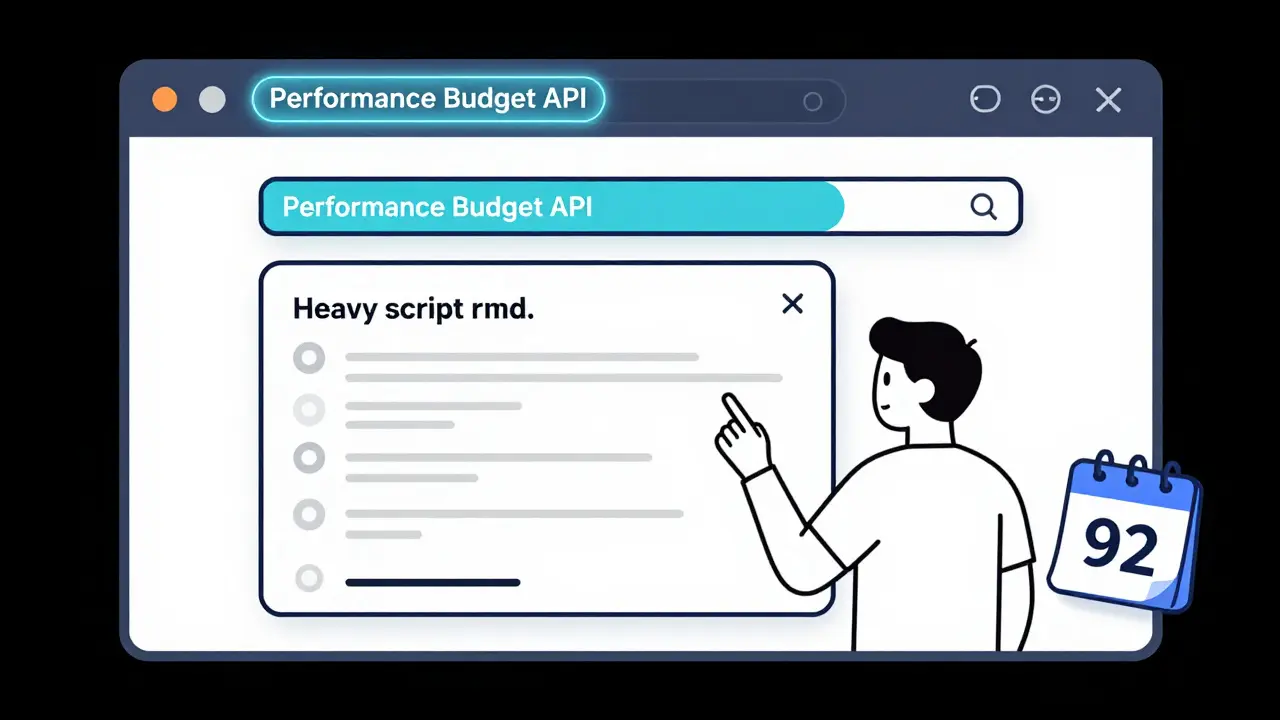
Soon, browsers might even enforce budgets themselves. The W3C is working on a Performance Budget API-a way for the browser to say, “This script is too heavy, pause it until the user interacts.”
Forrester predicts performance budgets will become as standard as code linting by 2027. And they’re right. If you’re not using them now, you’re just delaying the inevitable.
Getting Started Today
You don’t need a team of engineers. You don’t need a budget of $100K for tools.
Here’s your 5-minute starter plan:
- Run Lighthouse on your homepage. Note your LCP and total JS size.
- Set a target: LCP ≤ 2.5s. JS ≤ 500KB.
- Add Webpack Bundle Budget (or Vite’s built-in size plugin) to your build.
- Set up Lighthouse CI on GitHub Actions or GitLab CI.
- Run it on your next PR. If it fails, fix it. No exceptions.
That’s it. No consultants. No complex frameworks. Just limits. And discipline.
Performance isn’t about being the fastest site on the internet. It’s about being fast enough-for your users, on their devices, in their real conditions. Performance budgets make that possible.
What’s the difference between a performance budget and just optimizing code?
Optimizing code is fixing problems after they happen. A performance budget stops problems before they ship. It’s proactive. You define limits upfront, then enforce them automatically. It’s not about making things faster-it’s about keeping them fast as you add features.
Can I use performance budgets with React, Vue, or Angular?
Yes. All modern frameworks work with performance budgets. React apps use Webpack or Vite to track bundle size. Vue CLI and Angular CLI both support size warnings. The tools don’t care what framework you use-they track the output. As long as your build process can measure JavaScript, CSS, or image size, you can set a budget.
How often should I update my performance budget?
Update it when your user behavior or product changes. If you add a new video player, increase your image budget. If mobile traffic spikes, tighten your LCP limit. Budgets aren’t set in stone. They’re living guidelines. Check your analytics every quarter and adjust if real users are hitting limits.
Do performance budgets hurt innovation?
Only if they’re too rigid. A budget shouldn’t stop you from adding value-it should help you add value without slowing things down. If a new feature needs 50KB more JS, find 50KB to cut elsewhere. Maybe remove an unused analytics script. Or lazy-load a non-critical component. Budgets force trade-offs. That’s not bad-it’s responsible design.
What if my budget keeps failing?
Don’t just raise the limit. Ask why. Is it a new third-party script? A bloated component? A video that’s not lazy-loaded? Use Lighthouse’s breakdown to find the culprit. Then prioritize: Can you defer it? Can you compress it? Can you replace it? Sometimes, the answer isn’t more budget-it’s less complexity.
 Artificial Intelligence



deepak srinivasa
January 5, 2026 AT 02:12Been using this at work for 6 months now. Our LCP dropped from 4.1s to 2.1s without any major redesign. Just blocked PRs that blew past the JS budget. Turns out, half our scripts were from a third-party chat widget we forgot we even added.
pk Pk
January 6, 2026 AT 01:29Love this approach. Seriously. I used to get yelled at for 'over-optimizing' until I showed the bounce rate data. Now my team asks me to review every new dependency. Budgets turn performance from a chore into a shared value. 🙌
NIKHIL TRIPATHI
January 7, 2026 AT 22:41One thing people miss: budgets aren't just about size. I had a team hit their 500KB JS limit but TTI was still 6s because of a bloated React state manager. We switched to Zustand and cut it to 3.1s. Size matters, but execution matters more. Always check the Lighthouse breakdown, not just the summary.
Also, don't forget network conditions. Your dev machine is a Ferrari. Your user's phone is a bicycle with a flat tire. Test like they do.
And yeah, update your budgets. Last year we added a video player - bumped image budget by 200KB, cut two unused analytics scripts. Balance, not rigidity.
Tools like Webpack Bundle Budget are simple. Add it. Fail the build. Done. No meetings. No debates. Just code that doesn't suck.
People think this slows them down. It doesn't. It stops the 3am fires. You'll thank yourself in Q4.
Also, if your Lighthouse score is 95 but real users are at 3.8s LCP? Your lab test is lying. Use RUM. Always.
And don't let design push you over. I've seen beautiful hero images kill conversion because they took 4 seconds to load. Speed isn't the enemy of beauty. Laziness is.
Start with LCP and JS size. Two metrics. One PR check. That's all you need to begin. The rest follows.
Performance budgets are just code reviews for speed. And we all do code reviews, right?
Shivani Vaidya
January 9, 2026 AT 20:41Rubina Jadhav
January 11, 2026 AT 16:57My team tried this and gave up after a week. Said it was too strict. Then our mobile bounce rate hit 68%. We came back. Now we have budgets. And we sleep better.
sumraa hussain
January 12, 2026 AT 23:44Bro. I just saw a PR where someone added a 1.2MB video background for a landing page. I said no. They said 'but it looks so cool'. I said 'cool doesn't pay the bills'. They asked 'what does?' I said 'users who don't leave'. They got it. We cut it. LCP went from 5.8 to 1.9. Sales up 12%. I'm not even the dev. I just yelled in Slack.
Performance isn't sexy. But money is. And users. And your job.
Nalini Venugopal
January 13, 2026 AT 01:53Minor typo in your post: 'Lighthouse 12.0 (April 2025)' - that’s not out yet, right? Just saying, don’t want people quoting it as fact. But the rest? Spot on. I’ve been preaching this for years. Budgets > hero moments.
Pramod Usdadiya
January 14, 2026 AT 00:16we use this at my job and its changed everything. we had a guy who kept adding 3rd party scripts 'just for one campaign' and then forgot to remove them. now lighthouse ci blocks it. no more 'oh i thought it was temporary'. budget = truth.
also, dont forget to check your fonts. one custom font added 300kb. we switched to system fonts. no one noticed. speed doubled.
Aditya Singh Bisht
January 14, 2026 AT 22:31YES. This is the energy we need. Stop waiting for users to complain. Stop fixing after the damage. Build it right from the start. I used to think performance was 'nice to have'. Now I know it's the foundation. Every team needs this. Even if you're a solo dev. Even if you're just starting out. Set the limit. Stick to it. You'll thank yourself later.
And if your boss says 'but we need this feature'? Ask: 'what are we removing to make room for it?' That’s the question that changes everything.
Agni Saucedo Medel
January 15, 2026 AT 17:18Just implemented this on my side project 🚀 LCP went from 4.2s → 1.7s. No magic. Just limits. And now my mom says 'your site loads so fast!' 🤭 I didn't even tell her I did anything. She just noticed. That's the win.