
Why Your AI Assistant Is Making Your Backlog Worse
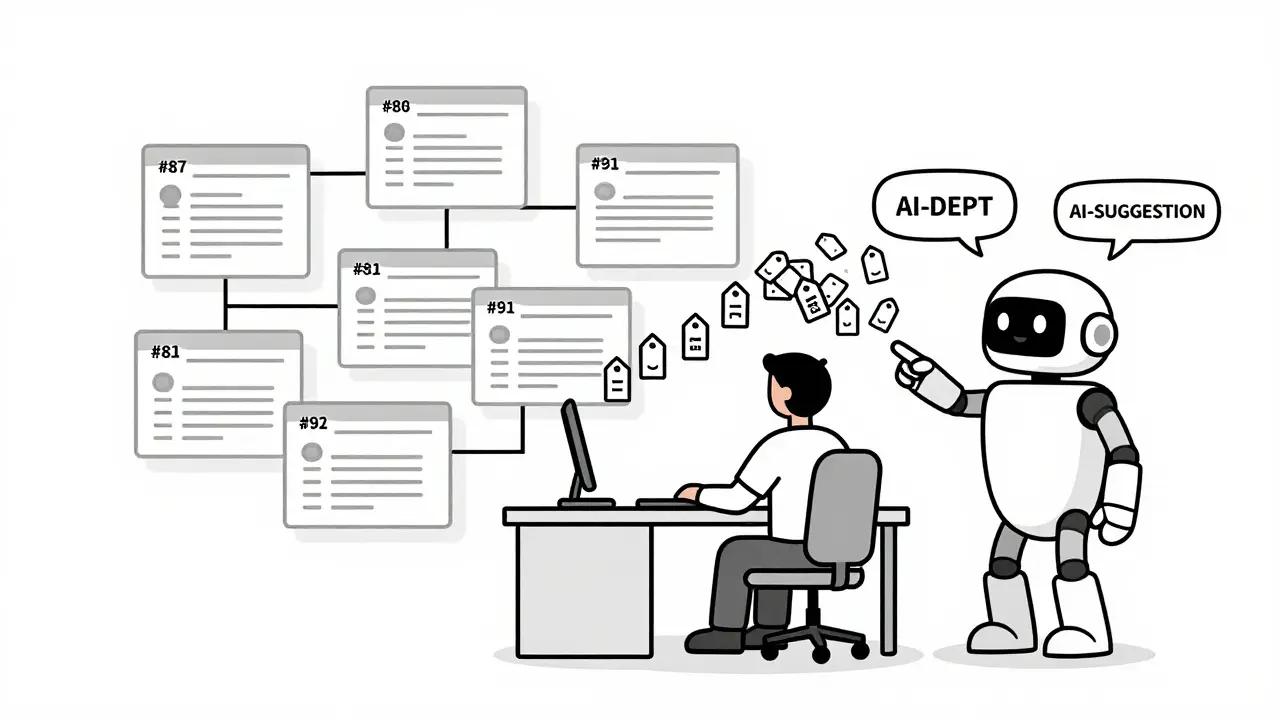
You turned on GitHub Copilot, started typing, and suddenly your backlog exploded. Not with features you wanted-but with AI-generated issues for database indexes, missing logs, and background jobs you never asked for. Welcome to vibe coding.
It’s 2026. You’re not just coding anymore. You’re managing a conversation between yourself and an AI that never sleeps, never forgets, and never stops suggesting improvements. The problem? Most teams treat this like magic. They assume the AI will fix things automatically. It won’t. Without backlog hygiene, you’re not speeding up-you’re burying yourself in invisible debt.
Backlog hygiene in vibe coding isn’t about cleaning up old tickets. It’s about designing a system where every defect, every piece of technical debt, and every enhancement gets tracked with the same precision as a user story. If you skip this, your codebase will start slowing down after 6 months. Not because you wrote bad code. Because you let AI write it without accountability.
What Vibe Coding Really Means (And Why It’s Not Just AI Pair Programming)
Vibe coding isn’t about using Copilot to autocomplete functions. It’s a workflow built on one rule: every task is a GitHub issue.
Traditional agile teams write user stories like: “As a user, I want to log in so I can access my dashboard.” Then they estimate, prioritize, and assign it to a sprint. Vibe coding breaks that apart. That one story becomes five issues:
- #87: Add login button to homepage
- #88: Add database index for user_id on auth table
- #89: Log failed login attempts with IP and timestamp
- #90: Send email notification after 3 failed attempts
- #91: Add admin dashboard view for login analytics
Each one is small enough to be built, tested, and deployed in under an hour. The AI doesn’t get to guess what you want. You tell it: “Implement GitHub Issue #88”. No vague prompts. No chat history buried in Slack. Just a clear, self-contained task with requirements baked in.
This is how teams go from one deployment a week to 15 a day. But only if they treat every issue like a contract-not a suggestion.
Defects: Don’t Let Bugs Slip Through the AI Cracks
AI doesn’t understand “it’s broken.” It understands “this test failed.” So if you don’t write a clear defect report, the AI will just generate code that passes the test but still breaks the user experience.
Here’s what a good defect issue looks like:
Issue #102: Export button freezes on Safari 17.4
Steps to reproduce: Click Export on /reports page in Safari 17.4. Page hangs for 15+ seconds, then shows blank modal.
Expected: Export starts immediately, shows progress bar.
Non-functional: Must not block UI thread. Must show spinner within 1 second.
Context: This is the same endpoint used in #91. Works fine in Chrome and Firefox.
Notice the non-functional requirement? That’s the key. AI doesn’t care about “user experience.” It cares about what you write down. If you don’t specify “must not block UI thread,” it’ll generate code that works fine in tests but kills performance in real browsers.
Teams that track defects this way cut their bug-fix cycle from 3 days to 4 hours. Why? Because the AI knows exactly what to fix-and you never have to explain it twice.
Technical Debt: Let the AI Create It-Then Track It
The biggest mistake in vibe coding? Thinking AI won’t create debt. It does. Constantly.
Here’s what happened to a startup in Austin: They used Copilot to build a user achievement system. The AI generated code that worked. Tests passed. They shipped it. Six months later, their app was 40% slower. Why? Because the AI added 12 database queries inside a loop. No one noticed. No one tracked it.
Vibe coding fixes this by forcing AI to create its own debt tickets. When you implement #87, the AI notices: “Hey, this query runs 500 times per request. Should add an index.” So it auto-creates #88: “Add database index for achievement queries-user_id, achievement_id.”
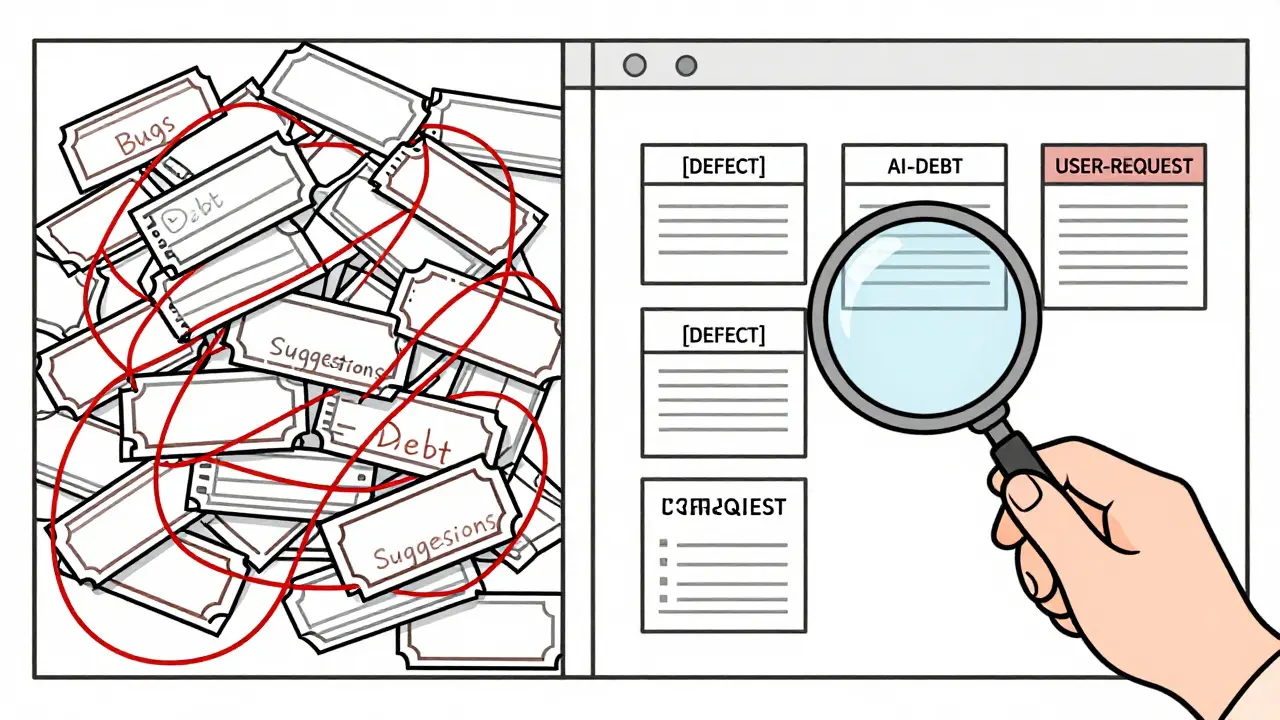
Now you have a record. You don’t ignore it. You tag it: [AI-DEBT]. Then you review it weekly.
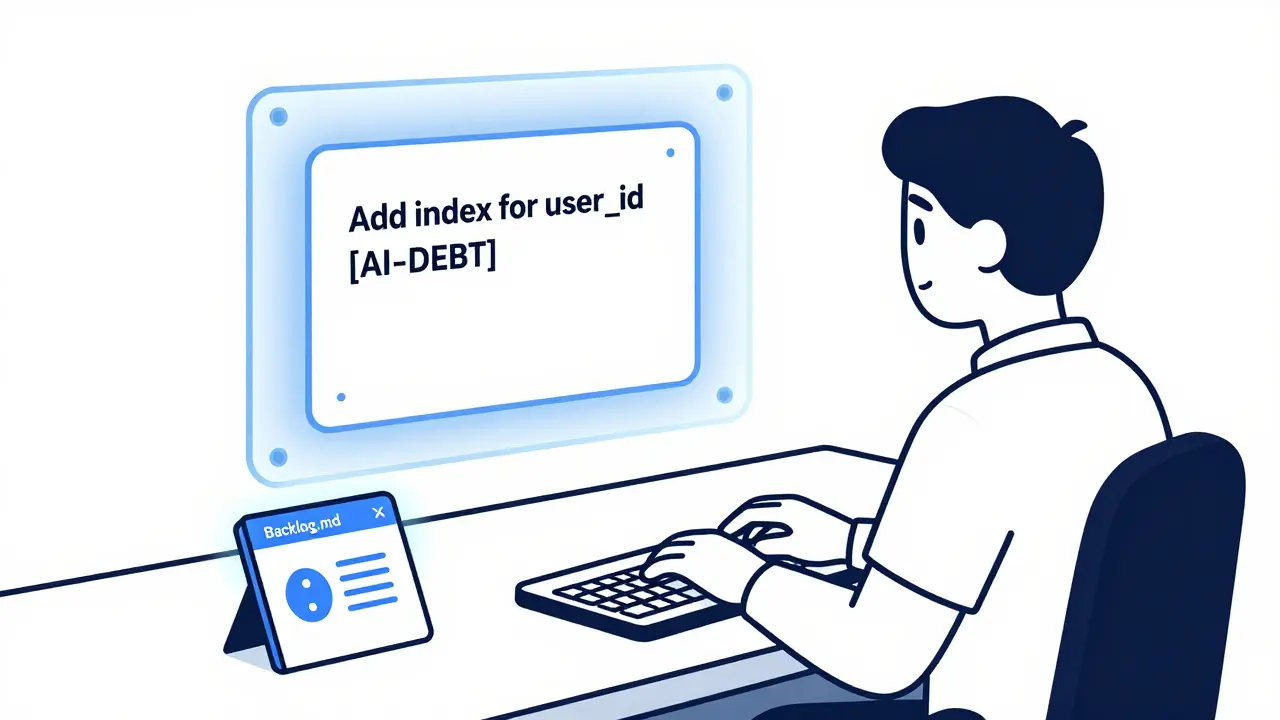
That’s the secret. Debt isn’t bad. Untracked debt is. Tools like Backlog.md a command-line tool that manages GitHub issues as markdown files with built-in context and history make this automatic. Run backlog task create "Add index for user_id" and it generates a file with the issue, acceptance criteria, and a log of who changed what. No more guessing.
Teams that tag and review AI-generated debt see 28% higher long-term productivity. Those that don’t? They hit a wall at 6 months and wonder why their codebase feels like quicksand.
Enhancements: Don’t Let the AI Run Wild
AI loves suggestions. Too many.
One developer added a “dark mode” toggle. The AI immediately created six follow-up issues: “Add dark mode to login screen,” “Update color palette in analytics dashboard,” “Change notification icon in mobile app,” “Update documentation,” “Add toggle to admin settings,” “Add analytics for toggle usage.”
Now you’ve got a dozen half-finished enhancements clogging your board. You didn’t ask for any of this.
The fix? Set boundaries. Every enhancement must answer two questions:
- Who asked for this?
- What’s the business value?
If it’s just “AI thinks this would be cool,” it gets tagged [AI-SUGGESTION] and moved to a separate “Maybe Later” column. Only if a user, product owner, or customer requests it does it become a real priority.
One team at a SaaS startup started requiring a “User Impact Score” on every enhancement: 1 = minor UI tweak, 5 = increases retention or revenue. They only moved items with a score of 3+ into their weekly cycle. Result? Their deployment rate stayed high, but their feature bloat dropped by 60%.
How to Start (Without Getting Overwhelmed)
You don’t need to rewrite your whole backlog tomorrow. Start small.
Here’s a 2-week plan:
- Week 1: Pick one feature you’re about to build. Break it into 3-5 micro-issues. For each, write: what it does, how to test it, and any non-functional rules (logs, performance, security).
- Use Backlog.md a command-line tool that manages GitHub issues as markdown files with built-in context and history to create them. Type
backlog task create "Fix responsive header on mobile". It auto-generates the file. - When the AI suggests a change during implementation, don’t just accept it. Say: “Create a follow-up issue for this.”
- Tag every AI-generated item:
[AI-DEBT],[AI-SUGGESTION],[DEFECT]. - Every Friday, spend 20 minutes reviewing only the
[AI-DEBT]items. Close the ones you don’t need. Schedule the ones you do. - Week 2: Do this for every new task. Don’t go back and fix old ones. Just make the next one better.
That’s it. No magic. No overhaul. Just discipline.
Memberstack’s team says it takes 2-3 weeks to get comfortable. But once you do, you’ll wonder how you ever worked without it.
What Happens When You Don’t Do This
There’s a pattern. It shows up in every failed vibe coding project.
Month 1: Speed. Everything’s fast. You ship features daily.
Month 3: The AI starts making more suggestions than you can handle. Your backlog has 200 items. Half are debt. Half are suggestions.
Month 6: You can’t tell what’s important anymore. New hires can’t onboard. You’re spending 70% of your time fixing old code.
Month 8: You shut down the AI. Go back to manual coding. But the damage is done. Your codebase is a mess.
This isn’t hypothetical. GitClear’s February 2024 analysis found teams without backlog hygiene saw technical debt increase by 37% in six months. The AI didn’t fail. You did. You let it generate work without tracking it.
Backlog hygiene isn’t optional in vibe coding. It’s the only thing that keeps you from drowning.
Tools That Actually Help
You don’t need fancy dashboards. You need simple, local tools.
Backlog.md a command-line tool that manages GitHub issues as markdown files with built-in context and history is the most popular. It works entirely in your repo. No cloud. No login. Just markdown files. You can edit them in VS Code. You can search them. You can version them.
GitHub Copilot X (November 2025 update) now auto-detects debt during code generation and creates issues with remediation suggestions. That’s huge. But it still needs you to review them.
Jira’s AI assistant? It’s trying. But it’s still built for traditional sprints. It doesn’t understand micro-issues. Stick with GitHub + Backlog.md until the tools catch up.
And if you’re in a big company? Start with defects only. Superblocks found 78% of enterprises begin there. Once you’re tracking bugs properly, debt and enhancements follow.
Final Thought: It’s Not About the AI. It’s About the System.
Vibe coding isn’t about letting AI write your code. It’s about using AI to make your process better.
The AI is your assistant. Not your manager. Not your architect. Not your product owner.
That role? Still yours.
Build a system where every task is clear. Every debt is visible. Every enhancement is intentional. Then let the AI help you move faster.
Otherwise, you’re not coding. You’re just cleaning up after a robot that never stops talking.
Do I need to use Backlog.md for vibe coding?
No, but you need something equivalent. Backlog.md is popular because it’s simple, local, and integrates with GitHub. But you can use GitHub Issues directly-if you enforce strict formatting for every ticket. The key isn’t the tool. It’s the discipline: every task must have clear requirements, acceptance criteria, and non-functional rules. If your current system doesn’t support that, switch.
Can vibe coding work for large teams?
It’s harder. Large teams (50+ developers) struggle because compliance, audits, and documentation requirements slow down the micro-issue flow. But it’s not impossible. Superblocks found that enterprises that succeed with vibe coding start small: pick one product team, one project, and one type of work (like defect tracking). Prove the value there before scaling. Don’t try to roll it out company-wide.
How do I stop AI from creating too many suggestions?
Tag them. Use [AI-SUGGESTION] and move them to a separate column. Only bring them into your active backlog if a human (product owner, user, or customer) asks for it. Most AI suggestions are nice-to-haves, not needs. Letting them pile up is like letting junk mail fill your inbox. Filter it.
What if the AI misses something important?
That’s why you review the plan before coding. Before you say “Implement Issue #47,” ask the AI: “What’s your implementation plan?” Then read it. Does it handle security? Logging? Edge cases? If not, add it to the issue. Then run it again. This adds 20-30 minutes per task-but saves hours of rework. The AI is fast. But it’s not perfect. You’re the quality gate.
Is vibe coding just for startups?
No. It’s for anyone who moves fast. Startups use it because they have to. But product teams in big companies use it too-just in smaller pockets. Gartner’s 2025 report says 68% of organizations experimenting with AI coding use vibe coding practices. The difference? Startups do it fully. Enterprises do it partially. Both can benefit. The key is starting with low-risk work: bug fixes, small features, or internal tools.
How do I know if my backlog hygiene is working?
Look at two metrics: deployment frequency and bug recurrence. If you’re deploying daily and the same bug isn’t coming back, you’re doing it right. If your backlog is growing but your team isn’t stressed, you’re doing it right. If you’re spending less time explaining requirements to the AI, you’re doing it right. It’s not about how many tickets you close. It’s about how few surprises you get.
 Artificial Intelligence



Karl Fisher
February 1, 2026 AT 07:14Buddy Faith
February 1, 2026 AT 17:17Scott Perlman
February 2, 2026 AT 13:56Sandi Johnson
February 2, 2026 AT 15:43Eva Monhaut
February 3, 2026 AT 21:45mark nine
February 4, 2026 AT 02:08Tony Smith
February 5, 2026 AT 19:30Rakesh Kumar
February 5, 2026 AT 21:32