
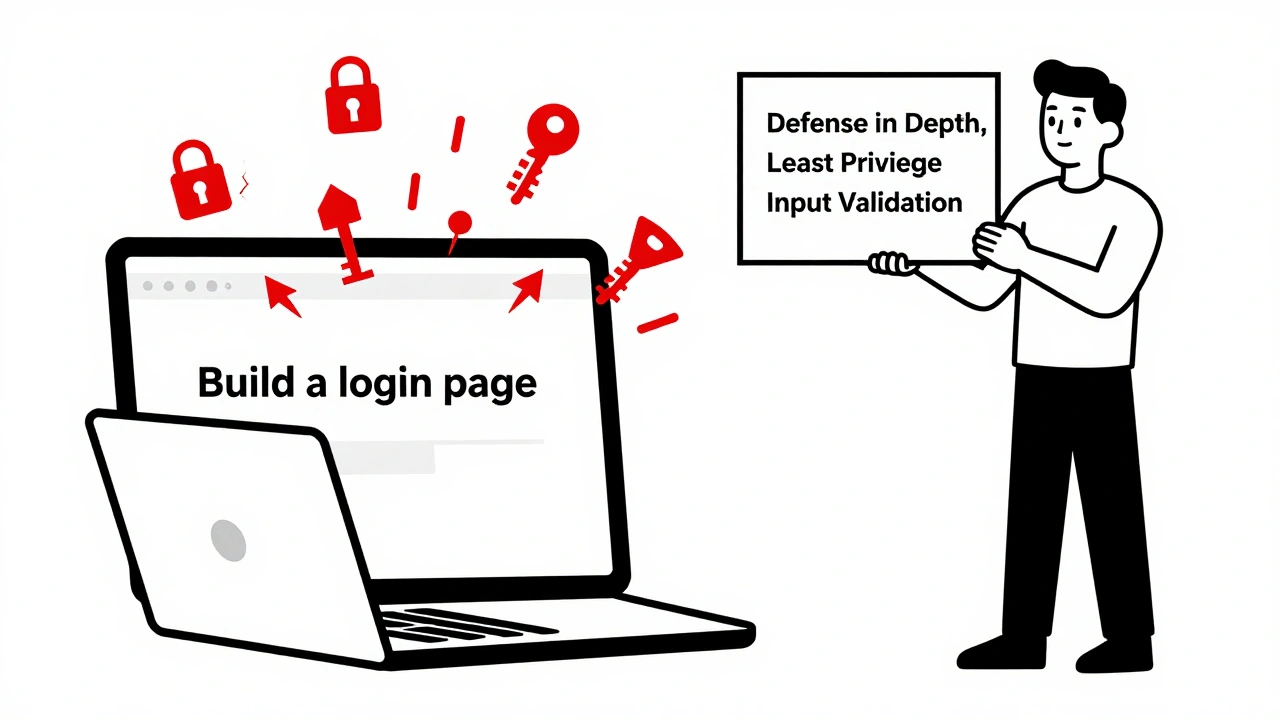
AI coding assistants like GitHub Copilot, Cursor, and Replit are speeding up development - but they’re also generating insecure code. A Databricks study from April 2024 found that 78% of code written using standard vibe coding prompts contained at least one security flaw. That’s not just a bug. That’s a backdoor. If you’re using AI to write code without asking the right questions, you’re not saving time - you’re stacking up technical debt with your name on it.
Why Secure Prompting Isn’t Optional Anymore
Vibe coding means typing a quick idea and letting the AI fill in the blanks. "Build a login page." "Connect to the database." "Upload files." Simple, fast, and dangerously vague. These prompts don’t mention authentication, input validation, or error handling. And AI doesn’t guess security - it guesses patterns. If you’ve ever seen AI generate code with hardcoded API keys, SQL queries built from string concatenation, or file uploads that let users run shell commands - you’ve seen what happens when you don’t guide the AI. The solution isn’t to stop using AI. It’s to change how you talk to it. Secure prompting is the practice of structuring your requests so the AI generates code that follows security best practices from the start. It’s not magic. It’s a skill - and one you can learn in a day.The Core Principles of Secure Prompting
The Vibe Coding Framework (2024) outlines six non-negotiable rules for writing secure prompts. These aren’t suggestions. They’re the baseline.- Defense in Depth: Don’t rely on one layer. Ask for encryption, input validation, and access controls - all at once.
- Least Privilege: Demand the minimum permissions needed. "Use environment variables for credentials," not "store the password in the code."
- Input Validation: Always specify what’s allowed. "Reject files larger than 5MB and only allow .jpg, .png, .pdf."
- Secure Defaults: Require security to be turned on by default. "Enable CSRF protection and HTTPS redirection without requiring extra config."
- Fail Securely: If something breaks, it shouldn’t expose data. "Don’t return stack traces to users. Log errors internally instead."
- Security by Design: Don’t bolt security on later. Build it in from the first line of code.
These aren’t buzzwords. They’re concrete instructions. If your prompt doesn’t include at least three of these, you’re gambling with your app’s security.
Proven Prompt Templates That Work
Generic prompts fail. Specific prompts win. Here are real templates used by teams that cut vulnerabilities by over 40%.Secure File Upload
Bad prompt: "Allow users to upload images." Good prompt: "Implement a file upload endpoint that: (1) restricts file types to .jpg, .png, .pdf only, (2) limits file size to 5MB, (3) renames files using a UUID to prevent path traversal, (4) stores files outside the web root, and (5) scans for malware using ClamAV before saving. Add comments explaining each security step."
Result: Teams using this template saw a 68% drop in file upload exploits, according to Wiz’s June 2025 benchmark.
API Authentication
Bad prompt: "Create an API endpoint that returns user data." Good prompt: "Build a REST API endpoint that requires JWT authentication with a 15-minute expiration. Enforce rate limiting at 100 requests per minute per IP. Sanitize all input using parameterized queries. Return a 403 error if the token is missing or expired - never a 500. Log failed auth attempts to a separate audit log."
Result: This template reduced broken authentication issues by 68.4% in Supabase’s June 2025 tests.
Database Connection
Bad prompt: "Connect to PostgreSQL." Good prompt: "Connect to PostgreSQL using environment variables for username, password, and host. Disable SSL verification only in development. Use connection pooling. Never log credentials. Include a comment explaining why environment variables are safer than hardcoded strings."
Result: Cursor IDE users who applied this template saw a 51.3% reduction in hardcoded secrets, per Wiz’s January 2025 analysis.
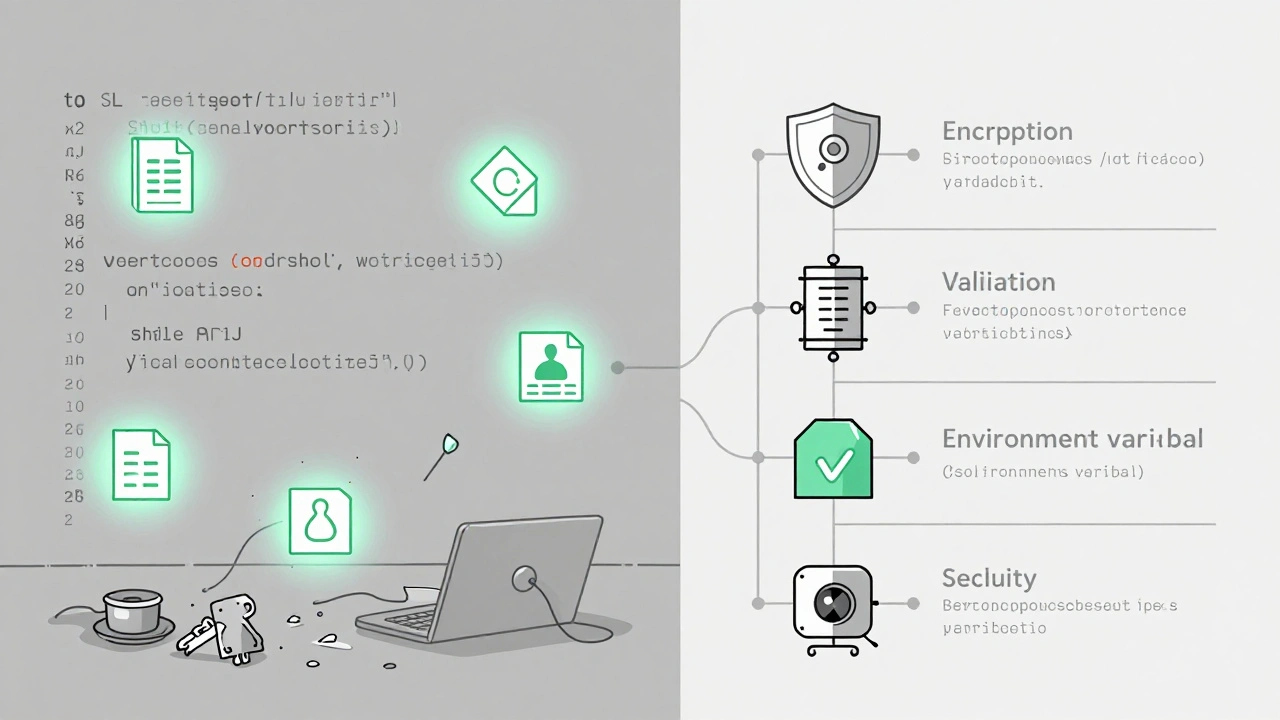
Three Techniques That Actually Reduce Vulnerabilities
Not all secure prompting is equal. Some methods work better than others.1. Security-Focused System Prompts
This is where you set the tone before any code is generated. Tools like Cursor and Apiiro let you define a system prompt that runs automatically every time you type a request. Example:
"You are a senior security engineer. Always prioritize defense in depth. Never generate code with hardcoded secrets, unsanitized inputs, or insecure defaults. If a request is vague, ask clarifying questions. If security is not mentioned, assume it must be included."
This approach cuts vulnerabilities by 18-22% across GPT-4o and Claude 3.7 Sonnet. It’s low-effort and high-reward.
2. Two-Stage Prompting
Step 1: Generate the code. Step 2: Ask for a security review.
After the AI writes the code, follow up with: "Review this code for OWASP Top 10 vulnerabilities. List each risk, explain how it could be exploited, and suggest fixes."
This technique reduces vulnerabilities by 37.4%, according to Apiiro’s May 2025 evaluation. It’s more time-consuming, but it forces the AI to self-critique - something it does surprisingly well when given clear instructions.
3. Rules Files (The Silent Hero)
Rules files are JSON or YAML files that enforce security rules across all AI-generated code. Cursor IDE’s .mdc format is the most widely adopted. Here’s a snippet:
{
  "rules": [
    {
      "pattern": "process.env[.\w]+",
      "action": "require_comment",
      "message": "Environment variables must include a comment explaining their purpose and security role."
    },
    {
      "pattern": "string + \"SELECT\"",
      "action": "block",
      "message": "String concatenation for SQL queries is prohibited. Use parameterized queries."
    }
  ]
}
Teams using rules files reported 44.8% fewer XSS vulnerabilities and caught 14 hardcoded API keys in their first week, according to GitHub user @SecureDev2025. The best part? Once set up, it works automatically. No extra typing needed.
What Doesn’t Work (And Why)
Not every trick you hear about actually helps.- Just adding "secure": "Write a secure login system" is too vague. AI doesn’t know what "secure" means without specifics.
- Component templates for everything: Creating a custom template for every API endpoint, form, or upload is unsustainable. Use templates only for high-risk components like auth, payments, and file uploads.
- Self-review prompts: The Replit Developer Survey found that 63% of developers stopped using self-review steps after a week. It’s too slow. Too mental. Too easy to skip.
Also, don’t assume AI understands context. If you’re building a healthcare app, saying "follow HIPAA" won’t work unless you specify what that means: "Encrypt patient data at rest and in transit. Log all access attempts. Never store SSNs in plaintext."
Real Results From Real Teams
A fintech startup in Austin switched to secure prompting in January 2025. Before: 3 critical vulnerabilities per feature. After: 0.5. Their security team went from doing 20 manual reviews a week to 4. They saved 14.7 minutes per feature in review time, according to Apiiro’s March 2025 data.A healthcare SaaS company in Seattle used rules files to block 89 hardcoded secrets in 3 weeks. They passed their SOC 2 audit with zero findings on code security.
On Reddit, u/CodeSafe99 wrote: "I used to spend hours fixing SQL injection bugs. Now I write one prompt, and the AI gives me clean code. It’s not perfect - but it’s 80% better."

How to Start Today
You don’t need a team of security engineers. You don’t need to rewrite your whole codebase. Here’s your 3-step plan:- Day 1: Add this to every prompt: "Follow the principle of least privilege. Validate all inputs. Never use hardcoded secrets. Use environment variables instead."
- Day 3: Pick your top 3 most common vulnerabilities (SQL injection, broken auth, file uploads) and create one secure template for each. Save them in a folder. Copy-paste them every time you need them.
- Day 7: Install Cursor IDE or enable rules files in your current tool. Add a basic .mdc file with rules to block hardcoded secrets and SQL string concatenation.
That’s it. No training required. No new tools to buy. Just smarter prompting.
The Limits of Secure Prompting
Let’s be clear: secure prompting isn’t a silver bullet. It doesn’t fix bad architecture. It won’t catch business logic flaws like an attacker manipulating pricing rules or bypassing subscription checks. Supabase’s June 2025 study showed only a 22.3% reduction in those types of issues.Security expert Troy Hunt warns that prompting creates an "illusion of security." He’s right. AI doesn’t understand risk. It just follows patterns. That’s why secure prompting must be part of a bigger strategy: automated testing (SAST/DAST), code reviews, and threat modeling still matter.
But here’s the truth: most teams don’t do any of those things. If you’re not doing anything to secure AI-generated code, secure prompting is the easiest, fastest, cheapest win you’ll ever get.
What’s Next
The future of secure prompting is automatic. Anthropic plans to let Claude 4 adapt prompts based on code context in Q2 2026. Apiiro is building a system that ties prompting to SAST tools - so if the AI writes vulnerable code, the system auto-rejects it and rewrites the prompt.For now, though, you’re in control. You decide what to ask. And if you ask the right questions, your AI won’t just write code faster - it’ll write code that doesn’t get hacked.
Can I just use "secure" in my prompts and be fine?
No. Adding "secure" alone doesn’t work. AI doesn’t know what you mean. You need specifics: "Use environment variables," "validate file types," "block SQL injection." Generic terms lead to generic, insecure code.
Which AI models work best with secure prompting?
GPT-4o and Claude 3.7 Sonnet respond best to secure prompting, according to Databricks’ April 2024 study. They’re more consistent at following complex instructions. Older models like GPT-3.5 still improve with secure prompts, but results are less reliable. Always test your prompts across models if you switch tools.
Do I need to learn OWASP Top 10 to use secure prompting?
You don’t need to memorize all ten, but you should know the top three: Injection (especially SQLi), Broken Authentication, and Security Misconfiguration. These make up 70% of vulnerabilities in AI-generated code. The Cloud Security Alliance’s 2025 guide includes exact prompt examples for each. Start there.
Are rules files better than prompting?
They’re complementary. Prompts guide the AI during generation. Rules files act as a safety net - they catch what the AI misses. Rules files are more consistent, but they require setup. Start with prompts. Add rules files once you’re comfortable.
How long does it take to get good at secure prompting?
Most teams reach 80% effectiveness in under 12 hours of practice, according to Replit’s December 2024 study. The first few attempts will be messy. You’ll miss a rule. You’ll forget to mention input validation. That’s normal. After 5-10 uses, it becomes automatic. Keep your templates handy. Use them like a checklist.
Will secure prompting slow me down?
It adds about 2.3 seconds per prompt - barely noticeable. But it saves you 14.7 minutes per feature in security reviews. That’s a net gain. Plus, you’ll spend less time fixing breaches, dealing with outages, or explaining to your boss why the app got hacked.
 Artificial Intelligence



Tyler Durden
December 14, 2025 AT 02:42Okay, but let’s be real - most devs just copy-paste the AI’s first response and call it a day. I used to be one of them. Then I got slapped with a CVE last year because some AI-generated login flow had a hardcoded password in a comment. 😅
Now I use the exact template from the file upload section. It’s weirdly satisfying to watch the AI spit out clean, commented code with UUID renaming and ClamAV scans. No more panic at 2 AM when the security bot pings you.
Also, rules files? Game changer. I threw a .mdc file in my repo and now my CI/CD pipeline auto-rejects anything with process.env without a comment. Feels like having a security buddy who never sleeps.
And yeah, adding "secure" doesn’t do shit. I tried it. Got a script that emailed my entire team’s SSNs. Thanks, AI.
TL;DR: Stop vibin’. Start prompting. Your future self will high-five you.
Aafreen Khan
December 15, 2025 AT 18:10bro u think this is new?? 😂
i been usin secure promts since 2022 😎
ai just copy pastes ur bad habits if u dont tell it not to
also who uses cursor?? i use deepseek and it does better 😏
and rules files?? lmao my boss said "why we need json file for code??" and i cried in the bathroom 😭
but yeah, dont just say "secure login" - say "no sql injection, no hardcoded pass, no session fixation" - then it works 🤓
Pamela Watson
December 16, 2025 AT 08:13Wait, so you’re telling me I have to type more?? 😱
I just want the AI to do it for me!!
Why can’t I just say "Make it safe" and it just knows??
I tried the "use environment variables" thing but I forgot what they are. Are they like... cookies? Or passwords? I think I used to know.
Also, what’s a UUID? Is that a type of donut? I saw it in the example and I’m confused now.
Can’t we just install a "don’t make it hackable" button??
My boss says I’m "too reliant on AI" but I just want my code to work without me thinking!!
michael T
December 16, 2025 AT 14:08Y’all are overcomplicating this. AI doesn’t care about your "principles." It doesn’t give a fuck about OWASP. It’s just a glorified autocomplete with a PhD in mimicry.
I used to think secure prompting was magic - until I saw it generate a SQL injection in a "secure" auth endpoint. The AI didn’t even flinch. It just gave me perfect syntax with a backdoor.
Here’s the truth: AI is a mirror. If you’re lazy, it’ll be lazy. If you’re sloppy, it’ll be sloppier.
And rules files? Yeah, they work - until someone on your team deletes them because "it’s slowing us down."
Bottom line: No tool fixes bad devs. No prompt fixes bad thinking. You want secure code? Learn to code. Then use AI to type faster, not smarter.
And if you’re still using hardcoded secrets in 2025? You deserve the breach.
Also, I just saw a guy on Stack Overflow use "secure" in his prompt and got a full RCE payload. I cried. Not for him. For the future.
Stephanie Serblowski
December 17, 2025 AT 05:48Okay but let’s pause for a second and celebrate the fact that we’re even having this conversation. 🌍✨
Like, 5 years ago, we were all just slapping together React components with random API keys in the src folder and calling it "MVP." Now? We’re talking about defense-in-depth, rules files, and Claude 3.7 Sonnet’s nuanced understanding of least privilege. That’s progress, people!
Yes, it’s annoying to type more. Yes, rules files feel like homework. Yes, your manager still thinks "secure" is a keyword.
But here’s the beautiful part: you’re not alone. There’s a whole global community of devs - from Austin to Bangalore - who are choosing to build things that don’t implode on day one.
And yes, AI won’t save you from bad architecture - but it *can* save you from the 80% of low-hanging fruit that’s been killing startups since 2017.
So next time you’re about to type "build a login page," just whisper: "least privilege. validate inputs. no secrets."
It’s not magic.
It’s just… better.
And honestly? That’s enough for today. 💛