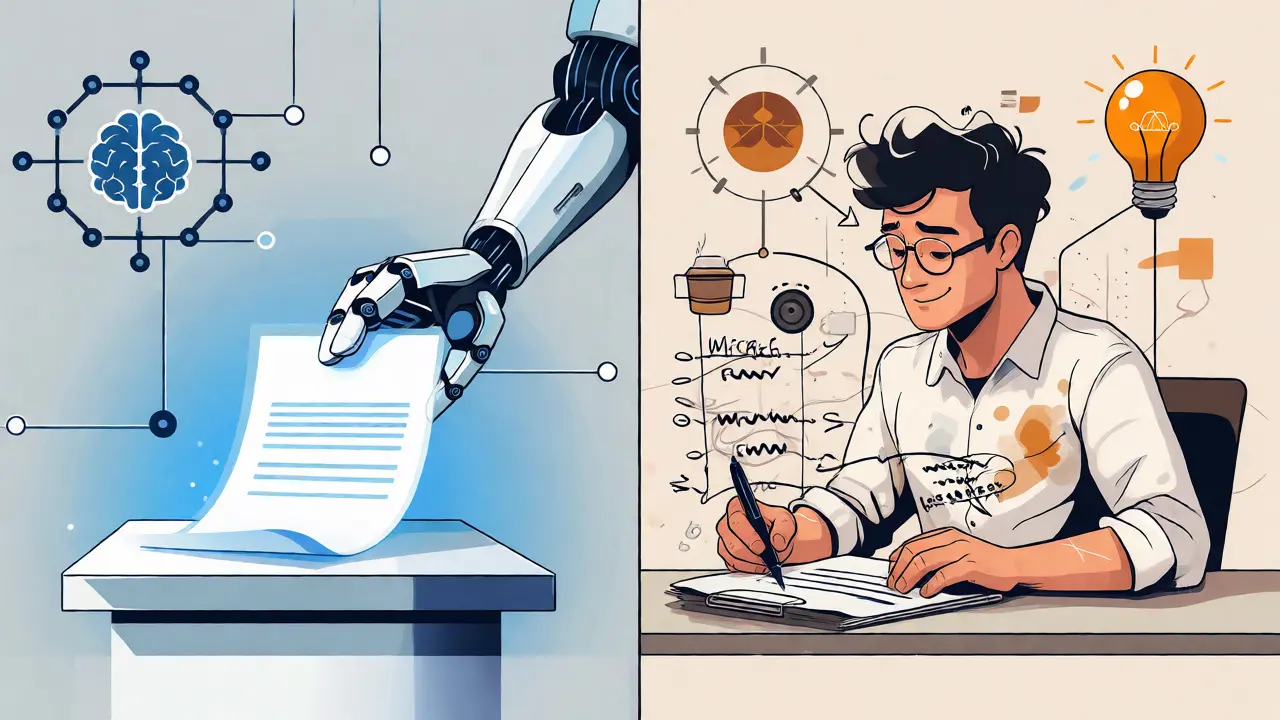
You’ve just hit "generate" on your AI assistant. In seconds, you have a README file, an API reference, or a changelog that looks surprisingly polished. It flows well. The grammar is perfect. You feel efficient. But here’s the trap: if you ship that text without questioning it, you’re not documenting your system-you’re guessing at it.
The reality of modern technical writing is that AI-generated content is a draft, not a deliverable. It lacks the one thing humans possess and machines simulate poorly: rationale. An AI can tell you what a function does based on its name and structure, but it cannot reliably explain why you chose that specific implementation over another, or what business constraint forced that trade-off. Treating AI output as final product leads to documentation drift, where the docs describe a theoretical ideal rather than the messy, pragmatic reality of your codebase.
The Gap Between Syntax and Sense
Large Language Models (LLMs) are pattern-matchers. They predict the next token based on statistical probability. When you ask an LLM to document a complex class in Python, it looks at the method names, variable types, and docstrings already present. If those inputs are ambiguous, the output will be confidently wrong. This isn't a bug; it's how these models work.
Consider a scenario from a recent project I worked on involving a legacy payment processor integration. The AI generated a clean explanation of the `processRefund` method. It correctly identified parameters and return types. However, it completely missed the critical context: this method only works for transactions under $50 because of a hard-coded limit in the vendor’s API contract from 2018. That nuance wasn’t in the code syntax; it was in the team’s collective memory and ticket history. Without human intervention, the documentation would have promised functionality that didn’t exist, leading to support tickets and developer frustration.
This highlights the core principle of the Documentation First methodology: AI accelerates drafting, but humans provide validity. You must treat every AI suggestion as a hypothesis that requires proof.
Why Rationale Matters More Than Description
Maintainability hinges on understanding intent. Code tells you how something works. Documentation should tell you why it exists. AI struggles with "why" because it doesn't experience constraints, deadlines, or stakeholder pressure. It doesn't know that you chose PostgreSQL over MongoDB because the finance team needed strict ACID compliance for ledger entries, even though NoSQL would have been faster for logging.
When you review AI output, your primary job isn't fixing typos-it's injecting rationale. You need to answer questions like:
- Why was this architecture chosen?
- What edge cases does this logic handle that aren't obvious?
- What are the known limitations or technical debts associated with this component?
If your documentation reads like a generic manual written by someone who never saw the production environment, you’ve failed. Good documentation feels lived-in. It acknowledges the scars. AI drafts are sterile; human edits add the dirt that makes them real.
A Practical Workflow for Validating AI Drafts
So, how do you integrate AI into your workflow without letting it become a liability? Here is a battle-tested process used by high-performing engineering teams.
| Task | AI Role (Drafting) | Human Role (Validation & Rationale) |
|---|---|---|
| API Reference | Extract signatures, types, and basic descriptions from code comments. | Verify parameter meanings against actual usage; add examples of failure states. |
| Architecture Overview | Summarize diagram components and data flow directions. | Explain trade-offs (e.g., latency vs. consistency); identify single points of failure. |
| Onboarding Guides | Generate step-by-step setup instructions based on config files. | Test the steps in a clean environment; add troubleshooting tips for common local errors. |
| Changelogs | Aggregate commit messages and PR titles into a list. | Group changes by user impact; translate technical jargon into business value. |
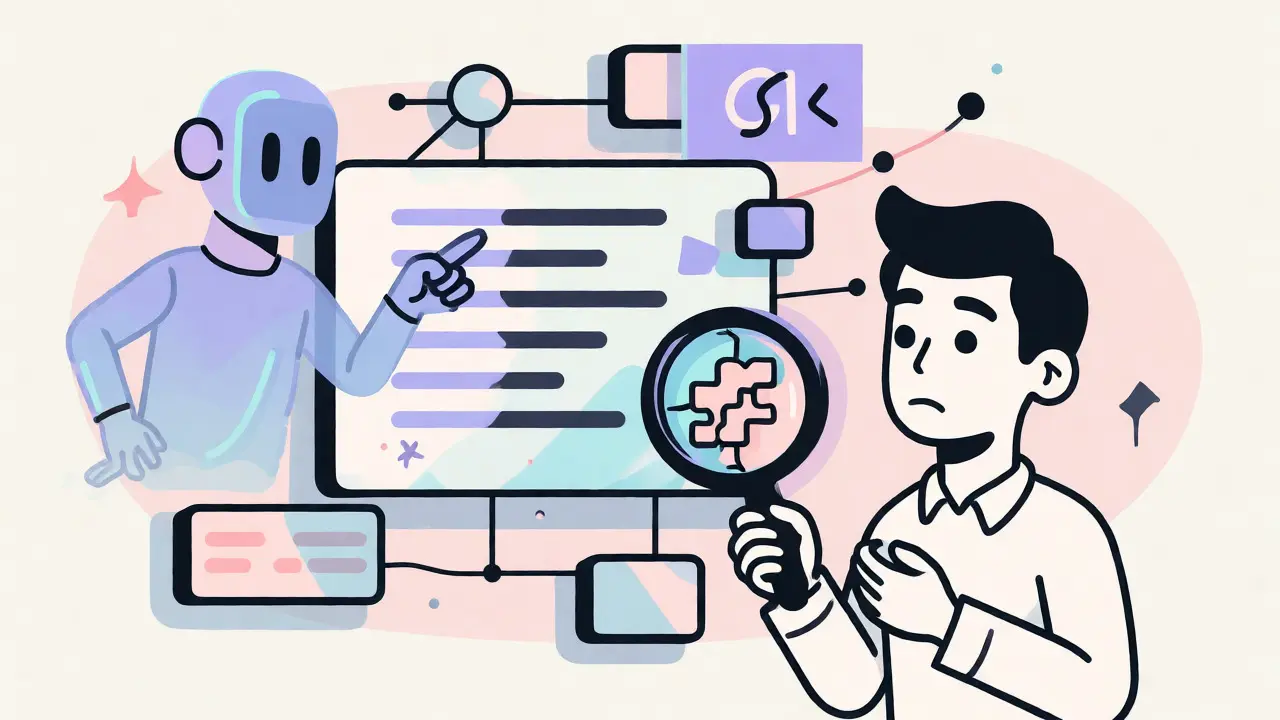
Start by prompting the AI with specific constraints. Don't just say "document this." Say, "Generate a draft for the authentication module. Focus on security implications and list three potential pitfalls for new developers." Then, take that draft and break it. Try to find the holes. Did it mention rate limiting? Did it explain token expiration clearly? If not, you write it.
The Cost of Skipping Review
Some teams argue that reviewing AI drafts takes too long. They claim they could just trust the model and move on. This is short-term thinking. Bad documentation creates technical debt that compounds faster than bad code.
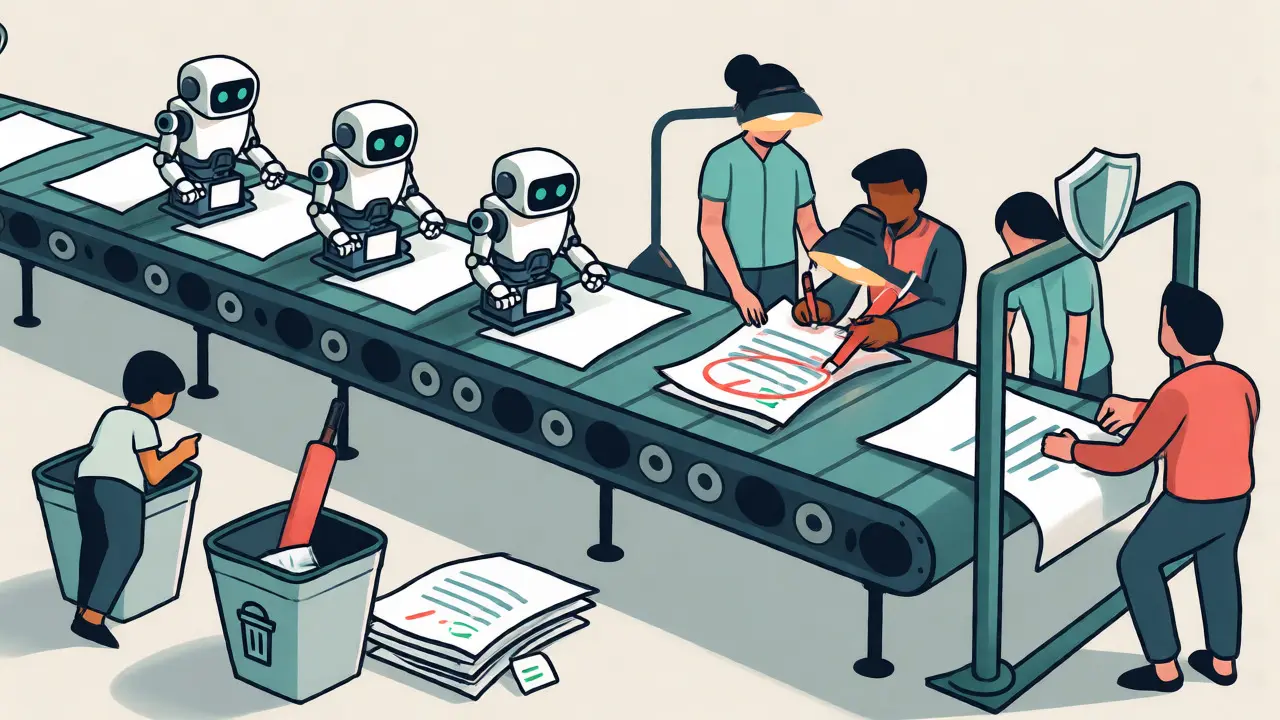
Imagine a new hire joining your team six months later. They read the AI-generated doc, which claims a certain service is stateless. They build their feature assuming no session persistence. It breaks in production during peak load. Now you have a post-mortem meeting, emergency patches, and lost velocity. All because someone skipped the five minutes it took to verify the AI’s assumption.
IBM’s guidance on AI code documentation explicitly warns that outputs must be reviewed for accuracy and completeness. It’s not optional advice; it’s a risk management strategy. By treating the AI as a junior engineer who writes fast but knows nothing about your specific domain, you set the right expectations. You mentor the tool through better prompts, but you remain the architect of truth.
Prompt Engineering for Better Drafts
The quality of your draft depends on the quality of your input. Vague prompts yield vague results. To reduce the amount of heavy lifting you have to do during review, give the AI context.
Instead of pasting code and asking for documentation, try this structure:
- Context: "This is a microservice handling inventory updates for an e-commerce platform."
- Constraint: "The audience is backend developers familiar with Node.js but new to our specific caching layer."
- Requirement: "Highlight the interaction with Redis and explain why we use a write-through cache instead of write-back."
By forcing the AI to consider the audience and specific architectural decisions, you get a draft that is closer to usable. You still have to verify the facts, but you spend less time rewriting the tone and focus.
Keeping Docs Alive with AI Assistance
Documentation rots quickly. Code changes daily; docs rarely keep up. This is where AI shines-not as an author, but as a watchdog. Tools integrated into CI/CD pipelines can scan pull requests and flag when code changes contradict existing documentation.
For example, if a developer removes a parameter from a function but forgets to update the Markdown file, an AI-powered linter can catch the discrepancy. It generates a suggested patch. Again, this is a draft. A human must approve the patch to ensure the change reflects the intended behavior, not just a syntactic match.
This approach transforms documentation from a chore into a continuous process. You aren't writing docs once a quarter; you're validating small increments of truth as they emerge. It keeps the knowledge base fresh without requiring a dedicated writer to rewrite everything after every release.
Beyond Code: Meeting Notes and Decisions
The "Documentation First" mindset extends beyond code comments. Consider meeting transcripts. AI tools like Notion AI or specialized transcription services can summarize hours of discussion into bullet points. But again, the summary is a draft.
Did the AI capture the dissenting opinion? Did it note that a decision was deferred pending legal review? Often, these nuances are lost in summarization. A human reviewer must listen to the key moments of the recording and inject the missing political or procedural context. This ensures that future readers understand not just what was decided, but how contentious the path to that decision was.
Final Thoughts on Maintainability
Treating AI output as a draft isn't about distrusting technology. It's about respecting the complexity of software systems. AI gives us speed. Humans give us sense. When you combine them correctly, you get documentation that is both comprehensive and accurate.
Stop copying and pasting AI text directly into your Wiki. Start interrogating it. Ask it to explain itself. Challenge its assumptions. Fill in the gaps with your expertise. Your future self-and your teammates-will thank you for the extra ten minutes of scrutiny.
Can AI fully automate technical documentation?
No. While AI can generate initial drafts and maintain structural consistency, it lacks contextual awareness of business logic, historical constraints, and organizational intent. Human oversight is required to validate accuracy and articulate the 'why' behind technical decisions.
How much time does reviewing AI drafts save compared to writing from scratch?
Teams typically report saving 40-60% of drafting time. However, the time saved is often reinvested in deeper validation and adding rationale, resulting in higher-quality documentation rather than just faster output.
What is the biggest risk of using AI for documentation?
Hallucination and plausible-sounding inaccuracies. AI may invent features, misinterpret variable purposes, or omit critical edge cases, creating documentation that looks correct but leads developers astray during implementation.
Should I train my own AI model for documentation?
Fine-tuning or providing extensive context via prompt engineering is usually more effective than full training for most teams. Training custom models is resource-intensive and often unnecessary if you use retrieval-augmented generation (RAG) with your existing codebase and style guides.
How do I handle outdated documentation with AI?
Integrate AI tools into your CI/CD pipeline to detect discrepancies between code changes and documentation files. Use AI to suggest updates based on diffs, but require human approval before merging to ensure the changes reflect intentional design shifts.
 Artificial Intelligence