

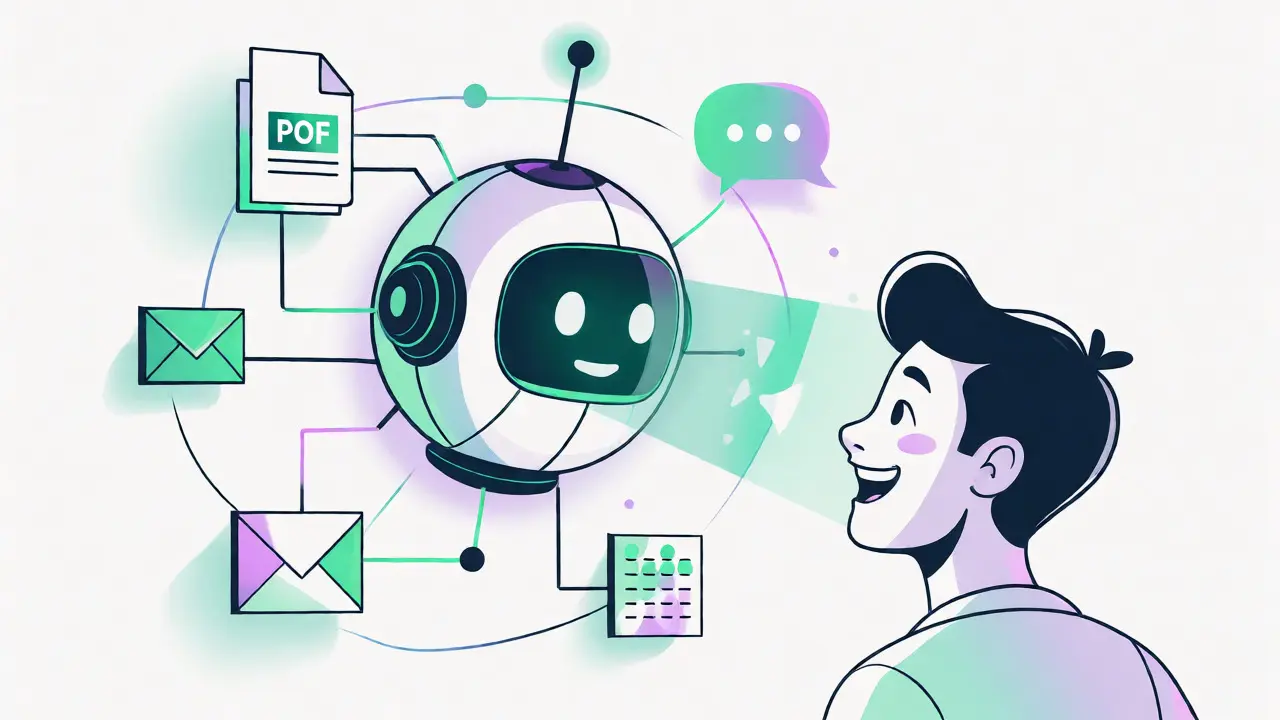
You know the feeling. You need a specific policy detail or a technical spec buried in a PDF from three years ago. You type keywords into your company’s search bar, get forty irrelevant links, and spend twenty minutes clicking through documents just to find one sentence. It’s frustrating, inefficient, and frankly, outdated. Knowledge Management used to be about organizing files; now it’s about getting answers. The shift toward generative AI-powered answer engines is changing how we interact with enterprise data. Instead of searching for documents, you’re asking questions and getting direct, synthesized responses.
This isn’t just a minor upgrade to your intranet. It’s a fundamental change in workflow. By 2026, the days of manual document retrieval are largely behind us for forward-thinking companies. We’ve moved from KM 1.0 (filing cabinets) and KM 2.0 (digital repositories like SharePoint) to KM 3.0, where the system acts as an active advisor rather than a passive library. If you’re still relying on keyword matching to navigate thousands of internal docs, you’re leaving money on the table. Let’s look at why this shift matters, how it actually works under the hood, and what you need to do to make it work for your team.
From Keyword Matching to Semantic Understanding
Traditional enterprise search tools were dumb. They looked for exact word matches. If you searched for "vacation policy," they found every document containing those two words. But if the document said "PTO guidelines" or "time-off rules," you missed it entirely. Harvard Business Review research suggests that traditional keyword search had success rates hovering around 35-45%. That means more than half the time, you didn’t find what you needed.
Generative AI changes this by using semantic understanding. It doesn’t just match words; it understands intent. When you ask, "How do I request leave?", the AI knows that "leave," "PTO," and "time off" are conceptually related. This is powered by transformer-based language models that map relationships between concepts, not just characters. The result? Accuracy jumps to 85-92% in retrieving relevant information. You stop searching and start conversing. The system reads the context of your question, scans your entire knowledge base-including emails, tickets, and PDFs-and synthesizes a single, accurate answer.
| Feature | Traditional KM (KM 2.0) | AI Answer Engine (KM 3.0) |
|---|---|---|
| Search Method | Keyword Matching | Semantic & Natural Language |
| Output | List of Document Links | Direct Answer with Sources |
| Average Resolution Time | 15-30 Minutes | < 2 Minutes |
| Accuracy Rate | 35-45% | 85-92% |
| User Experience | Manual Filtering | Conversational Interface |
The Engine Under the Hood: RAG Architecture
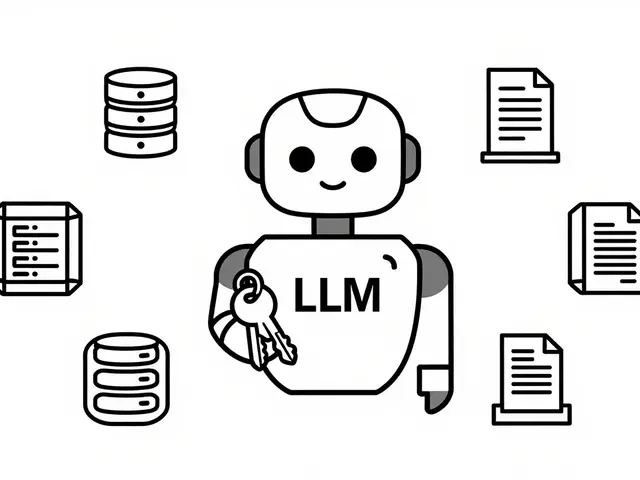
If you’ve heard the term RAG (Retrieval-Augmented Generation) thrown around, here’s why it’s critical. Large Language Models (LLMs) are smart, but they don’t know your company’s specific secrets. If you ask a standard LLM about your Q3 sales figures, it might hallucinate because it wasn’t trained on your private data. RAG solves this by grounding the AI in your actual documents.
Here’s the simple flow: First, the system retrieves relevant chunks of text from your secure database based on your query. Second, it feeds these chunks to the generative model along with your question. Third, the model generates an answer strictly based on that retrieved data. This architecture drastically reduces hallucinations-the tendency of AI to make things up. According to Kyndi’s technical documentation, while hallucination rates can range from 5-15%, proper RAG implementation with high-quality metadata keeps this risk low. The market for this tech is exploding, projected to grow from $1.2 billion in 2023 to $11 billion by 2030. Why? Because businesses demand accuracy, not just creativity.
Real-World Impact: Speed and Satisfaction
Let’s talk numbers, because ROI drives adoption. IBM case studies show that AI-powered knowledge management reduces information retrieval time by up to 75%. Imagine cutting the time your support team spends looking up solutions by three-quarters. Glean reports similar trends, noting a 4.2x faster information retrieval speed across organizations using their tools. For new employees, this is huge. Onboarding often stalls because new hires can’t find the right docs. With AI answer engines, onboarding accelerates by 50%, helping new staff become productive weeks earlier.
Customer satisfaction gets a boost too. In contact centers, Reply documented a 35% improvement in customer satisfaction scores when agents could instantly access synthesized answers rather than digging through wikis. One user on Reddit described deploying an answer engine across a 500,000-document HR repository. Policy lookup time dropped from 20 minutes to 35 seconds. That’s not just convenience; that’s operational efficiency. However, it’s not magic. The same user noted an initial 18% error rate due to inconsistent document formatting. Garbage in, garbage out still applies.
Implementation Challenges: It’s Not Plug-and-Play
Don’t let vendors fool you into thinking this is a quick install. Successful deployment typically takes 8-16 weeks. The first 4-6 weeks are almost entirely dedicated to data preparation. Why? Because AI thrives on structure. If your documents are scattered, unlabeled, and formatted inconsistently, the AI will struggle. Glean’s analysis shows that organizations scoring below 60 on KM maturity assessments experience three times more inaccurate responses.
Common pitfalls include:
- Inconsistent Formatting: Reported in 63% of implementations. Mixed file types (Word, PDF, Scans) confuse parsers.
- Lack of Terminology Standards: 57% of projects fail initially because different departments use different names for the same thing.
- Legacy Integration: Connecting modern APIs to old systems is tough. 34% of negative reviews cite integration complexity.
To fix this, successful teams invest heavily in metadata standards. Automated classification tools can reduce manual tagging by 80%, but someone still needs to define the taxonomy. Executive sponsorship is non-negotiable here. Without a dedicated owner pushing for data hygiene, the project stalls. Dr. Jane Chen from MIT warns that unvalidated AI responses can propagate misinformation at scale, especially in regulated industries like finance and healthcare. You need governance, not just technology.
Security, Compliance, and Trust
Handing your proprietary data to an AI model raises immediate security flags. Most enterprise-grade solutions offer private cloud deployments or strict data isolation to ensure your info isn’t used to train public models. GDPR compliance is a major hurdle for European firms; Deloitte notes that 92% of European implementations require additional filtering layers to protect personal data within knowledge bases.
Trust is also built through transparency. Features like Microsoft’s "knowledge provenance tracing" allow users to see exactly which source document generated each part of the answer. This visual mapping achieves 99.2% accuracy in controlled tests and builds confidence among skeptical employees. If an agent sees the citation, they trust the answer. If they have to guess, they revert to old habits. Real-time collaborative validation, where subject matter experts verify AI outputs before publication, further reduces error rates by 22%.

The Future: Multimodal and Proactive KM
We’re already seeing the next wave. Text-only search is becoming basic. The future is multimodal-processing images, videos, and audio alongside text. Gartner predicts that by 2027, 30% of enterprise KM implementations will handle these formats natively. Imagine uploading a screenshot of a machine error and getting a troubleshooting guide based on video tutorials and maintenance logs.
Furthermore, AI is moving from reactive to proactive. Instead of waiting for you to ask, the system might suggest relevant articles based on your current task or recent emails. Forrester indicates that mature implementations see a 4.7x ROI over three years, but only if there’s structured governance. Organizations without it face diminishing returns after 18 months due to knowledge decay. Data drifts, policies change, and if the AI isn’t updated, its answers become stale.
Frequently Asked Questions
Do AI answer engines replace human knowledge workers?
No, they augment them. AI handles routine queries and information retrieval, freeing humans to focus on complex problem-solving and strategic tasks. It reduces redundant work but requires human oversight for validation and nuanced decision-making.
What is the biggest barrier to implementing generative AI in KM?
Data quality and consistency. Most failures stem from poor metadata, inconsistent document formatting, and lack of standardized terminology. Cleaning and structuring data before AI deployment is crucial for accuracy.
How much does it cost to deploy an AI knowledge management system?
Costs vary widely. Tools like Microsoft Copilot cost around $30/user/month, while specialized platforms may charge more based on volume. Implementation costs often exceed software fees due to the extensive data preparation required.
Can AI answer engines handle highly technical documentation?
They excel at general queries but can struggle with highly precise engineering specs if the underlying data isn't perfectly structured. Human review is often still necessary for critical technical decisions.
Is my company's data safe with generative AI?
Enterprise-grade solutions use private clouds and strict access controls. Ensure the vendor complies with regulations like GDPR and HIPAA. Never use public consumer AI tools for sensitive proprietary data.
 Artificial Intelligence

Sabrina Newland
September 21, 2026 AT 20:18it feels like we are finally moving past the era of digital hoarding 📚✨ but im curious if the emotional weight of 'knowing' changes when an algorithm curates it for u? 🤔 i worry that we lose the serendipity of stumbling upon a document you didnt know you needed. its not just about efficiency, its about the journey of discovery which makes knowledge stick in our minds. if ai gives us the answer instantly, do we still value the process of finding it? 💭🧠 maybe we become passive consumers rather than active learners. 🌿
Amara Akbar
September 21, 2026 AT 22:09I appreciate this thoughtful perspective on the shift from retrieval to synthesis.
It is truly encouraging to see organizations embracing tools that reduce friction for employees. When we remove the barrier of manual searching, we allow our teams to focus their energy on higher-value strategic tasks. This aligns perfectly with a supportive coaching mindset where we empower individuals rather than burden them with administrative overhead.
Your point about semantic understanding is crucial because it validates the user's intent rather than just their vocabulary. It creates a more inclusive environment where non-native speakers or those unfamiliar with internal jargon can still find accurate information. Let's continue to champion these advancements as they foster a culture of accessibility and clarity.
Mark Harvey
September 21, 2026 AT 23:29this is huge for morale honestly
when people stop wasting hours looking for files they feel more valued
its not just about speed its about respecting their time
keep pushing for better data hygiene so the ai actually works well
we got this team
Art HND
September 22, 2026 AT 03:41Overhyped. RAG fails on unstructured legacy data. Most companies lack the metadata discipline required for this to work. You will end up with hallucinations and angry users reverting to email chains within six months. The tech is ready; the enterprise is not.
Brandon Olvera
September 22, 2026 AT 22:50Why are we letting foreign vendors handle our proprietary data? Security is a joke if we don't keep everything on domestic servers. These AI models eat our trade secrets and spit out generic garbage. We need strict American-made solutions for enterprise knowledge management. Anything else is a risk to national business interests.
Elizabeth Brooks
September 23, 2026 AT 05:05Great post! Just wanted to add that the implementation phase is where most folks get tripped up. We tried deploying a similar system last year and spent three months just cleaning up PDF formatting issues. If your docs are scanned images without OCR text layers, the AI literally cannot read them. Make sure you audit your repository for file types before buying licenses. Also, defining a controlled vocabulary is key so "HR" and "Human Resources" dont confuse the engine. Its worth the upfront effort though once it starts working smoothly.
Deb Kortyna, MBA
September 24, 2026 AT 04:47The assertion that traditional search success rates hover around 35-45% is alarmingly low and highlights a critical failure in previous IT investments.
However, one must approach the promised 85-92% accuracy with extreme caution. Without rigorous governance, the propagation of misinformation through these synthesized answers could be catastrophic for regulated industries. The article rightly notes the importance of provenance tracing, yet many organizations neglect this in favor of speed. We cannot afford to treat enterprise knowledge as a black box. Transparency is not optional; it is a compliance requirement. I urge all stakeholders to demand full audit trails before fully migrating away from manual verification processes.