
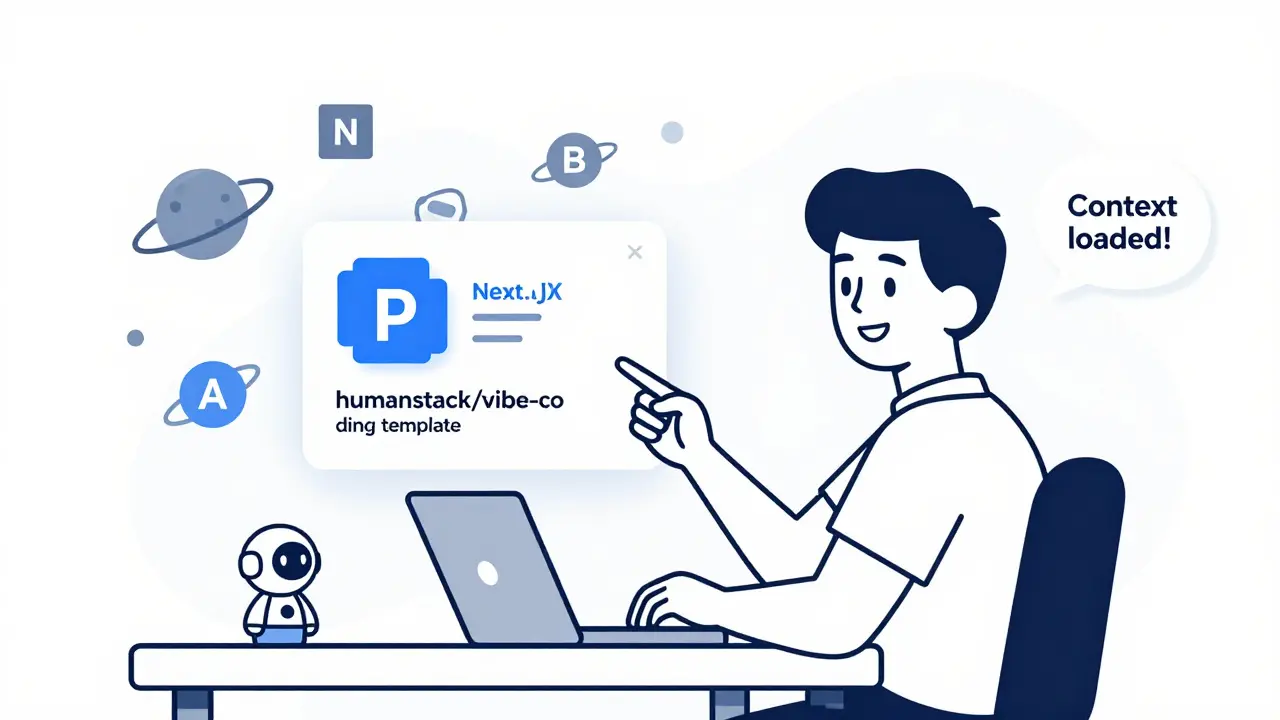
Imagine starting a new project and having every file, dependency, and configuration already set up just the way your AI coding assistant expects it. No more guessing how to phrase prompts. No more fixing the same bugs over and over because the AI keeps misunderstanding your intent. This isn’t sci-fi. It’s vibe coding-and template repositories with pre-approved dependencies are making it real.
Since late 2023, developers using AI tools like GitHub Copilot, Claude Code, and Cursor have started relying on GitHub templates that come pre-loaded with everything needed for smooth AI collaboration. These aren’t just starter kits. They’re context engines-structured systems that tell the AI exactly how to think about your code, what patterns to follow, and how to respond when you ask it to build something. The result? Less time debugging AI mistakes, more time building features.
What Exactly Is a Vibe Coding Template?
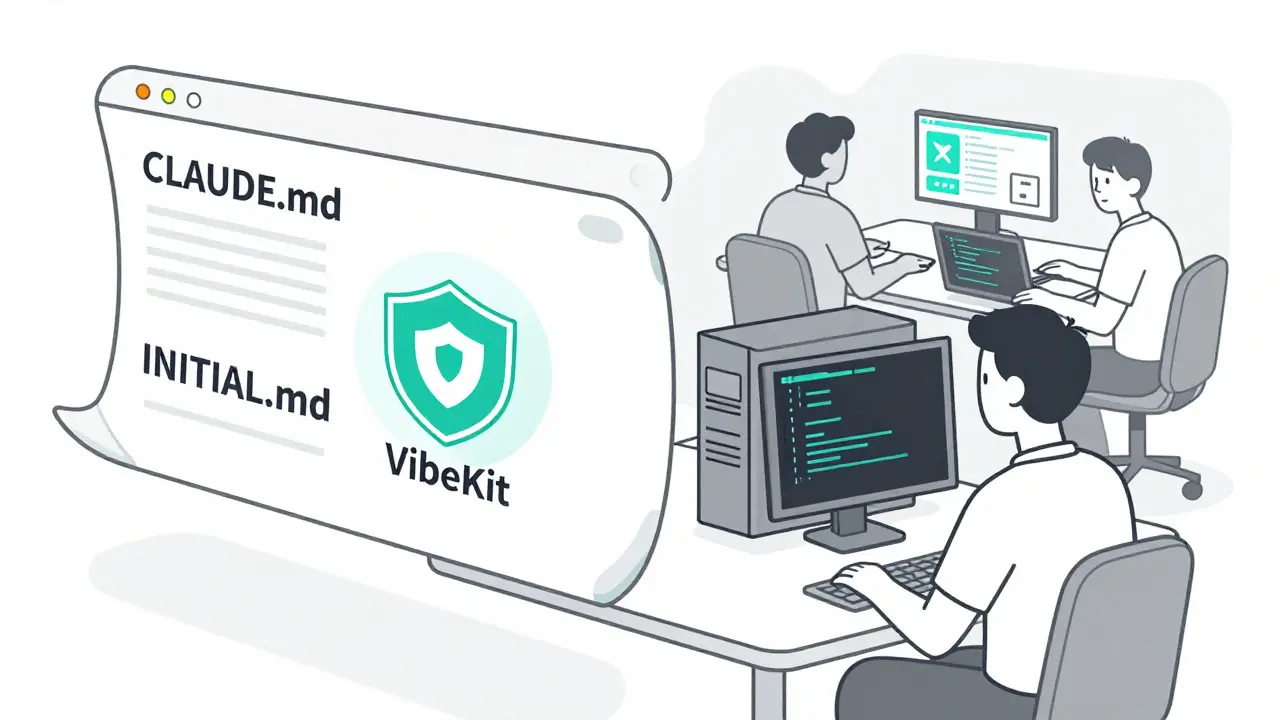
A vibe coding template is a GitHub repository designed to eliminate guesswork in AI-assisted development. Instead of typing the same instructions into your AI assistant every time-"Use FastAPI for the backend," "Use Supabase for auth," "Follow this naming convention"-you drop those rules into files like CLAUDE.md, CONTEXT.md, or INITIAL.md. The AI reads them once, remembers them, and applies them consistently across every interaction.
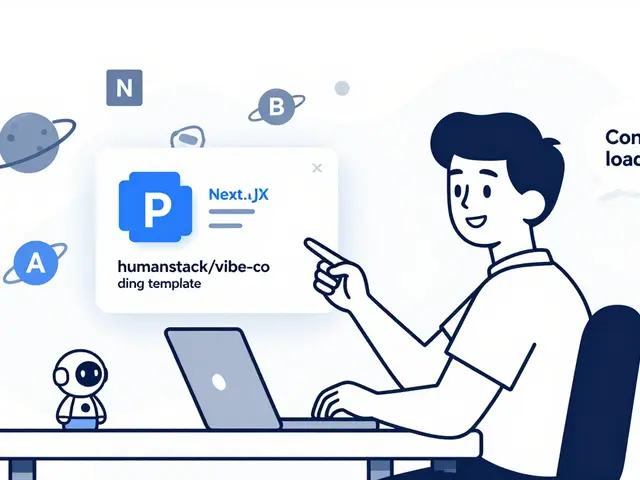
The most popular template, humanstack/vibe-coding-template is a full-stack starter with Next.js, FastAPI, and Supabase, engineered specifically for AI-assisted workflows, includes:
- Pre-configured Cursor rules that auto-apply context based on file changes
- Template placeholders like
@api-endpoint-templatethat generate standardized API routes - A
first-time.shscript that auto-installs Docker, Python, Node.js, and sets up Supabase - Environment variables pre-filled for OpenAI and Claude API keys
According to GitHub’s language analyzer, this template is 41.3% Python, 39.1% TypeScript, and 8.9% Shell-meaning it’s built for teams that use both frontend and backend AI tools. It’s not just code. It’s a system.
Why Do These Templates Work Better Than Regular Starters?
Traditional starter templates like create-react-app give you boilerplate code. Vibe coding templates give you boilerplate thinking.
Take auth setup. Normally, you’d spend hours configuring JWT, OAuth, and database tables. With a vibe template, you run one command-make dev-and the AI generates a complete authentication system with Google, LinkedIn, and email login, all pre-connected to Supabase. No docs to read. No API keys to hunt down. Just ask: "Add LinkedIn login."
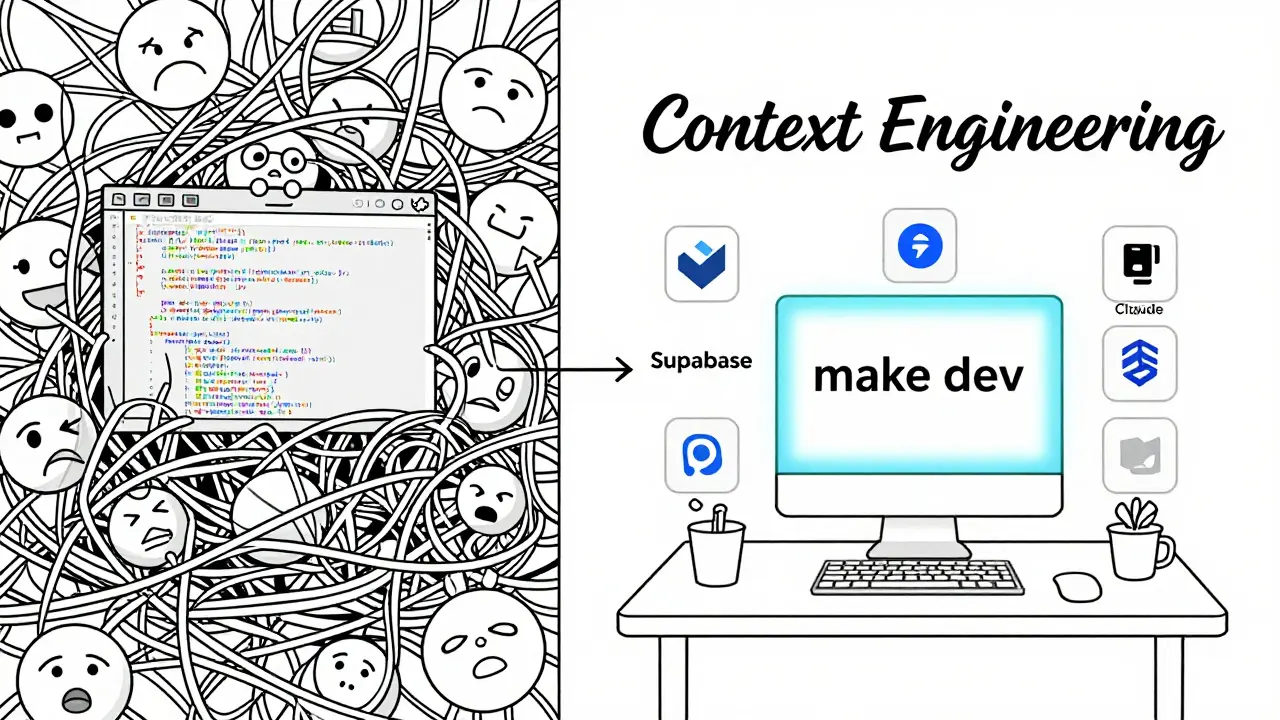
That’s not magic. That’s context engineering. Ryan Carson, founder of Treehouse, tested this across his team and found that well-structured context files reduced AI hallucinations by 73% and increased first-time code success from 42% to 89%. In other words, you’re not just getting code faster-you’re getting code that actually works the first time.
Top 4 Templates Compared
Not all vibe templates are built the same. Here’s how the leading options stack up:
| Template | Best For | Key Dependencies | Setup Time | Stars (Jan 2024) |
|---|---|---|---|---|
| humanstack/vibe-coding-template Full-stack production template with AI-optimized structure | Teams building full apps with AI | Docker, Node.js 18+, Python 3.10+, Supabase CLI | 22 minutes avg. | 1,842 |
| coleam00/context-engineering-intro Teaches how to write CLAUDE.md and INITIAL.md files | Beginners learning context design | None (educational) | 15 minutes | 987 |
| feiskyer/claude-code-settings Optimizes Claude Code with custom commands and LiteLLM proxy | Users switching between LLMs (GPT-4, Claude 3) | LiteLLM, Node.js 18+ | 18 minutes | 743 |
| superagent-ai/vibekit Enterprise-grade sandboxed AI coding with security and compliance | Regulated industries (health, finance) | Docker, Kubernetes, automatic secret redaction | 45 minutes | 528 |
Most developers start with humanstack because it’s the most complete. But if you’re just learning how to structure prompts, coleam00/context-engineering-intro is the best place to begin. And if you’re in a company that can’t let AI access production secrets? vibekit runs everything in a sandbox, auto-removes API keys from code, and logs every AI-generated change.
Real-World Problems You’ll Hit
These templates aren’t plug-and-play. They’re powerful-but they come with friction.
On Apple Silicon Macs, the first-time.sh script fails unless Rosetta 2 is installed. That’s not in the README. It’s buried in GitHub issues. Developers on Reddit reported Supabase migrations crashing three times before they got it right. One user said they lost 17 hours on auth setup alone.
Another big issue: context drift. After hours of coding, the AI starts ignoring your CLAUDE.md file. It reverts to old patterns. It forgets your naming rules. According to user reports, 43% of developers experience this. The fix? Restart the AI session. Or better yet, use a template with auto-validation-like the upcoming humanstack v2.0, which checks your context files against a schema before allowing AI to proceed.
And then there’s the skill gap. Software architect Maria Chen found that 68% of developers using these templates couldn’t debug AI-generated code without the original context files. You’re not building skills-you’re outsourcing them. That’s fine for a prototype. Dangerous for production.
Who Should Use These Templates?
These aren’t for everyone. But they’re perfect for:
- Small teams (1-5 people) building MVPs fast
- Freelancers juggling multiple clients with different tech stacks
- Bootstrapped founders who need to ship before running out of cash
- Developers tired of writing the same auth, API, and DB code
They’re not for:
- Teams that need full control over every line of code
- Developers who want to understand how the AI works under the hood
- Enterprises without security reviews (only 17% of Fortune 500 allow them)
According to KDnuggets, teams using these templates cut feature development time from 8.2 hours to 2.7 hours. That’s a 67% win. But if you’re not prepared to manage the AI’s blind spots, you’ll end up with technical debt that’s harder to fix than code you wrote yourself.
The Future: Templates Will Disappear (And That’s Good)
Here’s the twist: these templates won’t last. GitHub is already building template features into Copilot Workspace. Cursor and VS Code are adding built-in context managers. By Q3 2025, Forrester predicts 75% of these standalone templates will be absorbed into IDEs.
That’s actually a win. The goal isn’t to keep using GitHub repos. The goal is to make context engineering a standard part of every dev environment. When your editor auto-suggests a CLAUDE.md template when you start a new project? That’s the real victory.
For now, though, if you’re serious about using AI as a true collaborator-not just a autocomplete tool-start with humanstack/vibe-coding-template. It’s the most complete. The most documented. The most used. And if you get stuck? The filipecalegario/awesome-vibe-coding is a curated list of 87 vibe coding resources, including troubleshooting guides and Discord communities has a 1,247-member Discord server with live help.
Do I need Docker to use vibe coding templates?
Most templates, especially humanstack/vibe-coding-template, require Docker and Docker Compose because they run services like Supabase, FastAPI, and PostgreSQL in containers. If you don’t use Docker, you’ll have to manually install and configure each dependency-which defeats the purpose of the template. Some lightweight templates (like coleam00/context-engineering-intro) don’t require Docker, but they’re educational, not production-ready.
Can I use these templates with GPT-4 instead of Claude?
Yes. Most templates abstract the AI backend. The humanstack template, for example, uses environment variables like LLM_PROVIDER=OPENAI or LLM_PROVIDER=CLAUDE. You just need to input your API key. The feiskyer/claude-code-settings repo even lets you route requests between GPT-4, Claude 3, and other models with a single config file. The template doesn’t lock you in.
Are vibe coding templates safe for sensitive data?
Only if you use a sandboxed template like superagent-ai/vibekit. Most templates send code to external AI services. If you’re handling PII, HIPAA data, or financial records, avoid public templates. VibeKit runs AI agents inside Docker containers, auto-redacts secrets, and supports offline mode. For enterprise use, this is the only safe option today.
What happens if the AI generates bad code?
The template doesn’t fix bad code-it just makes it more consistent. If the AI generates a security flaw or a broken API route, you still need to review it. The real benefit is that the code will follow your style, so bugs are easier to spot. But never trust AI-generated code without testing. Always run unit tests, check dependencies, and audit permissions.
Is vibe coding just a passing trend?
No. The underlying idea-context engineering-is here to stay. AI assistants are getting better, but they still need clear direction. Templates are the first step toward making that direction automatic. By 2025, IDEs will bake this into their core. The templates themselves may fade, but the practice of structured AI collaboration will become standard, like Git or CI/CD.
 Artificial Intelligence

sonny dirgantara
February 21, 2026 AT 12:20so i tried the humanstack template and honestly? it was a mess on my mac. first-time.sh just died and i had no idea why. turned out i needed rosetta 2 but that’s not in the docs anywhere. took me 3 hours. i’m just glad it works now. vibe coding is cool but someone needs to write a ‘don’t be an idiot’ guide.
Andrew Nashaat
February 23, 2026 AT 06:52Oh. My. GOD. This post is soooooo wrong. You say ‘vibe coding’ like it’s a real thing? It’s just boilerplate with extra steps. And you call it ‘context engineering’? That’s not engineering-that’s copy-pasting your own brain into a .md file. And don’t even get me started on Supabase migrations-those are a dumpster fire. Also, you forgot to mention that 80% of these templates have hardcoded API keys in plain text. You’re not building software-you’re building a security nightmare. And yes, I’m a professional. I’ve seen this mess in production. Stop glorifying lazy development.
Gina Grub
February 24, 2026 AT 10:05Let me be clear: this isn’t innovation. It’s dependency addiction. You’re outsourcing your cognitive load to a GitHub repo like it’s a magic spell. And the worst part? People are calling this ‘productivity.’ No. It’s fragility dressed up as efficiency. One update breaks. One AI model changes. One forgotten .env file-and boom, your entire stack implodes. I’ve seen teams collapse under this. They can’t debug because they don’t understand the stack. They just trust the template. That’s not progress. That’s surrender.
Nathan Jimerson
February 25, 2026 AT 16:01I’ve been using vibe templates for six months now and honestly, it’s changed how I work. I go from zero to shipped feature in under an hour. No more staring at blank files. No more guessing what the AI wants. I used to waste days on auth setups. Now I type ‘add LinkedIn login’ and it just works. Yeah, there are hiccups-but the docs are good, the community is helpful, and the time saved is real. If you’re building fast, this is your friend.
Sandy Pan
February 26, 2026 AT 08:31What are we really doing here? Are we building software-or are we building rituals? The template isn’t the tool. The tool is the habit of consistent context. The real breakthrough isn’t in the .md files or the Docker containers-it’s in the realization that AI doesn’t think like us. It needs scaffolding. And maybe, just maybe, we’ve been too proud to admit we need it. We used to write specs. Now we write prompts. Is that progress? Or just a new kind of dependency? I don’t know. But I’m curious.
Eric Etienne
February 26, 2026 AT 15:11lol this whole thing is just ‘make your AI less dumb’ with a fancy name. I’ve been doing this since Copilot launched. Just stick a README with your rules in the root. Done. No need for a whole repo. And please stop calling it ‘context engineering.’ That’s not a thing. It’s a folder. You’re not a wizard. You’re just organized. Also, Docker? No thanks. I’ll install Python myself, thanks.
Dylan Rodriquez
February 28, 2026 AT 14:08To everyone who’s scared of this: you’re not wrong to be cautious. But don’t dismiss it out of hand. This isn’t about replacing skill-it’s about reducing friction so we can focus on the hard parts. Yes, you need to understand your code. Yes, security matters. But if you’re a solo dev or a tiny team, this lets you ship something real instead of spending weeks on setup. The goal isn’t to rely on the template forever-it’s to learn the patterns so you can build them yourself later. I’ve mentored junior devs using these. They go from ‘I don’t know where to start’ to ‘I built a working API’ in three days. That’s not magic. That’s empowerment.