Imagine trying to describe a three-minute movie clip to someone who can’t see it. You’d have to pause, rewind, and explain every visual cue, dialogue nuance, and background sound. For humans, this is exhausting. For machines, until recently, it was nearly impossible. But as of early 2026, Video Understanding has shifted from a niche research challenge to a practical business tool, powered by generative AI models that process visual and audio data simultaneously to generate text-based insights. If you’re sitting on terabytes of unstructured video content-whether it’s customer support logs, marketing assets, or security footage-you’re likely missing out on searchable metadata that could save your team hundreds of hours.
| Feature | Current Capability (2026) | Practical Impact |
|---|---|---|
| Accuracy | 85-92% for object/scene recognition | Reliable enough for indexing, not yet for legal evidence |
| Processing Speed | ~3 seconds per second of video (Gemini 2.5-flash) | Real-time or near-real-time analysis is feasible |
| Cost Efficiency | 70 tokens/frame (vs. 258 in older models) | Significant drop in API costs for long videos |
| Limitations | Struggles with non-speech sounds & fast motion | Requires custom frame sampling for sports/action |
The Shift from Frame Extraction to Temporal Context
Old-school computer vision treated video like a flipbook-analyzing individual frames in isolation. This approach failed miserably at understanding context. A person smiling in one frame might be happy, or they might be mocking someone in the next. Modern Generative AI solves this by using transformer architectures that analyze temporal relationships across sequences. Google’s Gemini 2.5, released in late 2025, exemplifies this shift by processing video files up to 2GB while maintaining context over time. Unlike its predecessors, which required massive computational resources to track objects frame-by-frame, Gemini uses variable sequence length tokenization. This means it only spends "attention" where it matters, drastically reducing the cost of analyzing static scenes versus high-action sequences.
This isn't just academic efficiency; it changes the bottom line. In January 2026, benchmarks showed that Gemini 2.5-flash processes standard 1080p video at 3.2 seconds per second of content. Compare that to OpenAI’s Sora 2, which takes 2.8 seconds but demands 40% more compute power. For enterprises processing thousands of hours of footage, that difference in infrastructure cost is substantial. If you are building a pipeline today, you aren't just buying accuracy; you are buying speed and scalability.
Captioning That Actually Understands the Plot
Traditional automatic speech recognition (ASR) gives you a transcript. It tells you what was said, but not what happened. Video Captioning goes further by generating natural language descriptions of visual events synchronized with audio. Imagine a customer service call recorded via Zoom. ASR gives you the words. Video Understanding gives you: "Customer appears frustrated (furrowed brows, crossed arms) while agent explains policy." This emotional and visual layer is critical for sentiment analysis.
However, don't expect perfection. Current models achieve about 89.4% accuracy in standard captioning tasks, up from 68% in 2023. While impressive, that remaining 10% error rate is problematic for high-stakes environments. Dr. Elena Rodriguez, Chief AI Scientist at Celent, noted in January 2026 that current systems still confuse correlation with causation. The AI might see a man running and a dog chasing him and caption it as "man fleeing dog," when in reality, they were playing fetch. For marketing teams tagging inventory, this is fine. For medical diagnostics or legal discovery, human-in-the-loop review remains mandatory.
Scene Analysis and Metadata Enrichment
Beyond captions, Scene Analysis breaks down video into semantic segments, identifying locations, objects, and activities. This is where tools like Google Vertex AI shine, holding a 43.7% market share in enterprise solutions. By integrating directly with Google Cloud Storage, you can point an API endpoint at a bucket of raw footage and receive structured JSON output detailing timestamps, detected entities, and confidence scores.
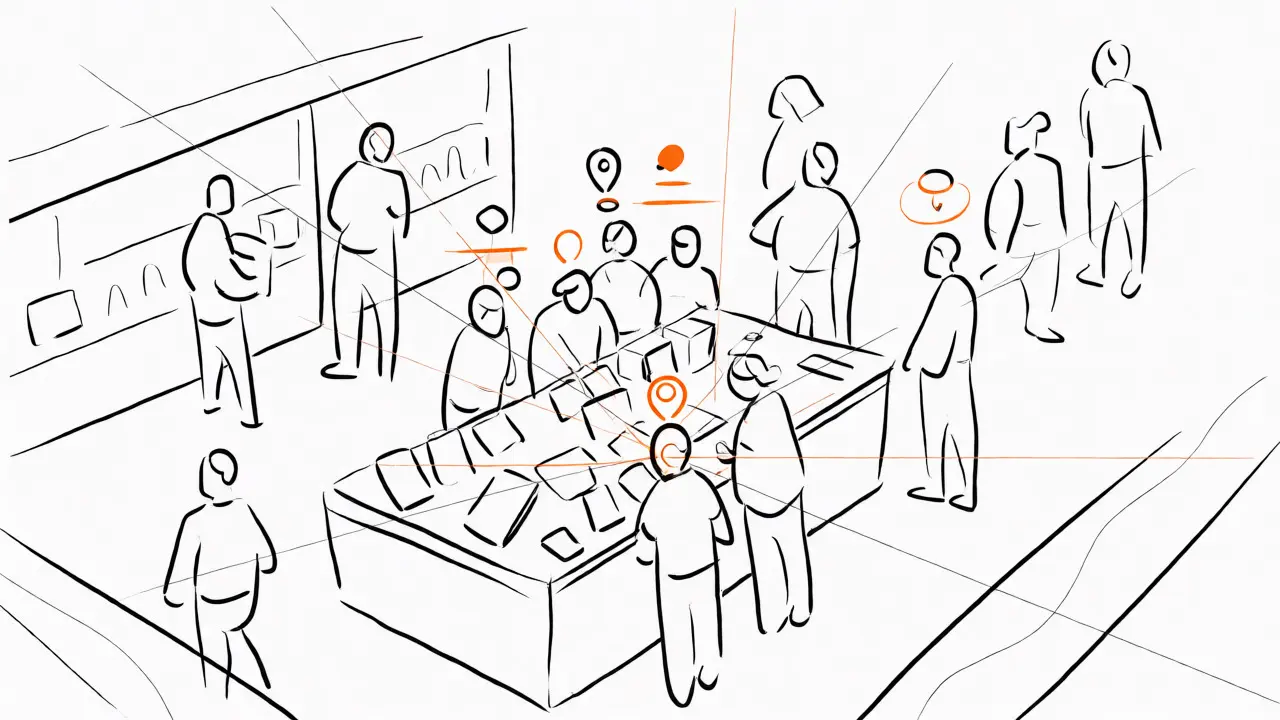
Consider a retail brand analyzing in-store camera feeds. Instead of manually reviewing hours of footage to see how customers interact with a new display, Scene Analysis can flag moments where multiple people stopped near the display. It doesn't need perfect facial recognition (which raises GDPR issues); it just needs to detect "group interaction" and "proximity to object." This transforms passive surveillance data into active consumer insight. Netflix reported a 92% reduction in metadata creation time using similar customized implementations, proving that even large-scale media companies are moving away from manual tagging.
Implementation Pitfalls and Best Practices
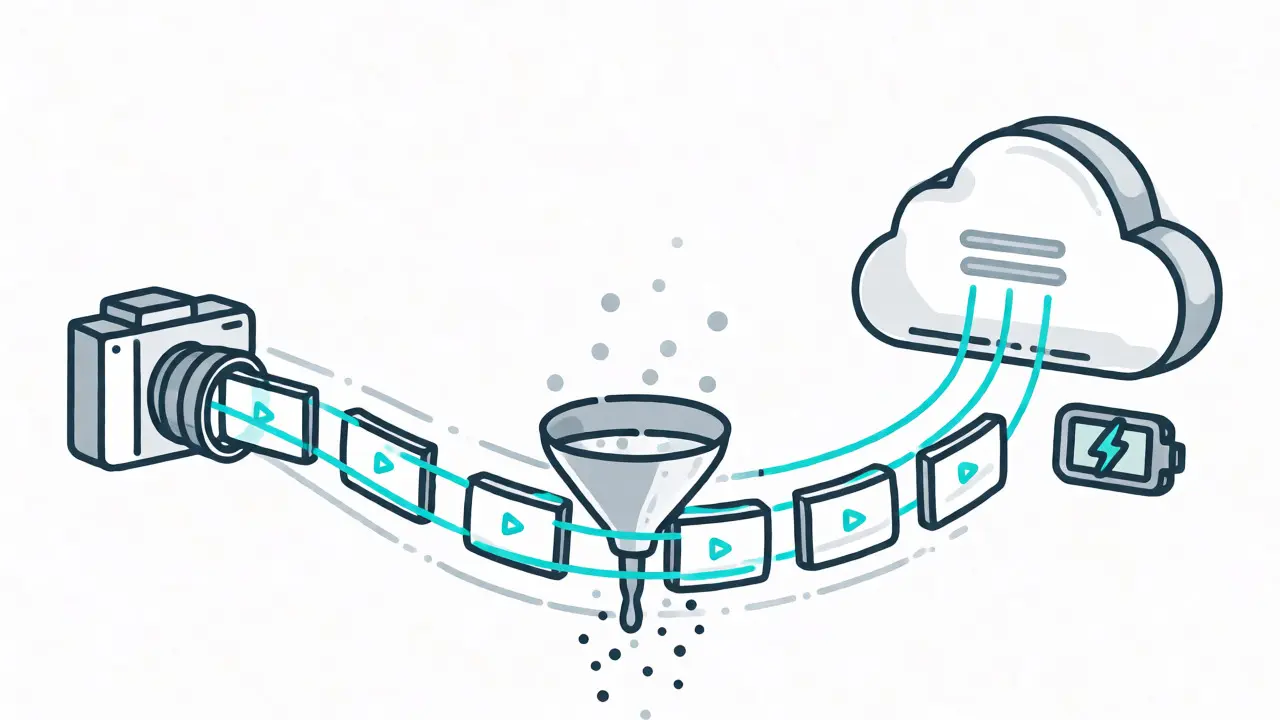
If you’re ready to implement this, watch out for the "token trap." Video consumes tokens rapidly. With Gemini 3 models operating at 70 tokens per frame, a single minute of video at 30fps equals 2,100 tokens. Multiply that by thousands of videos, and your cloud bill explodes. To mitigate this, use strategic clipping intervals. Don't feed a 2-hour meeting into the model if you only care about the first 5 minutes. Trim before you upload.
- Frame Rate Matters: Default settings work for talking heads. For fast-action sports or high-speed manufacturing lines, increase the FPS sampling rate. Otherwise, the model misses key events between frames.
- Prompt Structure: Google’s documentation explicitly advises placing the video input before the text prompt for optimal results. Reversing this order can degrade performance.
- Format Compatibility: Stick to MP4, WMV, or FLV. Avoid exotic codecs unless you want to spend engineering time on transcoding pipelines.
Another common failure mode is multi-speaker confusion. When rapid scene changes coincide with overlapping dialogue, accuracy drops by up to 34%. If your content involves panel discussions or chaotic environments, consider separating audio processing from visual analysis initially, then merging the outputs programmatically.
The Competitive Landscape: Who Does What Best?
You might wonder why you should choose one provider over another. Here is the brutal truth based on current capabilities:
| Model | Strengths | Weaknesses | Best Use Case |
|---|---|---|---|
| Gemini 2.5-flash | High efficiency, low token usage, strong Google Cloud integration | 20-second max video length for standard processing | Enterprise search, quick indexing, cost-sensitive apps |
| Sora 2 | Superior temporal coherence, handles physics simulations well | 40% higher compute cost, slower adoption in enterprise stacks | Long-form narrative analysis, complex action sequences |
| Kling 2.6 | Excellent Mandarin speech/video sync (89.7% accuracy) | Drops to 72.3% for English content | Regional Asian market applications |
| AWS Rekognition | Mature ecosystem, strong security compliance | Limited generative summarization capabilities | Security, identity verification, basic tagging |
Notice that no single model wins everywhere. Gemini dominates on price-performance ratio for general tasks. Sora 2 wins on quality for complex narratives but charges a premium. Your choice depends entirely on whether you prioritize budget or fidelity.
Future Outlook: Real-Time and Beyond
We are currently in the "batch processing" era of video AI. You upload, wait, and download. But the roadmap is clear. Google aims for real-time video analysis at 30fps by September 2026. This opens doors for live sports broadcasting, automated news editing, and interactive training simulations. However, energy consumption remains a concern. Current implementations require 4.7x more energy than traditional methods. As models get smarter, they also get hungrier for electricity. Keep an eye on edge computing solutions that push some processing closer to the camera source to reduce latency and bandwidth costs.
Can Generative AI understand emotions in video?
Yes, but with caveats. Models like Gemini 2.5 can detect visible cues such as facial expressions, body language, and tone of voice. They can tag a user as "frustrated" or "excited" with reasonable accuracy. However, they struggle with subtle sarcasm or complex mixed emotions. For deep psychological analysis, human review is still recommended.
What is the maximum video length supported by Gemini?
For standard processing requests, Gemini typically supports videos up to 2GB in file size. However, for granular temporal analysis, there are often soft limits around 20-60 seconds depending on the specific model version and resolution settings. Longer videos usually need to be chunked into smaller segments for optimal accuracy and cost management.
How much does video understanding cost compared to image analysis?
Video is significantly more expensive because it requires processing multiple frames plus audio tracks. Using Gemini's efficient tokenization (70 tokens/frame), a 1-minute video costs roughly 30-50 times more than analyzing a single high-res image. Costs scale linearly with duration and frame rate, so trimming unnecessary footage is the best way to control expenses.
Is Video Understanding compliant with GDPR?
It depends on implementation. Processing biometric data (faces, voices) requires explicit consent under GDPR. Many platforms offer options to blur faces or anonymize voices during processing to maintain compliance. Always check your vendor's data residency policies, especially if using cloud APIs that store data temporarily.
Do I need coding skills to use these tools?
Basic integration requires knowledge of REST APIs and Python (used in 87% of implementations). However, many no-code platforms now wrap these APIs into drag-and-drop interfaces. For custom workflows, such as adjusting frame rates or handling specific error cases, developer expertise is necessary.
 Artificial Intelligence