
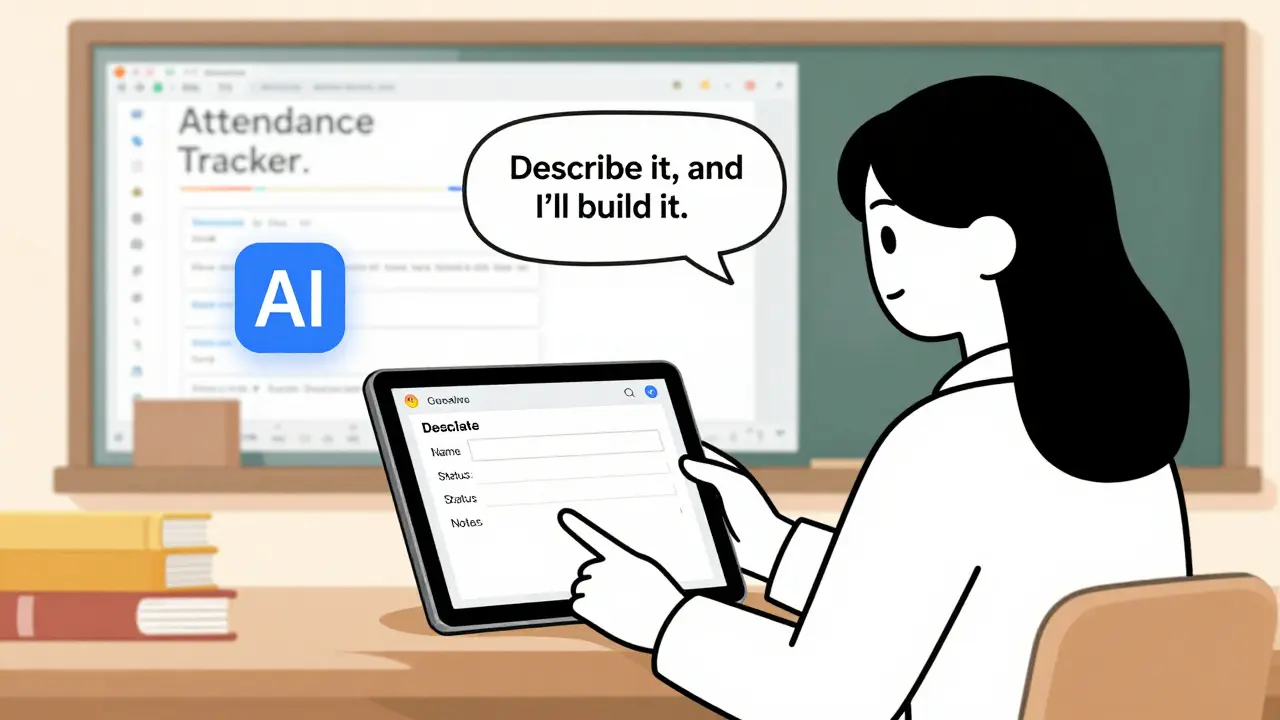
Think about the last time you opened a spreadsheet to track something important-customer orders, project timelines, inventory counts. You spent hours formatting cells, copying formulas, and manually updating rows. Then you wished you could just vibe coding your way out of it. That’s exactly what’s happening now: people who know their business inside out-accountants, teachers, logistics managers-are turning messy Excel and Google Sheets into real web and mobile apps, with zero coding experience.
This isn’t magic. It’s vibe coding, a new way of building software that started gaining real traction in late 2025. Instead of writing code line by line, you describe what you want in plain language. You tell an AI: "I need a form where my team can add new clients, search by name, edit their info, and delete old entries. All changes should update this Google Sheet." The AI spits out working code. You test it. You tweak the prompt. You do it again. In a few hours, you’ve got a full app-no developer needed.
How Vibe Coding Works: From Sheet to App in Minutes
The process starts with your spreadsheet. Maybe it’s a list of student grades, a sales tracker, or a project task board. You open it in Google Sheets, go to Extensions > Apps Script, and then paste a clear description into an AI tool like ChatGPT, Claude, or Gemini.
Here’s what a good prompt looks like:
- "Create a web interface connected to this Google Sheet. Users can add new rows through a form with fields for Name, Email, Status, and Notes. They can search by Name or Status. Editing a row updates the sheet. Deleting a row removes it from the sheet. Use a clean, modern design with a dark mode toggle. Deploy it as a public link."
The AI generates two files: a backend script (usually code.gs) that talks to Google Sheets, and a frontend (index.html) that shows the form and table. The first version? It’s rough. Buttons might not work. Styling is off. Search doesn’t handle typos. But it’s a start.
Now comes the vibe part. You look at the app. You say: "The search doesn’t work if someone types 'Joh' instead of 'John.' Fix it." The AI updates the code. You copy-paste it back. Refresh. Test again. Do this 3-5 times, and suddenly you’ve got something polished. No GitHub, no terminal, no debugging syntax errors. Just you, your domain knowledge, and an AI that listens.
The Tools Making Vibe Coding Real in 2026
It’s not just ChatGPT anymore. A whole ecosystem has grown around vibe coding. Here are the platforms people are using right now:
- Base44: The go-to for building professional dashboards. It lets you design layouts visually, generate editable forms, and export to PDF or shareable links. One user built a resume builder with 12 template designs, real-time preview, and logo upload-then sold it for $40,000 a month.
- Replit: Great for full-stack apps. You can build a frontend, connect to a database, add user login, and deploy everything in under 30 minutes using AI prompts.
- Supabase: Used behind the scenes for databases and authentication. It’s not part of the vibe coding interface, but it’s the engine powering secure user logins and data storage.
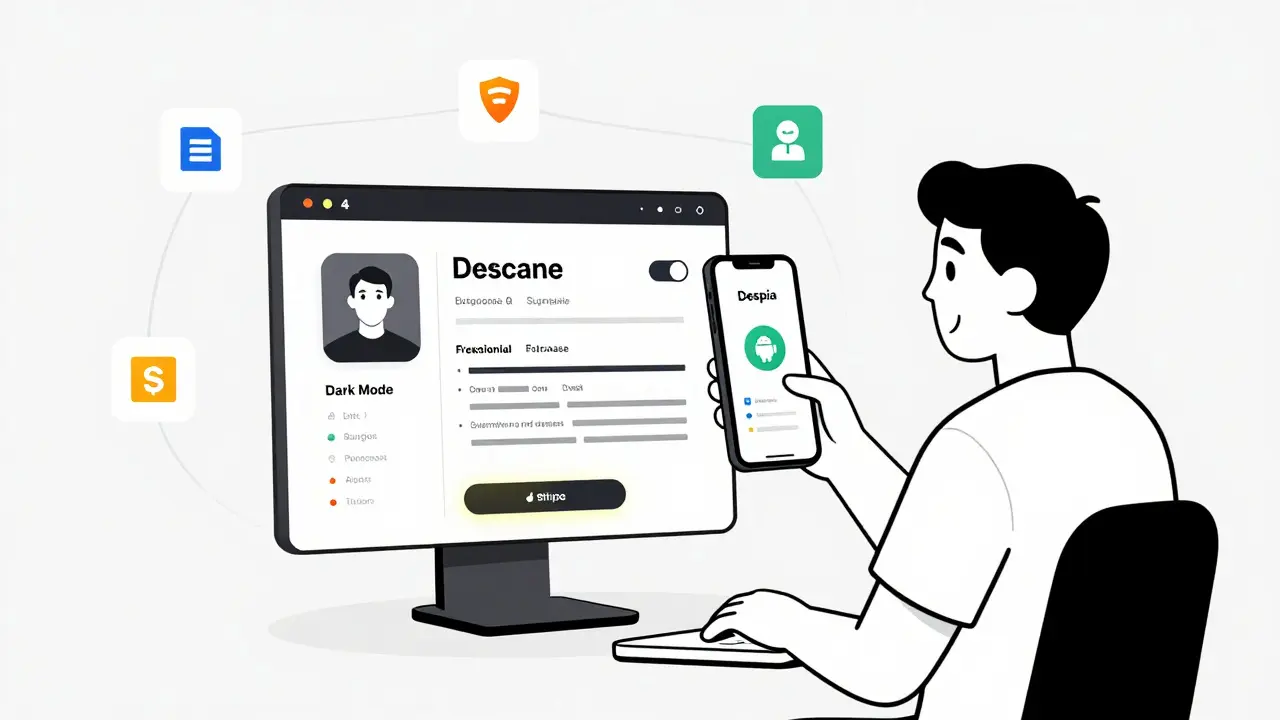
- Despia: Turns your web app into an Android app. You take the Base44 project, feed it into Despia, and it packages everything for Google Play. Privacy policy? Done. App icon? Done. Store listing? Done.
- Stripe: For monetization. Add a "Pro Plan" button. Let users pay $10/month. Stripe handles the payment. The AI writes the integration code.
These tools don’t replace each other-they chain together. You build the interface in Base44. Connect it to Supabase for data. Use Stripe for payments. Package it with Despia. Deploy it. That’s the new workflow.
What You Can Actually Build (Real Examples)
Vibe coding isn’t for building TikTok clones. It’s for replacing manual, repetitive tasks with digital tools. Here’s what’s already out there:
- Student Attendance Tracker: A teacher turned a Google Sheet with 200 names into a web app where students check in with a tap. It auto-sends reminders to parents if someone misses three days. No backend knowledge needed.
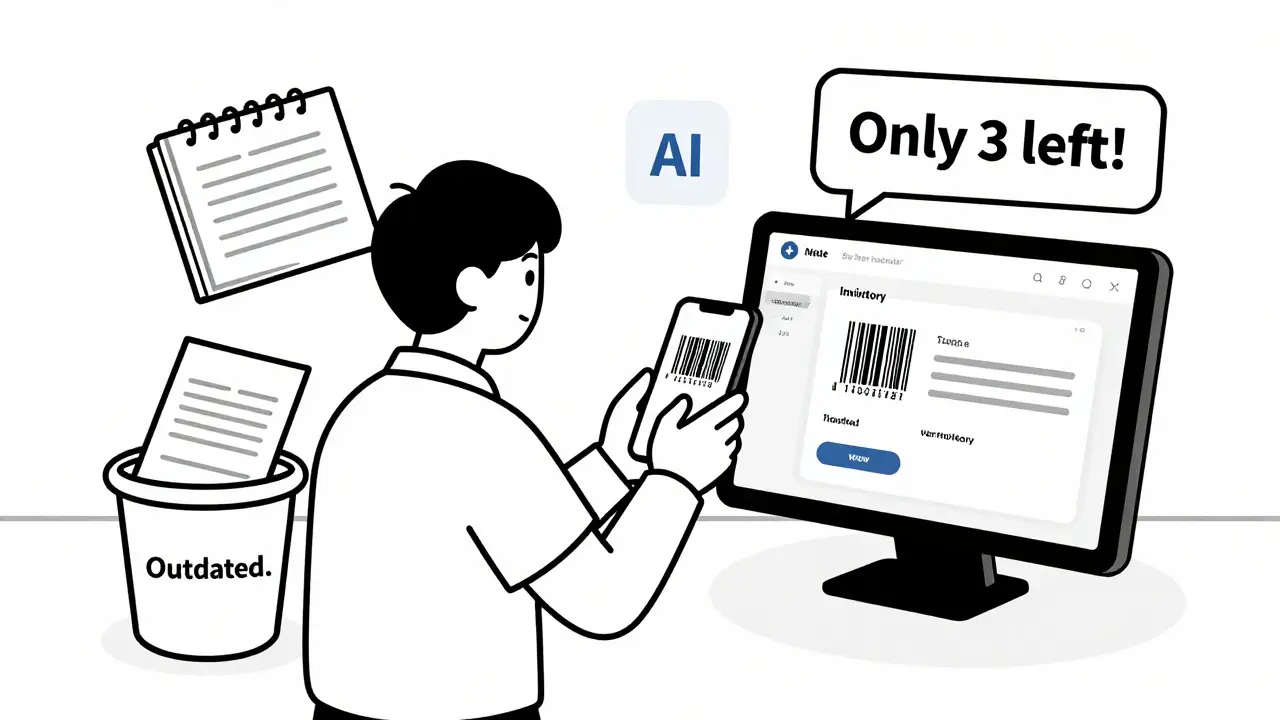
- Inventory Manager for Small Retailers: A mom-and-pop shop replaced their handwritten logbooks with an app that scans barcodes, tracks stock levels, and emails alerts when items drop below 5 units. It’s live on their phone.
- Resume Builder: A freelance designer built a tool where users pick a template, type in their experience, and download a PDF. They added payment gates. Now they earn $40,000 a month. No team. No office. Just a laptop and AI.
- Event RSVP System: A community organizer built a form that collects names, dietary needs, and emergency contacts. It auto-sends confirmation emails and updates a Google Sheet. Used for 12 local events last month.
These aren’t prototypes. They’re live, used daily, and making money. The common thread? The builders weren’t coders. They were the people who lived the problem every day.
Where Vibe Coding Falls Short
It’s powerful-but it’s not a magic wand. There are hard limits.
It works great for apps that:
- Store data in one place (like Google Sheets or Supabase)
- Have one or two user roles (admin, viewer)
- Don’t need real-time collaboration across 100+ people
- Don’t require complex file uploads (like videos or large images)
- Don’t need to connect to 5+ external APIs
It struggles with:
- Multi-user permissions (e.g., "User A can edit, User B can only view, User C can delete")
- Real-time syncing across devices (like Google Docs, but custom)
- File uploads that need server-side processing (e.g., converting PDFs to text)
- Complex email workflows (e.g., automated drip campaigns)
- Apps that need to run offline for long periods
That’s okay. Most businesses don’t need these. They need simple, reliable tools to replace paper, Excel, or sticky notes. Vibe coding nails that.
The Hidden Skill: Knowing What to Ask
The biggest myth about vibe coding is that you don’t need to know anything. Wrong. You need to know your domain deeply.
A teacher who’s been grading papers for 15 years knows exactly what fields matter: attendance, late submissions, participation notes. They can describe the app perfectly. A developer without that context? They’d build something technically perfect-but useless.
Successful vibe coders don’t just type prompts. They:
- Break down their process into steps
- Anticipate edge cases ("What if someone enters a date in MM/DD/YYYY instead of DD/MM/YYYY?")
- Know which features are nice-to-have vs. must-have
- Test each version like a user, not a coder
That’s why the best vibe coders aren’t engineers. They’re nurses, farmers, librarians, and small business owners.
Deployment and Monetization: Getting Your App Out There
Building the app is only half the battle. You need to get it in front of people.
For web apps: Use Google Apps Script’s deployment feature. It gives you a unique URL. Share it. Embed it in a Google Site. That’s it.
For mobile: Use Despia to turn your web app into an Android APK. Submit it to Google Play Console. Fill in the store description. Upload icons. Add a privacy policy. Done. No Java. No Kotlin. Just AI-generated code and a few clicks.
For money: Add Stripe. Let users pay $5/month for premium features. Or charge $20 to download a template. The AI writes the payment button code. You test it. You launch. People pay. You earn.
The resume builder making $40k/month? It’s not ads. It’s subscriptions. Users pay to unlock advanced templates. The creator didn’t hire a sales team. He just made something people needed-and made it easy to buy.
What’s Next for Vibe Coding?
By mid-2026, vibe coding isn’t a trend. It’s a category. Platforms like Base44, Lovable, and Cursor are adding AI-assisted debugging. You can now say: "This button doesn’t work on Safari. Fix it." and the AI analyzes the browser logs and updates the CSS.
YouTube tutorials from Sheets Ninja and Matt Palmer have millions of views. Reddit threads are full of people sharing their first vibe-coded apps. Companies are quietly using it to build internal tools without IT departments.
It’s not replacing developers. But it’s replacing the need for companies to hire them for simple apps. And that’s a huge shift.
If you’ve ever said, "I wish I could just automate this,"-you’re already a vibe coder. You just didn’t know the name yet.
Do I need to know how to code to use vibe coding?
No. Vibe coding is designed for people without coding experience. You describe what you want in plain language, and AI generates the code for you. You focus on your domain-like managing inventory or tracking students-not on syntax or frameworks. The tools handle the technical side.
Can vibe coding build apps that make money?
Yes. Real examples exist. One user built a resume builder with template designs, real-time editing, and PDF export. They added Stripe payments and now earn $40,000 per month. Other vibe-coded tools-like attendance trackers and inventory systems-are being sold as SaaS products. Monetization is built into the workflow through platforms like Stripe and Base44.
What’s the difference between vibe coding and no-code tools like Airtable or Bubble?
No-code tools give you drag-and-drop builders with limited customization. Vibe coding uses AI to generate real code-HTML, JavaScript, backend scripts-that you can tweak and extend. It’s more flexible. You’re not stuck in a box. You get full control over the output, and you can deploy it anywhere-Google Sites, mobile apps, or your own domain.
Is vibe coding secure for sensitive data?
It depends on how you set it up. If you connect your app to Google Sheets, data stays in your Google account. For better security, use Supabase for encrypted databases and user authentication. Avoid storing passwords or credit card data directly. Always add a privacy policy, especially if you’re collecting user data. Many vibe coding platforms now auto-generate compliant policies.
Can vibe coding create mobile apps?
Yes. Tools like Despia take your web app built with vibe coding and package it as an Android app ready for the Google Play Store. You don’t need to write Java or Kotlin. You just describe the app, generate the web version, then use Despia to convert it. iOS support is coming in late 2026.
Start Your First Vibe-Coded App Today
Here’s how to begin:
- Open a Google Sheet with data you manage manually.
- Go to Extensions > Apps Script.
- Paste this prompt into ChatGPT or Claude: "Turn this Google Sheet into a web app with a form to add, search, edit, and delete entries. Use a clean design. Deploy it as a public link."
- Copy the code it gives you into Apps Script.
- Test it. Fix one thing. Try again.
- Share the link with someone who needs it.
You don’t need permission. You don’t need a budget. You just need a problem you care about-and the willingness to ask an AI for help.
 Artificial Intelligence



Sarah McWhirter
February 18, 2026 AT 19:22Okay but what if the AI decides your spreadsheet is actually a secret CIA database? 🤔 I just asked it to turn my grocery list into an app and now it’s sending me encrypted alerts about ‘unauthorized avocado access.’ I think we’re one prompt away from Skynet using Google Sheets to phase out humans. Also, why does it keep calling my cat ‘Senior Inventory Analyst’? I didn’t ask for that. I just wanted to track tuna cans.
Still… I kinda love it. Like, what if this is how the singularity starts? Not with robots, but with Karen from accounting finally automating her ‘urgent’ Excel file that’s been unchanged since 2012?
Ananya Sharma
February 19, 2026 AT 21:10Let me be the first to say this is the most dangerously naive piece of tech evangelism I’ve read all year. You call this ‘vibe coding’ like it’s some kind of spiritual awakening, but it’s just glorified copy-paste AI with zero accountability.
Teachers using this to track attendance? What happens when a student’s name gets autocorrected to ‘J0hn’ and the system flags them as absent for three weeks? No one’s auditing the output. No one’s checking the logic. The AI doesn’t understand context-it just recombines patterns it’s seen before. And you’re letting non-technical people deploy live tools that handle personal data? You think a mom-and-pop shop really understands Supabase authentication? Or that Despia’s Android wrapper doesn’t silently leak location data?
This isn’t empowerment. It’s a liability avalanche waiting to happen. And the worst part? People are going to believe this is ‘innovation’ while real engineers are sidelined because ‘anyone can do it.’ Spoiler: no, they can’t. And when it all crashes, the blame won’t be on the AI. It’ll be on the teacher who didn’t know what a SQL injection was. And that’s on you for encouraging this.
kelvin kind
February 21, 2026 AT 11:13Went and tried it. Made a simple task tracker for my side hustle. Took 20 minutes. First version was junk. Second version? Worked fine. Third? Looked slick. No coding. No stress. Just me, my sheet, and ChatGPT.
It’s not magic. But it’s way easier than I thought. I’m not gonna quit my job, but I’m definitely automating the boring stuff now.
Ian Cassidy
February 21, 2026 AT 12:30As someone who’s built full-stack apps for 12 years, I’m weirdly impressed. This isn’t replacing developers-it’s offloading the low-value, repetitive CRUD apps that used to eat up 60% of dev time.
The real win? Domain experts finally get to own their tools. I’ve seen so many teams waste months waiting for a dev to build a form that updates a Google Sheet. Now? They do it in an afternoon. The tech stack is still the same-App Script, Supabase, Stripe-but the barrier to entry? Gone.
Yeah, it’s messy. Yeah, you’ll need to tweak prompts. But if you’re not using this to kill 80% of your internal tooling debt, you’re leaving money on the table.
Zach Beggs
February 22, 2026 AT 21:32Just wanted to say I tried the resume builder example. Made one last weekend. Added Stripe. Got my first $5 payment yesterday.
It felt surreal. Like, I didn’t write a single line of code. I just described what I wanted, tweaked it a few times, and boom-someone paid me. Not because I’m a genius. Just because I knew what freelancers actually need.
Also, the AI auto-generated a privacy policy. That was… weirdly helpful.
Kenny Stockman
February 23, 2026 AT 01:04Hey, if you’re thinking about trying this-go for it. No need to wait for permission. Start small. Use your own data. Mess up. Fix it. Ask the AI again. It’s like learning to cook-you don’t need a culinary degree to make a decent omelet.
And hey, if it helps you stop spending 3 hours a week copying and pasting in Excel? That’s 150 hours a year. That’s like getting a whole extra week of vacation. Worth it.
Antonio Hunter
February 24, 2026 AT 03:04I’ve been watching this trend for a while now, and honestly, I think it’s one of the most quietly revolutionary shifts in how work gets done-not because of the technology, but because of the cultural shift it enables.
For decades, if you weren’t a coder, you were locked out of building tools for your own work. You had to wait. You had to plead. You had to explain your problem in terms of ‘requirements’ and ‘user stories’ to someone who didn’t live it.
Now? A nurse can build a patient follow-up tracker. A librarian can automate overdue notices. A farmer can track crop yields across 12 fields without hiring a dev team. That’s not just efficiency. That’s dignity.
Yes, there are limits. Yes, security matters. Yes, you’ll need to learn how to prompt well. But the real skill isn’t in the AI-it’s in knowing your own work deeply enough to describe it clearly. And that’s a skill every expert already has.
So if you’ve ever muttered, ‘I wish I could just…’-don’t wait. Try it. Mess up. Try again. You’re not building software. You’re reclaiming your time. And that’s worth more than any app.