
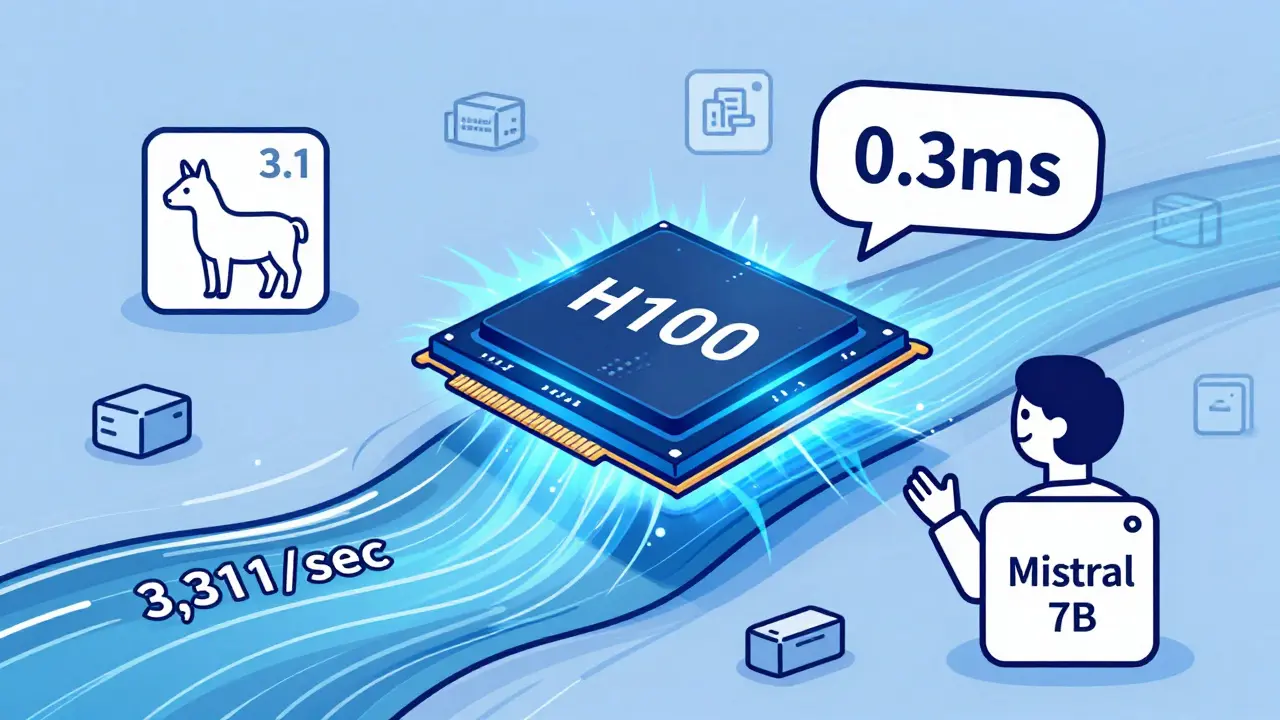
Choosing the right hardware for running large language models (LLMs) isn’t just about buying the most powerful GPU. It’s about matching your workload, budget, and latency needs to the right tool. If you’re deploying LLMs in production, you’re likely weighing three options: NVIDIA’s A100, the newer H100, or CPU offloading. Each has trade-offs in speed, cost, complexity, and scalability. Let’s cut through the noise and show you what actually matters in 2025.
Why GPU Choice Matters More Than Ever
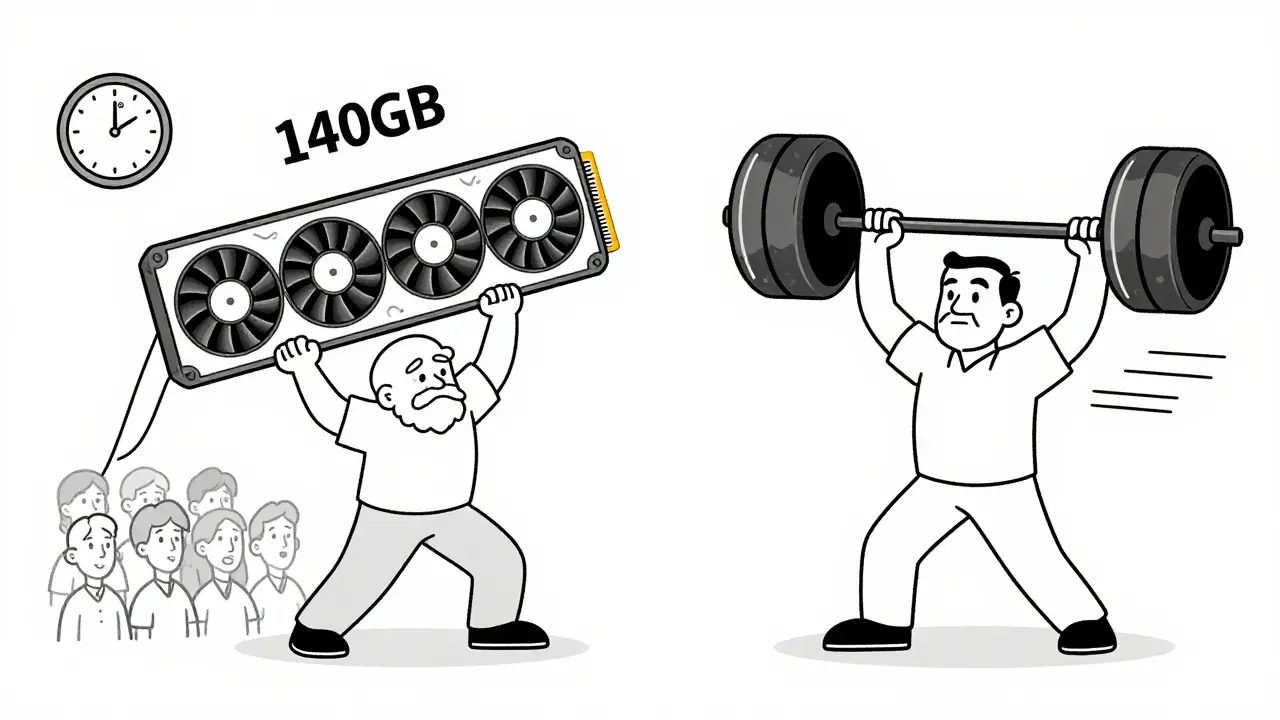
LLMs like Llama 3.1 70B or Mistral 7B aren’t just big models-they’re memory hogs. A 70B parameter model needs at least 140GB of fast memory just to load its weights. That’s why GPU memory bandwidth and architecture matter more than raw core count. The H100, launched in late 2022, was built specifically for transformer-based workloads. The A100, from 2020, was designed for general AI training. CPU offloading tries to stretch older hardware beyond its limits. The difference isn’t subtle-it’s the difference between a chatbot that answers in half a second and one that takes five.
H100: The New Standard for Production Inference
The H100 isn’t just an upgrade-it’s a redesign. Its fourth-generation Tensor Cores and Transformer Engine let it switch between FP8, FP16, and INT8 precision on the fly during inference. This means it can run models faster without losing accuracy. Benchmarks show it delivers up to 3.3x faster token generation than the A100 on 30B+ models when using FP8. For example, running Llama 3.1 70B with vLLM, the H100 generates 3,311 tokens per second. The A100 manages just 1,148. That’s nearly 3x faster.
Memory bandwidth is where the H100 pulls away. It uses HBM3 memory with 3.35 TB/s bandwidth. The A100 uses HBM2e at 2.0 TB/s. That 67% jump isn’t just a number-it’s what keeps the GPU fed with data. Without enough bandwidth, even a powerful chip sits idle waiting for weights. The H100’s NVLink interconnect is also faster (900 GB/s vs. 600 GB/s), making multi-GPU setups far more efficient for models that exceed 80GB.
Enterprise users report real gains. One financial services team running a customer service chatbot saw 37 concurrent users on H100 before latency hit 2 seconds. On A100, they hit that limit at 22 users. And while H100 instances cost more per hour, the cost per token is often lower. A Reddit user running Mistral 7B found H100 was 18% cheaper per token on AWS, despite a higher hourly rate, because it processed so much faster.
A100: Still Useful, But Falling Behind
The A100 isn’t dead. It’s still running thousands of models in production. But it’s becoming a legacy option. Its third-generation Tensor Cores can’t match the H100’s FP8 efficiency. It lacks the Transformer Engine entirely, so you’re stuck with FP16 or INT8-slower, less flexible, and less memory-efficient. For models under 13B parameters and low concurrency, the A100 can still be cost-effective. Its widespread availability means cloud providers often price it lower. MIT’s AI Systems Lab noted in April 2025 that for small models, A100 often gives better price/performance.
But here’s the catch: if you’re planning to scale up later, the A100 will hold you back. Newer models like 100B+ parameter LLMs are already hitting memory bandwidth limits. The A100’s 2.0 TB/s bandwidth won’t cut it. NVIDIA’s own documentation says H100 can deliver up to 6x faster training for GPT-style models using FP8. That efficiency gap will only widen as models grow. If you’re starting fresh in 2025, betting on A100 means you’re likely to upgrade again in 18-24 months.
CPU Offloading: The Compromise That Costs More Than It Saves
CPU offloading sounds like a budget hack: run a 70B model on a server with 128GB of RAM and a few cheap GPUs. Tools like vLLM’s PagedAttention or Hugging Face’s accelerate let you swap model weights between CPU RAM and GPU memory. It’s great for experimentation. You can run Llama 3 8B on a laptop with 32GB RAM-many GitHub users have done it.
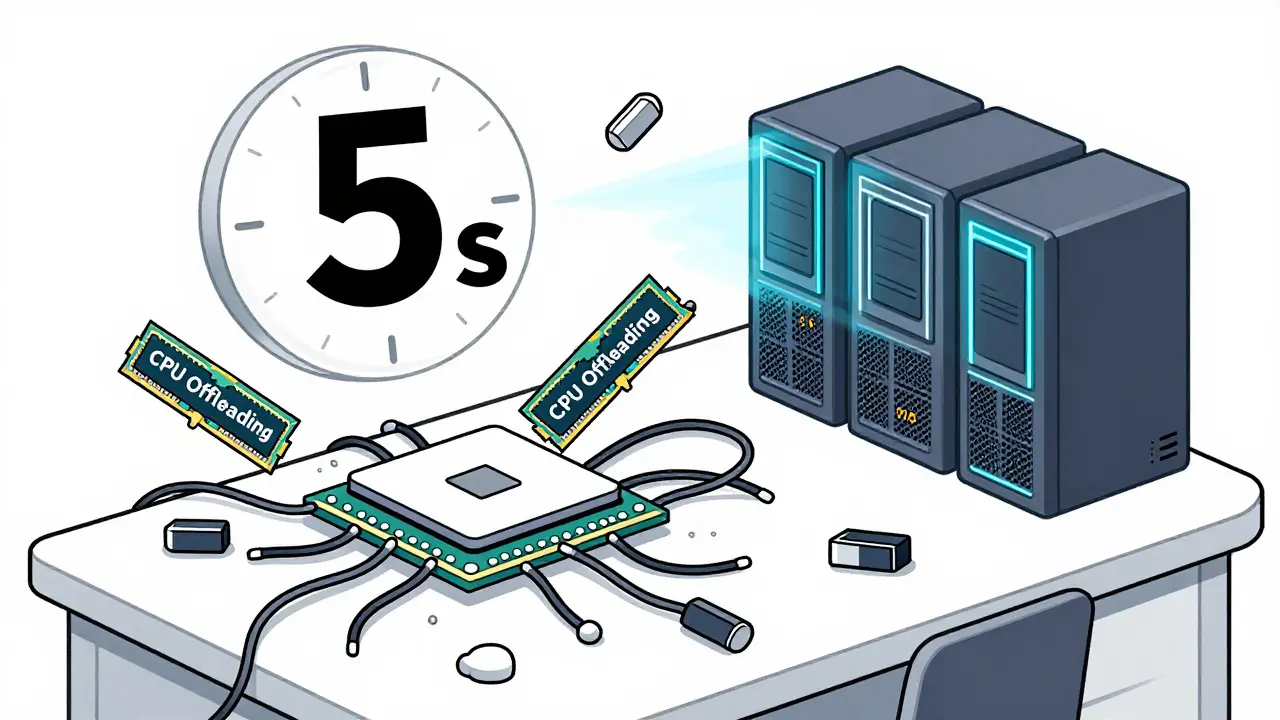
But in production? It’s a non-starter. Latency spikes from 200ms on H100 to 2-5 seconds per token with CPU offloading. MLPerf benchmarks from December 2024 show throughput drops to 1-5 tokens per second on even high-end AMD EPYC CPUs. That’s not just slow-it’s unusable for real-time apps. Hugging Face forum users reported 8-15 second response times for 7B models, which kills user experience.
There’s also hidden complexity. Managing memory swaps requires careful tuning. GitHub contributors say it takes 5-7 days to stabilize a 70B model with CPU offloading. Documentation is patchy, and tools change often. One DevOps engineer told us, “We spent two weeks debugging memory thrashing before we realized we were better off renting a single H100.”
Real-World Trade-Offs: Speed, Cost, and Complexity
Here’s what you’re really choosing between:
| Option | Token/sec (70B model) | Latency (per token) | Cost per token | Setup Complexity | Best For |
|---|---|---|---|---|---|
| H100 | 3,311 | 0.3ms | Lowest | Medium (FP8 tuning needed) | Production, high concurrency, real-time apps |
| A100 | 1,148 | 0.8ms | Medium | Low (mature tooling) | Small models, low concurrency, legacy systems |
| CPU Offloading | 1-5 | 2,000-5,000ms | High (hidden costs) | High (memory tuning, debugging) | Development, prototyping, low-volume testing |
Notice something? The H100 isn’t just faster-it’s more cost-efficient at scale. Gartner’s May 2025 report shows H100 now powers 62% of new enterprise LLM deployments. A100 is down to 28%. CPU offloading? Just 10%. Why? Because cloud providers slashed H100 prices by 40% since January 2025. You can now rent an H100 for less than you’d think.
What About Alternatives? AMD, Google, and the Future
AMD’s MI300X is the only real competitor. TechInsights found it delivers 1.7x the performance of H100 at 85% of the cost. But it still lags in software support. Frameworks like vLLM and TensorRT-LLM have far better H100 integration. Google’s TPU v5p is faster for some models, but only works with TensorFlow and JAX-not PyTorch, which most LLMs use. That limits its usefulness.
The future? NVIDIA’s H100 Turbo, released in June 2025, fixes thermal throttling in dense clusters. IDC predicts H100-class GPUs will hold 75%+ of the production LLM inference market through 2027. CPU offloading? It’s staying in development labs. McKinsey’s report says organizations using H100 now will stay relevant for 3-5 years. A100 users? They’re on borrowed time.
Final Decision Guide: Which One Should You Pick?
Here’s how to choose:
- Pick H100 if: You need real-time responses, high concurrency (10+ users), or plan to scale to 50B+ models. You’re okay with a 2-4 week tuning period to unlock FP8 gains.
- Pick A100 if: You’re running models under 13B parameters, have low traffic, and need quick deployment with minimal setup. You’re on a tight budget and don’t plan to upgrade soon.
- Avoid CPU offloading for production: Only use it for prototyping, testing, or personal experiments. The latency kills user experience. It’s not a cost-saving trick-it’s a workaround with hidden expenses.
One final tip: Don’t buy hardware based on specs alone. Test your exact model with your expected load. A 13B model on H100 might be overkill. A 70B model on A100 might be a nightmare. Use cloud providers to test before committing.
Is the H100 worth the extra cost over the A100 for LLM inference?
Yes, for most production use cases. While the H100 costs more per hour, it generates tokens 2-3x faster. For models over 13B parameters, this means lower cost per token and higher throughput. A financial services team found they could handle 37 concurrent users on H100 versus 22 on A100 before latency exceeded 2 seconds. The H100’s Transformer Engine and FP8 support also reduce memory usage, letting you run larger models without adding more GPUs.
Can I use CPU offloading for a public-facing chatbot?
No. CPU offloading adds 2-5 seconds of latency per token. For a chatbot, that means users wait 10-30 seconds for a full response. That’s not just slow-it’s frustrating. Even 7B models on high-end CPUs struggle to hit 5 tokens per second. Hugging Face users reported 8-15 second delays consistently. Real-time applications require GPU acceleration. CPU offloading is only suitable for development or low-traffic internal tools.
Do I need to retrain my model to use the H100’s FP8 precision?
No, you don’t need to retrain. The H100’s Transformer Engine works with existing FP16 models. You just need to enable FP8 quantization in your inference framework-like vLLM or TensorRT-LLM. This reduces memory usage by up to 50% and boosts speed without retraining. However, tuning the quantization settings for your specific model can take 2-4 weeks to optimize for stability and accuracy.
What’s the minimum GPU memory needed for a 70B LLM?
You need at least 140GB of fast memory to run a 70B LLM without offloading. A single H100 or A100 has 80GB-so you’d need two GPUs with NVLink. The H100 NVL variant, with 188GB combined memory, was built for exactly this. If you’re using a single GPU, stick to models under 30B parameters. Anything larger will require multi-GPU setups or aggressive offloading, which hurts performance.
Is AMD’s MI300X a better alternative than the H100?
Not yet. While the MI300X is cheaper and offers decent performance (about 1.7x slower than H100), software support is weak. Most LLM inference tools-vLLM, DeepSpeed, TensorRT-LLM-are optimized for NVIDIA. The H100 has mature drivers, better documentation, and community support. For enterprise deployments, reliability and ecosystem matter more than raw specs. AMD is catching up, but H100 still leads in real-world LLM performance.
Will the H100 become obsolete soon?
Not in the next 3-5 years. Analysts at IDC and McKinsey predict H100-class GPUs will dominate production LLM inference through at least 2027. New models are growing beyond 100B parameters, and memory bandwidth is the bottleneck. The H100’s HBM3 and Transformer Engine are designed for this. A100s are already being phased out because they can’t handle the next generation. Unless a major architectural shift happens (like TPU dominance or new memory tech), H100 remains the safest long-term bet.
 Artificial Intelligence





Bill Castanier
December 30, 2025 AT 22:55The H100 is the only sane choice for production. A100 is a relic, and CPU offloading is just delaying the inevitable.
Ronnie Kaye
December 31, 2025 AT 19:33Everyone says H100 but no one talks about how hard it is to get one outside the US. We're stuck with A100s here in India and somehow make it work. Don't act like the world runs on NVIDIA's schedule.
Ian Maggs
January 2, 2026 AT 05:27It's fascinating, isn't it? The entire industry is now locked into a single vendor's architecture-NVIDIA's dominance isn't just market share, it's cultural inertia; we've traded innovation for compatibility, and now we're trapped in a feedback loop where software evolves only to serve hardware that was designed five years ago... and yet, we still call it progress.
Michael Gradwell
January 2, 2026 AT 06:16CPU offloading? Bro, if you're running a chatbot with 5-second delays, you're not saving money-you're just making users rage-quit. Just rent an H100 already.
Flannery Smail
January 3, 2026 AT 14:29Everyone's acting like H100 is the future but AMD's MI300X is right there, cheaper and almost as fast. The only reason people won't switch is because they're scared of learning something new. This isn't tech-it's fanboyism.
Priyank Panchal
January 4, 2026 AT 12:23Let me be clear: if you're still using A100s in 2025, you're not being cost-conscious-you're being lazy. The math is simple: H100 gives you 3x the throughput, 2x the efficiency, and cuts your total cost of ownership. Your 'budget' is just an excuse for poor planning. I've seen teams waste six months clinging to old hardware only to rebuild everything from scratch. Don't be that guy.