
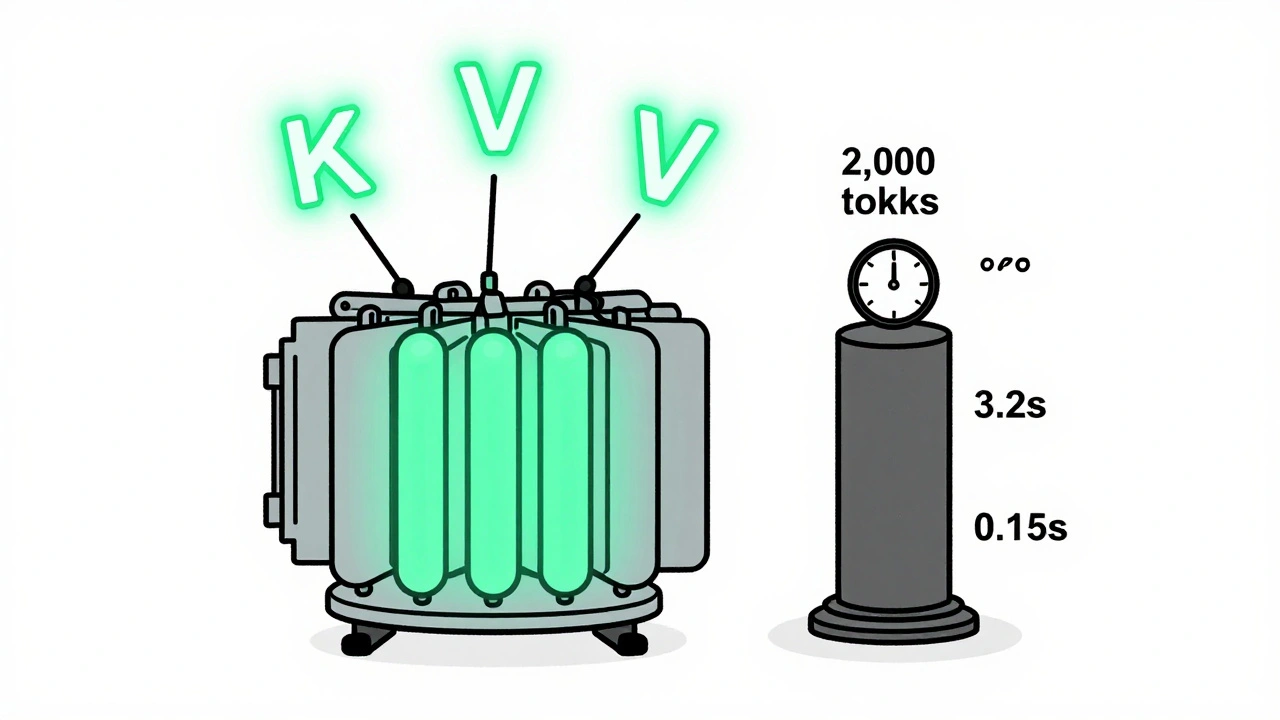
Running a large language model (LLM) like LLaMA-3 or GPT-4 isn’t just about having a powerful GPU. It’s about making every byte and every cycle count. If you’ve ever waited minutes for a single response from a chatbot running on your own hardware, you’ve felt the weight of inefficient inference. The secret to making these models fast, cheap, and scalable? Two techniques: KV caching and continuous batching.
Why LLMs Are So Slow (And Why You Can’t Just Throw More GPU at Them)
Large language models generate text one token at a time. For a 2,000-token response, the model runs attention calculations over 1 token, then 2, then 3… all the way up to 2,000. Without optimization, that’s 2,000 separate passes over the entire sequence. Each pass recalculates attention weights for every previous token. That’s O(n²) complexity - and it kills speed. NVIDIA’s benchmarks show that without KV caching, generating a 2,000-token response on a 7B model takes 3.2 seconds per token on average. With caching? It drops to 0.15 seconds. That’s a 21x improvement. The reason? You stop recomputing the same data over and over.What Is KV Caching? (And Why It’s a Game-Changer)
KV caching stands for Key-Value caching. In transformers, attention works by comparing a query (Q) against keys (K) and values (V) from previous tokens. The keys and values are computed once per token during the forward pass. Once computed, they don’t change - so why recompute them? KV caching stores those K and V vectors after the first time they’re calculated. For each new token, the model only computes the query for that new token. Then it grabs the cached K and V from all previous tokens and computes attention on just the new query against the full history. This turns O(n²) into O(n) per token. For a 7B parameter model like LLaMA-2, the KV cache for a 2,000-token sequence stores 8.4 billion elements - more than the model’s own weights. That’s the catch. The cache isn’t free. It eats memory. At FP16 precision, a 32,000-token sequence needs 13.4 GB of GPU memory just for KV cache. That’s more than half the VRAM on many consumer cards.Memory Is the New Bottleneck
You’d think bigger models need more compute. But today, the biggest problem is memory. According to vLLM’s 2025 data, for LLaMA-3 8B, the KV cache becomes larger than the model weights after about 4,200 tokens. At 16k tokens, it’s 3x bigger. And if you’re serving 16 users at once? Multiply that by 16. EdgeAI Labs found that 78% of attempts to deploy 7B models on edge devices fail - not because the model is too big, but because the KV cache won’t fit in RAM. Even in data centers, 68% of failed LLM deployments in Q2 2025 were due to memory exhaustion from unmanaged KV caches.Compression Techniques: Making KV Caches Smaller Without Losing Quality
You can’t just ignore memory. You have to shrink it. That’s where compression comes in.- NVFP4 (NVIDIA, Dec 2025): Quantizes KV pairs from FP16 to 4-bit. Reduces memory by 50%, with only 0.7% accuracy loss across 15 benchmarks. Requires Blackwell GPUs (RTX 6000 Ada or newer). Used by Scale AI to cut costs 4.1x.
- SpeCache (Wang et al., March 2025): Uses learned sparsity to drop unimportant KV pairs. Achieves 2.3x compression with just 0.8% increase in perplexity. Reduces CPU-GPU transfer latency by 34% by prefetching only high-value tokens.
- KVzip (Kim et al., May 2025): Lossless compression based on token pattern repetition. Works best on long, repetitive contexts (like code or legal docs). Cuts cache size 3-4x with no measurable accuracy drop up to 170k tokens.
- CLLA (Cross-Layer Latent Attention): Replaces KV pairs with learned latent representations. Reduces cache to 2% of original size - but adds 8-12% latency during reconstruction.
Continuous Batching: Serving Many Users at Once
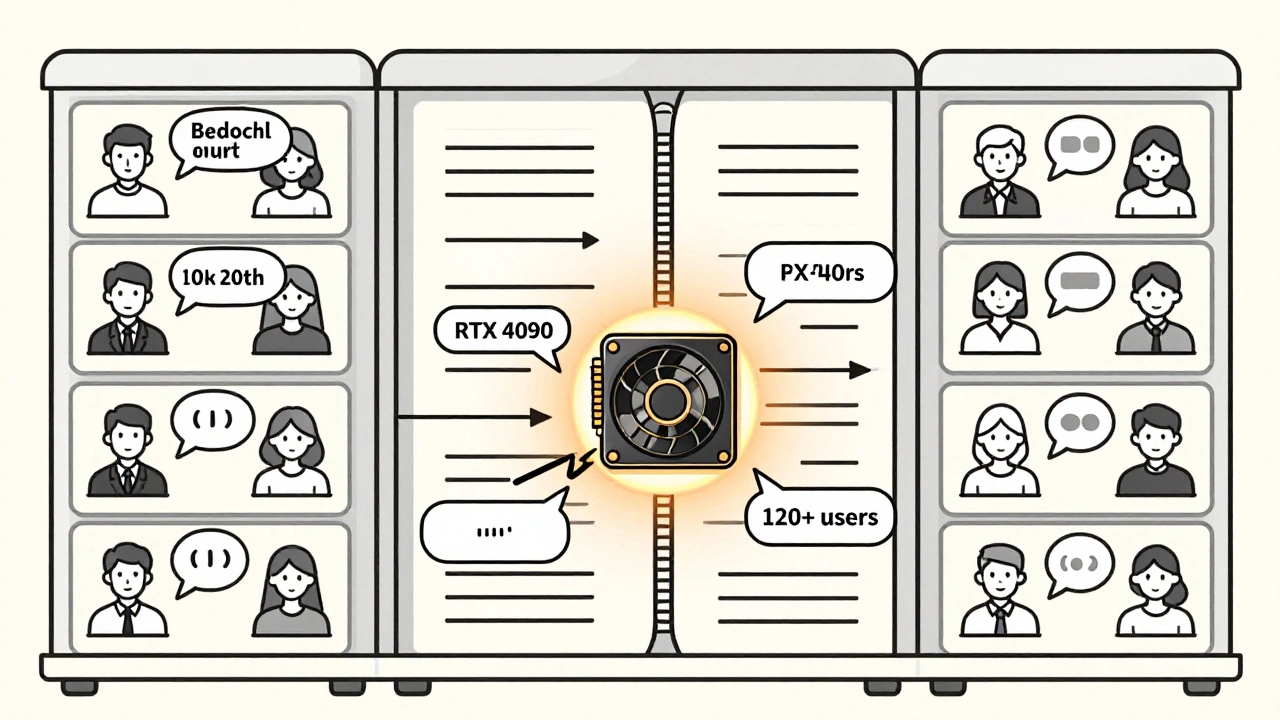
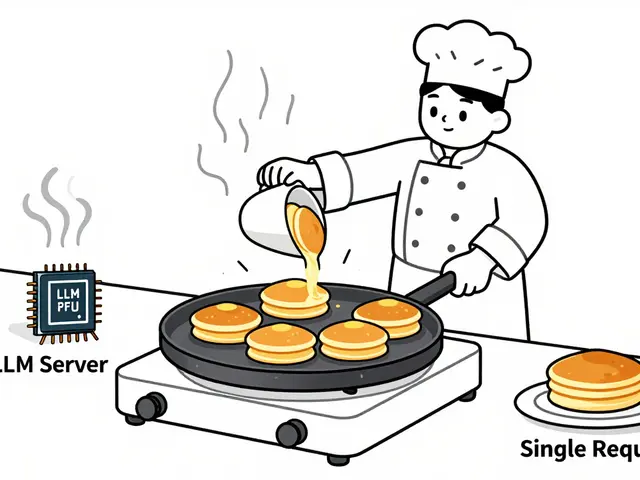
KV caching makes one request faster. Continuous batching makes many requests happen at the same time. Traditional batching waits until you have, say, 16 requests ready, then processes them together. But users don’t send requests in perfect sync. One user types a long prompt. Another sends a short one. The system sits idle waiting for the slowest. Continuous batching (used by vLLM 0.5.1) lets requests enter and exit the batch dynamically. As one user finishes generating a token, their slot is instantly given to a new request. No waiting. No empty slots. The result? 3.8x higher throughput than traditional batching. A single RTX 4090 can serve 120+ concurrent users with sub-second latency. Reddit user ‘LLM_developer42’ cut a 3-minute response time down to 15 seconds using vLLM with continuous batching. But there’s a trade-off. Latency becomes inconsistent. Some users get fast responses. Others wait longer if their request gets stuck behind a long generation. For real-time apps like voice assistants, that 22-27% latency variance can be a dealbreaker.How to Get Started
You don’t need to build this from scratch. Use existing tools:- vLLM (open-source): Best for beginners. Handles KV caching and continuous batching automatically. Supports FP16, FP8, and NVFP4.
- NVIDIA TensorRT-LLM: For enterprise. Full NVFP4 support, optimized for Blackwell GPUs.
- Hugging Face TGI (Text Generation Inference): Good for smaller deployments. Less aggressive batching but easier to debug.
- Use FP16 first. Measure your memory usage with
nvidia-smi. - If you’re hitting VRAM limits, switch to NVFP4 - but only if you have an RTX 6000 Ada or newer.
- Set cache size to 50-70% of available VRAM. Too high? You’ll get OOM crashes. Too low? You’ll lose caching benefits.
- Enable continuous batching. Monitor per-request latency with Prometheus or Grafana.
- Test accuracy. Run a few prompts through before going live. Watch for hallucinations or loss of coherence.
What’s Next?
The future of LLM serving isn’t bigger models. It’s smarter serving. Meta’s planning dynamic cache resizing for Llama 4 in Q2 2026 - the system will shrink or expand the cache based on context length. Google DeepMind’s latest paper suggests designing transformers that naturally need less KV cache - by building attention mechanisms that forget less important tokens automatically. Gartner predicts KV cache optimization will be standard in all commercial LLM stacks by 2026. Right now, 82% of enterprises use it. The market for these tools is projected to hit $4.8B by 2027.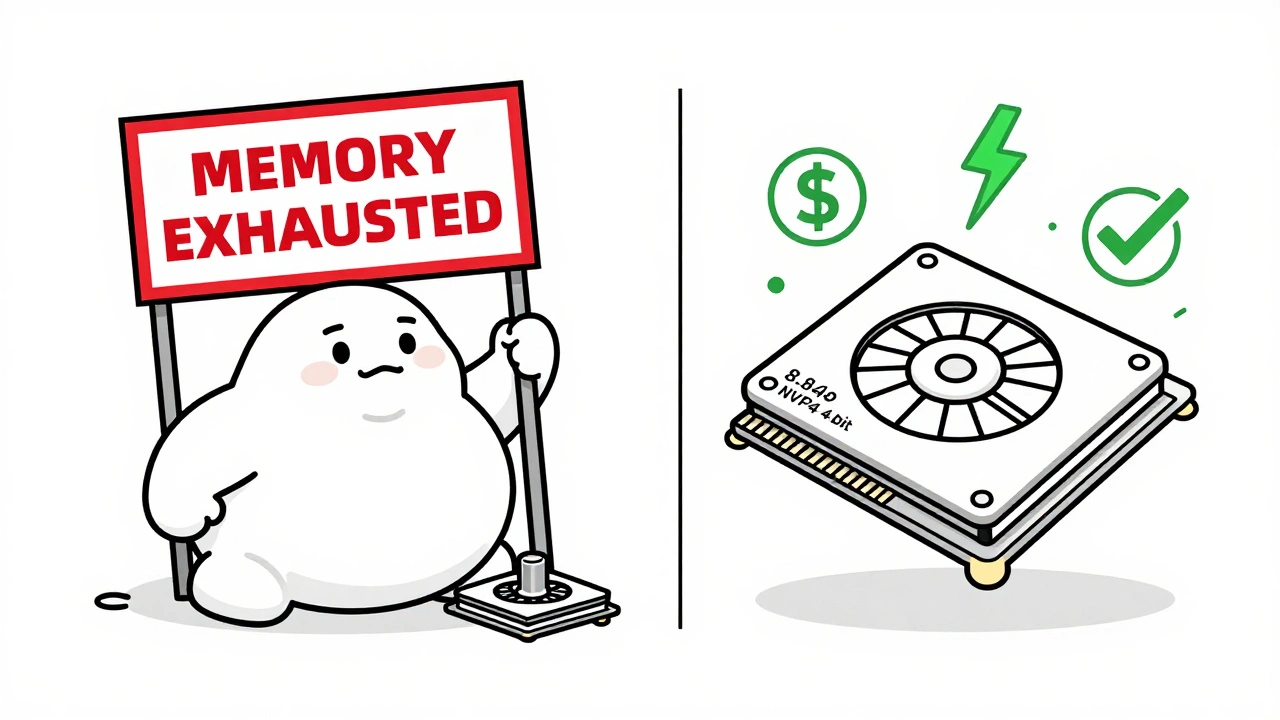
Common Pitfalls and How to Avoid Them
- PyTorch non-contiguous memory: If you’re manually managing cache buffers, you might get 15-18% extra overhead. Use vLLM’s contiguous buffer system - don’t roll your own.
- Offloading to CPU: Moving KV cache to RAM sounds like a fix, but each transfer adds 18-22ms. That’s 10x longer than a single token generation. Avoid unless you have no choice.
- Ignoring precision tradeoffs: NVFP4 isn’t magic. It hurts creative tasks. If you’re generating poetry or marketing copy, test with FP8 first.
- Over-batching: More concurrent requests don’t always mean better throughput. Test with realistic user patterns. A few slow users can tank your P99 latency.
Frequently Asked Questions
What exactly does KV caching do?
KV caching stores the key and value vectors from previous tokens during autoregressive generation. Instead of recalculating attention for all past tokens every time a new token is generated, the model reuses the cached keys and values. This cuts computation from O(n²) to O(n) per token, making long responses 10x to 20x faster.
Is KV caching only useful for long prompts?
No. Even for short prompts, caching helps - but the benefit grows with length. For a 100-token response, you might save 30% time. For 4,000 tokens, you save 80% or more. The bigger the context, the more you gain.
Can I use KV caching on my consumer GPU?
Yes - but with limits. A 7B model with a 2,000-token context needs about 6-8 GB of VRAM for the KV cache in FP16. An RTX 4090 (24 GB) can handle it. But if you’re using a 16 GB card, you’ll need to reduce context length or use NVFP4 quantization. Avoid FP16 on cards under 16 GB for contexts over 3k tokens.
Does continuous batching increase memory usage?
It doesn’t increase memory per request - but it lets you run more requests at once. That means you’ll use more total memory. The key is managing cache size per request. vLLM automatically limits cache per sequence, so you can run 50+ concurrent users without running out of VRAM.
Are there any open-source tools I can try right now?
Yes. vLLM is the most popular and well-documented. Install it with pip install vllm, then run python -m vllm.entrypoints.api_server --model meta-llama/Llama-3-8B. It enables both KV caching and continuous batching by default. Hugging Face’s Text Generation Inference is another solid option.
Why do some people say KV caching makes latency unpredictable?
Because continuous batching lets requests enter and leave the batch at different times. A user who sends a short prompt might get served quickly. But if their request gets stuck behind a 10,000-token generation, they’ll wait longer. This creates high tail latency. To fix it, limit max sequence length per request and use priority queues.
Is KV caching used in all LLMs today?
Yes - but not always well. Most commercial LLM APIs (OpenAI, Anthropic, Mistral) use it. Open-source models often don’t enable it by default. You have to configure it manually. That’s why many developers think their model is slow - they’re not using the optimization built into the framework.
What’s the biggest mistake people make with KV caching?
Assuming more cache = better performance. If you allocate too much cache memory, you starve the model weights. The sweet spot is 50-70% of VRAM for cache, 30-50% for weights. Go beyond that, and you’ll see slower inference because the model can’t fit in memory. It’s a balance.
 Artificial Intelligence

Michael Thomas
December 13, 2025 AT 13:39KV caching? Please. We’ve had this since the 90s in databases. LLMs are just slow because engineers don’t know how to manage memory. You want speed? Use a real GPU, not some consumer junk.
Abert Canada
December 14, 2025 AT 15:20Man, I tried vLLM on my M2 Max and it just ate my RAM like candy. But hey, at least we’re talking about this stuff now. Canada’s got some smart folks working on memory optimization too - we’re not all about maple syrup and apologies.
Xavier Lévesque
December 15, 2025 AT 11:25So we’re paying billions to make AI forget things faster? Brilliant. Next they’ll sell us a ‘memory amnesty’ subscription. At least my cat doesn’t need a 13GB cache to nap.
Thabo mangena
December 16, 2025 AT 07:37It is with profound respect for the engineering discipline demonstrated here that I acknowledge the monumental strides made in efficient token inference. The optimization of KV caching represents not merely a technical advancement, but a philosophical shift toward sustainable computational stewardship.
Karl Fisher
December 16, 2025 AT 17:02OMG you guys. I just used TensorRT-LLM on my RTX 6000 Ada and I swear I heard angels sing. My Llama-3 is faster than my coffee maker now. I’m basically a tech god. Send help. Or a new monitor. Or both.
Buddy Faith
December 18, 2025 AT 10:50They say kv caching saves time but really its just hiding the fact that ai is still dumb. They just make it look faster. Trust me i saw a video. The government knows. They want you to think its magic. Its not.
Scott Perlman
December 20, 2025 AT 04:48This is dope. I got my 3060 running a 7B model with no crashes. Just keep the cache small and you good. No need to buy a new GPU. Just chill and let it work.
Sandi Johnson
December 21, 2025 AT 00:04Wow. You spent 2000 words explaining how to not waste GPU memory. And yet somehow we’re still using the same architecture from 2017. We’re not optimizing. We’re just rearranging deck chairs on the Titanic.