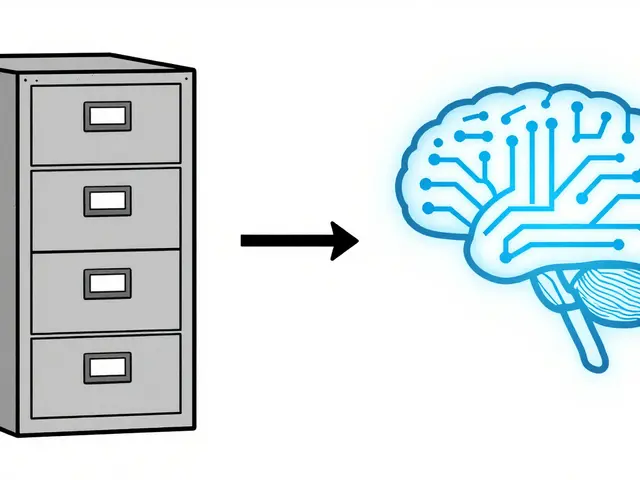
Imagine asking an AI to build a website component. It generates beautiful code, but it takes three seconds to load on a mobile phone and fails every screen reader test you run. You didn't ask for slow or inaccessible; you just asked for the feature. This is the gap between what we want and what Large Language Models (LLMs) deliver by default.
The solution isn't better models; it's better instructions. Specifically, it's using constraints-driven prompts. This approach forces the AI to respect hard limits on speed, cost, and legal accessibility standards before it writes a single line of code or text. Instead of hoping the AI gets it right, you define exactly what 'right' looks like using numbers and specific rule sets.
Hard Constraints vs. Soft Preferences
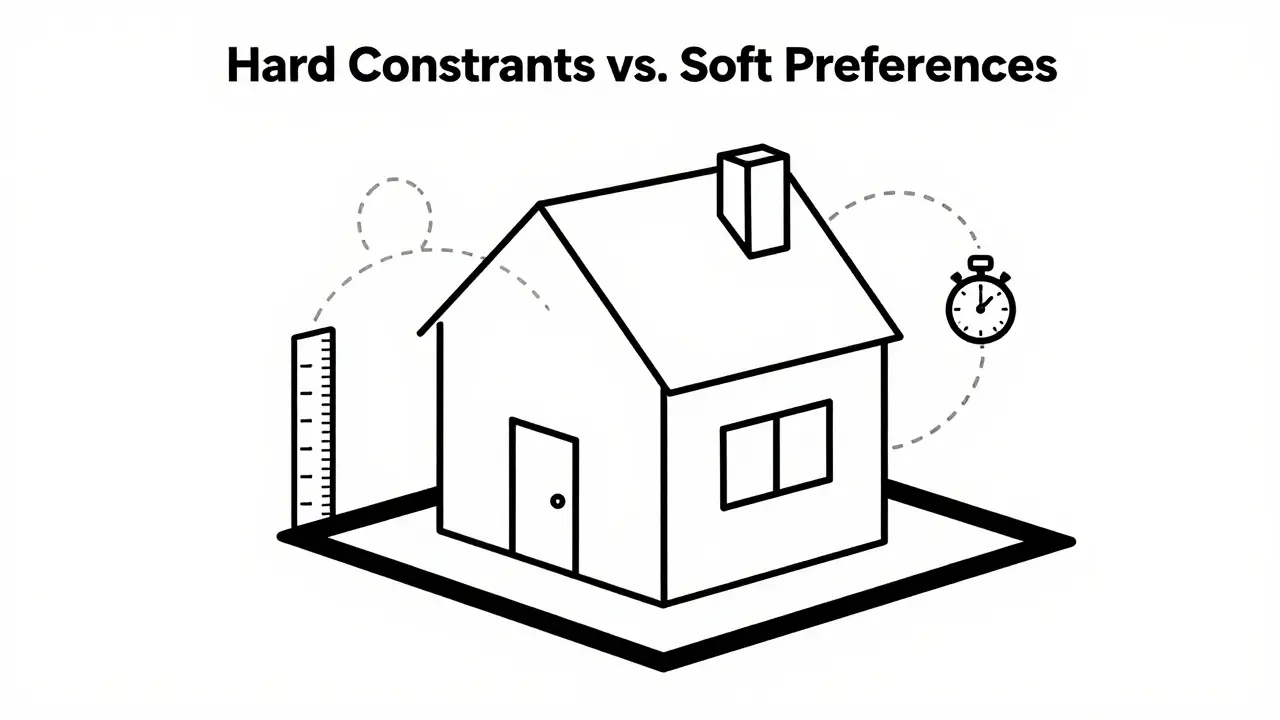
To get consistent results, you need to stop treating all instructions as equal. In prompt engineering, there is a massive difference between a constraint and a preference. A constraint is a non-negotiable boundary. If the AI violates it, the output is considered a failure. A preference is a goal that the AI should try to meet, but can trade off if necessary.
Think of it like building a house. The budget is a constraint. The color of the front door is a preference. If you tell an AI agent to "make it fast," that is a vague preference. If you tell it "response time MUST be under 500 milliseconds," that is a hard constraint.
- Use imperative language for constraints: Words like MUST, SHALL, REQUIRED, and MUST NOT leave no room for interpretation.
- Use softer language for preferences: Words like PREFER, IDEALLY, SHOULD AIM TO, and IF POSSIBLE allow flexibility.
Structuring your prompt with dedicated sections labeled ## Constraints and ## Preferences helps the model parse these priorities correctly. Place the hard constraints first. They define the boundaries of the problem space.
Setting Performance Budgets in Prompts
The term "performance budget" comes from web development, where teams set strict limits on file sizes and load times. You can apply this same logic to AI interactions. Without a budget, LLMs tend to be verbose, expensive, and slow. By setting numeric thresholds, you control latency and cost directly through the prompt.
Here are the three main types of performance budgets you can encode into your system prompts:
- Latency Budgets: Define how long the AI can take to respond. For example: "95% of queries MUST be answered with a response generated in under 800 ms." This forces the model to prioritize concise answers over comprehensive essays when speed is critical.
- Cost/Token Budgets: Limit the number of tokens used. For instance: "Each response MUST consume fewer than 1,500 output tokens." Since API costs are tied to token count, this cap prevents runaway expenses. It also encourages the AI to be direct.
- Resource Budgets: Restrict external actions. Example: "The assistant MUST NOT call external tools more than 2 times per request." This prevents the AI from getting stuck in loops of unnecessary web searches or database calls.
These budgets act as guardrails. When the AI approaches a limit, it must degrade gracefully-perhaps by summarizing a document instead of quoting it verbatim-to stay within the bounds you set.
| Constraint Type | Example Instruction | Impact on Output |
|---|---|---|
| Latency | "Response MUST generate in <800ms" | Shorter, more direct answers |
| Cost/Tokens | "Max 1,500 output tokens" | Reduced verbosity, lower API bills |
| Resources | "Max 2 tool calls per turn" | Fewer external dependencies, faster execution |
| Accessibility | "HTML MUST meet WCAG 2.1 AA" | Inclusive code structure, alt tags, contrast |
Encoding Accessibility Rules as Hard Constraints
Accessibility is often treated as an afterthought in AI generation. The result? Code missing alternative text, low-contrast color schemes, or layouts that break keyboard navigation. To fix this, you must embed legal and technical standards directly into the prompt.
You aren't just asking for "accessible content." You are referencing specific, testable criteria. The gold standard here is WCAG 2.1 is a set of guidelines published by the W3C in June 2018 to make web content accessible to people with disabilities. Level AA conformance is the baseline for most government and corporate requirements.
When writing your constraints, cite specific success criteria. Vague requests lead to vague results. Here is how you translate legal obligations into prompt instructions:
- Non-text Content (Success Criterion 1.1.1): "All generated images MUST include descriptive `alt` attributes that convey the same meaning as the visual content."
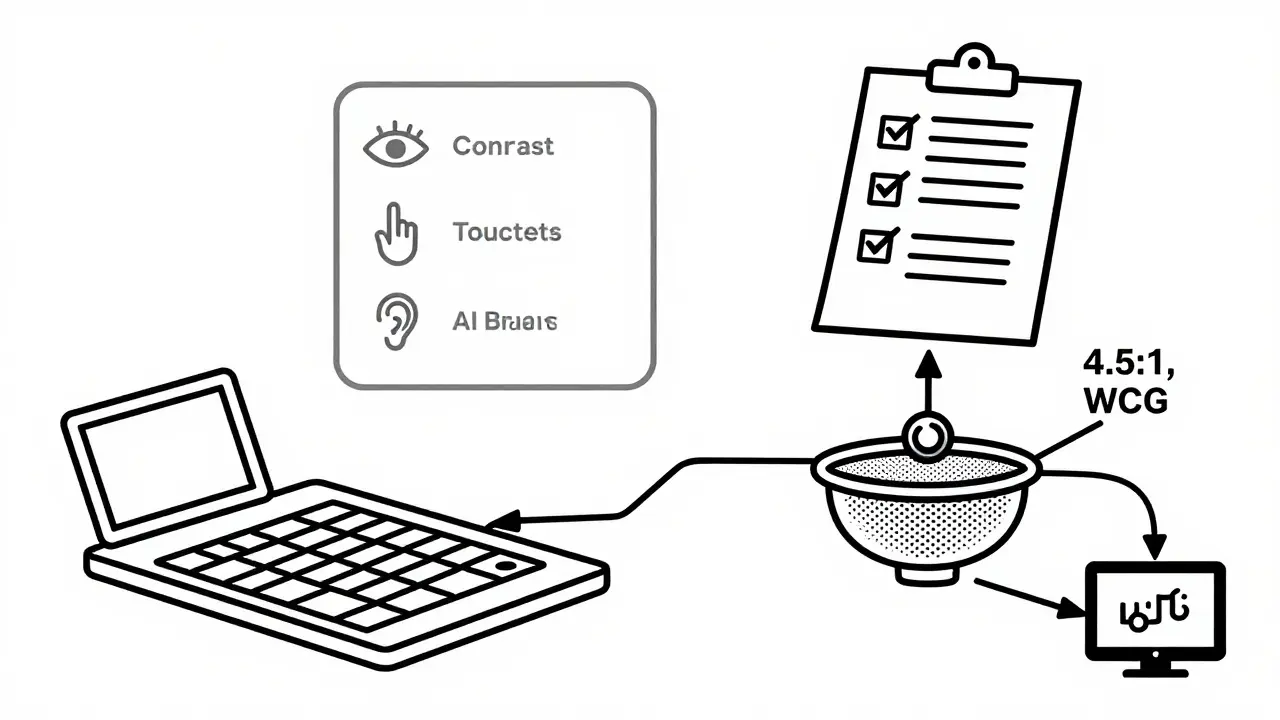
- Contrast (Success Criterion 1.4.3): "Generated CSS MUST maintain a minimum contrast ratio of 4.5:1 for normal text against its background."
- Keyboard Access (Success Criterion 2.1.1): "All interactive elements MUST be operable via keyboard alone. No functionality MAY rely solely on mouse events."
If you are working with U.S. federal entities, you must also reference Section 508 is a U.S. law requiring federal agencies to ensure their electronic and information technology is accessible to people with disabilities. The 2017 refresh incorporated WCAG 2.0 Level AA. For state and local governments, the April 2024 DOJ final rule codified WCAG 2.1 Level AA as the technical standard for Title II compliance. Mentioning these specific regulations in your prompt signals to the AI that these are not suggestions-they are legal requirements.
Structuring Your Constraints-Driven Prompt
The order and structure of your prompt matter. Research and industry best practices suggest placing hard constraints at the very beginning of the system instruction. This primes the model to evaluate every subsequent decision against these boundaries.
A robust prompt structure looks like this:
- Role Definition: Briefly state who the AI is (e.g., "You are an expert frontend developer and accessibility consultant.").
- ## Hard Constraints: List all non-negotiable rules. Include performance budgets (latency, tokens) and accessibility standards (WCAG 2.1 AA, Section 508). Use capitalization for keywords like MUST and SHALL.
- ## Preferences: List desirable qualities that can be compromised if they conflict with constraints (e.g., "Prefer modern aesthetic trends," "Ideally use Tailwind CSS").
- Task Description: Finally, describe the specific task the AI needs to perform.
This hierarchy ensures that if the AI has to choose between making something look trendy and making it load in under 500ms, it will choose speed because that was defined as a hard constraint.
Why Unconstrained Prompts Fail
Most people start with unconstrained prompts. They ask the AI to "design an accessible website" or "write a quick summary." The problem is that "accessible" and "quick" are subjective. The AI interprets them based on its training data, which may include outdated or generic examples.
Without explicit constraints, the AI might produce HTML that looks fine visually but lacks semantic structure for screen readers. It might write a summary that is technically accurate but uses 2,000 tokens, tripling your expected API cost. Style-focused prompts help with tone and format, but they do not address operational risk or legal liability.
Constraints-driven prompts reduce ambiguity. They turn abstract goals into measurable outcomes. You can verify if the output meets the 4.5:1 contrast ratio. You can check if the response stayed under 1,500 tokens. This measurability is crucial for regulated industries like healthcare, finance, and government.
Implementation Workflow
Adopting this method requires a shift in how you plan your AI integration. It’s not just about typing a better prompt; it’s about defining your system's boundaries first.
Start with an assessment phase. What are your current latency averages? What is your acceptable monthly spend on API tokens? What is your current accessibility score? Once you have these baselines, you can set realistic budgets. Don't guess. Use data.
Next, map your legal requirements to specific prompt constraints. If you are subject to ADA Title II, list the relevant WCAG success criteria explicitly. Then, integrate these prompts into your workflow. Use automated testing tools to verify that the AI's outputs actually adhere to the constraints. Tools like axe-core can scan generated HTML for WCAG violations. If the AI fails the check, the constraint wasn't strong enough, or the model ignored it. Iterate until the compliance rate hits your target.
What is a constraints-driven prompt?
A constraints-driven prompt is an instruction set given to an AI that explicitly defines hard, non-negotiable limits (such as latency, cost, or legal standards) and soft preferences. It forces the model to operate within specific boundaries rather than generating open-ended results.
How do I set a performance budget for an LLM?
You set a performance budget by specifying numeric limits in your prompt. Common budgets include maximum token counts (e.g., "max 1,500 output tokens") to control cost, latency targets (e.g., "respond in under 500ms") to control speed, and resource limits (e.g., "max 2 tool calls") to control complexity.
Which accessibility standards should I include in my prompts?
For most web applications, WCAG 2.1 Level AA is the standard. You should specifically reference success criteria like 1.1.1 (non-text content), 1.4.3 (contrast), and 2.1.1 (keyboard access). For U.S. federal projects, include Section 508 references. For state/local government, reference the DOJ's 2024 Title II web accessibility rule.
Why are hard constraints better than soft preferences?
Hard constraints provide clear, binary pass/fail criteria that reduce ambiguity. They ensure legal compliance and operational efficiency. Soft preferences allow the AI flexibility, which can lead to inconsistent results or missed critical requirements like security or accessibility.
Can AI always follow these constraints perfectly?
No. While constraints significantly improve adherence, LLMs can still occasionally ignore instructions. Therefore, constraints should be paired with automated validation tools (like accessibility scanners or token counters) to catch and reject outputs that fail to meet the defined budgets or rules.
 Artificial Intelligence