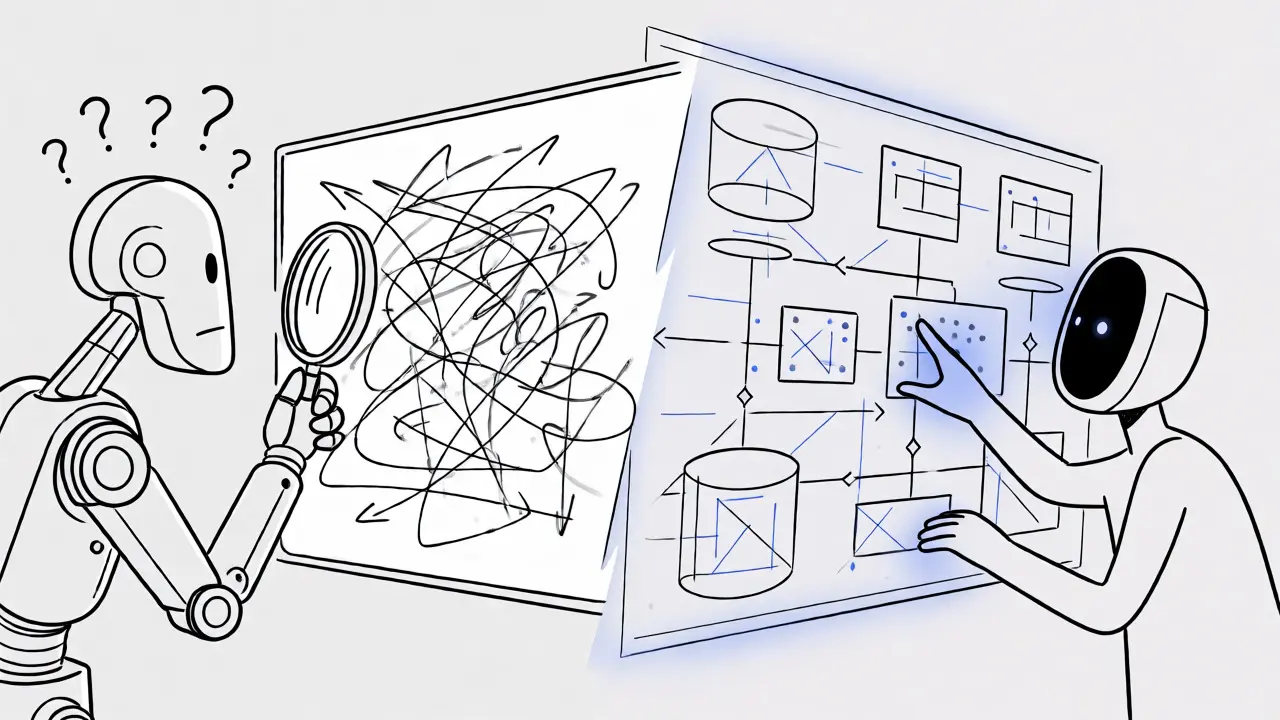
Imagine staring at a messy whiteboard sketch from a morning brainstorming session. In the past, turning that scribble into clean technical documentation or actual code meant hours of manual translation. Today, Vision-Language Models (VLMs) are changing that workflow entirely. These AI systems don't just see pixels; they understand spatial relationships, interpret symbols, and generate structured architectural descriptions. If you've ever wondered how an AI can look at a UML diagram and spit out working Kubernetes manifests, you're looking at one of the most practical applications of multimodal AI in 2026.
The Shift from OCR to True Understanding
For years, we relied on Optical Character Recognition (OCR) to read text within images. But OCR is dumb. It sees "User" and "Database" but misses the arrow connecting them, implying a data flow. A modern VLM understands that the arrow means "query," not just a line. This distinction matters. Traditional rule-based parsers achieved about 32.5% accuracy on complex architectural diagrams. Specialized VLMs now hit 73.7% on the same benchmarks. That's a massive jump because these models grasp context. They know that a cylinder usually represents storage and a box often represents a service. They infer intent from shape and position, bridging the gap between visual design and logical implementation.
| Metric | Traditional OCR/Rules | General VLM (e.g., BLIP-2) | Specialized Diagram VLM |
|---|---|---|---|
| Diagram Interpretation Accuracy | 32.5% | 45.1% | 73.7% |
| Code Generation Success Rate | N/A | 40.0% | 71.8% |
| Handling Handwritten Sketches | Poor | Fair | Good (with fine-tuning) |
| Avg. Processing Time (1024x1024 img) | <100ms | ~800ms | 850-1200ms |
Under the Hood: How VLMs Process Diagrams
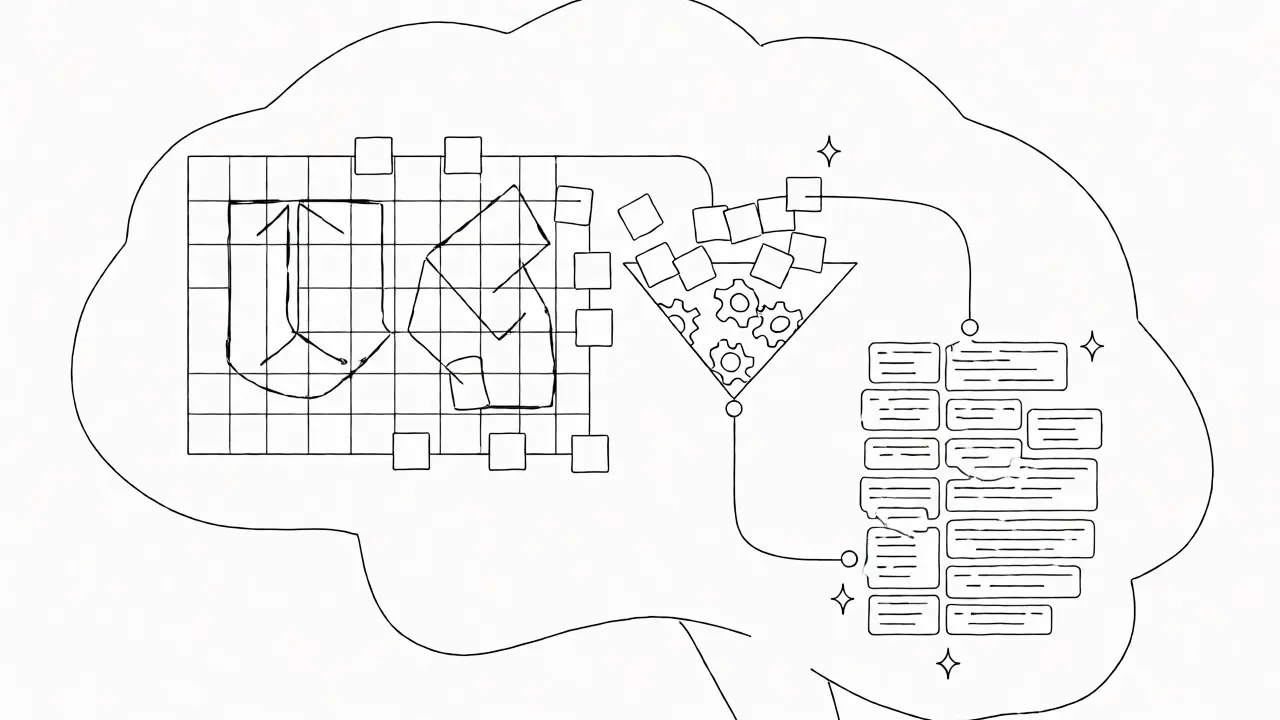
You might think these models just "look" at the image like humans do. Not quite. The process starts with a vision encoder, typically a Vision Transformer (ViT) variant. It chops your diagram into tiny patches-usually 14x14 or 16x16 pixels. For a standard 1024x1024 architectural blueprint, this generates over 4,000 visual tokens. These tokens are then projected into a language embedding space via a multi-layer perceptron. This step aligns the visual data with the text model's vocabulary. Finally, a Large Language Model (LLM) decoder uses cross-attention mechanisms to maintain spatial awareness while generating text. This three-part structure allows the system to reference specific components by their relative positions, such as "the component in the top-left corner."
Efficiency is key here. Full fine-tuning is expensive. Most production systems freeze the vision encoder and train only the projector and the top few layers of the LLM. This approach cuts compute costs by 90% while retaining nearly 98% of the accuracy. It’s a smart trade-off for enterprises needing to process thousands of diagrams daily without burning through GPU budgets.
Leading Players and Market Landscape
The market for diagram-specialized VLMs exploded to $2.8 billion in 2025, growing at 58% year-over-year. Who’s winning? Google Gemini 1.5 Pro holds a 38% enterprise market share, largely due to its strong performance on the DiagramWIKI dataset. Anthropic’s Claude 3.5 Sonnet follows closely at 29%, favored for its nuanced reasoning capabilities. Meta’s Llama-3 Vision captures 22%, popular among open-source enthusiasts. Google recently introduced "CertaintyMeter" features to comply with the EU’s AI Act, providing confidence scores for every interpretation-a crucial feature for regulated industries like finance.
Open-source alternatives like LLaVA-1.6 are gaining traction too, offering flexibility for teams that want to host models locally. However, proprietary models still lead in handling ambiguous inputs. If your diagrams are messy or incomplete, Gemini or Claude will likely guess your intent better than a rigid open-source parser.
Practical Applications and Real-World Wins
Why should you care? Speed. One developer reported converting 200+ hand-drawn whiteboard sessions into Confluence documentation using Llama-3 Vision, saving 370 hours in three months. This isn't just about convenience; it's about keeping documentation current. When architects change a diagram, the VLM can instantly update the associated text description or even regenerate infrastructure-as-code templates.
Financial services and cloud infrastructure providers are the biggest adopters. Why? Compliance. Regulatory bodies require clear audit trails of system architecture. VLMs automate the tedious task of documenting these structures, reducing human error. A fintech startup actually faced a production outage when a model misinterpreted a database replication arrow as a load balancer. This highlights a critical lesson: VLMs are assistants, not autonomous architects. Always validate generated advice against established frameworks like AWS’s Well-Architected Framework.
Challenges and Limitations You Can’t Ignore
These models aren't magic. They struggle with handwritten annotations, where accuracy drops to around 42.7%. They also have a bias toward modern web architectures. Ask a model trained mostly on microservices diagrams to interpret a mainframe-era COBOL schematic, and it might hallucinate components that don't exist. Token consumption is another hurdle. A single complex diagram can consume as much context window as 2,000-3,000 words of text. This limits how many diagrams you can process in a single batch.
Security is a subtle risk. Independent testing found that while models correctly interpreted 82% of diagrams, they generated implementation advice with critical security flaws in 19% of cases. Often, these flaws involve authentication flows that look correct visually but fail logically. Never deploy VLM-generated security configurations without a human expert review.
Best Practices for Implementation
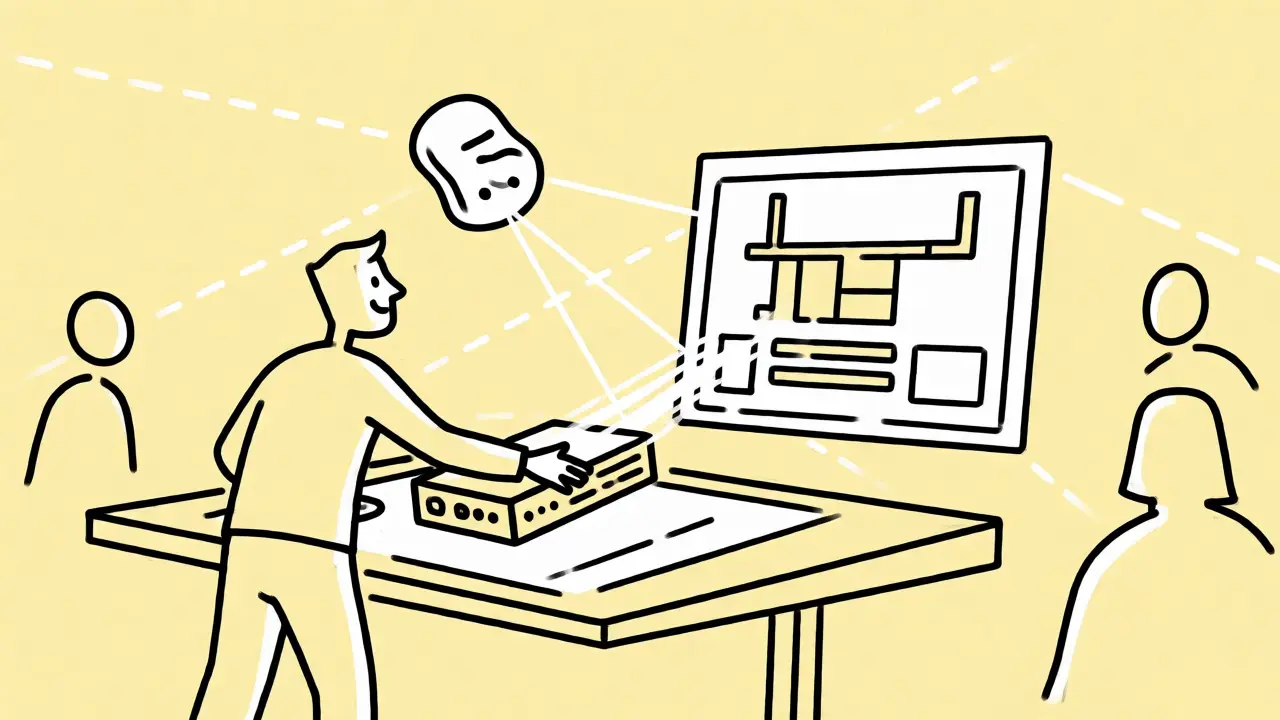
If you’re planning to integrate a diagram VLM into your workflow, start small. Use high-resolution digital diagrams rather than photos of whiteboards whenever possible. Prompt engineering makes a huge difference. Instead of asking "What is this?", try "Identify the top-left component and describe its connection to the central node." Adding spatial context markers increases accuracy by over 30%. Also, consider using "pyramid processing," where the model analyzes the diagram at multiple resolutions. This technique reduces context consumption by 63% while maintaining high accuracy.
- Pre-process Images: Clean up noise and ensure high contrast before feeding images to the model.
- Specify Notation Standards: Tell the model if you're using UML, BPMN, or custom icons.
- Validate Outputs: Treat generated code as a draft, not final production-ready code.
- Monitor Costs: Track token usage per diagram to manage API expenses effectively.
The Future: From Static Docs to Dynamic Design
We are moving toward tighter integration with design tools. Figma’s upcoming API beta will include native VLM interpretation, allowing designers to generate documentation directly from their artboards. NVIDIA’s new "Diagram Transformer" chip promises 3.7x speedups for these tasks, making real-time interaction feasible. Imagine dragging a component in Figma and having the backend architecture documentation update instantly in Confluence. That’s the near-term future.
Long-term, legal questions loom. IBM has filed lawsuits regarding intellectual property when models trained on proprietary diagrams generate similar designs. As VLMs become more creative, distinguishing between inspiration and imitation will get harder. For now, the technology offers undeniable value in accelerating documentation and bridging communication gaps between visual thinkers and engineers.
Can VLMs handle handwritten diagrams?
Yes, but with reduced accuracy. While specialized models achieve ~78% accuracy on digital diagrams, performance drops to roughly 42.7% on handwritten sketches. Clear handwriting and consistent notation help improve results.
Do I need a powerful GPU to run these models?
For local hosting, yes. Processing 4K diagrams typically requires at least 24GB of VRAM. However, using cloud APIs like Google Gemini or Anthropic Claude offloads this requirement, allowing you to use standard laptops.
Are VLM-generated architectures secure?
Not always. Studies show that 19% of generated implementations contain critical security flaws, particularly in authentication logic. Always perform security audits on AI-generated code before deployment.
Which model is best for UML diagrams?
Google Gemini 1.5 Pro currently leads in UML interpretation accuracy. However, dedicated parsers like PlantUML may still be superior for strict syntax generation, while VLMs excel at flexible, ambiguous interpretations.
How much does it cost to implement?
Costs vary by volume. API usage fees depend on token count, which scales with diagram complexity. Initial integration takes 2-3 weeks for most teams. Open-source options reduce licensing costs but increase infrastructure maintenance efforts.
 Artificial Intelligence