Why Your LLM Feels Slow-And How to Fix It
Imagine asking a chatbot a simple question and waiting five seconds for a reply. You type again. Wait. Again. By the third try, you’re frustrated. That’s not the model being dumb-it’s latency. Large Language Models (LLMs) can generate brilliant answers, but if they take too long to start or finish, users bounce. The industry standard? Under 200 milliseconds to deliver the first word. Anything over 500ms feels broken. And it’s not just about patience-companies using optimized LLMs see up to 35% higher engagement and 40% lower cloud bills. The difference between slow and smooth isn’t magic. It’s three techniques: streaming, batching, and caching.
Streaming: Deliver Words as They’re Generated
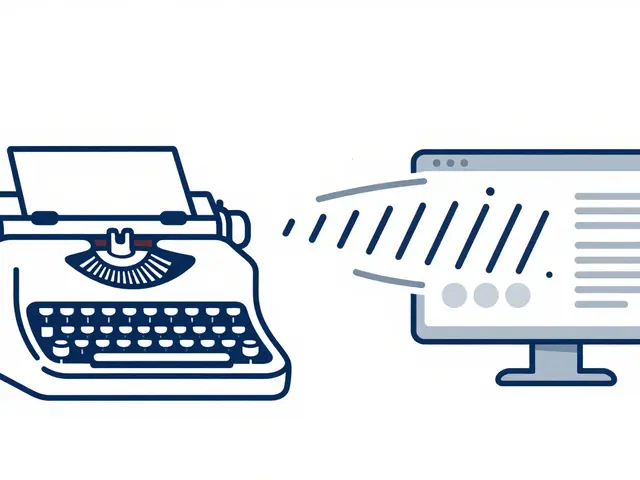
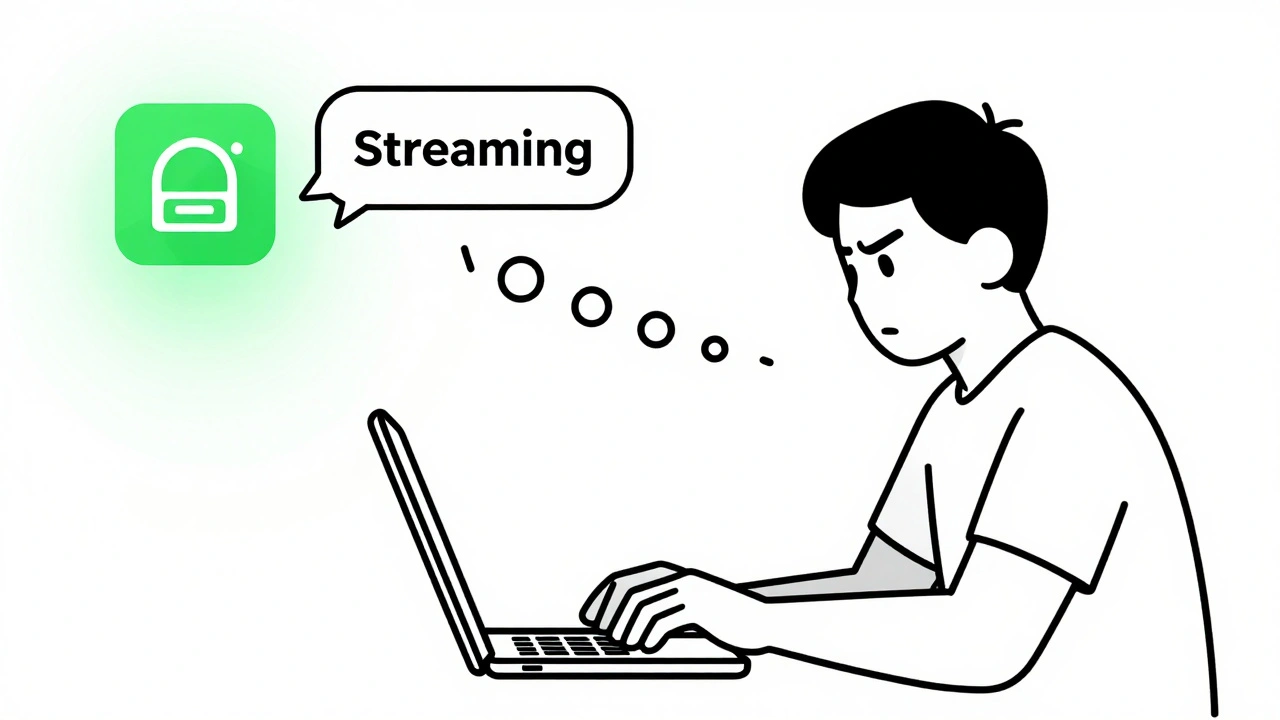
Traditional LLMs wait until the entire response is ready before sending anything. That means a 10-second generation process feels like 10 seconds of silence. Streaming changes that. Instead of holding back, the system sends each token-each word or piece of a word-as soon as it’s computed. Users see the first word in under 100ms, even if the full answer takes longer. This isn’t just nice-it’s essential for chatbots, voice assistants, and real-time writing tools.
Frameworks like vLLM and NVIDIA’s TensorRT-LLM handle this by breaking inference into tiny chunks. They don’t wait for the whole prompt to be processed before starting output. This reduces time-to-first-token (TTFT) dramatically. Amazon Bedrock, for example, cut P90 TTFT by 97% for Llama 3.1 70B by enabling streaming. That means 9 out of 10 users get their first word in under 200ms, even under heavy load. You don’t need to retrain your model. Just flip a switch in your inference server.
But streaming isn’t perfect. If your network is unstable or your server is overloaded, you might get choppy text. That’s why it’s best paired with dynamic batching-more on that soon. For now, if you’re building any interactive app, streaming isn’t optional. It’s the baseline.
Batching: Process Many Requests at Once
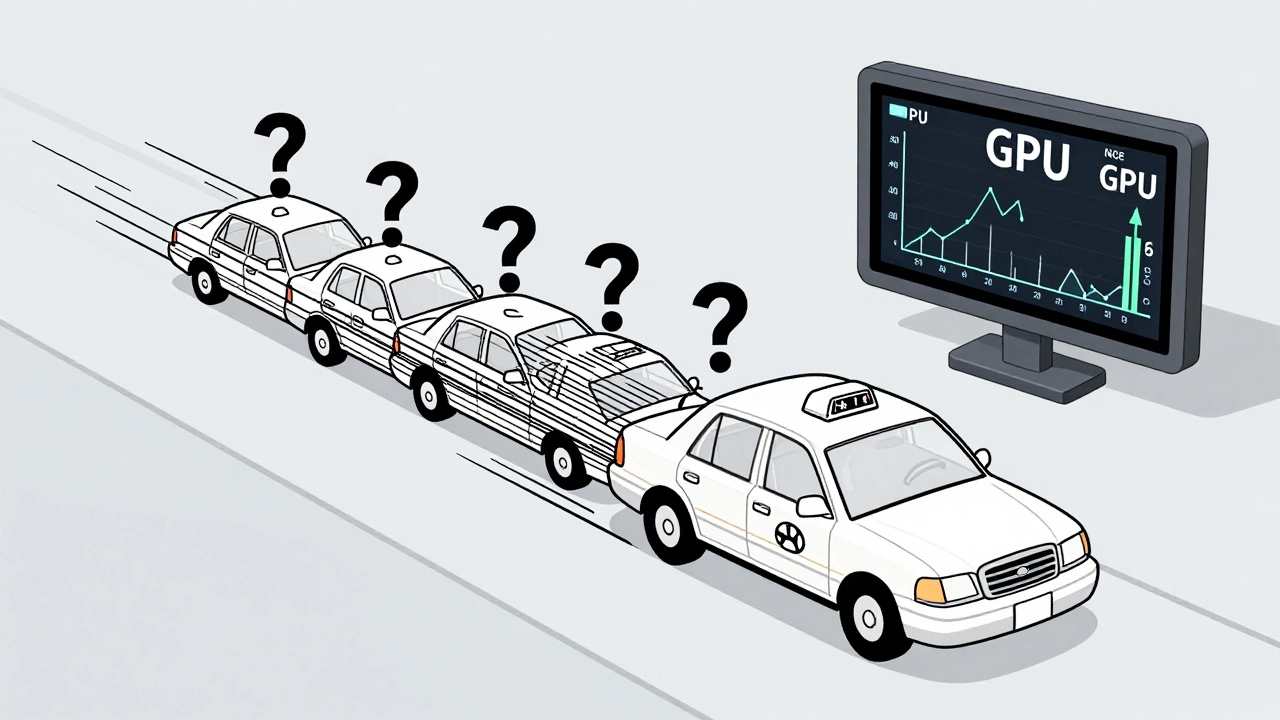
LLMs run best on GPUs, and GPUs love doing the same thing to lots of data at once. That’s where batching comes in. Instead of handling one user request at a time, you group multiple requests together and run them through the model in a single pass. This uses GPU memory more efficiently and cuts costs.
There are two types: static and dynamic. Static batching groups requests before processing-like putting 10 orders into one shipment. It’s simple but inflexible. If one request is long and others are short, the whole batch waits. Dynamic (or in-flight) batching, used by vLLM and DeepSpeed, keeps adding new requests to a running batch as long as there’s space. It’s like a taxi that picks up passengers along the route instead of waiting for a full car. This boosts GPU utilization by 30-50%, according to vLLM’s 2023 benchmarks.
Here’s what it looks like in practice: A customer support API gets 50 questions per minute. Without batching, each takes 800ms. With dynamic batching, the system processes them in groups of 12-16, cutting average response time to 420ms and increasing throughput by 2.1x. The trade-off? Tail latency can spike during traffic surges. If 200 users hit you at once, the last person might wait longer. That’s why you need smart queuing and auto-scaling. Tools like AWS Bedrock and Azure ML handle this automatically. If you’re building your own system, start with batch sizes of 8-16 and monitor your 95th percentile latency. Don’t chase maximum throughput-chase consistent speed.
Caching: Don’t Recalculate What You Already Know
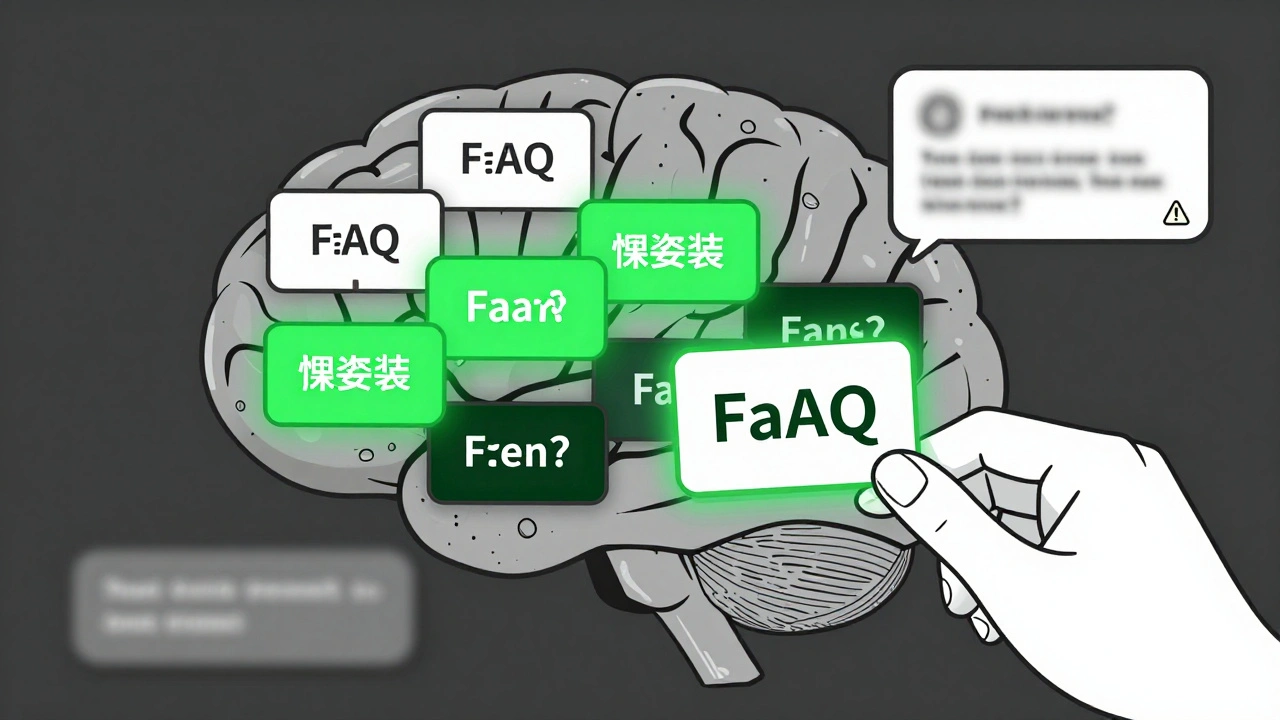
How many times does a customer ask, “What are your return policies?” or “How do I reset my password?” In customer service bots, enterprise chatbots, or internal knowledge assistants, the same questions repeat. Re-running the full attention mechanism for each one is like redoing your taxes every time you file. That’s where Key-Value (KV) caching saves the day.
KV caching stores the intermediate results from previous computations-the attention weights that link words together. When the same or similar prompt comes in again, the system skips reprocessing those parts and jumps straight to generating the response. This isn’t just faster-it’s dramatically faster. Redis-based KV caches have shown 2-3x speedups for repetitive queries. FlashInfer, a 2024 innovation, uses block-sparse caching and JIT compilation to slash long-context latency by up to 30%.
But here’s the catch: caching can cause hallucinations. If a cached response was slightly wrong, and the new prompt is just similar enough, the model might reuse that mistake. One Reddit user reported hallucinations after caching prompts with ambiguous pronouns. That’s why you need smart eviction policies. Don’t cache everything. Set a limit-maybe 80% of your GPU memory-and use LRU (Least Recently Used) or similarity-based eviction. Also, avoid caching prompts that are too short or too vague. A query like “Tell me about AI” is too broad. A query like “Explain how Llama 3.1 handles multi-turn conversations” is perfect.
Companies like Snowflake and Clarifai use caching in production with great success. Snowflake’s Ulysses technique combines caching with multi-GPU splitting to handle long documents 3.4x faster. If your app has predictable patterns-FAQs, support tickets, internal documentation-caching is your cheapest performance win.
When to Use Each Technique
There’s no one-size-fits-all. The right mix depends on your use case.
- Streaming is non-negotiable for conversational apps: chatbots, virtual assistants, real-time writing tools. If your users see a blank screen before anything appears, you’ve already lost them.
- Dynamic batching shines in high-volume APIs: customer service endpoints, content generators, bulk summarization tools. If you’re processing hundreds of requests per minute, batching cuts your cloud bill and improves consistency.
- KV caching is perfect for repetitive queries: internal knowledge bases, HR bots, legal document assistants. If the same 20 questions make up 70% of your traffic, caching will cut your latency in half.
Most teams start with streaming. It’s low-hanging fruit-often just a configuration change. Then they add dynamic batching. That’s where most of the throughput gains happen. Finally, they layer in caching. Together, these three can reduce average latency from 800ms to under 200ms, as seen in Fortune 500 deployments.
Don’t try to do all three at once. Start with one. Measure. Then add the next. Over-optimizing too early leads to brittle systems. Tribe.ai found that 22% of production LLM failures came from aggressive caching policies that didn’t handle edge cases. Build smart, not fast.
Hardware and Frameworks: What You Really Need
You can’t optimize what you can’t run. Basic streaming and batching work on a single NVIDIA A100 GPU. But if you want to handle 100+ concurrent users with low latency, you’ll need more.
Tensor parallelism-splitting the model across multiple GPUs-is where real power kicks in. Running a 70B model on four H100 GPUs with NVLink can cut latency by 33% at batch size 16. But it’s complex. You need CUDA expertise, distributed systems knowledge, and time. NVIDIA estimates 3-6 weeks to implement properly.
Frameworks make this easier. vLLM reduces setup time by 40% compared to custom code. It handles batching, caching, and streaming out of the box. AWS Bedrock and Azure ML abstract it all away-you just pick a model and flip a “low latency” switch. If you’re not a GPU engineer, use them. If you are, vLLM is the open-source gold standard.
Memory matters too. A 7B model needs 20-30GB of GPU memory for KV caching. A 70B model? Over 150GB. If you’re hitting out-of-memory errors, you’re caching too much or using too large a batch. Monitor your GPU utilization. If it’s below 70%, you’re underutilizing. If it’s above 90%, you’re risking crashes.
Common Pitfalls and How to Avoid Them
Latency optimization is full of traps.
- Memory fragmentation: Long conversations with lots of caching can break up GPU memory into tiny pieces. vLLM users report this in 47% of GitHub issues. Fix: Use continuous allocation pools and restart your service every 12-24 hours.
- Batch size tuning: Too small? Wasted GPU time. Too big? High tail latency. Test 5-10 different sizes. Use tools like DeepSpeed’s benchmark scripts.
- Debugging nightmares: When latency spikes, is it the network? The model? The cache? Snowflake’s survey says it takes 2-5 days to find the root cause. Fix: Log every step-prompt length, batch size, cache hit rate, TTFT, OTPS. Use OpenTelemetry.
- Over-caching: Caching bad answers makes them worse. Always validate cached responses against a small sample of fresh runs. Use a 1-2% sampling rate for sanity checks.
And don’t ignore the human side. A 2024 Stanford report found that 68% of enterprise teams now have someone dedicated to LLM latency. It’s no longer a side task. It’s a core engineering job.
What’s Next? The Future of LLM Speed
By 2026, latency optimization won’t be a feature-it’ll be the default. AWS, NVIDIA, and Snowflake are already building systems that auto-tune batching based on query complexity. FlashInfer and similar tools are making KV caching faster and smarter. Edge deployment-running models closer to users-is cutting network delays by 30-50%.
But there’s a limit. Some researchers believe we’re hitting a wall. You can’t squeeze 10x more speed out of transformer models without changing how they work. That’s why companies are investing in next-gen architectures-sparse models, Mixture-of-Experts, and hardware-aware neural nets.
For now, focus on the tools you have. Streaming. Batching. Caching. Do them well. Measure everything. And remember: speed without accuracy is just noise. The goal isn’t to be the fastest. It’s to be the most responsive-without breaking.
Getting Started: Your 30-Day Plan
- Week 1: Enable streaming on your LLM API. Use vLLM or AWS Bedrock. Measure TTFT before and after. Aim for under 200ms.
- Week 2-3: Implement dynamic batching. Start with batch size 8. Monitor GPU utilization and 95th percentile latency. Adjust until you hit 70-80% utilization.
- Week 4: Add KV caching for repetitive prompts. Log cache hit rates. Set a 20GB memory cap. Run a small test: compare 100 cached vs. 100 fresh responses for accuracy.
After 30 days, you’ll have a system that’s 2-3x faster, costs less, and feels instant to users. That’s not theory. That’s what companies are doing today.
 Artificial Intelligence