
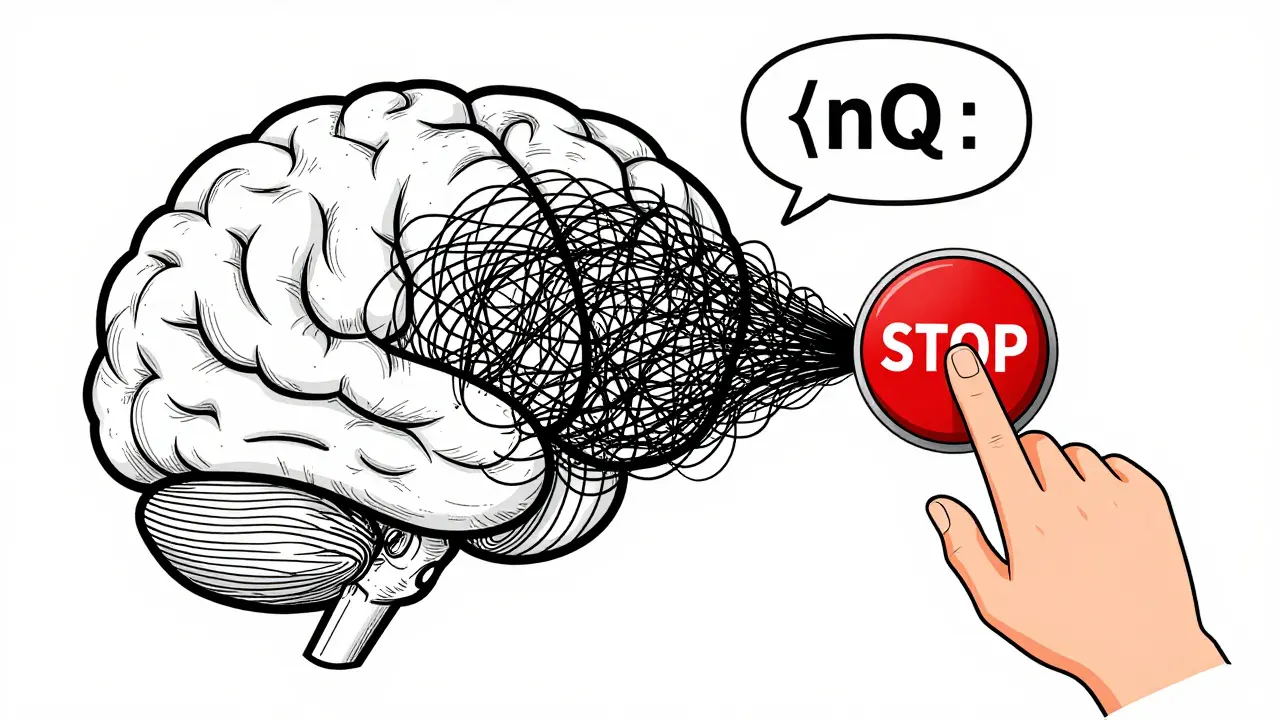
Have you ever asked a language model a simple question and gotten back a 500-word essay when you only wanted a one-sentence answer? Or worse - seen it start making up facts after the third paragraph? That’s not a bug. It’s how these models work by default. Without control, they keep generating until they hit a token limit, and sometimes, they go way beyond what’s useful - or even safe. That’s where stop sequences come in.
What Are Stop Sequences?
Stop sequences are custom text markers that tell a language model to stop generating output the moment they appear. Think of them like a mute button built into the model’s output stream. You don’t change the prompt. You don’t retrain the model. You just say: "Stop when you see this." For example, if you’re building a form that asks users to list their top three hobbies, you can set the stop sequence to "\n4." That way, if the model starts listing a fourth item, it cuts off before it happens. The output ends cleanly at "3. Hiking" - no extra fluff, no hallucinated hobbies, no broken JSON. This isn’t just about being neat. It’s about control. Language models don’t know when to stop. They’re trained to predict the next word, not to judge relevance. Stop sequences give you back that judgment.How They Work Under the Hood
Every time the model generates a new token - whether it’s a word, punctuation, or part of a word - the system checks the full output so far against your list of stop sequences. If the output ends with one of them, generation stops immediately. The stop sequence itself is usually excluded from the final result, so you don’t get "Hello, world!\nQ:" as your answer - you just get "Hello, world!" This check happens after each token is added. Some systems check before generating the next token to avoid even producing it. Others let the token be generated, then roll back. Either way, the result is the same: no more text. The key advantage? It’s deterministic. No matter how creative the model gets, if the stop sequence appears, it stops. No exceptions.How Different Platforms Handle Stop Sequences
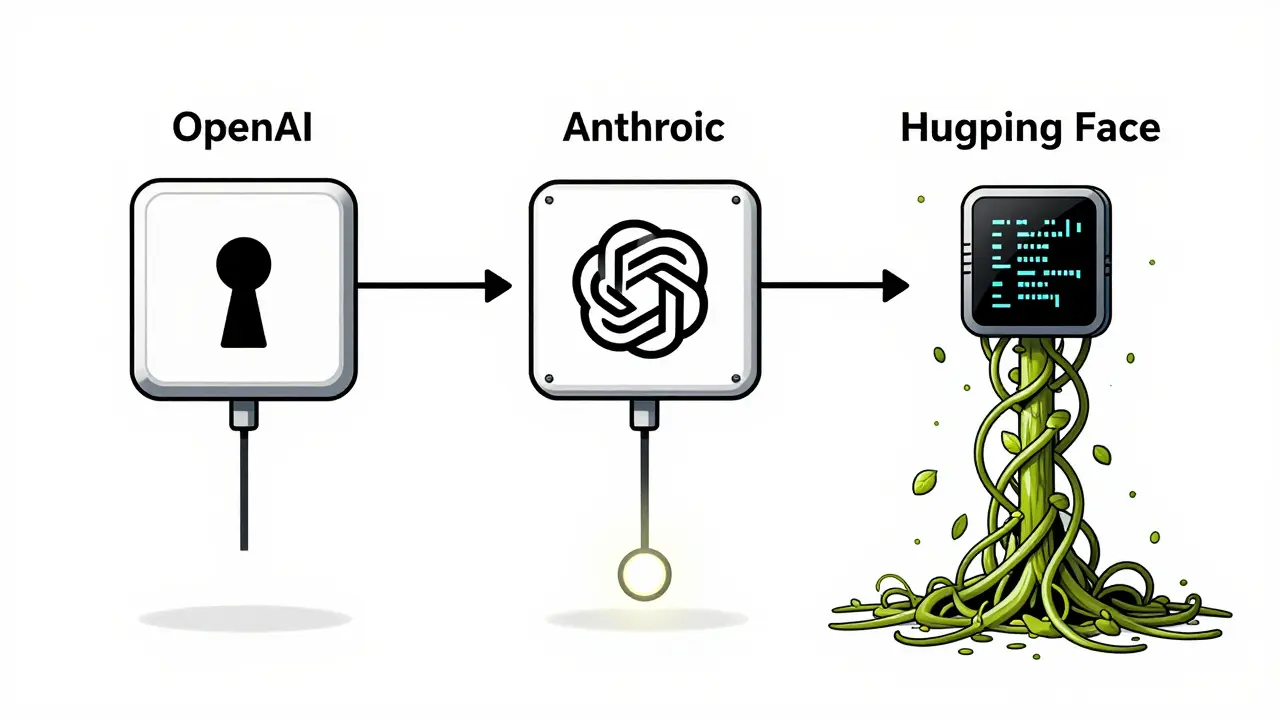
You can’t just copy-paste stop sequence code across APIs. Each provider has its own rules.- OpenAI: Uses the
stopparameter. Accepts a single string or an array of up to four strings. Easy to use in the playground or API. - Anthropic: Uses
stop_sequences. Only accepts arrays. No single strings allowed. - Google Gemini: Uses
stopSequences. Also requires an array. - Hugging Face: Uses
StoppingCriteriain PyTorch. You write a custom class that checks token IDs. For example, encode "\nQ:" into token IDs and compare them against the last few tokens in the output.
Why Stop Sequences Matter Beyond Length
Most people think stop sequences are just for cutting off long answers. They’re not. They’re for structure. Imagine you’re building a system that extracts product details from customer reviews and returns them as JSON. You prompt the model with: "Extract the product name, price, and rating. Return as JSON." Without a stop sequence, the model might add: "I hope this helps! Let me know if you need more." That breaks your JSON parser. But if you set the stop sequence to "\n}", and your output ends with a closing brace, the model stops right after the last field. No extras. No errors. Same goes for XML, YAML, or even code snippets. You can set the stop sequence to "" or "```" and guarantee clean, machine-readable output.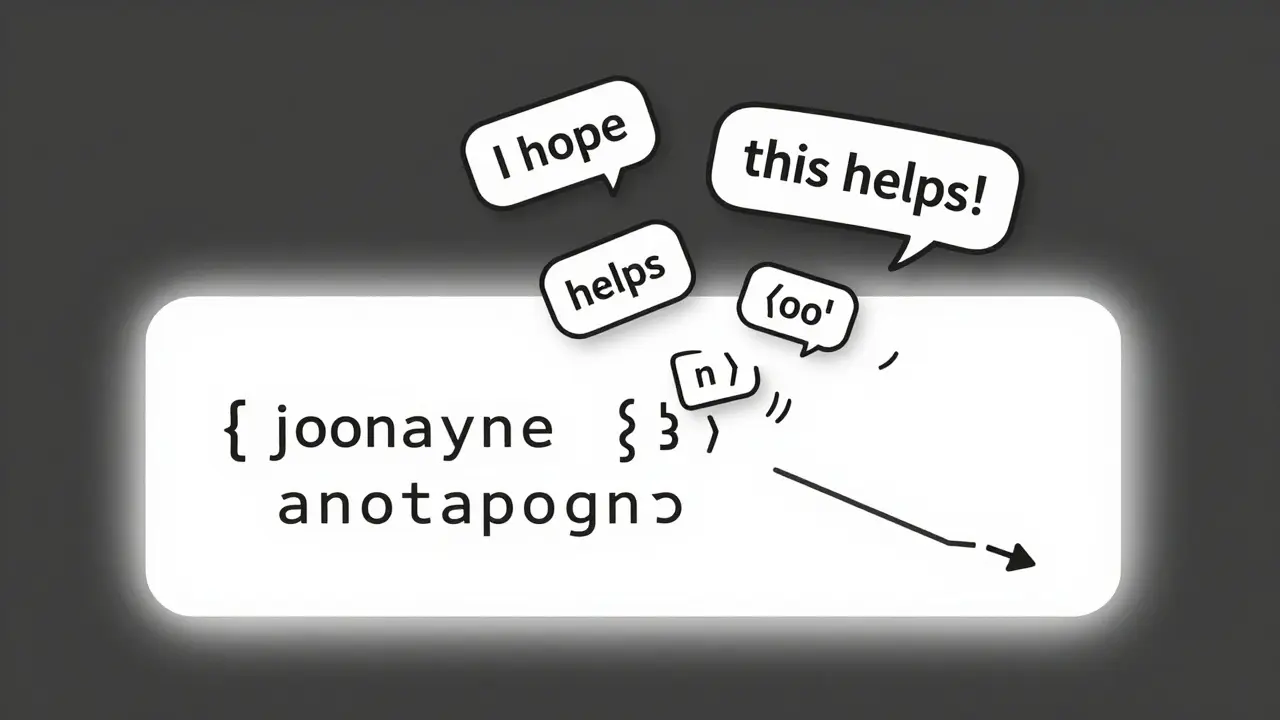
Stop Sequences Save Money
LLMs charge per token. A 2,000-token response costs 10x more than a 200-token one. Most users set a max token limit - say, 500 - to avoid runaway costs. But here’s the problem: if you set max tokens to 500 and the model finishes its answer at token 120, it still keeps going until it hits 500. That’s wasted money. Stop sequences fix that. Set your stop sequence to something like "\n---END---" and let the model stop naturally. You pay only for what you need. A study from 2025 found that teams using stop sequences reduced token usage by 38% on average compared to those relying only on max token limits.Stop Sequences Improve Accuracy
Here’s the surprising part: stop sequences don’t just save money or clean up output - they make answers more accurate. Researchers found that modern LLMs often get the first few facts right, then start making stuff up as they keep generating. It’s called semantic drift. The model gets confident, then starts hallucinating. One experiment tested three methods:- Generate until max tokens
- Generate until an end-of-sequence token
- Generate until a custom stop sequence
Real-World Examples
Here are five practical stop sequence setups:- Q&A pairs: Use "\nQ:" as a stop sequence. When the model starts writing the next question, it stops. Perfect for chatbots that need to separate answers cleanly.
- List limits: Set stop sequence to "11". The model will generate exactly 10 items - because once it writes "11", it stops. No more, no less.
- Code generation: Use "```" as a stop sequence. Stops right after the closing code block. Prevents the model from adding explanations after the code.
- JSON output: Use "}" as a stop sequence. Ensures the model doesn’t add trailing comments or extra fields.
- Single-sentence answers: Use ". " (period + space) as a stop sequence. Stops after the first sentence. Useful for summaries or quick replies.
Best Practices
Don’t just throw stop sequences in and hope for the best. Here’s how to do it right:- Combine with max tokens: Use stop sequences as your primary stop, but keep max tokens as a safety net. If the stop sequence never triggers, you still have a cap.
- Test with edge cases: What if the stop sequence appears in the middle of a word? Test with "end" - does "ending" trigger it? Usually not, because it checks the end of the full output, not substrings. But confirm it.
- Use unique markers: Avoid common words like "the" or "and." Use something unlikely to appear naturally - like "###END###" or "[STOP]."
- Don’t rely on prompts: Saying "Stop after one sentence" in the prompt doesn’t work. Models ignore those. Stop sequences are the only reliable way.
What Happens If You Don’t Use Them?
Without stop sequences, you’re at the mercy of the model’s default behavior. That means:- Unpredictable output length
- Broken API integrations
- Higher costs
- More hallucinations
- Debugging nightmares
Final Thought
Stop sequences aren’t a fancy trick. They’re a necessity. If you’re using LLMs in any real application - chatbots, data pipelines, automated reports - you’re already relying on them, whether you know it or not. The models will keep generating. It’s up to you to decide when to say "enough."Can stop sequences be used with any language model?
Yes - but implementation varies. All major APIs (OpenAI, Anthropic, Google Gemini) support them. Open-source models like those from Hugging Face also support them via custom stopping criteria in PyTorch. The concept is universal; the code isn’t.
Do stop sequences affect the model’s creativity or tone?
No. Stop sequences only control when generation ends. They don’t change how the model writes - its tone, style, or word choice remain unchanged. You’re not editing the model. You’re just telling it when to stop.
What if the stop sequence appears inside the answer, not at the end?
It doesn’t trigger. Stop sequences only work if they appear at the end of the generated text. For example, if you set "end" as a stop sequence and the model writes "The end of the story," it won’t stop because "end" isn’t at the end of the full output. Only "...end" as the final characters will trigger it.
Can I use multiple stop sequences at once?
Yes. Most APIs let you pass an array of stop sequences. For example, you can set ["\nQ:", "", "[END]"]. The model stops as soon as any one of them appears at the end of the output.
Why not just use max tokens instead of stop sequences?
Max tokens limit length, but they don’t guarantee structure. You might set max tokens to 100, but the model could still output 98 tokens of useless fluff. With stop sequences, you can cut off exactly where you want - after a closing bracket, after a period, or before a new question. Max tokens are a blunt tool. Stop sequences are precision tools.
 Artificial Intelligence



pk Pk
March 14, 2026 AT 03:32Stop sequences are the unsung heroes of production-grade LLM apps. I’ve seen teams burn through cash because they relied on max_tokens alone. One client was paying $800/month just to generate 300 extra tokens of fluff like "I hope this helps!" every single time. We dropped in "\n---" as a stop and cut costs by 60%. No retraining. No API changes. Just smarter stopping.
Also, the part about semantic drift? Total truth. I was debugging a legal doc summarizer that kept inventing case law after the 4th sentence. Added "\nEND_SUMMARY" and suddenly it stopped at the right spot. No more fake precedents. Just clean, accurate summaries. Game changer.
NIKHIL TRIPATHI
March 14, 2026 AT 06:46Used stop sequences in a customer feedback bot last month. Set it to stop at ". " - one period and a space. Works like magic. Before, the model would go on for paragraphs like it was writing a novel. Now it gives one crisp sentence per response. Users love it. No more "As an AI assistant, I’d like to suggest..." nonsense.
Also, combining with max_tokens is non-negotiable. I had a bug where a malformed prompt triggered an infinite loop. Max_tokens saved us. Stop sequences are precision. Max tokens are seatbelts. Use both.
Shivani Vaidya
March 14, 2026 AT 10:27While the technical merits of stop sequences are undeniable, I would urge caution in their implementation. The assumption that models will reliably cease generation upon encountering a specified sequence presumes a level of deterministic behavior which, in practice, may be undermined by tokenization inconsistencies across languages or dialects.
For instance, in multilingual contexts, a stop sequence such as "\nQ:" may be tokenized differently when processing Hindi or Tamil inputs, leading to unintended continuation. Testing across linguistic boundaries is not optional - it is foundational to reliability. Furthermore, the exclusion of the stop sequence from output, while convenient, may introduce ambiguity in parsing contexts where structural integrity is paramount. Documentation must be exhaustive.
Rubina Jadhav
March 14, 2026 AT 17:55sumraa hussain
March 15, 2026 AT 21:22OMG YES. I had a bot that kept generating like a drunk poet. "And the sky wept stars, and the moon whispered secrets, and the wind remembered your name..." - WHAT. THE. HELL.
We set stop sequence to "\n[END]" and suddenly it stopped at the point where it actually answered the question. Like, literally. One sentence. No drama. No poetry. Just facts.
Also, the cost drop was insane. We went from $2k/month to $300. My boss cried. Not from sadness. From joy.
And yeah, I tried "end" as a stop. It didn’t work when the model wrote "ending". But "\nEND"? Perfect. Don’t use common words. Make it ugly. Make it weird. "###ZORP###" - that’s my new favorite stop sequence. It’s not in any dictionary. It’s not in any human’s brain. It’s just… ours.