
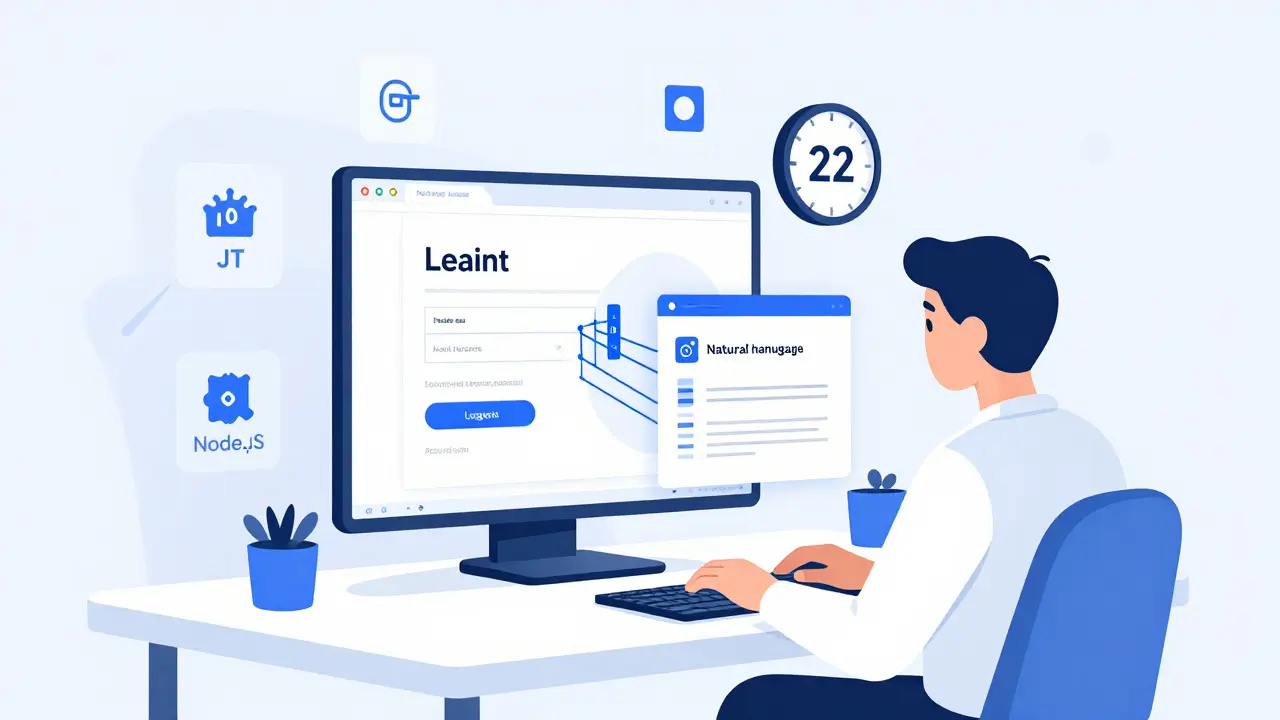
Imagine building a full-stack web app - backend, database, frontend, auth, API - in under an hour. Not a prototype. Not a mockup. A working, deployable application. That’s what vibe coding makes possible today. It’s not magic. It’s not a replacement for developers. It’s a new way of working that’s changing how software gets built. And if you’re still writing every line of code by hand, you’re already falling behind.
What Is Vibe Coding, Really?
Vibe coding isn’t just typing prompts into an AI chatbot and hoping for the best. It’s a structured practice where you use AI to generate full-stack code from natural language. The AI doesn’t just write snippets - it builds entire components: a login form with JWT auth, a REST API endpoint, a PostgreSQL schema, and a React UI that talks to it - all from one prompt. According to Google Cloud’s 2025 report, this became a distinct development method by Q1 2025, and now it’s used by over 1.2 million developers using GitHub Copilot alone.
Tools like GitHub Copilot (especially Sonnet 4.5), Emergent.sh, and Replit’s AI environments have reached a tipping point. They can now handle 200-500 lines of production-ready code per feature slice. That’s not theory. Developers at startups are shipping features in minutes that used to take days. One solo dev on Hacker News built a full SaaS app in 11 days. The traditional estimate? 8 to 10 weeks.
How It Actually Works: The Vertical Slice Method
The secret isn’t the AI. It’s the method. The most successful vibe coders use vertical slices. That means building one small, end-to-end feature at a time - from database to UI - before moving to the next.
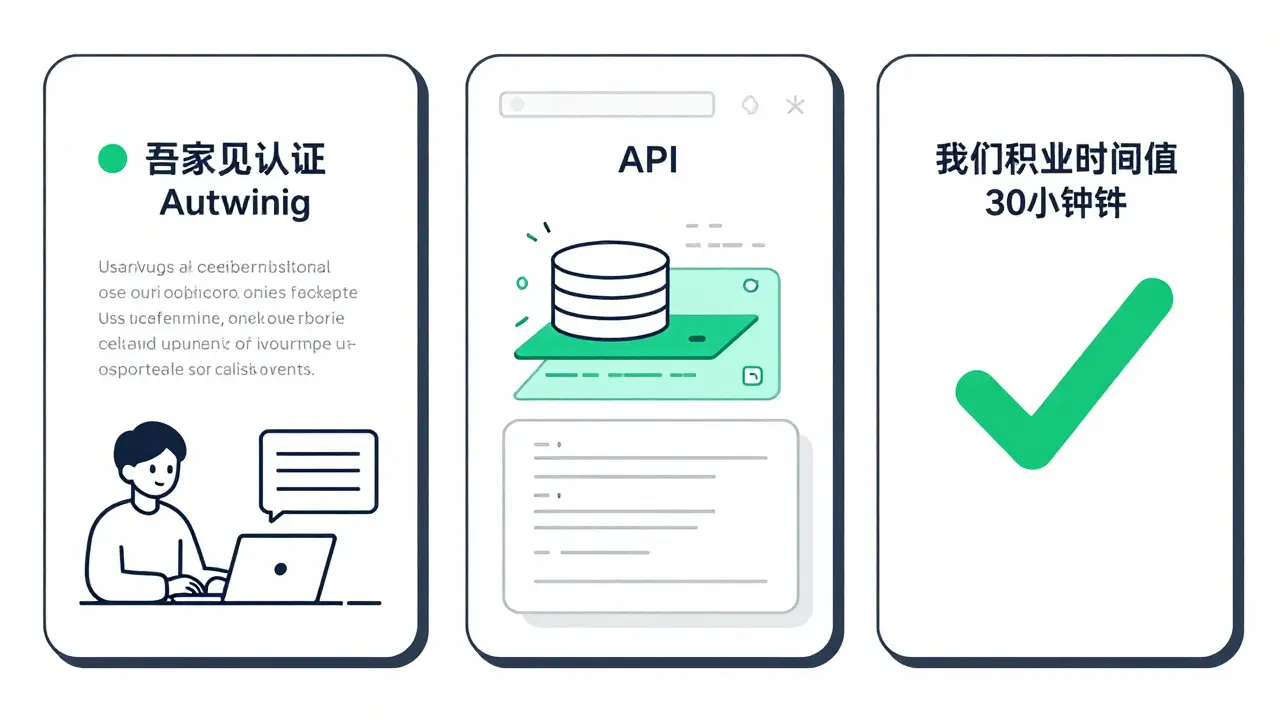
Start with authentication. Type: "Create a login system with email/password, JWT tokens, and a protected dashboard page. Use React, Node.js, and Prisma." The AI generates the login form, the API route, the database model, the token middleware, and the protected route guard. You test it. You fix one bug. Then you move to the next slice: "Add a form to create user profiles with image uploads and validation."
Each slice takes 15-30 minutes. That’s the sweet spot. Not 2 hours of debugging. Not 4 days of architecture debates. Just build, test, ship, repeat. Wasp.dev’s analysis of 127 projects found that teams using this method reduced technical debt by 65% compared to those just throwing prompts at the AI.
What You Need to Get Started
You don’t need to be a senior engineer. But you can’t be a complete beginner either. Microsoft’s guide says it best: "Beginner to intermediate. You can start with no code, but experience helps with customization."
Here’s what actually works in 2026:
- IDE: VS Code with GitHub Copilot (Sonnet 4.5). The context window handles up to 1 million tokens - enough to keep track of your whole app.
- Framework: Use batteries-included stacks. Wasp (React/Node.js/Prisma) or Laravel (PHP) give you 40% higher success rates than custom setups. Why? They’re predictable. The AI knows what to expect.
- Workflow: Write outcome-focused prompts. Not "How do I make a login?" - but "Build a login system with email, password, and 2FA. Store users in PostgreSQL. Protect the /dashboard route. Use React for the UI."
- Tooling: Use the AI to generate docs and tests. Emergent.sh auto-generates API docs with 4.6/5 accuracy. GitHub Copilot? Only 3.8/5. The difference matters.
What AI Gets Right (And What It Doesn’t)
AI is amazing at routine stuff. CRUD apps? 88% first-pass success rate. User management? 85%. Form validation? 92%. It’s why 68% of vibe coders are professional devs using it to speed up boring work - not replace it.
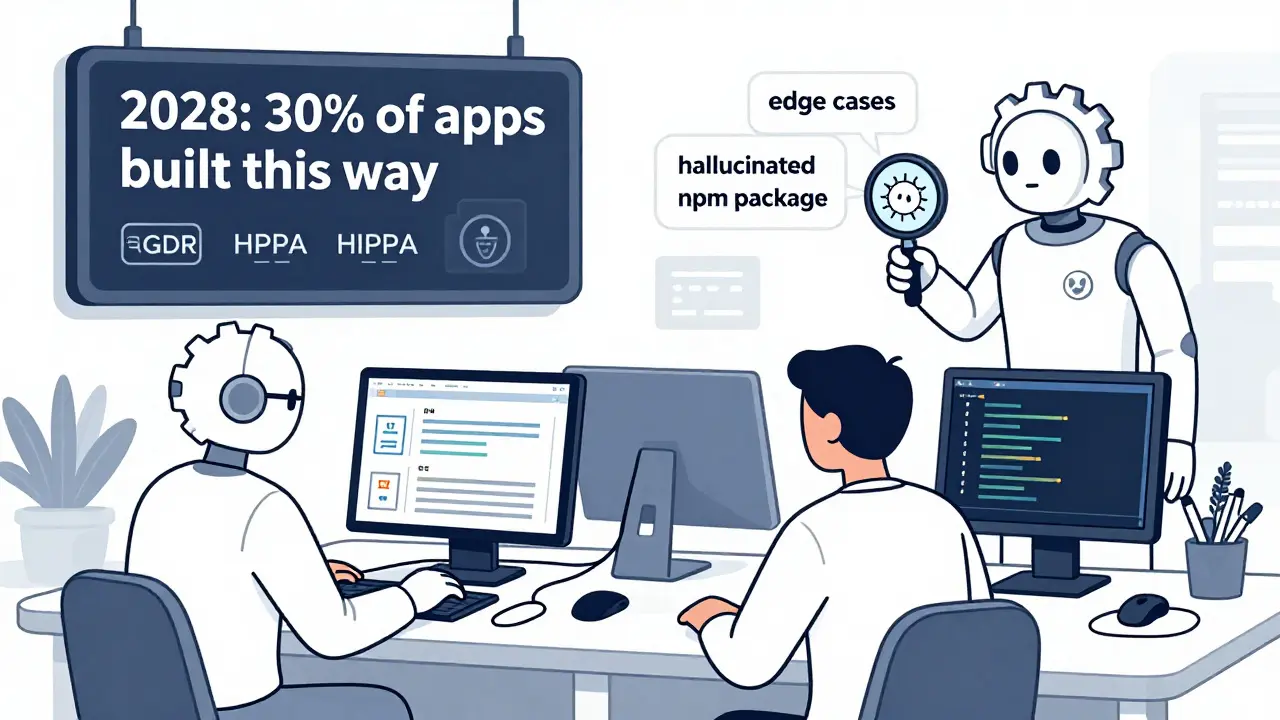
But it fails hard on edge cases. GitHub’s internal data shows AI only predicts 62% of edge scenarios without explicit prompting. That means if you don’t say "What happens if the user deletes their account while logged in?", the AI won’t think of it. You have to architect the system. Not just the function.
And yes - hallucinations happen. A Reddit user reported the AI invented a non-existent npm package called @auth/secure-jwt. Another got a database schema with a field called user_email_hash that didn’t exist in the ORM. You have to review every line. The AI is your co-pilot, not your autopilot.
Real Numbers: Time Saved, Pain Points, and Limits
Let’s get concrete.
Traditional way: Build a user registration flow - 6 hours.
Vibe coding way: 22 minutes. That’s a 16x speedup. But here’s the catch: 67% of negative feedback from developers cites debugging AI-generated code as the biggest pain point. Why? Because the AI writes code that works - but it’s messy. It’s inconsistent. It uses different patterns across files.
That’s why the 3-Ps matter: Patience, Persistence, Planning. Skip planning, and you’ll spend 3x longer cleaning up later. Use the vertical slice method, and you’ll ship faster with less chaos.
Here’s what the numbers say:
| Aspect | Vibe Coding | Traditional Development |
|---|---|---|
| Feature implementation time | 15-30 minutes per slice | 4-8 hours per feature |
| First-pass success rate (CRUD) | 88% | 95% |
| Edge case coverage | 62% | 90% |
| Debugging time per feature | 2-4 hours | 1-2 hours |
| Deployment time (basic app) | Under 5 minutes | 15-30 minutes |
| Learning curve (proficient) | 8-12 hours (experienced devs) | N/A |
Who’s Using This - And Who Shouldn’t
Right now, 68% of vibe coders are professional developers. They’re not building apps from scratch. They’re automating the grunt work: user flows, admin panels, data exports, API integrations.
22% are citizen developers - marketers, product managers, HR staff - building internal tools. A marketing team at a SaaS company used vibe coding to build a lead scoring dashboard in 3 days. Normally? 6 weeks.
But if you’re working on:
- High-frequency trading algorithms
- Real-time multiplayer game servers
- Embedded systems with strict memory limits
- Regulated systems (healthcare, finance) without legal review
…then vibe coding isn’t for you. Not yet. The AI doesn’t understand compliance. It doesn’t know HIPAA. It doesn’t care about PCI-DSS. You still need humans to guard the gates.
The Future: What’s Coming in 2026-2027
This isn’t a flash in the pan. It’s accelerating.
GitHub is rolling out integrated security scanning in Q2 2026 - scanning AI-generated code for vulnerabilities before it’s committed. Microsoft is building real-time collaborative vibe coding for Q3 2026 - multiple devs working on the same prompt, with AI auto-merging changes.
Emergent.sh is training domain-specific models for healthcare and finance. These won’t just generate code. They’ll generate code that follows FDA and GDPR rules - with audit trails built in.
And here’s the big shift: by 2028, Forrester predicts 30% of all new apps will be built using vibe coding. Not 30% of prototypes. 30% of production apps.
But here’s the warning: 61% of technical leads worry about long-term maintainability. AI-generated codebases can become unmaintainable nightmares if you don’t enforce architecture, documentation, and testing. The tools are powerful. The discipline is still yours.
Final Thought: You’re Not Replaced. You’re Upgraded.
Vibe coding doesn’t make developers obsolete. It makes junior devs faster. It lets seniors focus on hard problems - not boilerplate. It turns 3-week projects into 3-day ones.
But you still need to know how software works. You still need to understand databases, APIs, and security. The AI doesn’t think like you. It doesn’t care about your team’s standards. It doesn’t care if your codebase becomes a mess.
So don’t just type prompts. Learn the method. Use vertical slices. Review every line. Document what the AI writes. Test the edge cases. Ship fast. Iterate faster.
The future of coding isn’t writing less code. It’s thinking more clearly - and letting AI handle the rest.
Is vibe coding just another name for GitHub Copilot?
No. GitHub Copilot is a tool. Vibe coding is a methodology. You can use Copilot without vibe coding - like generating single functions. Vibe coding means using AI to build entire full-stack features end-to-end, following structured workflows like vertical slices. Copilot is one way to do it. Other tools like Emergent.sh or Replit’s AI offer different interfaces, but the practice is the same.
Do I need to know how to code to use vibe coding?
You don’t need to be an expert, but you need basic understanding. If you’ve ever looked at a JavaScript file and knew what a function or variable did, you’re ready. Complete beginners struggle because they can’t debug or recognize when the AI hallucinates code. Experience helps you spot bad patterns, fix architecture drift, and ask better prompts. Think of it like driving: you don’t need to build the engine, but you should know how to steer and brake.
Can vibe coding replace my entire development team?
No - and it shouldn’t. Vibe coding excels at routine tasks: user auth, CRUD interfaces, API integrations. But it can’t replace strategic design, security audits, performance optimization, or compliance reviews. Teams using vibe coding report they now spend 70% less time on boilerplate and 30% more time on architecture, user research, and edge cases. It’s an amplifier, not a replacement.
What frameworks work best with vibe coding?
Use batteries-included frameworks. Wasp (React, Node.js, Prisma), Laravel (PHP), and Django (Python) have predictable structures that AI tools understand. Custom stacks with 10 different libraries? That’s a nightmare. The AI needs consistency. If you’re building a full-stack app, start with Wasp or Laravel. You’ll get 40% higher success rates and fewer bugs.
Is vibe coding secure? Can I trust AI-generated code in production?
Only if you treat it like any other code. AI-generated code has the same risks as human-written code - maybe more, because it’s less predictable. Always run security scans. Review every file. Test for SQL injection, XSS, and auth bypasses. GitHub’s upcoming Q2 2026 security scanner will help, but you still need to audit. Never deploy AI code without testing. 38% of failed production deployments came from teams that didn’t.
How long does it take to get good at vibe coding?
If you have 1-2 years of dev experience, you’ll be proficient in 8-12 hours of practice. That’s two afternoons of building small features end-to-end. Complete beginners need 25-30 hours - roughly 5-6 days of focused work. The key isn’t time spent typing prompts. It’s time spent reviewing, fixing, and understanding what the AI generated. Practice with vertical slices. Don’t just build one app. Build five.
 Artificial Intelligence





Bhagyashri Zokarkar
February 21, 2026 AT 07:58Rakesh Dorwal
February 22, 2026 AT 06:11Vishal Gaur
February 23, 2026 AT 13:02Nikhil Gavhane
February 25, 2026 AT 01:06Rajat Patil
February 26, 2026 AT 06:30deepak srinivasa
February 28, 2026 AT 01:30pk Pk
March 1, 2026 AT 03:25