

When building applications with Vibe Coding, you are entering a high-speed environment where natural language prompts generate functional software. It sounds convenient, but here is the hard truth: if you don't classify your data correctly, you are handing over the keys to your digital house. Recent research shows that developers often overlook critical security layers when letting AI handle the heavy lifting of coding. We are talking about exposed credentials and unsecured databases.
You might think this only happens to big corporations, but the reality is different. A study conducted by Escape Technologies revealed over 2,000 vulnerabilities in applications built using these tools. That number isn't just a statistic; it represents real breaches waiting to happen. The core issue isn't necessarily the AI itself, but how we manage the data flowing through these inputs and outputs. If you treat all your data the same way, you create unnecessary risks.
Understanding the Four Tiers of Classification
Before you even type a single prompt, you need a mental framework. The Vibe Coding Framework introduces a four-tier system to categorize components based on their sensitivity. This isn't just theory; it dictates how much scrutiny your generated code needs before hitting production. You cannot apply the same rulebook to a contact form as you would to a payment gateway.
| Classification Tier | Component Type | Verification Requirement |
|---|---|---|
| Critical | Financial data, Authentication, PII | Level 3: Specialist Review + Full Docs |
| High | Data processing, Integration points | Level 2: Automated Scan + Peer Review |
| Medium | Standard functionality components | Level 2: Automated Scanning Only |
| Low | Internal tools, Non-critical features | Level 1: Ongoing Monitoring |
The distinction between these tiers changes your workflow completely. Critical components demand the highest level of oversight. Imagine you are handling customer banking information. That falls squarely into the "Critical" bucket. In this scenario, automated code generation isn't enough. You need human security specialists to verify the logic manually. For medium-tier stuff, like a basic settings page, standard automated scans are sufficient. Knowing where your project sits on this scale saves time and prevents catastrophic errors.
Protecting Secrets and PII in Your Prompts
One of the biggest pitfalls involves personally identifiable information, or PII. When you describe your requirements to the AI, you might inadvertently describe sensitive fields that shouldn't exist in public logs. Research by David Jayatillake highlights that detecting PII patterns via regex rules is technically easy, but the logic sequencing is where things go wrong. If your tool auto-tags data after applying exclusion filters, you lose the protection those filters were meant to provide.
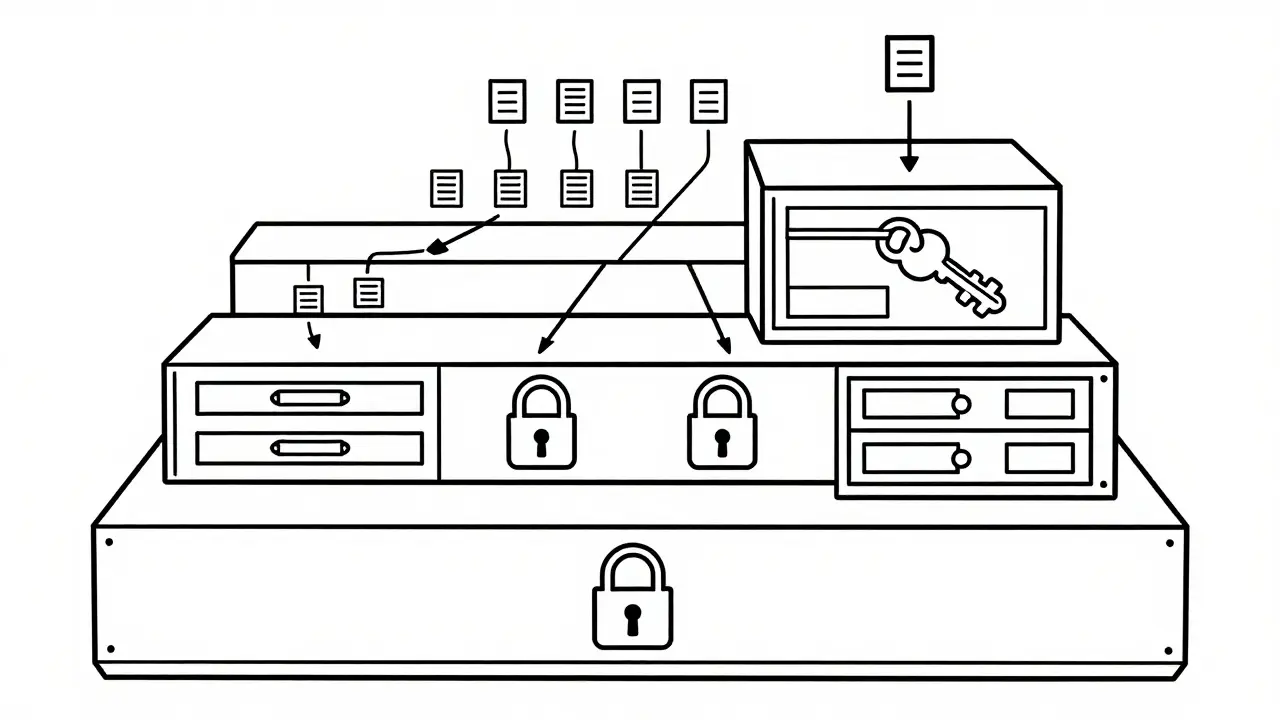
This problem extends to how secrets are handled. In traditional development, we learned the hard way that hardcoding passwords is a disaster. Vibe coding tools sometimes forget this rule when generating fresh projects. They might place database URLs directly into the script files. Instead, every connection string, API key, and password must live in environment variables. The Cloud Security Alliance explicitly recommends this practice because it separates configuration from code. When you deploy, the application reads these values from a secure server layer rather than the source code itself.
Configuration Traps: CORS and Database Access
You have classified your data, but what about the gates that guard it? Cross-Origin Resource Sharing (CORS) is a classic example of a setting that can misfire during automated generation. Vibe coding tools frequently default to wildcard settings (the asterisk symbol). Technically, this makes the app work immediately, but practically, it allows any website to talk to your backend. You need to restrict this to trusted domains only.
Then there is the database layer. Many modern apps use Supabase or similar platforms. These systems rely on Row-Level Security (RLS) to decide who sees what data. The danger here is silent failure. If the tool generates a frontend that requests data without proper checks, anyone could query the whole database. An audit showed that many deployments expose Supabase service role keys, which grant almost unlimited access. This is a systematic failure in how tools classify authentication tokens. They treat internal service keys as if they are safe for client-side usage, which they absolutely are not.

The Governance Checklist for System Owners
If you are leading the team, your job is to extend enterprise security standards into these AI workflows. The Guide for System Owners suggests integrating privacy criteria directly into your prompts. Don't wait until the code is done to check compliance. Ask the AI to flag potential security issues as part of the generation phase. You need to create a feedback loop where the tool knows your organization's specific risk appetite.
Verification intensity must match the risk. You don't need to manually review a footer widget, but you do need sign-off on login flows. This sampling approach is realistic. Trying to inspect every line of AI-generated code is impossible. By focusing on the Critical and High tiers, you allocate your resources where the damage would be worst if things went south.
Platform Differences You Can't Ignore
Not all tools behave the same way. The vulnerability research noted significant differences between platforms like Lovable, Base44, and Create.xyz. While some had thousands of deployed apps, others had fewer. Each platform handles data differently under the hood. What works for one might leave a gap in another. As these tools evolve rapidly, a best practice documented today might change tomorrow. Staying current means re-evaluating your classification rules every few months.
The temporal bias in these studies also matters. The data collected spans early 2025. The tech landscape moves fast. You need to assume that vulnerabilities found last year might be patched now, or new ones have appeared. Treat static documentation as a starting point, not the final answer. Continuous monitoring is your best defense against drift.
Why is vibe coding risky regarding data classification?
Vibe coding tools prioritize speed and functionality, often defaulting to permissive configurations that ignore data sensitivity. Without manual intervention, they may generate code that exposes sensitive data or weakens access controls.
What are the consequences of improper PII handling?
Improper PII handling can lead to GDPR violations and identity theft. If exclusion logic is applied after tagging operations, sensitive data may leak into accessible logs or APIs.
How should API keys be stored in generated code?
API keys must never be hardcoded. They should always be retrieved from environment variables configured within the deployment environment, ensuring they are not visible in the source code repository.
What does Row-Level Security prevent?
Row-Level Security ensures users can only access data specifically authorized for them. Without it, users might view or modify records belonging to other users.
Is automated scanning enough for security?
Automated scanning is only sufficient for Low and Medium tier components. Critical components involving finance or authentication require Level 3 specialist review and comprehensive documentation.
 Artificial Intelligence




Rohit Sen
April 2, 2026 AT 05:07Honestly most of you are worrying about things that standard protocols have solved decades ago.
Amit Umarani
April 2, 2026 AT 05:29Your previous comment relied on vague pronouns that obscured the intended grammatical subject clearly. People need to specify exactly which protocols are being referenced here. Ambiguity ruins the quality of the entire discussion thread unfortunately. Technical writing demands precision above all else to be taken seriously. I would prefer fewer words if they were actually grammatically sound.
Vimal Kumar
April 2, 2026 AT 15:01It is crazy how easy it is to mess up these tiers if you rush. We tend to trust the tool to handle the security part itself. That assumption leads to problems down the line inevitably. A contact form does not need the same care as a payment gateway. Knowing where your data sits changes the whole verification process. Automated scans help catch the low hanging fruit issues fast. You still need humans to check the critical buckets manually. Secrets end up in plain text scripts if you let the tool decide. Putting keys in environment vars stops that exposure immediately. Everyone knows hardcoded passwords are bad but tools still suggest them. CORS wildcards open your backend to literally any website online. You should restrict that setting to your specific domain names only. Row-Level Security is another thing that breaks without active checks. Frontend requests might pull data that belongs to other people entirely. Audit logs show how many keys get exposed by accident regularly. Service role keys are not meant for client side applications ever. Monitoring drift is the only way to keep up with new vulnerabilities. Staying safe means updating these checks every few months.
Noel Dhiraj
April 4, 2026 AT 03:05so i guess we all agree that defaults are risky and we should change them manually before pushing to prod because accidents happen and nobody wants to deal with leaked databases later on
vidhi patel
April 4, 2026 AT 08:54Your submission displays a significant lack of attention to capitalization conventions. Professional discourse requires proper sentence boundaries and clear articulation of thoughts. Negligence in these areas suggests a broader disregard for operational security standards. Rectify your writing style before offering technical advice again.
Priti Yadav
April 5, 2026 AT 23:31Companies definitely feed this data to third parties behind the scenes regardless of what the policy says publicly. The study mentioned in the post ignores the sheer volume of tracking scripts embedded in the tools. We need to assume the worst case scenario is already in motion right now.