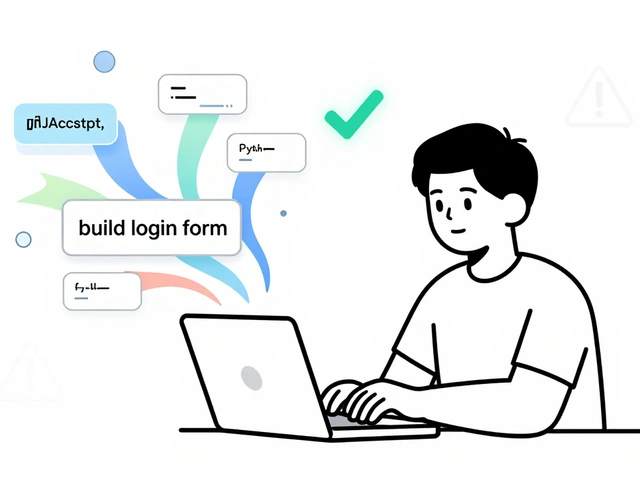
You type "build a Chrome extension that summarizes articles" into your editor. A few seconds later, files appear. The logic works. You hit refresh, and it runs. This is vibe coding, a style of programming where natural language prompts replace traditional syntax to generate functional applications. It sounds like magic, but for many developers in 2026, it’s just Tuesday.
But here’s the catch: raw vibe coding hits a wall fast. You can’t just prompt your way through complex state management or cross-module dependencies without losing your mind. That’s where agent plugins and specialized tools come in. They aren’t just add-ons; they are the scaffolding that keeps your AI-generated code from collapsing under its own weight. If you’re trying to move beyond simple prototypes and build something that actually survives production, you need to understand how to extend these capabilities.
Why Raw Vibe Coding Needs Extensions
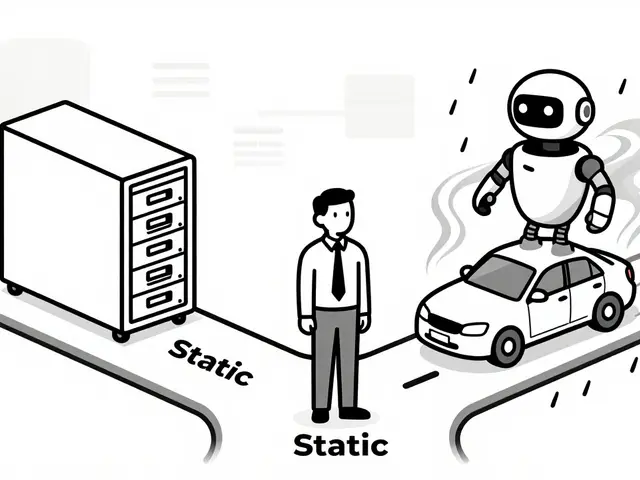
Early vibe coding was messy. Developers would ask an LLM to write a function, copy-paste it, and hope for the best. But as Filipe Calegario noted when he launched the "awesome-vibe-coding" repository back in March 2024, the real challenge wasn’t generating code-it was maintaining context. A standard chat interface forgets what happened three messages ago. It doesn’t know your file structure. It certainly doesn’t know why you named that variable `tempData` instead of `userPayload`.
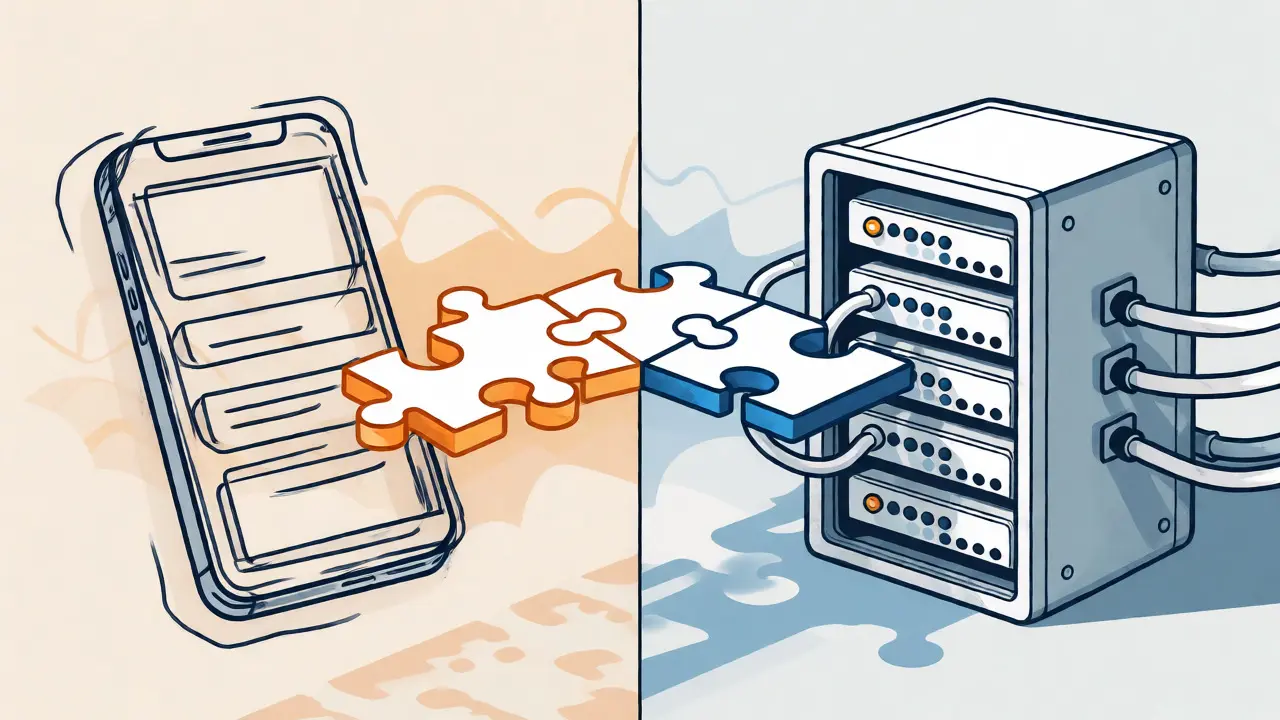
Agent plugins solve this by giving the AI eyes and hands. Instead of just predicting text, agents like Cline a VSCode extension that acts as an autonomous coding assistant can read your entire project directory, run terminal commands, and edit multiple files at once. Think of it as hiring a junior developer who never sleeps and has perfect recall of your codebase, versus having a conversation with a stranger who only remembers the last sentence you said.
A September 2025 LogRocket survey showed that 68% of early-stage developers were already experimenting with these tools. Why? Because the barrier to entry dropped. You don’t need to memorize every React hook anymore. You need to know how to direct the agent. But directing an agent requires different skills than writing code yourself.
The Core Architecture of Modern Vibe Agents
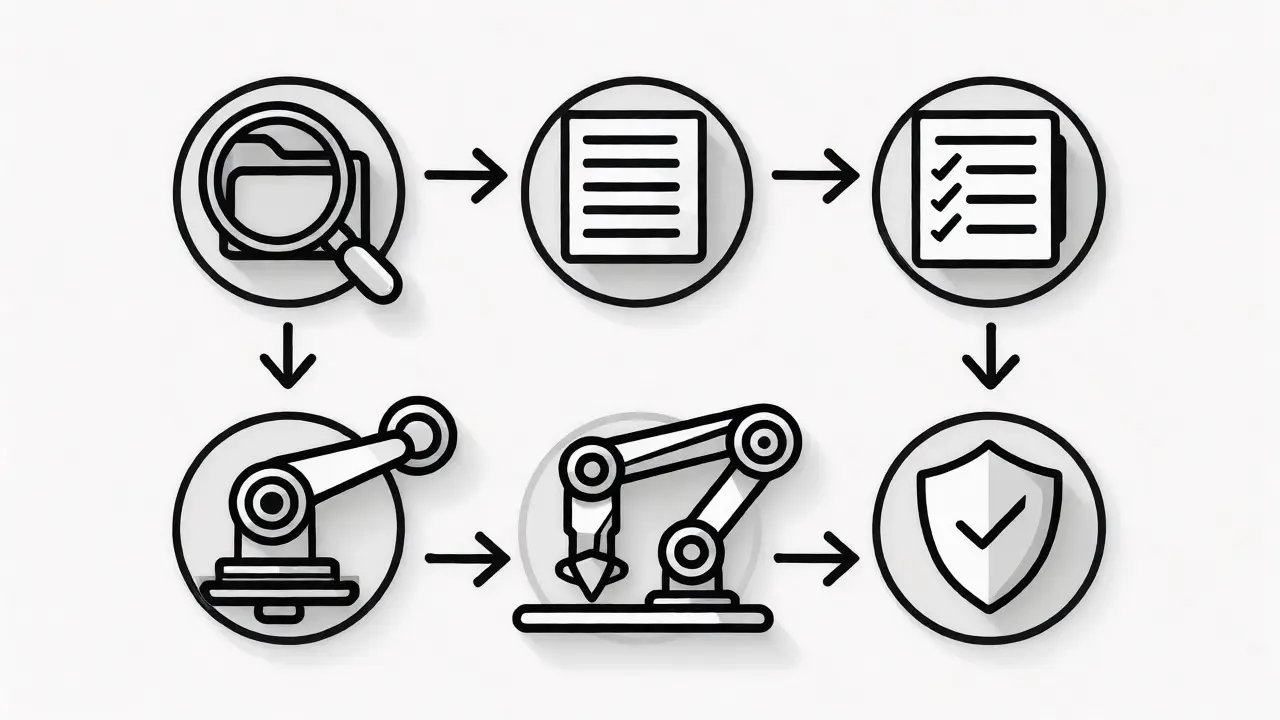
To use these tools effectively, you need to understand what’s happening under the hood. Most modern vibe coding environments rely on an agent-based architecture. This isn’t just a fancy term; it’s a specific workflow loop:
- Context Gathering: The tool scans your current files, open tabs, and recent changes.
- Planning: The agent breaks your natural language request into steps (e.g., "Create component," "Update styles," "Test build").
- Execution: It writes the code, often using tools like Cursor’s Agent mode which autonomously creates new files and updates configurations.
- Verification: Advanced tools run tests or linting checks before presenting the result to you.
This loop is critical. Without verification, you get "hallucinated" imports or broken dependencies. With it, you get working software. For instance, when testing Roo Code an AI coding assistant known for handling multi-file projects, DreamHost benchmarks showed it scoring 57 out of 70 on complex invoicing systems specifically because it could handle multi-file edits better than competitors that only touched one file at a time.
Top Tools for Extending Your Workflow
Not all plugins are created equal. Some are great for quick UI tweaks, while others are built for heavy backend logic. Here is how the top contenders stack up in late 2026.
| Tool Name | Primary Strength | Best Use Case | Key Limitation |
|---|---|---|---|
| Cursor | Project-wide context awareness | Refactoring large existing codebases | Context loss after 15+ files |
| Cline | Structured planning & execution | New feature development in clean repos | Can be slow due to verbose planning |
| Anima | Design-to-code conversion | Converting Figma designs to React | Limited backend logic generation |
| VibeCode | Simplicity & speed | Rapid prototyping & micro-apps | Poor documentation (2.8/5 rating) |
Notice the pattern? Each tool trades off speed for accuracy or simplicity for depth. Anima a plugin that converts visual designs into editable code is fantastic if you start with a design file. Its Chrome extension lets you capture a live website and instantly turn it into editable code, preserving layout and assets. But if you try to use Anima to manage a complex Redux store, you’ll hit a wall quickly.
On the other hand, Gemini CLI Google's command-line interface for interacting with Gemini models offers raw power. Dr. Alan Chen from MIT called the pairing of Gemini with CLI tools a "game-changer" in his December 2025 IEEE paper. It allows for scriptable, repeatable vibe coding workflows. You can pipe output from one agent into another. It’s less user-friendly than Cursor, but infinitely more flexible for power users.
Practical Implementation: The Two-Step Process
So, how do you actually use these tools without creating a mess? Successful practitioners follow a strict two-step process. Trying to do both at once leads to frustration.
Step 1: Visual and Structural Design. Before you let the AI write a single line of logic, define the shape of your application. Use tools like Figma or even a whiteboard. Decide on your components, your data flow, and your UI states. Maria Chen, a UX designer featured in LogRocket, emphasizes separating the visual design from the technical setup. If you skip this, the AI will guess your intent, and it usually guesses wrong.
Step 2: Technical Setup via Prompts. Once the blueprint is clear, feed it to your agent. Don’t just say "make this." Say "Create a React component named `ArticleCard` that accepts props for `title`, `summary`, and `imageUrl`. Use Tailwind CSS for styling based on this Figma link." Specificity reduces hallucinations.
Then, review. This is non-negotiable. A November 2025 Stack Overflow survey found that 87% of successful vibe coders spend over 30% of their time reviewing and refining AI-generated code. You aren’t just typing; you’re editing. Treat the AI’s output like a pull request from a very fast, slightly unreliable intern.
Common Pitfalls and How to Avoid Them
Even with the best plugins, things break. Here are the most common issues reported by developers in 2026 and how to fix them.
- The Black Box Problem: Sarah Johnson, a principal engineer at Microsoft, warns against becoming a "black box developer." This happens when you accept code you don’t understand. When it breaks, you can’t fix it. Fix: Always ask the agent to explain the code it wrote. Add comments. If you wouldn’t write it, don’t ship it blindly.
- Context Loss: Users of Cursor report occasional catastrophic context loss when working across more than 15 files. Fix: Break large tasks into smaller chunks. Close unused tabs. Use explicit references like "@file" to anchor the AI’s attention.
- Security Risks: Gartner reports that 83% of Fortune 500 companies restrict vibe coding tools due to proprietary code exposure. Fix: Check your enterprise plan’s privacy settings. Ensure your code isn’t being used to train public models unless you consent. Use local models or private endpoints if possible.
- Debugging Nightmares: Error messages from AI-generated code can be cryptic. Fix: Use debugging extensions alongside your coding agent. Tools like Lighthouse ensure exported code is production-ready by running automated checks before you deploy.
The Future: From Prototypes to Production
We are moving past the "toy" phase. In 2024, vibe coding was for learning and micro-apps. By 2026, it’s entering serious territory. Forrester predicts that by 2027, 65% of UI code for internal tools will be generated through vibe coding methods. The integration with CI/CD pipelines is improving, though only 28% of organizations have solved this challenge effectively so far.
The next big leap is in traceability. The EU’s AI Act draft requires "traceability of AI-generated code in production systems." Tools like Cursor are already implementing audit trails that show the exact prompt-to-code path. This means you can prove who wrote what-and more importantly, why. This regulatory pressure is forcing vendors to make their black boxes transparent.
If you’re looking to stay ahead, focus on mastering the ecosystem around your primary tool. Learn how to write effective prompts for agents. Understand how to configure MCP (Model Context Protocol) servers to connect your database directly to your AI. The syntax of Python or JavaScript matters less than the syntax of your instructions.
Do I still need to know how to code to use vibe coding tools?
Yes, but differently. You don't need to memorize syntax, but you must understand logic, architecture, and debugging. As Sarah Johnson from Microsoft notes, relying entirely on AI without understanding the underlying code creates "black box developers" who struggle when edge cases arise. Code literacy is now about reading and reviewing, not just writing.
Which vibe coding tool is best for beginners?
For pure beginners, tools like VibeCode or Anima are easier to grasp because they focus on visual outputs and simple prompts. However, if you want to grow into professional development, starting with Cursor or Cline is recommended despite the steeper learning curve, as they teach better habits regarding project structure and context management.
Is vibe coding secure for enterprise use?
It depends on the configuration. Public cloud models may expose proprietary code. Enterprise versions of tools like Cursor offer private endpoints and data retention controls. According to Gartner, 83% of Fortune 500 companies currently restrict usage due to security concerns, but this number is dropping as compliance features like audit trails become standard.
How much does it cost to use advanced agent plugins?
Most major tools operate on a freemium model. Basic usage is often free, but advanced agent modes that consume significant tokens (like Cursor's Agent mode or Cline's autonomous loops) require paid subscriptions, typically ranging from $20 to $50 per month. Costs scale with usage, so heavy users should monitor token consumption closely.
Can vibe coding tools handle complex backend logic?
They are improving but still lag behind frontend capabilities. While tools like Roo Code handle multi-file backend structures well, 72% of professional developers report struggles with sophisticated state management and cross-module dependencies. Complex backend architectures still benefit significantly from human oversight and manual refactoring.
 Artificial Intelligence