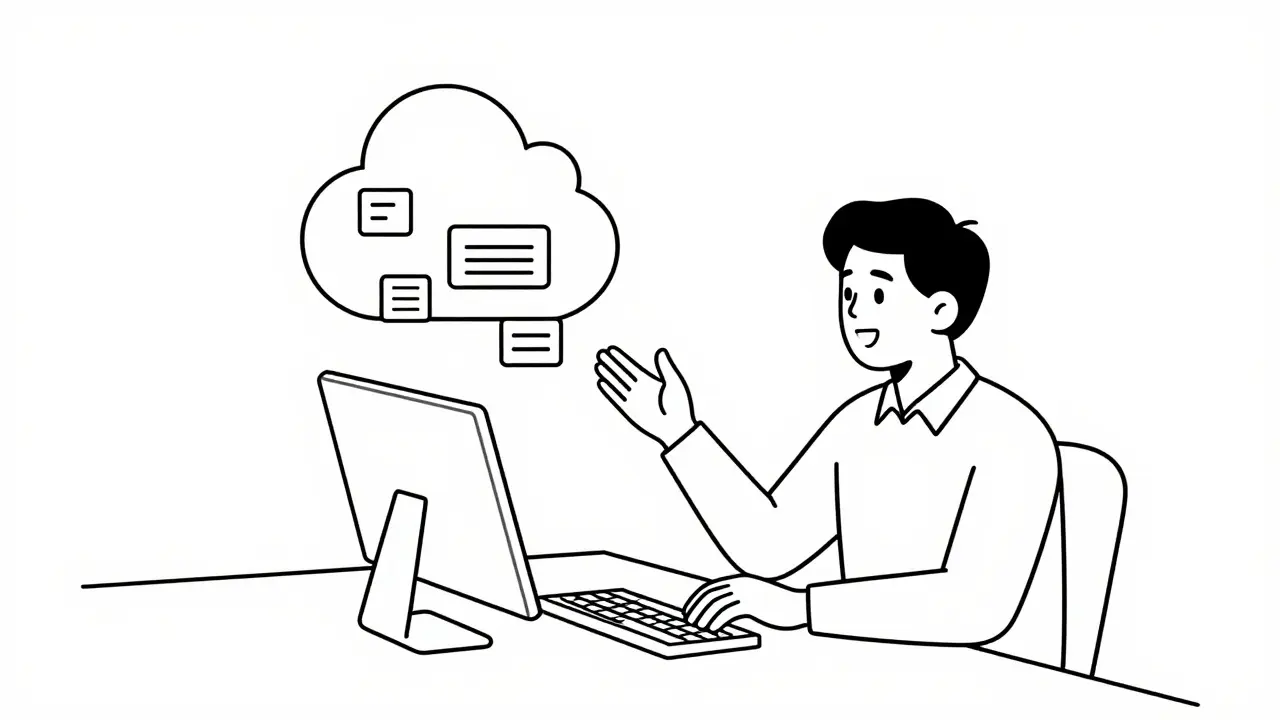
You don't need a computer science degree to build software anymore. In fact, you might not need any code at all. This is the reality of vibe coding, a method that lets anyone with a clear idea and a browser launch functional applications by simply describing what they want in plain English. It sounds like magic, but it’s actually just advanced artificial intelligence doing the heavy lifting.
For decades, if you had an idea for an app, you needed to hire expensive developers or spend years learning complex programming languages. That barrier has crumbled. Today, non-technical users-from marketing managers to school administrators-are shipping real products used by thousands. They aren’t writing syntax; they’re directing AI agents. If you’ve ever wondered how your colleague built that internal tool in a weekend, this is how.
What Is Vibe Coding?
Vibe coding isn’t a specific software product. It’s a workflow. It’s the practice of using natural language prompts to guide AI systems in generating, refining, and deploying entire applications. The term gained traction in early 2024 when Google Cloud formally documented it as "a style of programming that uses natural language prompts to assist with the coding process." But the concept existed before the label stuck.
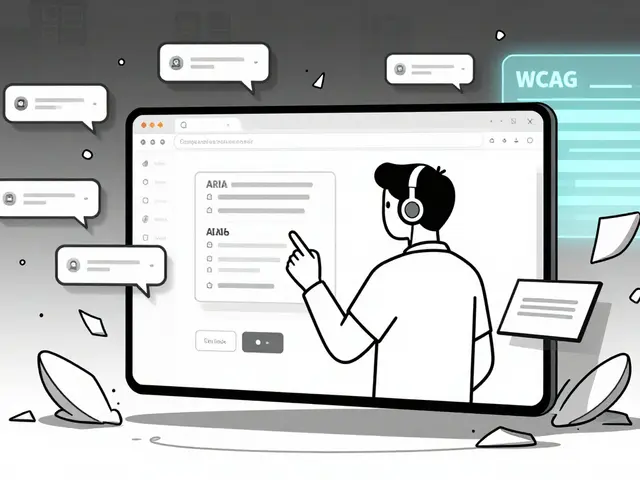
Think of it like hiring a brilliant but literal-minded assistant. You tell them, "I need a customer portal where clients can submit support tickets and see their status." The AI doesn’t just give you advice; it writes the database schema, designs the user interface, connects the backend logic, and even generates sample data so you can test it immediately. You review the result, say, "Make the status tracker use color codes," and the AI updates the code instantly. You are the architect; the AI is the construction crew.
This approach relies on Large Language Models (LLMs) that have reached a level of maturity where they understand context, structure, and intent. It’s not just auto-completing sentences anymore. These models can reason through application architecture. Platforms like Replit, Knack, and Google Firebase Studio have built interfaces specifically for this interaction loop, making it accessible to people who have never touched a line of Python or JavaScript.
Why Non-Developers Are Winning Right Now
The speed difference is staggering. A study from MIT in February 2024 found that vibe coding reduces the time to build a basic application foundation by 83%. Traditional development took an average of 37 hours for a standard CRUD (Create, Read, Update, Delete) app. With vibe coding, that same foundation was ready in 6.2 hours.
But it’s not just about speed. It’s about accessibility. Forrester Research surveyed 1,200 business professionals in late 2023 and found that 78% of non-technical users built applications they previously thought were impossible without coding skills. One Reddit user, u/MarketingMike99, shared that he built a client portal in three hours using Knack’s vibe coding features. His company’s dev team estimated it would take two weeks. He saved $8,500 in development costs and solved his problem immediately.
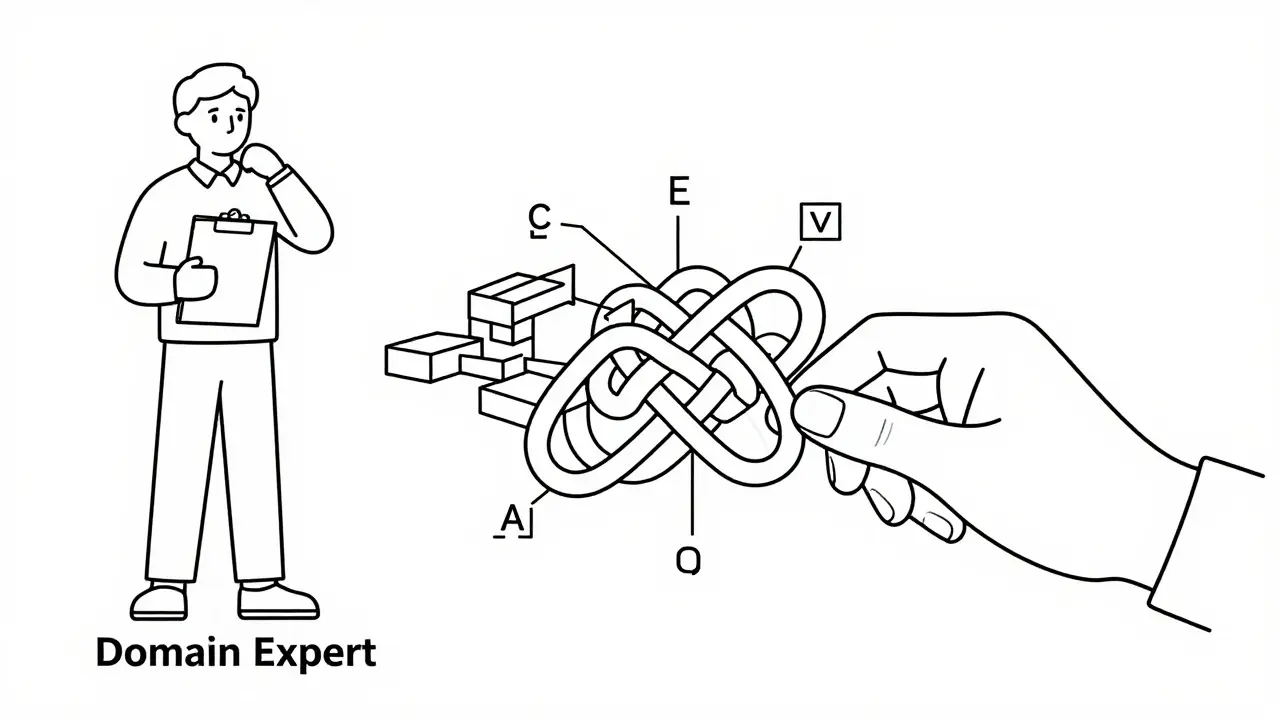
This democratization shifts power away from IT departments and into the hands of domain experts. A retail manager knows exactly how inventory tracking should work better than a generalist developer does. When that manager can build the tool themselves, the friction between idea and execution disappears. The role changes from "coder" to "product manager of your own ideas," as Replit CEO Amjad Masad put it in April 2024.
Top Platforms for Vibe Coding in 2026
Not all AI coding tools are created equal. Some are designed for professional developers to write code faster (like GitHub Copilot). Others are built for non-developers to build apps from scratch. Here is how the major players compare for someone with zero coding background.
| Platform | Best For | Key Feature | Limitation |
|---|---|---|---|
| Knack | Business process automation & databases | Automated Table Creation; Auto-generated sample data | Can struggle with highly custom UI designs |
| Google Firebase Studio | Rapid prototyping & mobile-first apps | Single-prompt generation; One-click deployment | Tied closely to Google’s ecosystem |
| Replit | Full-stack web apps & AI agents | Integrated cloud services (DBs/storage) auto-provisioned | Steeper learning curve for complex logic |
| Microsoft Copilot Studio | Enterprise dashboards & internal tools | Component-based architecture (Charts, Lists, Details) | Requires Microsoft 365 integration for best results |
Knack stands out for business users because it handles the boring stuff automatically. Its Automated Table Creation feature reduces database setup time from hours to seconds. Plus, its Auto-Generated Sample Data means you don’t have to fake up dummy records to test your workflow. You get usable data instantly.
Replit is more powerful for those who want a traditional web app feel. It provisions databases and object storage in the background. You don’t configure servers; you just ask for them. However, it assumes you understand some basic concepts of how web apps connect to data.
Google Firebase Studio is ideal if you want to go from prompt to live URL in minutes. It’s heavily integrated with Google’s infrastructure, making it robust for scaling, but it locks you into their ecosystem.
The Hidden Dangers: Why Your App Might Fail
Vibe coding is not a free pass. There are serious pitfalls that catch non-developers off guard. Dr. Sarah Chen, a Computer Science professor at MIT, warns that vibe coding creates a "dangerous illusion of competence." You can build something that looks and works perfectly for a week, then crashes when you add one extra feature because you don’t understand the underlying architecture.
The biggest issue is ambiguity. AI is great at following clear instructions. It is terrible at guessing what you mean when you’re vague. Google’s engineering team notes that vibe coding struggles with "ambiguous requirements or novel algorithmic challenges." If you try to build a complex financial modeling tool with intricate mathematical formulas, the AI will likely hallucinate-producing code that looks correct but calculates wrong numbers.
Another major risk is scalability. Gartner analyst Thomas Lee predicts that 60-70% of vibe-coded applications will require significant rework when scaling beyond initial prototypes. Why? Because AI often generates code that works for small datasets but becomes inefficient or breaks under load. A school administrator built a student tracking system for 1,200 students across three campuses using IBM’s tools. It worked great until enrollment spiked by 20%, causing database timeouts. The solution required a human developer to optimize the queries.
Security is also a blind spot. Tanium’s security survey in February 2024 found that 73% of enterprise security teams are concerned about non-developers creating compliance vulnerabilities. If you prompt an AI to "let users upload files," it might create a folder that’s publicly accessible by default. Without knowing basic security principles, you could accidentally expose sensitive customer data.
How to Build Your First App: A Step-by-Step Guide
If you’re ready to try vibe coding, follow this structured workflow to maximize your chances of success. Don’t start with your dream app. Start small.
- Define a Narrow Scope: Overambitious initial scope causes 68% of failed attempts, according to Tanium. Don’t build "an Amazon clone." Build "a list of books I want to buy with links to purchase." Keep it simple.
- Describe Inputs and Outputs Clearly: Tell the AI exactly what data goes in and what comes out. Example: "I need a form where customers enter their name, email, and order ID. The output should be a confirmation page showing their ticket number."
- Use Iterative Refinement: Generate the first version. Test it. Then prompt changes. "Make the button blue." "Add a search bar." "Sort the list by date." Small tweaks are easier for AI than massive overhauls.
- Leverage Sample Data: If your platform offers auto-generated data (like Knack), use it. Testing with empty fields reveals nothing. Testing with realistic data shows where your logic breaks.
- Launch a Minimum Viable Product (MVP): Get it in front of real users quickly. Feedback from actual usage is better than perfecting it in isolation. Add features based on what users complain about.
- Know When to Call a Pro: If you hit a wall with complex conditional logic or performance issues, stop. Hire a developer to audit or fix the specific bottleneck. You don’t need to know how to drive the car to call a tow truck.
Users with spreadsheet experience succeed 37% more often than complete novices, according to IBM. If you understand rows, columns, and relationships, you already speak half the language of database design. Lean on that knowledge.
The Future of No-Code Development
We are only at the beginning. The no-code/low-code market is projected to reach $187 billion by 2030. By 2026, Gartner predicts that 50% of enterprise applications will incorporate some form of AI-assisted development. Forrester goes further, forecasting that vibe coding will become standard in business school curricula by 2027.
Microsoft reports 200% quarter-over-quarter growth in non-developer usage of their experimental tools since late 2023. Companies are realizing that waiting for IT queues kills innovation. Allowing non-IT staff to build internal tools via approved platforms is now common, with 41% of medium-to-large companies permitting this practice as of early 2024.
However, the "reckoning" Dr. Chen warned about may arrive sooner than expected. As organizations accumulate hundreds of vibe-coded apps, they will face technical debt. Maintenance, security audits, and integration will become nightmares unless standards are established now. The winners won’t just be those who build fast, but those who build responsibly.
Is vibe coding the same as no-code?
Not exactly. Traditional no-code platforms (like Bubble or Webflow) rely on visual drag-and-drop builders where you manually configure workflows. Vibe coding uses natural language prompts to generate the underlying code and structure automatically. It’s less about assembling blocks and more about directing an AI agent. Vibe coding is often faster for initial setup but requires more careful prompting to avoid errors.
Do I need to learn any programming to use vibe coding?
You don’t need to learn syntax like Python or JavaScript. However, understanding basic logical concepts helps immensely. Knowing how data relates (e.g., one customer has many orders) allows you to describe your app more accurately. Users with spreadsheet experience tend to succeed faster because they already think in terms of tables and relationships.
Can vibe-coded apps handle large amounts of data?
It depends on the platform and the complexity. Simple apps can handle thousands of records fine. However, AI-generated code often lacks optimization for high-performance scenarios. If you expect millions of users or complex real-time calculations, you will likely need a human developer to refactor the code for efficiency and scalability. Always test with larger datasets before going live.
Is my data safe when using AI to build apps?
Safety depends on the platform’s security settings and your configuration. AI tools can inadvertently create open permissions if prompted vaguely. Always review access controls after generation. Enterprise platforms like Knack and Microsoft Copilot Studio offer better security governance than experimental tools. Never input sensitive personal data into public AI prompts during the design phase.
What happens if the AI makes a mistake in the code?
AI hallucinations are common. The code might look correct but fail silently. This is why iterative testing is crucial. Run your app with sample data immediately. If something behaves oddly, prompt the AI to "debug the login flow" or "fix the calculation error." Most platforms allow you to view the generated code, so you can spot obvious issues or hand it off to a developer for repair.
Which vibe coding platform is best for beginners?
Knack is often recommended for beginners because of its automated table creation and sample data features, which reduce setup friction. Google Firebase Studio is also excellent for quick prototypes due to its single-prompt generation. Avoid starting with Replit if you have no technical background, as it exposes more infrastructure details that can be confusing.
Will vibe coding replace professional developers?
No, but it will change their role. Developers will shift from writing boilerplate code to reviewing, optimizing, and securing AI-generated applications. Complex systems, novel algorithms, and high-scale architectures still require human expertise. Vibe coding automates the mundane, freeing developers to solve harder problems.
 Artificial Intelligence