
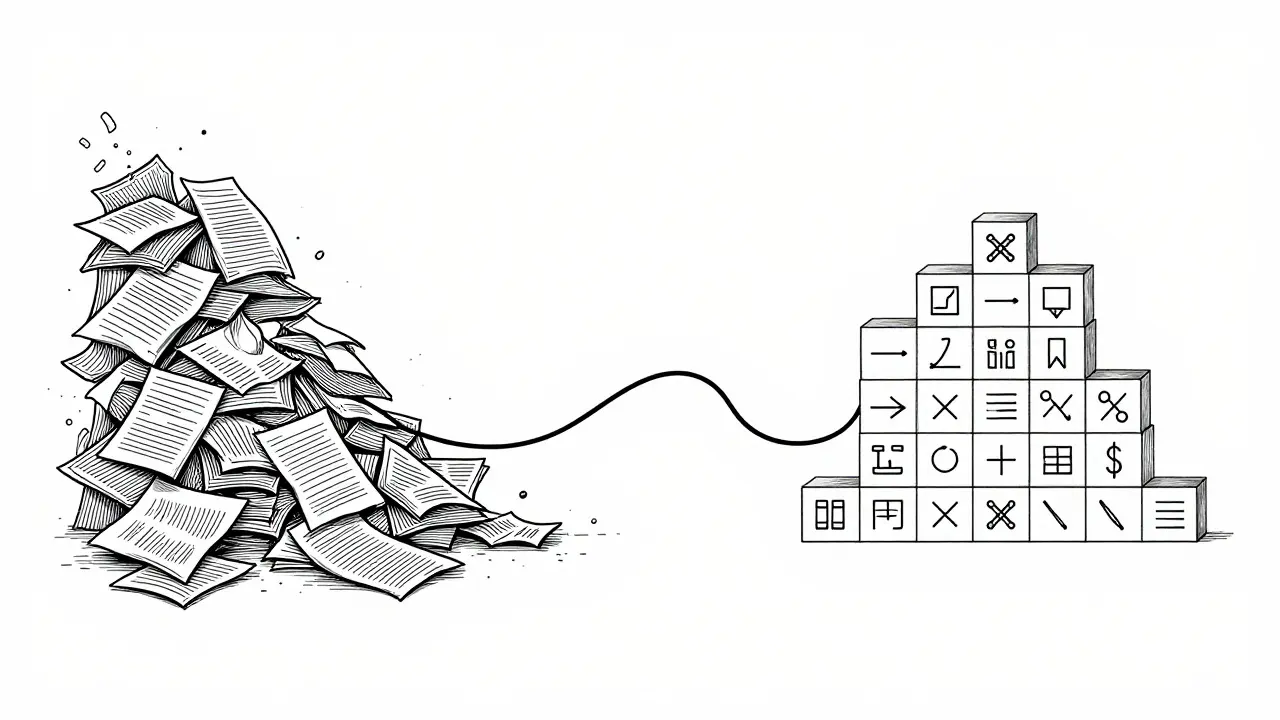
Imagine spending hours manually copying data from messy PDFs or scanned invoices into a spreadsheet. Now imagine doing that every single day for hundreds of documents. It’s tedious, error-prone, and frankly, a waste of human potential. This is the exact problem Data Extraction Prompts are designed to solve in the world of Generative AI.
We’ve moved past the era where Large Language Models (LLMs) were just fancy chatbots. Today, businesses use them as reliable data processing engines. The secret sauce? Structuring your prompts so the AI spits out clean, usable formats like JSON or structured tables instead of paragraphs of text. If you can master this, you turn unstructured chaos into organized data with minimal coding.
The Core Logic: From Text to Structure
To get an LLM to extract data correctly, you have to stop treating it like a conversation partner and start treating it like a function. A standard prompt might say, "Tell me what's in this invoice." An extraction prompt says, "Extract the vendor name, date, and total amount from this invoice and return it as a JSON object with specific keys." The difference is precision. According to research documented by Google Cloud in late 2023, effective prompts require three non-negotiable components:
- Task Definition: Clearly state what needs to be extracted.
- Parameter Specification: Define the fields, data types (string, integer, date), and constraints.
- Output Format Declaration: Explicitly demand JSON or a table structure.
For example, if you are extracting customer feedback, don't just ask for "sentiment." Ask for a JSON object with keys: `customer_id` (string), `rating` (integer 1-5), and `comments` (string). Without these specific instructions, the model might give you a summary paragraph, which is useless for database integration.
Mastering Table Extraction
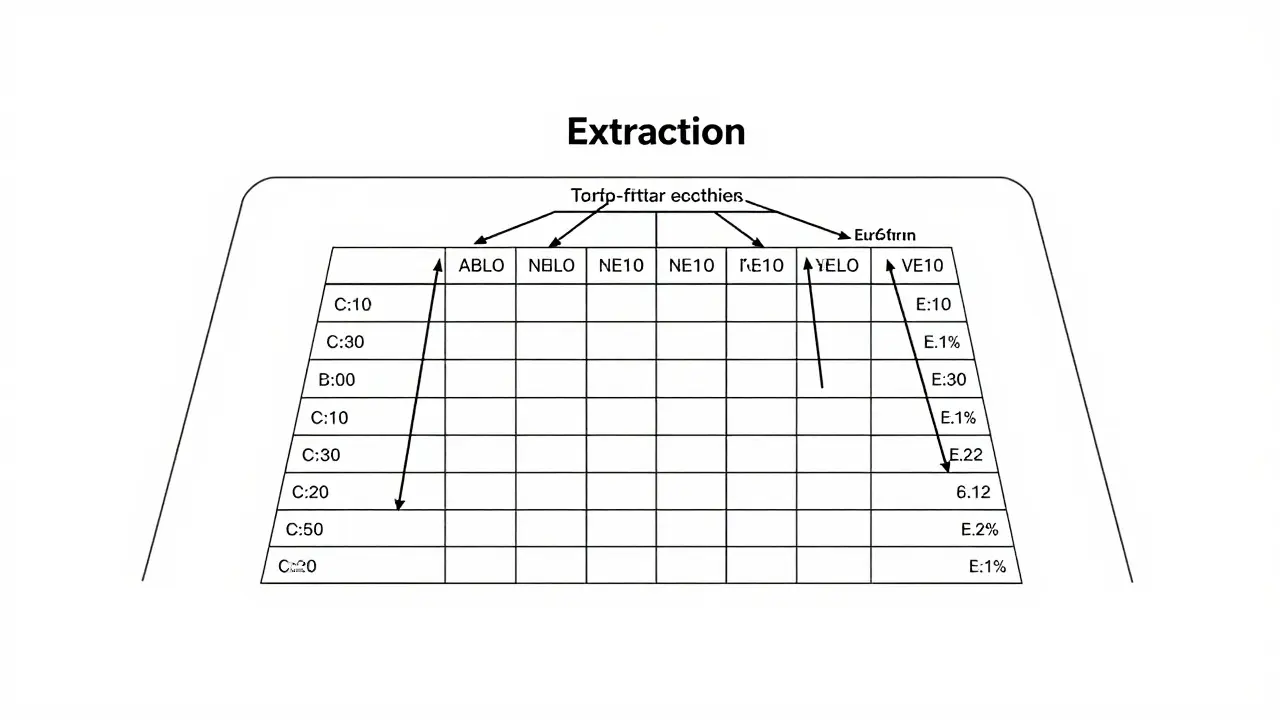
Tables are notoriously difficult for traditional Optical Character Recognition (OCR) systems. Merged cells, multi-level headers, and irregular grids often break standard parsers. Generative AI handles this surprisingly well, but only if you guide it.
DocsBot AI, a specialist in this niche, released a technical pattern in mid-2024 highlighting five key requirements for successful table extraction:
- Flatten Multi-Level Headers: Instruct the AI to combine parent and child header names (e.g., "Q1 Sales" + "North America" becomes "Q1_Sales_North_America").
- Propagate Merged Cells: Tell the model to repeat values from merged cells down the column so every row has complete data.
- Handle Irregular Structures: Specify how to deal with missing values (use `null` rather than guessing).
- Preserve Relationships: Ensure the link between headers and data points remains intact.
- Strict Formatting: Demand valid JSON output without markdown wrappers if possible.
A real-world case study from Microsoft Azure OpenAI showed that using these techniques reduced weekly maintenance time for email data extraction from 15-20 hours to just 2-3 hours monthly. That’s a massive efficiency gain.
Common Pitfalls and How to Fix Them
It’s not all smooth sailing. A June 2025 analysis by developer Andy O’Neil found that nearly 70% of initial JSON outputs from AI models contain formatting errors. These usually stem from special characters, unclosed brackets, or inconsistent nesting.
Here is how top engineers handle these issues:
| Error Type | Cause | Solution |
|---|---|---|
| Broken JSON Syntax | Special characters or line breaks in text fields | Instruct the model to escape special characters or sanitize strings before outputting. |
| Hallucinated Data | Model filling in gaps when data is missing | Add instruction: "If data is missing or uncertain, output null. Do not guess." |
| Inconsistent Dates | Varied input formats (MM/DD/YYYY vs DD-MM-YYYY) | Specify ISO 8601 format (YYYY-MM-DD) in the prompt schema. |
| Nesting Errors | Complex hierarchical data structures | Provide a sample JSON structure in the prompt as an example. |
One practical tip from the community: use a post-processing step. Tools like Make.com allow you to run a simple "Replace" function to strip invisible characters from the AI’s output before parsing it into your database. It’s a small step that saves hours of debugging.
Platform Differences: Where Should You Build?
Not all AI platforms handle extraction equally. Your choice depends on your existing tech stack and specific needs.
- Google Cloud Vertex AI: Offers a robust gallery of pre-built prompt patterns. Their documentation emphasizes schema validation and includes examples for complex tasks like stock price table consolidation. Best for teams already in the Google ecosystem.
- Microsoft Azure OpenAI: Strong integration with Python libraries like pandas and beautifulsoup4. Their "Structured Output Framework" announced in May 2025 automatically validates schemas, reducing parsing errors by nearly 90%. Ideal for enterprise environments needing strict compliance.
- DocsBot AI: Specializes in image-based extraction. If you’re dealing with scanned invoices or photos of receipts, their pre-processing steps (deskewing, denoising) combined with tailored prompts yield higher accuracy than general-purpose LLMs.
According to Gartner’s October 2025 report, cloud providers dominate this space, with Google holding about 32% market share and Microsoft at 28%. However, specialized tools like DocsBot capture significant niche value due to their focus on document quality enhancement.
Building a Validation Safety Net
Dr. Michael Rodriguez from Stanford’s AI Lab warns that without validation, AI-extracted data can introduce subtle errors that ruin downstream business processes. Trusting the AI blindly is risky.
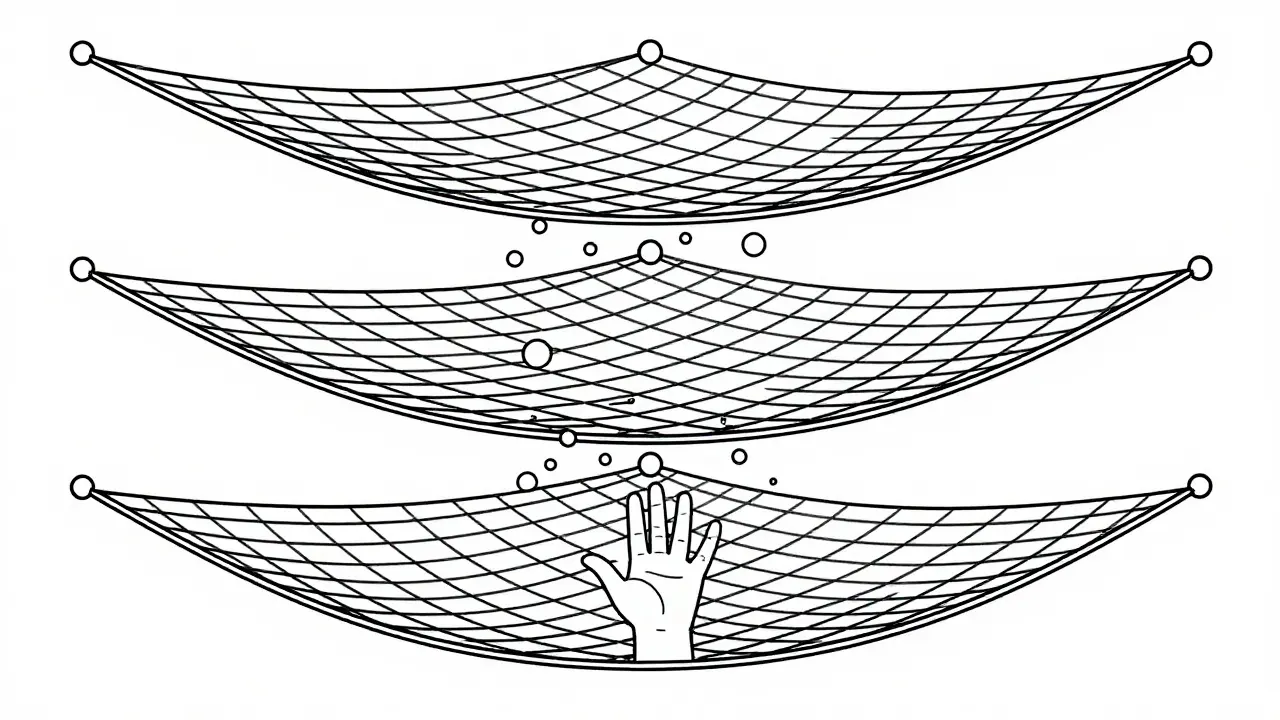
The gold standard is a three-tier validation system:
- Schema Validation: Check if the output matches the expected JSON structure (correct keys, correct data types).
- Cross-Field Consistency: Verify logical relationships (e.g., "Total Amount" should equal "Subtotal" + "Tax").
- Human-in-the-Loop: Flag edge cases or low-confidence extractions for manual review.
Microsoft achieved 98.2% accuracy in their internal tests only after implementing this layered approach. For beginners, start with basic schema validation. As your workflow matures, add consistency checks. This iterative process typically takes 8-20 hours to set up initially but pays off quickly in reliability.
Future Trends and Adoption
The landscape is evolving fast. By 2027, Gartner predicts that 75% of enterprise data workflows will use generative AI prompts, up from 32% in 2025. We’re seeing a shift toward "self-correcting prompts," where the AI validates its own output before returning it. Google Cloud introduced this feature in early 2026, allowing models to catch syntax errors internally.
Additionally, the JSON Prompting Consortium, formed in late 2025 by industry giants, is working on standardizing schema definitions. This means in the near future, you’ll likely use universal prompt templates that work across different AI providers, reducing the need to re-engineer prompts for each platform.
What is the best way to handle missing data in AI extraction?
Always instruct the model to output `null` or an empty string for missing fields rather than letting it guess. Guessing leads to hallucinations, which corrupt your dataset. Include this rule explicitly in your prompt's parameter specification section.
Can I use data extraction prompts for images?
Yes, but you need a multimodal model capable of vision processing. For high accuracy, especially with scanned documents, use platforms like DocsBot AI that include pre-processing steps like deskewing and contrast enhancement before the AI interprets the content.
How do I prevent JSON syntax errors in the output?
Provide a clear example of the desired JSON structure in your prompt. Additionally, specify that the model must escape special characters (like quotes or newlines) within string values. Post-processing with a sanitizer tool can also help clean up minor formatting issues.
Is it better to use JSON or CSV for extraction outputs?
JSON is generally preferred for complex, nested data structures because it preserves hierarchy and data types more reliably. CSV is flatter and simpler but struggles with nested objects and special characters within fields. Use JSON for most enterprise applications.
How long does it take to learn prompt engineering for data extraction?
Developers with prior experience typically become proficient in 12-15 hours. Beginners may need 25-30 hours to understand schema definition, error handling, and validation strategies. The learning curve is steep initially but flattens quickly with practice.
 Artificial Intelligence


Caitlin Donehue
June 9, 2026 AT 23:16I’ve been manually copying invoice data for three years and my soul is leaving my body.
Seeing this guide feels like finding a life raft in the middle of the Pacific Ocean.
The part about treating the LLM like a function instead of a chat partner really clicked for me.
I used to just ask it nicely to help me out, which obviously never worked well.
Now I’m going to try defining those strict JSON schemas immediately.
It’s crazy how much time we waste on such simple formatting issues.
Lisa Puster
June 10, 2026 AT 17:22another american trying to pretend they understand tech jargon without actually doing the work.
you people are so lazy now that you cant even format a spreadsheet yourself.
real engineers dont need ai to do their basic jobs for them.
this whole trend is just a symptom of declining standards in the industry.
i bet half of you dont even know what json stands for.
Stephanie Frank
June 11, 2026 AT 12:37lol look at lisa acting all superior because she probably still uses excel macros from 2005.
newsflash: efficiency matters more than your ego.
if you can automate the boring stuff then you have time to actually think about business logic instead of copy-pasting numbers until your eyes bleed.
also your grammar is terrible which proves nothing except that you type fast and care less.
Joe Walters
June 12, 2026 AT 08:53honestly the typo prone nature of this comment reflects the chaos of unstructured data lol.
but seriously i tried using azure openai last week and the schema validation thing saved my ass.
before that i was getting random brackets everywhere and spending hours debugging python scripts just to parse the output.
now i just tell it to give me valid json or null if its unsure and boom done.
why didnt anyone tell me about the self correcting prompts earlier??
Marissa Haque
June 14, 2026 AT 05:04OMG!!! This is exactly what I needed!!!
I have been struggling with table extraction for weeks!!!
The tip about flattening multi-level headers is genius!!!
I never thought to combine the parent and child names like that!!!
It makes so much sense when you explain it simply!!!
Thank you so much for sharing this detailed guide!!!
I am going to implement this right away!!!
Keith Barker
June 14, 2026 AT 21:33structure is merely a reflection of our desire for control over chaos.
we build these rigid json schemas hoping to capture the fluidity of human language in static boxes.
yet the machine often breaks free.
perhaps the error is not in the prompt but in our expectation of order.
still useful though.