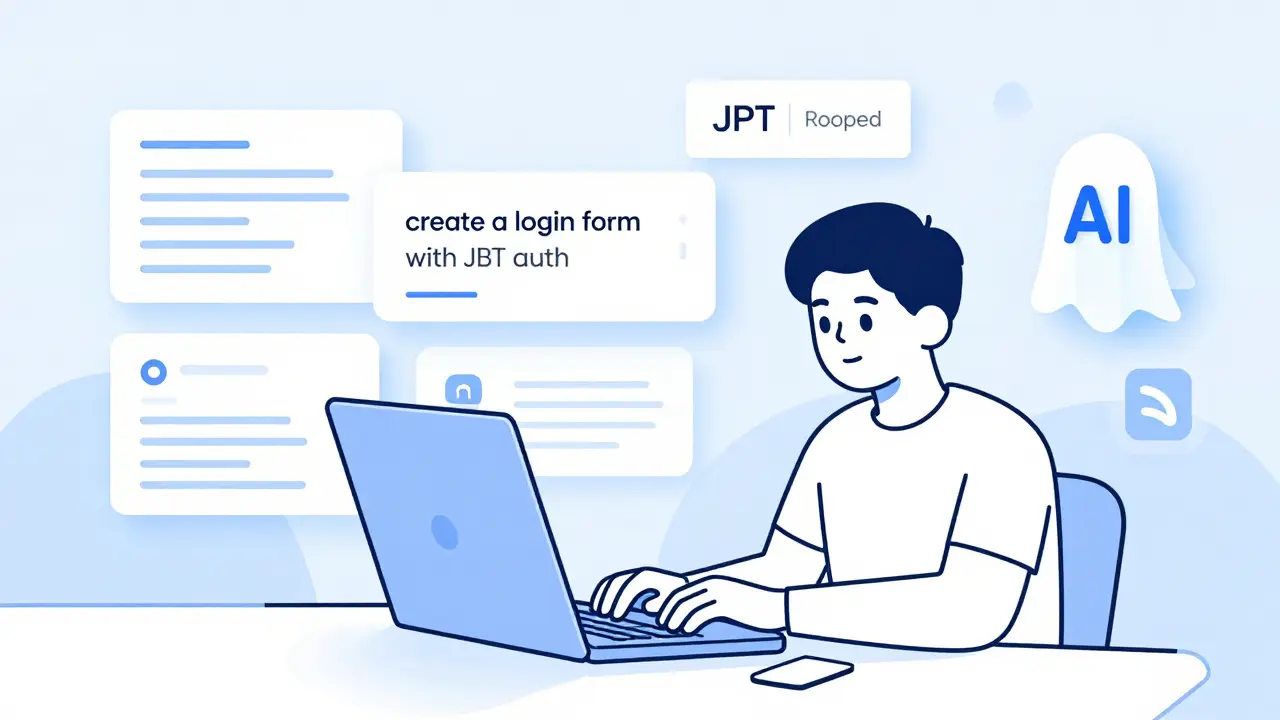
Ever typed a simple description like "create a login form with JWT auth" and watched your IDE spit out working code? That’s what developers call vibe coding - not a formal term, but a real practice. It’s not magic. It’s AI tools like GitHub Copilot, Amazon CodeWhisperer, and Google’s AI Studio working in the background, learning from millions of public codebases to suggest the next line, function, or even whole file. But here’s the thing: AI doesn’t help equally across all projects. Some projects? It’s a game-changer. Others? It’s a time-waster. Let’s cut through the hype and see exactly when vibe coding actually saves time, money, and sanity.
Standard Business Apps (CRUD Systems)
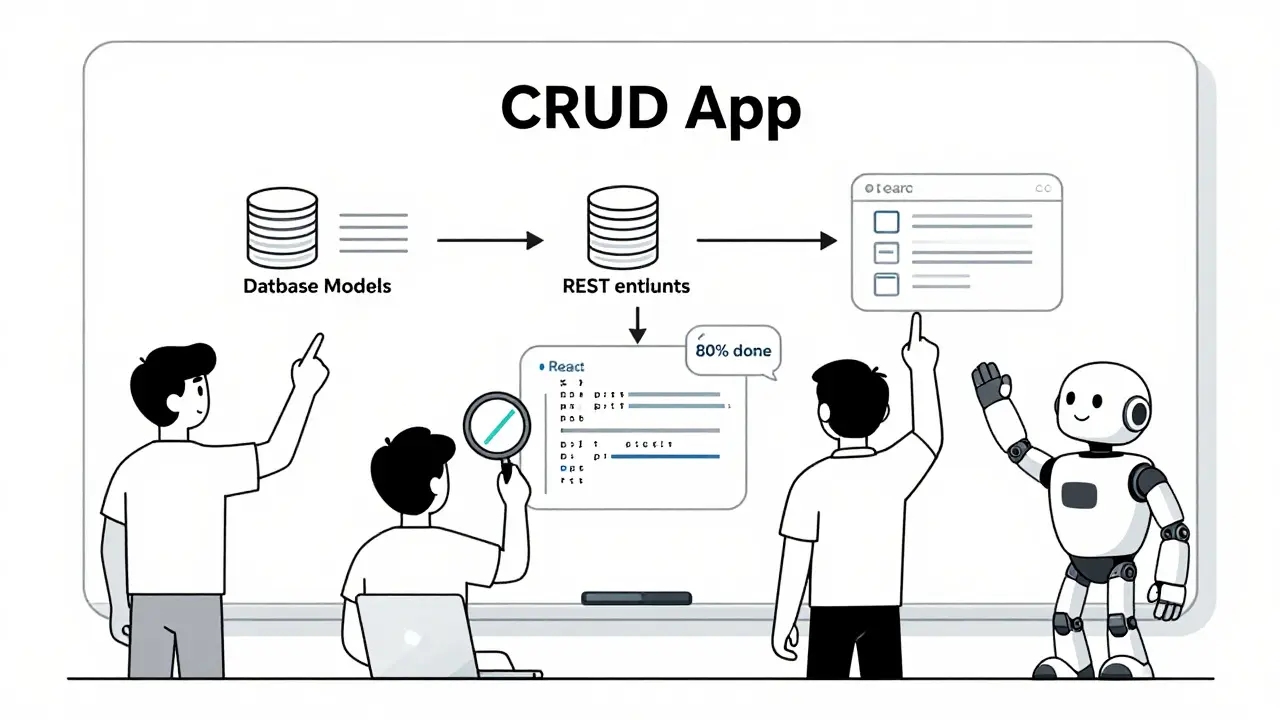
Think of any internal tool your company uses: inventory tracker, employee onboarding form, expense report system. These are CRUD apps - Create, Read, Update, Delete. They’re repetitive. They follow patterns. And that’s where AI shines.
GitHub’s own data shows developers using Copilot complete CRUD tasks 55% faster. Why? Because the code is predictable. A form with 10 fields? AI knows the structure. A REST endpoint that pulls data from a database? It’s seen that exact pattern 10,000 times before. One developer at a mid-sized SaaS company told me they built their entire customer portal - user profiles, billing history, support tickets - in under two weeks using AI. Without it, they estimated 12 weeks. The AI handled the boilerplate: model definitions, API routes, validation logic, even basic frontend forms. The human team focused on business rules, edge cases, and UX tweaks. That’s the sweet spot.
API Integration Projects
Connecting your app to Stripe, Slack, Salesforce, or Google Sheets? That’s a nightmare of documentation, authentication flows, and error handling. AI doesn’t just write the code - it reads the docs for you.
According to Gartner, API integration projects see 50-60% faster implementation with AI assistance. Here’s how it works: you type, "connect to Stripe to charge a customer when subscription renews". The AI pulls in the correct Stripe API calls, handles the webhook signature verification, and even adds retry logic for failed payments. A startup founder in Portland told me his team used Copilot to integrate with five different payment gateways. What would’ve taken six weeks took three. And the code? It wasn’t perfect, but it was 80% there. They reviewed, fixed the edge cases, and shipped.
Amazon CodeWhisperer is especially strong here. If you’re building on AWS - Lambda, API Gateway, DynamoDB - CodeWhisperer understands the context. It knows that a Lambda function needs IAM roles, environment variables, and proper timeout settings. It doesn’t guess. It remembers.
Documentation and Test Generation
How many times have you said, "I’ll document this later"? Later never comes. Same with tests. AI changes that.
Salesforce engineers reported cutting documentation time by 75% by using AI to auto-generate Swagger/OpenAPI docs from their code. One comment: "Copilot wrote the entire endpoint description, parameters, and example responses after I typed the function signature."
For tests, it’s even better. AI can generate unit tests for functions, integration tests for API endpoints, and even mock data. GitHub’s internal stats show AI-generated tests cover 70-80% of common scenarios. That doesn’t mean you don’t need to review them. But now you’re not writing from scratch. You’re refining. One team reduced their test-writing time from 40 hours per sprint to 8. That’s 80% time saved.
UI Component Development
Buttons, modals, forms, tables - they’re everywhere. And they’re boring to build. React, Vue, Svelte - they all have reusable component patterns. AI knows them.
Google’s Project IDX can generate a fully functional React component from a simple prompt like "create a responsive data table with pagination and sorting". It doesn’t just give you HTML. It gives you state management, event handlers, and CSS classes that match Tailwind or Material UI. Developers using this for internal dashboards report 40-55% faster UI development.
One designer I talked to in Seattle used AI to build 30+ admin panels for a client. Each had tables, filters, export buttons. Without AI? 40 hours. With AI? 12 hours. The designer focused on layout and accessibility. The AI handled the plumbing.
Legacy Code Modernization
Ever had to convert a 10-year-old PHP app to Python? Or migrate COBOL to Java? That’s where vibe coding gets heroic.
Dr. Chris Lattner, creator of Swift, says AI tools excel at pattern recognition across languages. And he’s right. On Reddit, a developer shared how Copilot helped convert 10,000 lines of COBOL to Java in three weeks - a project estimated at three months. The AI didn’t understand business logic. But it understood structure. It saw "PERFORM UNTIL" and suggested "while" loops. It saw COBOL data divisions and mapped them to Java classes.
Companies doing this report 40-60% acceleration. The key? Don’t let AI rewrite everything. Use it to translate chunks. Then review. Then refactor. The AI is your translator. You’re the editor.
Where Vibe Coding Fails
Not all code is created equal. AI is great at patterns. It’s terrible at invention.
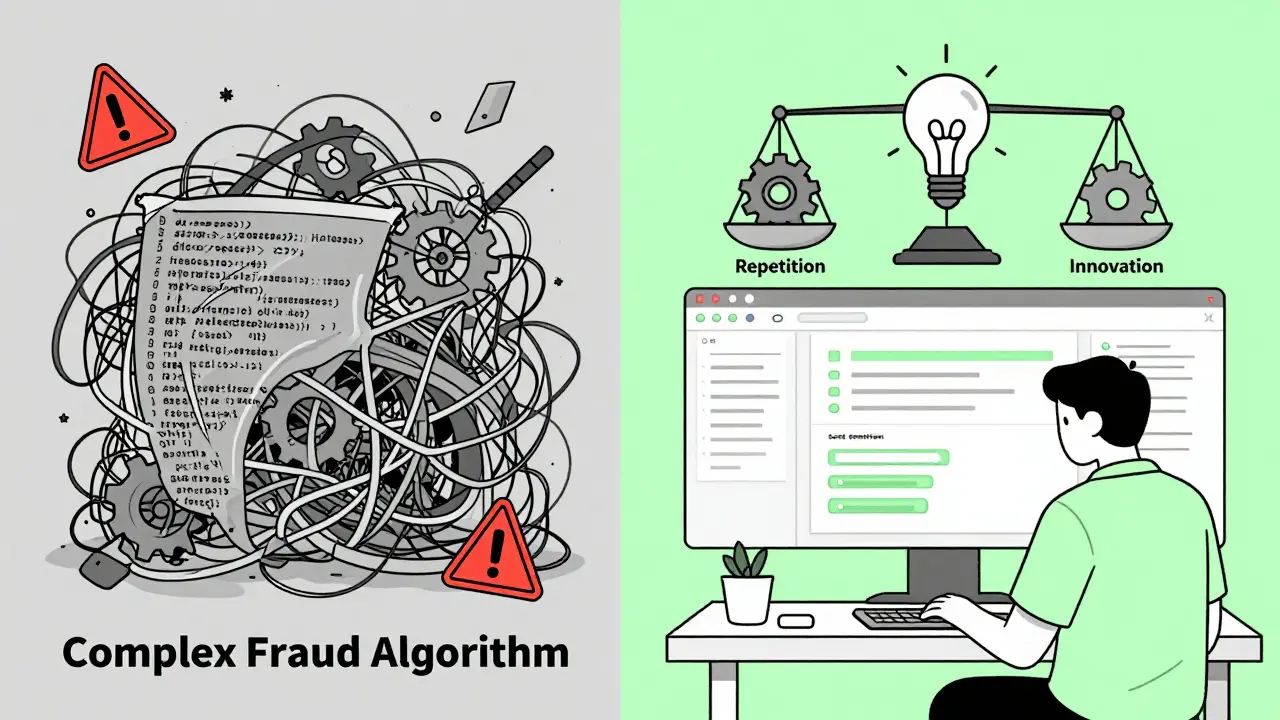
Try asking it to "build a real-time fraud detection algorithm using anomaly detection on transaction logs". It’ll give you something that looks right - maybe even compiles. But it’ll be wrong. Why? Because it’s never seen your exact data. It doesn’t understand the domain. It’s guessing.
IBM Research found AI accuracy drops to 42% for enterprise-specific logic. A Stack Overflow survey showed 68% of developers found subtle logical errors in AI-generated code when dealing with complex business rules. And here’s the scary part: a 2023 study from CHI found AI tools generated vulnerable authentication code in 40% of attempts. That’s not a bug. That’s a security hole.
Complex algorithms? Forget it. AI fails 65% of the time on novel math or research-level logic. If your project needs a new sorting algorithm, a custom neural network, or a distributed consensus protocol - you’re writing it yourself.
What You Need to Make It Work
AI isn’t a magic button. It’s a tool. And like any tool, it needs the right setup.
- Be specific in prompts. Don’t say "make a login". Say "create a React login form with email validation, password strength checker, and JWT token storage in localStorage". More detail = better code.
- Review every line. Never trust AI blindly. Treat its output like a junior dev’s first PR - review, test, refactor.
- Use it for repetition, not innovation. If you’re doing something new, do it manually. If you’re doing something you’ve done before, let AI help.
- Set boundaries. Don’t let AI touch security-critical code, financial logic, or regulatory systems without heavy human oversight.
Teams that use AI with discipline report 38% fewer security incidents. Those who don’t? They get burned.
What’s Next?
Tools are getting smarter. GitHub’s Copilot Workspace now handles multi-file projects better. Amazon’s CodeWhisperer can scan for security flaws before you even run the code. NVIDIA’s cuCode targets GPU programming. Palantir’s AIP builds data pipelines.
But the core truth hasn’t changed: AI doesn’t replace developers. It amplifies them. The best developers aren’t the ones who code the most. They’re the ones who know when to let AI code, and when to take over.
Is vibe coding the same as AI-generated code?
Yes, "vibe coding" is just developer slang for using AI tools like GitHub Copilot or CodeWhisperer to generate or suggest code. It’s not an official term, but it captures the feeling - you describe what you want, and the AI "gets your vibe," then writes the code. Think of it as a supercharged autocomplete that understands context.
Can AI code replace developers?
No. AI excels at repetitive, pattern-based tasks - but it can’t design systems, understand business needs, or fix deep architectural flaws. It’s a co-pilot, not a pilot. The best developers use AI to handle boilerplate, freeing them to focus on hard problems: security, scalability, user experience, and innovation.
Which AI tool is best for beginners?
GitHub Copilot is the most beginner-friendly. It works in VS Code, has broad language support, and offers a free tier for students. Its suggestions are intuitive and context-aware. For those already using AWS, CodeWhisperer integrates deeply with AWS services and is free for individual use. Both are easy to install and require no training - just start typing.
Is AI-generated code secure?
It can be - but it’s not automatically. AI tools sometimes generate code with known vulnerabilities like SQL injection or hardcoded secrets. GitHub Copilot Business and CodeWhisperer now include security scanners that flag risky patterns. Still, always run your own security scans (like SonarQube or Snyk) and never deploy AI-generated code without review. Treat it like any third-party library - verify it before you use it.
Does vibe coding work for mobile apps?
Yes, especially for UI components and API integrations. AI can generate SwiftUI or Jetpack Compose code from descriptions like "create a profile screen with avatar, bio, and edit button." It’s great for boilerplate navigation, network calls, and state management. But for complex animations, native platform integrations, or performance-critical code, human expertise is still essential.
How much time can I really save?
For standard tasks - CRUD apps, API calls, tests, docs - most developers report 30-60% time savings. One team cut their MVP launch from 12 weeks to 6. Another saved 20 hours a week on documentation. But for complex logic or novel algorithms, time savings drop to near zero. The real win isn’t speed - it’s reducing mental load. You spend less time typing boilerplate and more time thinking.
 Artificial Intelligence