Have you ever asked an AI model to do something simple, only to get a rambling, irrelevant, or completely wrong answer? You’re not alone. The frustration usually isn’t with the technology itself; it’s with how we talk to it. Large Language Models (LLMs) are powerful tools, but they don’t read minds. They predict text based on patterns. If your instructions are vague, the output will be vague. If your instructions are precise, the output will be sharp.
This is where prompt engineering comes in. It’s not just about typing questions; it’s about designing inputs that guide the model toward the exact result you need. Whether you are a developer building an app or a marketer drafting copy, learning to write clear instructions is the single most effective way to improve AI performance. Let’s break down exactly how to do it, moving beyond generic advice into actionable strategies backed by recent research and industry best practices.
The Foundation: Clarity and Specificity
The golden rule of interacting with LLMs is simplicity paired with precision. Ambiguity is the enemy. When you leave room for interpretation, the model fills that gap with its most statistically probable guess, which might not align with your goal.
Consider the difference between these two requests:
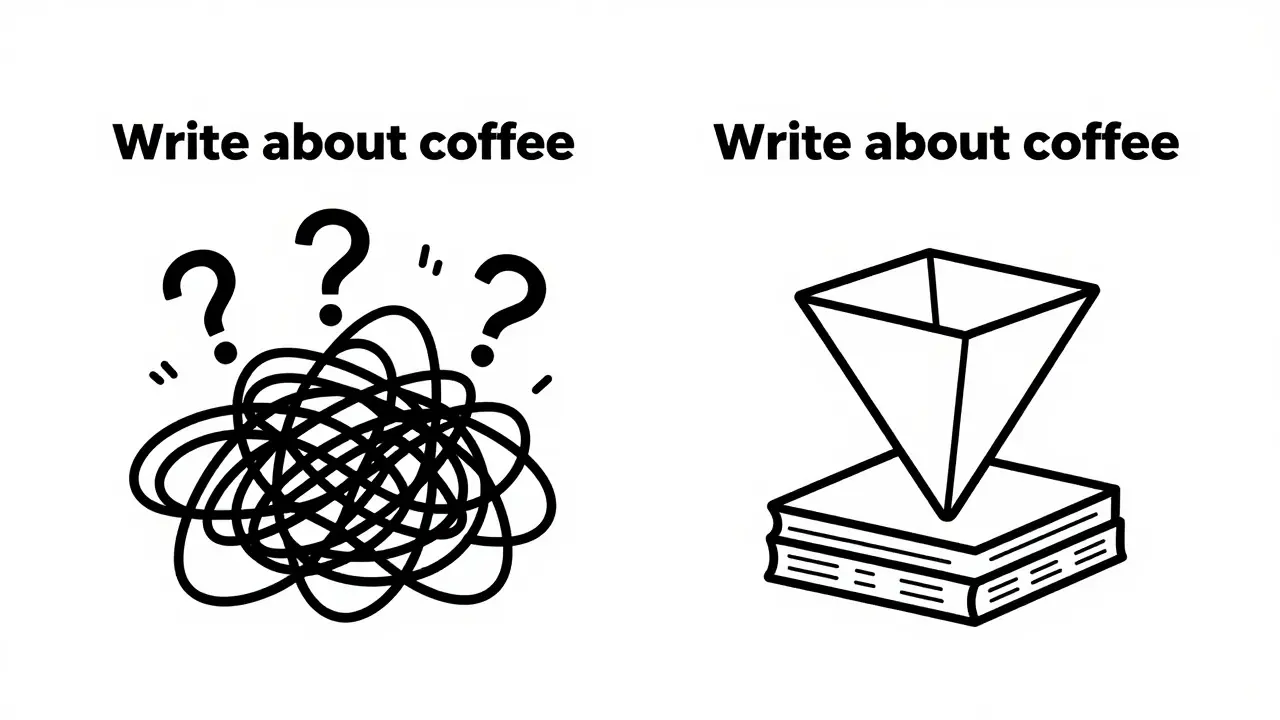
- Vague: "Write a blog post about coffee."
- Specific: "Write a 500-word blog post for beginner baristas explaining how to grind beans for espresso. Use a friendly, encouraging tone and include three common mistakes to avoid."
The second prompt works because it defines the target audience, the word count, the tone, and the specific topic. Palantir’s comprehensive guides on LLM usage emphasize being explicit about what you want the model to do. This isn't just a suggestion; it's a requirement for production-level results. By removing ambiguity, you reduce the computational "noise" the model has to filter through, leading to faster and more accurate responses.
Why Context Changes Everything
LLMs operate in a vacuum unless you provide context. Without background information, the model relies on general training data, which can lead to generic or outdated answers. Providing relevant context helps the model understand the broader situation and tailor its response accordingly.
Imagine you are asking an LLM to draft an email to a client who missed a deadline. If you just say, "Draft an email," the model might produce a polite nudge. But if you add context-"The client is a long-term partner, this is their first late delivery in five years, and we need to maintain the relationship while enforcing our contract terms"-the output shifts dramatically. It becomes nuanced, strategic, and appropriate for the specific business scenario.
This principle extends to technical tasks as well. If you are debugging code, pasting the error message along with the relevant code snippet and the expected behavior provides the necessary context for the model to identify the root cause rather than guessing at potential issues.
The Power of Constraints
Freedom can be paralyzing for an AI. Just like humans, LLMs perform better when given boundaries. Constraints force the model to focus its capabilities on specific aspects of the task, often resulting in higher-quality output.
Constraints can take many forms:
- Format constraints: "Output the result as a JSON object," or "Use bullet points only."
- Length constraints: "Keep the summary under 100 words."
- Style constraints: "Avoid using jargon," or "Write in the style of Hemingway."
- Negative constraints: "Do not mention competitors," or "Exclude any references to social media."
By incorporating these limits, you guide the model’s behavior effectively. For instance, if you need data extraction, specifying the exact JSON schema ensures the output is machine-readable without requiring manual cleanup later. This practice is essential for integrating LLMs into automated workflows where consistency is critical.
Iterative Refinement: Treat Prompts as Code
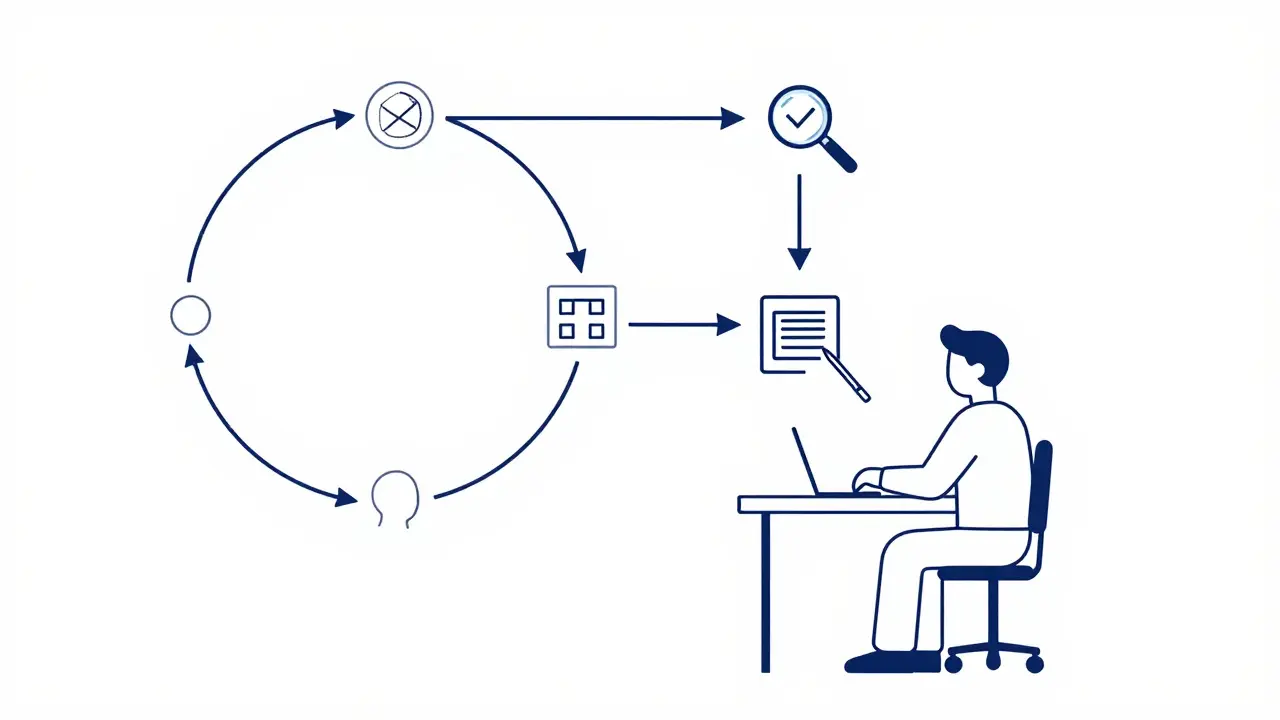
One of the biggest misconceptions about prompt engineering is that you should get it right the first time. In reality, effective prompt writing is a dynamic and iterative process. Think of your prompt like code: you write it, test it, debug it, and optimize it.
Start with a basic instruction and analyze the output. Did the model miss a key point? Was the tone off? Did it hallucinate facts? Then, refine the prompt. Add more detail, adjust the constraints, or change the framing. This cycle of refinement is crucial for achieving high-quality results.
Research from Carnegie Mellon University Libraries highlights that this iterative approach is standard among experts. Simon Willison, a respected figure in the software development community, advocates for testing prompts rigorously. You might find that changing a single word-from "explain" to "analyze"-drastically changes the depth of the response. Don’t be afraid to experiment. Keep a log of successful prompts and variations that worked for specific tasks. Over time, you’ll build a library of reliable templates.
Using Examples: Few-Shot Prompting
If you want the model to follow a specific pattern or style, showing it examples is far more effective than describing the pattern in words. This technique, known as few-shot prompting, involves providing one or more examples of the desired input-output pair within the prompt itself.
For example, if you want the model to classify customer support tickets by urgency, instead of just defining "high," "medium," and "low" urgency, provide three examples for each category. Show the model what a "high urgency" ticket looks like (e.g., "Server down, losing revenue") versus a "low urgency" ticket (e.g., "Request for font change").
This method leverages the model’s ability to recognize patterns. It reduces the cognitive load required to interpret abstract definitions and anchors the model’s response in concrete instances. Palantir explicitly recommends using examples to guide LLM behavior, noting that it significantly improves accuracy for complex classification or formatting tasks.
Quality Over Quantity: Lessons from Instruction Tuning
You might assume that feeding an LLM massive amounts of data or extremely long prompts guarantees better results. Recent research suggests otherwise. The quality and consistency of instructions matter far more than sheer volume.
A study called LIMA (Less Is More for Alignment) demonstrated that fine-tuning a large model on just 1,000 carefully selected, high-quality examples achieved performance comparable to models trained on millions of noisy examples. In human evaluations, the LIMA-finetuned model was preferred over GPT-4 in 43% of cases. Similarly, the SCAR method showed that maintaining style consistency with less than 1% of the original dataset could outperform full-dataset training.
What does this mean for you? It means you should prioritize crafting a few excellent, diverse examples rather than dumping hundreds of mediocre ones. Curate your prompts. Ensure each example clearly demonstrates the desired outcome. This approach not only saves time but also leads to more robust and reliable model behavior. It challenges the conventional wisdom that "more data is always better," highlighting instead that "better data is always better."
Handling Unclear Instructions: The Ask-When-Needed Framework
In the real world, instructions are rarely perfect. Users make typos, omit details, or use ambiguous language. Traditionally, LLMs would try to guess the intent, often leading to errors. However, new frameworks are emerging to address this.
Research introduced in the "Ask-when-Needed" (AwN) framework proposes that LLMs should proactively ask clarifying questions when they encounter uncertainty. Instead of blindly executing a flawed instruction, the model engages in dialogue to resolve ambiguities. This mimics how human experts work: if a brief is unclear, they ask for clarification before starting the work.
While you may not have direct control over whether a specific model uses AwN, understanding this shift helps you design better interactions. Encourage models to seek clarification if needed, especially in complex multi-step tasks. For instance, you can add a system instruction like: "If any part of the request is unclear, ask up to three clarifying questions before proceeding." This simple addition can prevent costly errors in automated systems.
Structuring Multi-Step Tasks
LLMs struggle with complex, multi-step instructions if they are presented as a single block of text. Research indicates that models parse structured requests differently than unstructured ones. When you say, "Write a report, then summarize it, then prepare three recommendations," the model sees a familiar structure but may still drop steps or mix them up.
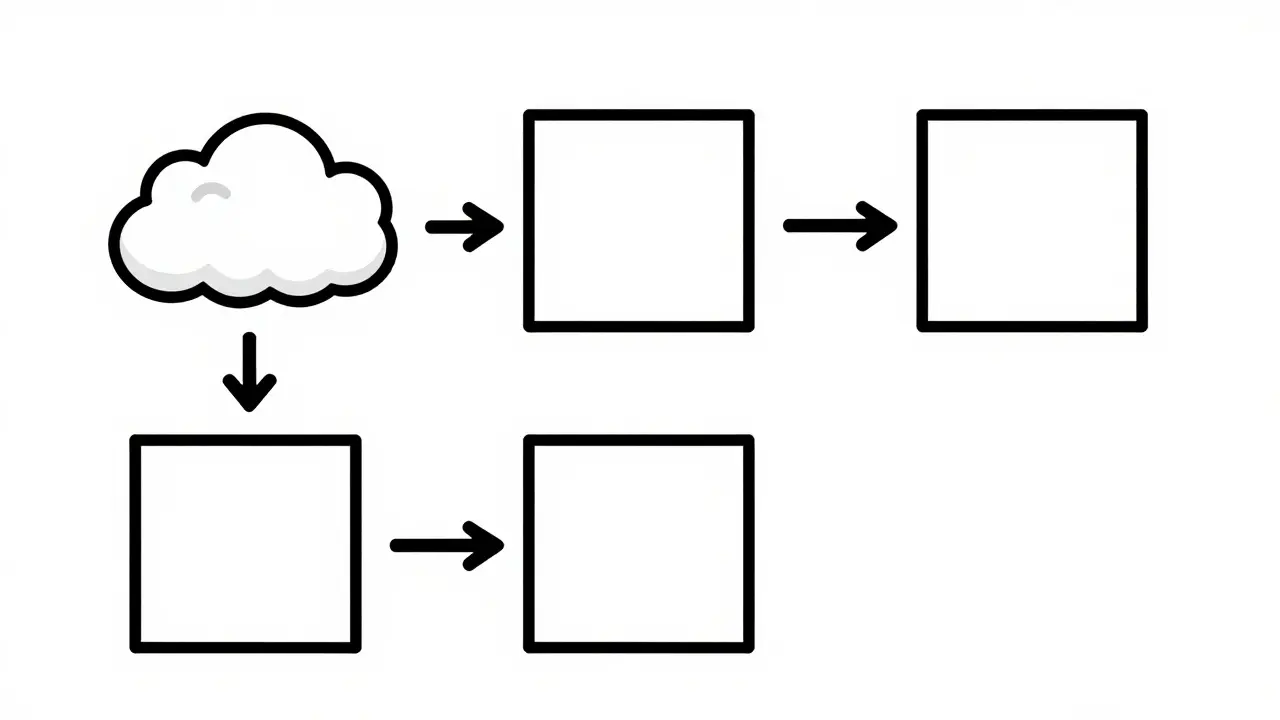
To mitigate this, break down complex tasks into sequential steps. Use numbered lists or clear separators to delineate each stage. For example:
- Analyze the provided sales data for Q1 trends.
- Identify the top three performing products.
- Generate a concise summary of these findings.
- Propose three actionable marketing strategies based on the summary.
This step-by-step approach forces the model to process each component individually, reducing the likelihood of omission or confusion. It also makes it easier for you to review intermediate outputs and correct course if necessary. This technique is particularly useful for tasks involving reasoning, analysis, or creative generation that requires multiple phases.
Practical Checklist for Better Prompts
To help you implement these strategies immediately, here is a quick checklist to run through before hitting enter:
- Is the goal clear? Can you state the desired outcome in one sentence?
- Is the audience defined? Who is the output for? (Experts, beginners, children?)
- Are there constraints? Have you specified length, format, tone, or exclusions?
- Is context provided? Did you include background info, data snippets, or previous conversations?
- Are there examples? For complex formats, did you provide a sample input/output?
- Is it structured? For multi-step tasks, are the steps broken down logically?
Running through this list takes seconds but can save hours of rewriting. It transforms prompt engineering from a guessing game into a disciplined practice.
What is the most important element of a good prompt?
Clarity and specificity are paramount. A prompt must explicitly state what the model needs to do, for whom, and in what format. Vague instructions lead to vague results. Being explicit about the desired outcome reduces ambiguity and guides the model toward the correct response.
Should I use long or short prompts?
It depends on the complexity of the task. Simple queries benefit from brevity. Complex tasks require detailed context, constraints, and examples, which naturally make the prompt longer. The key is not length itself, but relevance. Every word in the prompt should serve a purpose. Avoid fluff, but don’t skimp on necessary details.
How do I fix a prompt that isn’t working?
Treat it like debugging code. Analyze the output to see where it diverged from your expectation. Did it miss a constraint? Misinterpret the tone? Lack context? Then, refine the prompt by adding more specific instructions, providing examples, or breaking the task into smaller steps. Iteration is essential.
What is few-shot prompting and why is it useful?
Few-shot prompting involves including one or more examples of the desired input-output pair within the prompt. It is useful because it shows the model exactly what you want, rather than just describing it. This is particularly effective for complex formatting, classification tasks, or specific stylistic requirements where verbal descriptions might be ambiguous.
Can I automate prompt improvement?
Yes, techniques like Self-Distillation Fine-Tuning (SDFT) and evolutionary algorithms (like EvolInstruct) can automatically generate and refine instructions. However, for most users, manual iterative refinement remains the most practical and controllable method. Automation is best suited for large-scale model training scenarios rather than day-to-day prompting.
 Artificial Intelligence