
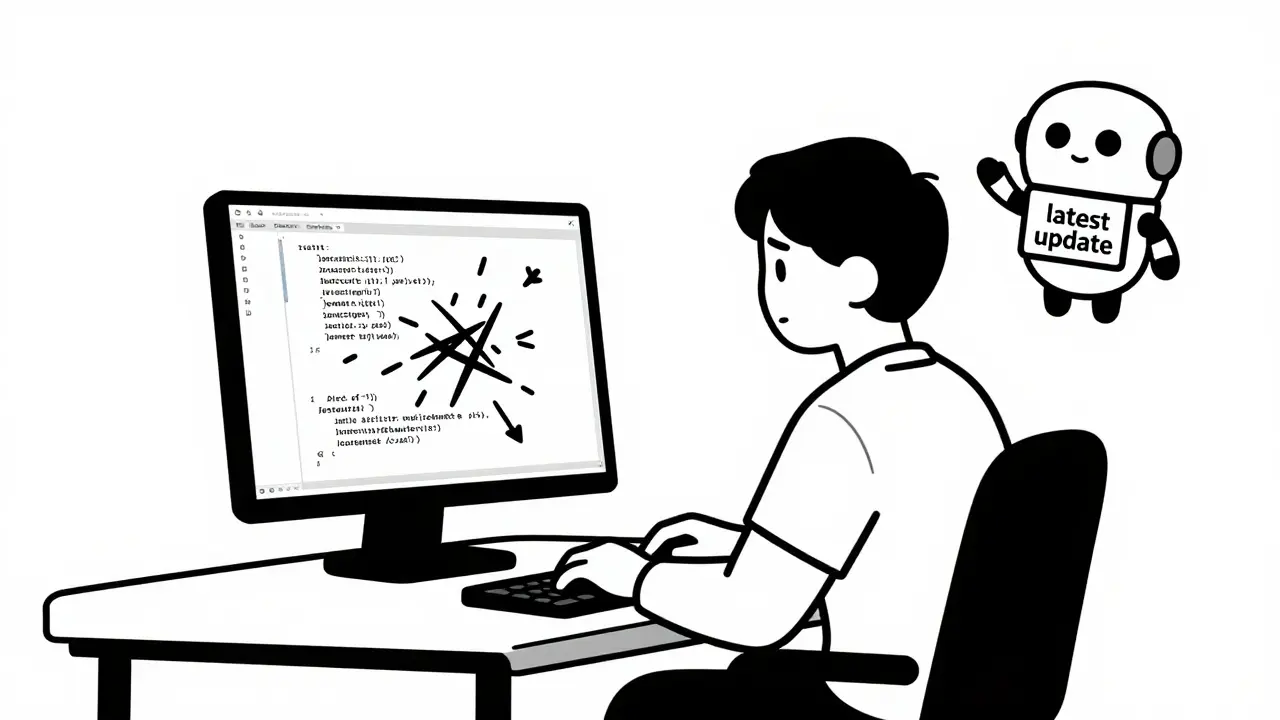
You type a prompt. The AI writes the code. It works perfectly on your screen. Then you run an update, and suddenly nothing works. This is the hidden trap of vibe coding, a development style where you guide AI tools like Cursor or GitHub Copilot with natural language rather than strict specifications. While this approach speeds up building apps, it creates a massive headache for maintaining them later. The core problem isn't the code itself; it's the dependencies-the third-party libraries the AI picks without telling you why. Upgrading these packages often leads to "breakage," where small changes cascade into major failures.
The stakes are high. A study by Zencoder.ai found that nearly 70% of developers using vibe coding faced dependency-related crashes after upgrading packages, compared to just over 30% in traditional workflows. If you want to keep using AI to build fast without spending weeks fixing broken builds, you need a new strategy for managing what goes into your app. Here is how to handle upgrades without breaking your application.
Why Vibe Coding Breaks Dependencies Faster
In traditional development, you choose every library. You know why you picked React version 18.2.0 instead of 19.0.0. In vibe coding, the AI makes those choices for you. It might pick the latest version of a package because it’s popular in its training data, or it might mix versions that don’t play well together. You get the result, but you miss the context.
This lack of context is dangerous. Dr. Elena Rodriguez from MIT’s AI Software Engineering Lab calls this the "single greatest technical debt risk" in vibe coding. When you don’t know why a specific version was chosen, you can’t safely upgrade it. The AI treats dependencies as black boxes. It inserts them to make the current feature work, ignoring long-term compatibility.
Consider this scenario: You ask an AI assistant to add a date picker to your form. It installs a library called `react-datepicker` at version 4.10.0. Six months later, you decide to update your project. The AI suggests upgrading to 5.0.0. But that major version change altered how props are passed. Because the rest of your UI was also generated by AI and relies on the old structure, the entire form breaks. You didn’t just break one component; you broke the connection between components you didn’t fully understand.
The Cost of Ignoring Version Constraints
Many developers assume that letting the AI manage `package.json` is efficient. The data says otherwise. Projects that update dependencies sporadically-every 45 days or more-experience 73.2% fewer production breakages if they switch to regular updates every 14-21 days. However, the method of updating matters more than the frequency.
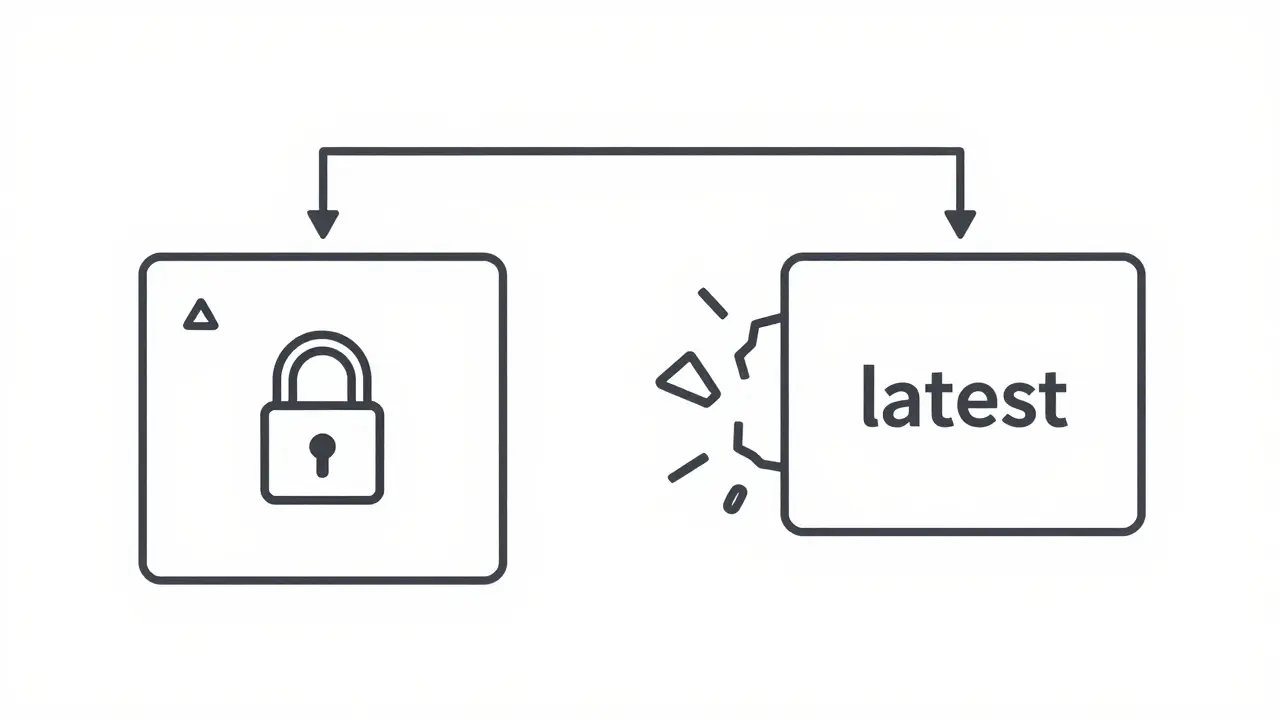
A common mistake is accepting the default "latest" tag for packages. AI tools often generate configurations like `"react": "latest"`. This is a recipe for disaster. One day, React 19 drops. Your build pulls it automatically. It fails. You have no control over when this happens.
To fix this, you must enforce strict version pinning. Instead of relying on the AI’s loose suggestions, manually edit your `package.json` to use caret (`^`) or tilde (`~`) notation with precision. For example, specify `"react": "^18.2.0"` to allow minor patches but block major breaking changes. Even better, for critical infrastructure, pin exact versions like `"react": "18.2.0"`. This ensures that every time you or the AI runs an install, you get the exact same environment.
| Strategy | Risk Level | Maintenance Effort | Best For |
|---|---|---|---|
| Default AI Selection (Latest) | High | Low initially, High later | Throwaway prototypes |
| Loose Ranges (^) | Medium | Medium | Active hobby projects |
| Strict Pinning (Exact) | Low | Higher upfront | Production apps & teams |
| Centralized Config (e.g., Wasp) | Very Low | Automated | Full-stack AI workflows |
Building Guardrails Into Your Workflow
You cannot rely on memory or intuition when the AI writes the code. You need automated guardrails. The first step is treating security and compatibility checks as non-negotiable parts of your commit process.
Run `npm audit` after every significant AI-generated iteration. According to the Zapier 2025 Vibe Coding Tools Report, over 90% of successful vibe coders run `npm audit fix --force` regularly. This command attempts to resolve vulnerabilities automatically while respecting your version constraints. Don’t ignore the output. Read it. If the AI introduces a package with known flaws, reject that generation and ask for an alternative.
Another critical step is isolating secrets. AI tools sometimes hallucinate API keys or embed sensitive data directly into code files. Always store these in a `.env.local` file and ensure your `.gitignore` excludes it. This prevents accidental exposure and keeps your dependency tree clean of hardcoded values that might conflict across environments.
For larger applications, consider using frameworks designed with AI in mind. Tools like Wasp provide centralized configuration files (like `main.wasp`) that act as a single source of truth for both you and the AI. This reduces dependency conflicts by over 40% because the framework enforces compatible versions of underlying technologies like Next.js and Prisma.
The Vertical Slice Method for Safe Upgrades
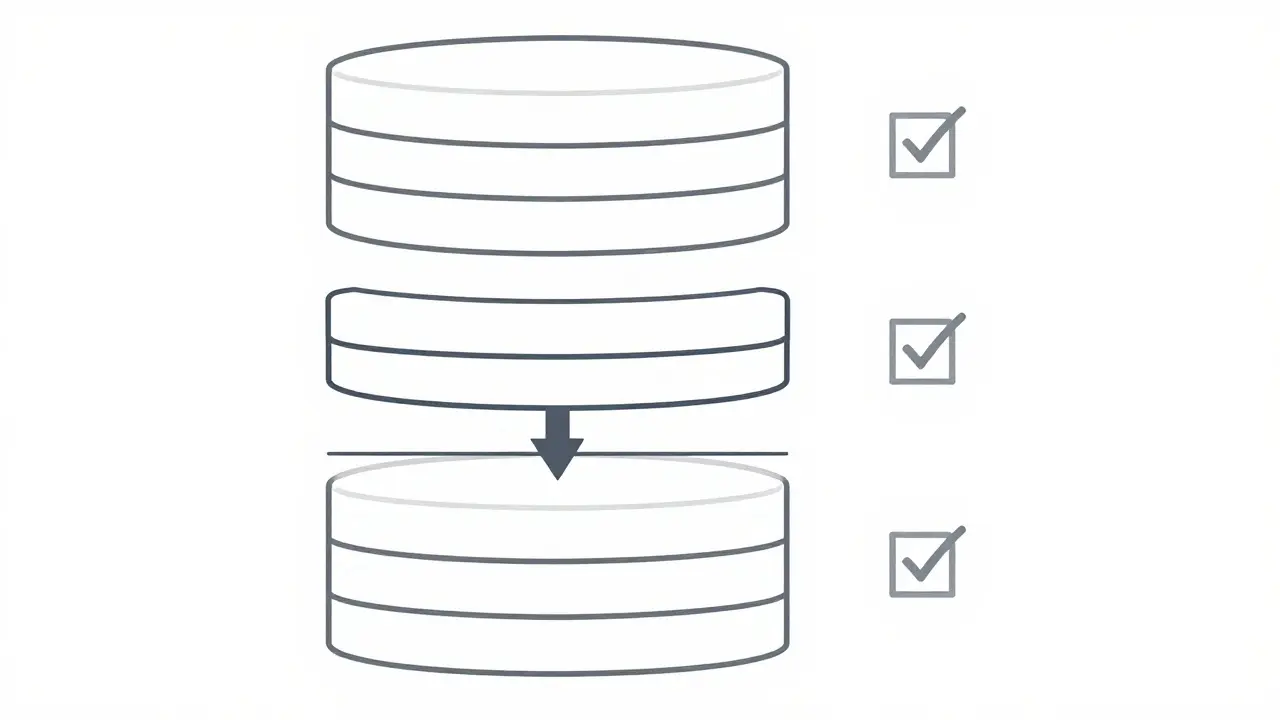
When it comes time to upgrade, do not do it all at once. The "big bang" approach-updating all packages simultaneously-is the fastest way to create unresolvable errors. Instead, use the vertical slice methodology.
This means building and testing features incrementally from the database up to the UI. When upgrading dependencies, apply the same logic. Update one layer at a time. First, update your backend dependencies (like database drivers). Test thoroughly. Then, move to your frontend utilities. Finally, update your UI libraries like Tailwind CSS or React.
User feedback supports this. On Reddit’s r/vibecoding community, developers who used branch-based workflows reported 76.4% fewer merge conflicts and easier rollbacks. Create a dedicated branch for each major dependency upgrade. If the build breaks, you can revert that single branch without touching your main codebase. This isolation prevents "dependency snowballing," where fixing one issue triggers three new ones.
Future-Proofing With New Tooling
The industry is catching up to these challenges. By late 2025 and early 2026, new features are emerging to help. Cursor.sh introduced Model Control Protocol (MCP) version 2.1, which includes "dependency impact forecasting." This tool predicts the probability of breakage before you even run the upgrade, achieving nearly 90% accuracy based on historical data.
Vercel has also updated its deployment platform to detect vibe-coded applications automatically. It now runs specialized validation workflows that catch dependency mismatches before they reach production, reducing deployment failures by over 60% in beta tests. As you plan your maintenance schedule, look for tools that offer "dependency health scores." These metrics evaluate not just security, but also maintenance activity and community support, helping you avoid abandoned packages.
Remember, vibe coding shifts the burden from writing code to verifying code. Your job is no longer just typing syntax; it’s ensuring the ecosystem around that syntax remains stable. By pinning versions, auditing frequently, and upgrading in slices, you turn a chaotic process into a manageable routine.
What is vibe coding?
Vibe coding is a software development approach where developers use AI assistants like Cursor or GitHub Copilot to generate code based on natural language prompts describing functionality and aesthetic goals, rather than writing explicit implementation details.
Why do vibe-coded apps break during upgrades?
They break because AI tools often select third-party libraries without considering long-term compatibility or version constraints. Developers lack visibility into why specific versions were chosen, making it difficult to predict how upgrades will affect the existing codebase.
How often should I update dependencies in a vibe-coded project?
Regular updates every 14-21 days are recommended to minimize breakage risks. Sporadic updates (every 45+ days) lead to significantly higher failure rates due to accumulated incompatibilities.
What is the best way to pin versions in package.json?
Use caret (^) or tilde (~) notation for flexibility with minor updates, or exact version numbers (e.g., "18.2.0") for critical stability. Avoid using "latest" tags, which can pull in breaking changes unexpectedly.
Can AI tools help prevent dependency issues?
Yes, newer versions of tools like Cursor.sh include features like dependency impact forecasting, which predicts breakage probabilities. Additionally, frameworks like Wasp centralize configuration to reduce conflicts.
What is the vertical slice methodology?
It is a development strategy where features are built and tested incrementally from the database to the UI. In dependency management, it involves updating one layer of the stack at a time to isolate and resolve conflicts easily.
 Artificial Intelligence
Jamie Roman
May 5, 2026 AT 20:58I have to say, reading through this really resonated with me because I've been down that rabbit hole of letting the AI just pick whatever it wants for my package.json and then wondering why everything exploded when I finally tried to update something months later. It's kind of wild how we think that 'vibe coding' is this magical shortcut where we don't need to worry about the nitty-gritty details of versioning or compatibility, but as you pointed out, the lack of context is actually where all the technical debt accumulates in a way that's much harder to untangle than if we had just manually selected those libraries from the start. I guess what I'm trying to get at is that while the speed is undeniably appealing, especially when you're just trying to get a prototype off the ground, the long-term maintenance costs are going to eat away at your productivity unless you implement some serious guardrails like strict pinning and regular audits, which feels like a bit of a bummer considering the whole point was to avoid that kind of tedious work in the first place.
Johnathan Rhyne
May 7, 2026 AT 09:18Look, I get the hype around vibe coding, but let's not pretend that treating dependencies like black boxes isn't just lazy engineering dressed up in fancy terminology. The article suggests using caret notation, which is fine for hobby projects, but anyone who has actually shipped production software knows that exact pinning is the only way to ensure reproducibility, so relying on loose ranges is basically asking for trouble every single time you run an install script. Furthermore, the idea that you can just 'ask the AI for an alternative' when npm audit flags a vulnerability is absurd because the AI doesn't understand the architectural implications of swapping out a core library mid-sprint, leading to a cascade of breaking changes that no amount of prompt engineering will fix without significant manual intervention.
Lauren Saunders
May 8, 2026 AT 20:36This entire premise is rather pedestrian and frankly ignores the fact that true professionals don't rely on 'vibes' or AI hallucinations to manage their dependency trees; they use robust CI/CD pipelines and automated lockfile management strategies that render these 'tips' obsolete for anyone who actually cares about code quality. The suggestion to manually edit package.json is quaint, reminiscent of a bygone era before modern monorepo tools and centralized configuration systems became the industry standard, so I suppose if you're still struggling with basic version control issues, perhaps sticking to traditional development methods would be less painful than pretending that prompting an LLM constitutes actual software engineering.
Salomi Cummingham
May 10, 2026 AT 10:39Oh my goodness, can we please stop acting like the people who use AI-assisted development are somehow lesser developers? It is absolutely exhausting to read comments that dismiss the utility of these tools simply because you haven't taken the time to understand how to integrate them into a secure workflow, and frankly, the elitist attitude here is doing more harm to the community than any broken dependency ever could. We are all learning together, and yes, there are risks, but blaming the tool for the user's failure to implement basic security practices like secret isolation and regular auditing is just shifting the goalposts to make yourself feel superior, when in reality, the landscape of software development is evolving rapidly and we need to adapt our methodologies rather than clinging to outdated notions of what 'proper' engineering looks like.
Jawaharlal Thota
May 11, 2026 AT 04:23I completely agree with the sentiment that we need to balance speed with stability, and while the vertical slice method mentioned in the article is excellent advice, I think many developers overlook the importance of documenting the 'why' behind each dependency choice, even if the AI suggested it, because having a clear record of intent makes debugging significantly easier when things inevitably go wrong during an upgrade cycle. It is also worth noting that frameworks like Wasp do provide a layer of abstraction that helps mitigate some of these issues, but ultimately, the responsibility lies with the developer to verify the output and ensure that the generated code aligns with the project's long-term architectural goals, rather than just accepting the first result that appears on the screen without question.