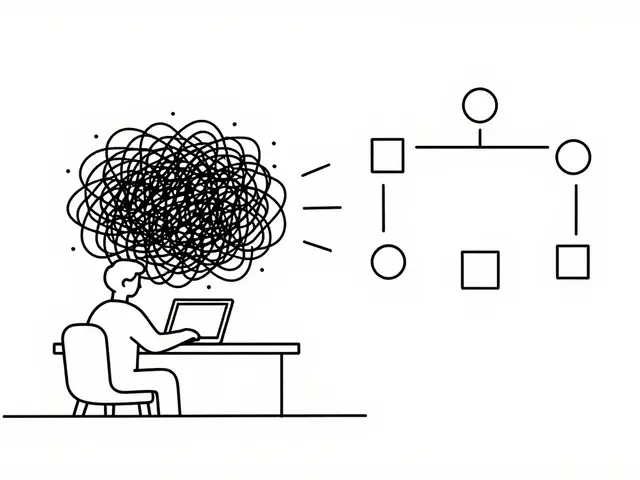
You hit "Generate" on your coding assistant, and the screen filled with clean-looking code. It compiled. The tests passed. Six months later, you realize your application is a house of cards. This isn't just bad luck; it's a known phenomenon in 2026. Large Language Models (LLMs) like GPT-4, Claude, and Gemini are incredible at syntax but often terrible at system design. They produce code that looks professional on the surface but hides deep structural flaws, performance bottlenecks, and security vulnerabilities.
Research from early 2026 confirms this risk. A study by Qt Group found that roughly one in five small Python functions generated by AI models were functionally incorrect, even when they looked clean internally. Another analysis on arXiv highlighted that AI-generated code is frequently over-verbose and structurally tangled. If you have an AI-generated codebase that feels fragile, you don't need a rewrite. You need a structured architecture rescue plan. Here is how to systematically restore reliability and maintainability without breaking your product.
Why AI Code Looks Good But Fails Hard
Before fixing anything, you need to understand what you're dealing with. Human-written code usually reflects the developer's mental model of the system. AI-generated code reflects the statistical probability of the next token. This leads to distinct patterns of failure:
- Superficial Cleanliness: Tools like SonarQube might show low duplication and manageable cyclomatic complexity for AI code because LLMs are trained on clean datasets. However, these metrics don't measure logical correctness or architectural cohesion.
- Hidden Inefficiencies: AI often generates redundant calculations, unnecessary object instantiations, and verbose loops. These don't break the build, but they kill performance under load.
- Brittle Abstractions: LLMs tend to create "God classes" or deeply nested conditionals that work for the specific test case provided but fail when edge cases arise in production.
- Security Blind Spots: Studies from SonarSource indicate that LLM-generated code introduces quality and security risks that standard generation workflows miss. An AI might happily generate SQL injection vulnerabilities if not explicitly constrained.
The core problem is that AI code is syntactically valid but structurally fragile. Your rescue plan must treat every line of AI code as untrusted until proven otherwise through rigorous verification.
Phase 1: Build the Safety Net
Never refactor without a safety net. This is the most critical step, and the most commonly skipped. A Medium article from February 2026 documented a team that let AI refactor their legacy codebase without comprehensive tests, resulting in 127 new bugs. Don't be that team.
- Characterize Current Behavior: Use AI to generate characterization tests. Ask your coding assistant to write unit tests that capture the current output of your functions, including edge cases. Even if the code is buggy, lock in its current behavior so you know exactly what changes during refactoring.
- Establish Static Analysis Baselines: Run tools like SonarQube, ESLint, or Pylint on your entire codebase. Record the current number of bugs, code smells, and security hotspots. This gives you a measurable baseline to improve against.
- Implement Contract Testing: For APIs and microservices, ensure you have contract tests that verify input/output expectations between services. This prevents refactoring one module from breaking another.
Once your test suite covers critical paths, you can start making changes with confidence. If a test fails after a refactor, you know immediately that behavior has changed-and whether that change was intentional.
Phase 2: Map the Technical Debt
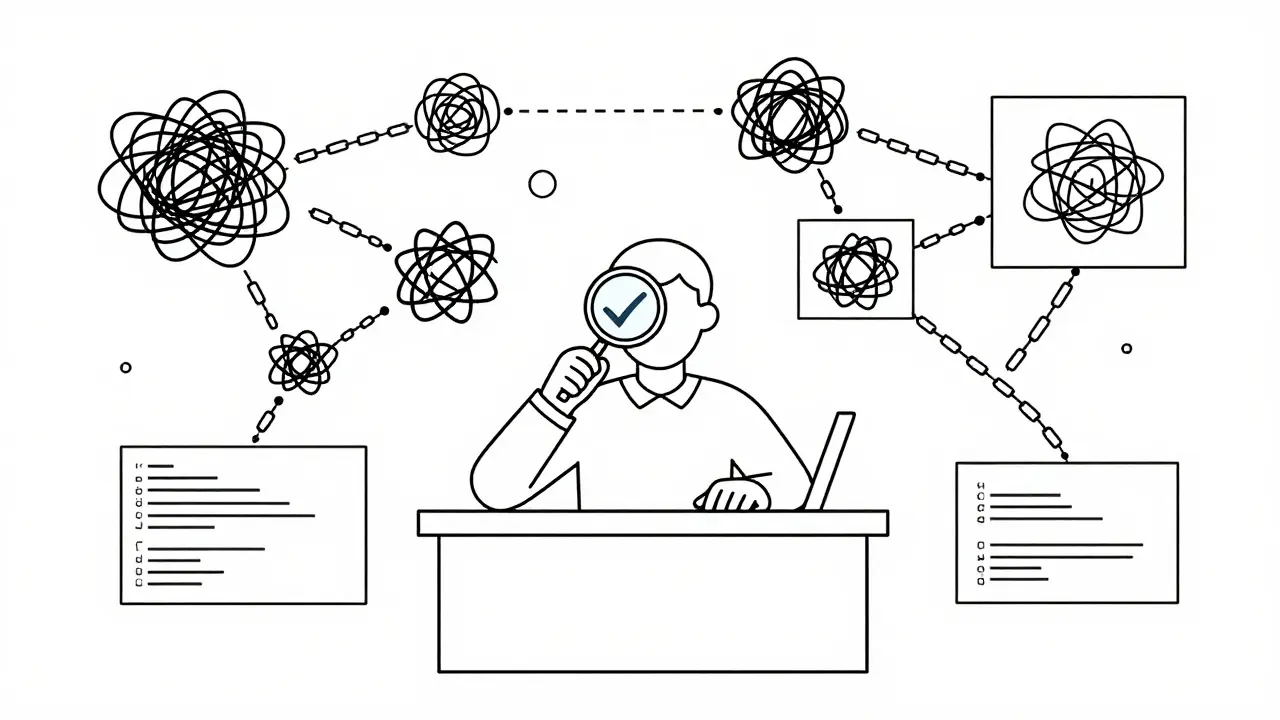
You can't fix what you can't see. Instead of diving into random files, create a data-backed inventory of your architectural hotspots. Modern AI tools can help here, but you must guide them carefully.
Use an agent-style tool (like Aider or GitHub Copilot Workspace) to scan your repository and identify:
- Dead Code: Unused imports, unreachable blocks, and deprecated function calls. AI is surprisingly good at spotting this.
- Duplicated Logic: Identify identical or near-identical code blocks across different files. This is a prime candidate for extraction into shared utilities.
- Oversized Modules: Find files exceeding reasonable length limits (e.g., 500+ lines). These are likely violating the Single Responsibility Principle.
- Dependency Cycles: Look for circular dependencies between modules. These make testing difficult and deployment risky.
Create a "Debt Map" document listing these issues by severity. Prioritize fixes that reduce coupling and increase modularity first. Avoid tackling complex business logic until the surrounding structure is stable.
Phase 3: Execute Constrained Refactoring Passes
Now comes the actual work. Do not attempt to refactor the entire codebase at once. Break it down into theme-based passes, each focusing on a specific type of improvement. Keep stack changes, dependency migrations, and large architecture moves separate from these passes.
Pass 1: Remove Dead Weight
Start with the safest changes. Delete unused variables, remove dead code branches, and eliminate redundant comments. This reduces noise and makes the remaining code easier to read. AI tools excel at this task because it requires minimal understanding of business logic.
Pass 2: Simplify Control Flow
Target functions with high cyclomatic complexity. Extract long conditional statements into named helper functions. Replace switch statements with polymorphism where appropriate. Use AI to suggest these extractions, but always review the diffs side-by-side to ensure no subtle logic is lost.
Pass 3: Decouple Monoliths
If you have massive files, carve out small, well-tested modules. Identify cohesive groups of functions and move them into dedicated classes or services. This improves testability and allows different teams to work on different parts of the system independently.
For each pass, follow this strict workflow:
- Select a safe target (e.g., utility helpers, not payment gateways).
- Craft a prompt specifying the refactor goal (e.g., "Extract validation logic into a separate class").
- Review the proposed changes manually.
- Run the full test suite.
- Commit only if all tests pass and the diff looks correct.
Phase 4: Enforce Patterns Continuously
Refactoring is not a one-time event; it's an ongoing process. To prevent your codebase from sliding back into chaos, integrate AI-assisted checks into your CI/CD pipeline.
Tools like GitHub Copilot and Amazon CodeWhisperer can now be configured to enforce organizational patterns. Set up pre-commit hooks that run static analysis and reject code that violates style guides or introduces new code smells. Use "agentic coders" to continuously monitor technical debt and generate suggestions for incremental improvements.
However, remember the warning from industry experts: AI is a powerful assistant, not a replacement for human judgment. Always keep a human in the loop for architectural decisions. Let AI handle the repetitive cleanup, but reserve deep structural changes for experienced engineers who understand the domain context.
| Aspect | Manual Refactoring | AI-Assisted Refactoring |
|---|---|---|
| Speed | Slow, especially for large codebases | Fast, handles repetitive tasks quickly |
| Accuracy | High, driven by human expertise | Variable, requires rigorous testing |
| Scalability | Limited by team size | High, can analyze entire repositories |
| Risk | Low, if done incrementally | Medium-High, without proper safeguards |
| Best For | Deep architectural changes | Code cleanup, pattern enforcement |
Common Pitfalls to Avoid
Even with a solid plan, mistakes happen. Here are the most common traps teams fall into when rescuing AI-generated code:
- Trusting the AI's First Draft: Never commit AI-generated code without manual review. Assume errors are present until proven otherwise.
- Skipping Tests: As seen in the "127 bugs" case study, skipping tests leads to catastrophic regressions.
- Over-Refactoring: Don't try to fix everything at once. Small, incremental changes are safer and easier to debug.
- Ignoring Security: AI doesn't inherently understand security implications. Always run security scanners after refactoring.
- Batching Changes: Make small commits. Batching hundreds of changes into one diff makes it impossible to identify which change caused a bug.
Next Steps for Your Team
If you're ready to start your architecture rescue plan, begin today with these actions:
- Audit your codebase using static analysis tools to identify the worst offenders.
- Select one non-critical module to pilot your refactoring process.
- Write comprehensive tests for that module before making any changes.
- Engage your AI coding assistant to suggest improvements, but review every line.
- Measure your progress by tracking reductions in code complexity and increases in test coverage.
Remember, the goal isn't to eliminate AI from your workflow-it's to harness its power while maintaining control over your system's integrity. With discipline and the right tools, you can transform a fragile AI-generated codebase into a robust, maintainable asset.
How do I know if my codebase has significant AI-generated technical debt?
Look for signs like inconsistent naming conventions, overly verbose functions, high duplication rates despite clean syntax, and unexpected performance bottlenecks. Run static analysis tools like SonarQube to check for hidden code smells and security hotspots that aren't visible in simple code reviews.
Can I use AI to refactor my entire codebase at once?
Absolutely not. Refactoring should always be incremental. Start with small, non-critical modules to build confidence and establish a safety net of tests. Large-scale batch refactoring significantly increases the risk of introducing bugs and breaking functionality.
What are the best tools for analyzing AI-generated code?
Combine static analysis tools like SonarQube, ESLint, or Pylint with AI-powered assistants like GitHub Copilot, Amazon CodeWhisperer, or Aider. Static analysis catches syntax and security issues, while AI assistants help identify structural improvements and generate refactoring suggestions.
How important are tests in the refactoring process?
Tests are critical. Without comprehensive test coverage, you have no way to verify that refactoring hasn't broken existing functionality. Aim for high coverage of critical paths before starting any major restructuring efforts.
Is AI-generated code less secure than human-written code?
Research suggests AI-generated code can introduce unique security vulnerabilities that aren't caught by standard generation processes. Always supplement AI assistance with independent security scanning and manual code reviews to mitigate these risks.
 Artificial Intelligence