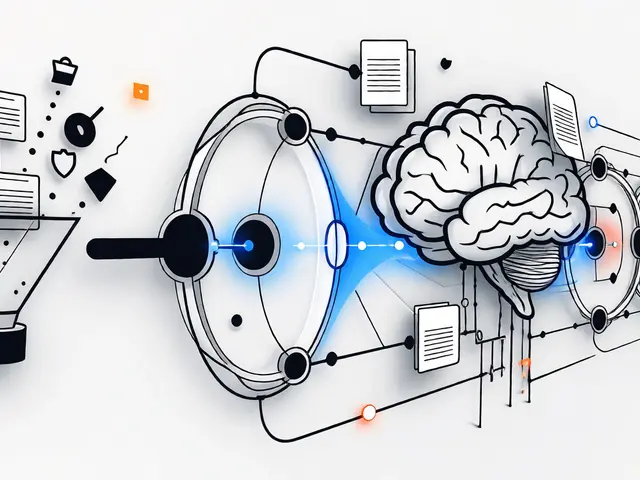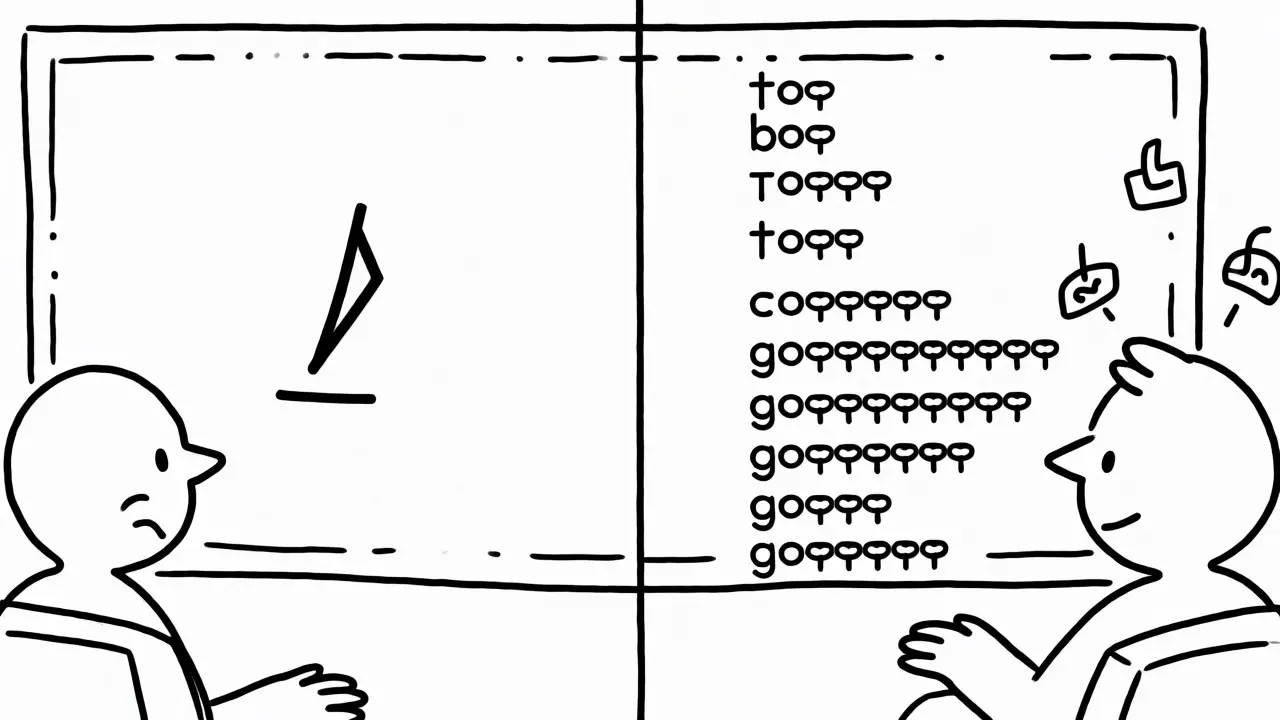
You know that feeling when you hit send on a chat interface, and the little cursor just blinks? It mocks you. The model is working hard, crunching billions of parameters, but to you, it looks like the server crashed. This delay isn't just annoying; it breaks the conversational illusion we’re trying to build with Large Language Models (LLMs). The solution isn't making the model smarter-it's changing how data moves from the server to your screen. We call this Streaming Responses.
If you're building an AI application today, ignoring streaming is like serving a meal one bite every ten seconds. Sure, the food is good, but the experience is terrible. By late 2026, streaming has moved from a "nice-to-have" feature to a baseline expectation for any serious LLM integration. But enabling it isn't just about flipping a boolean flag. It requires understanding the architecture that supports it, from the inference server down to the DOM updates in your browser.
The Core Problem: Perceived Latency vs. Real Time
Here’s the truth about LLM generation: it is inherently sequential. Modern transformer models are autoregressive. They generate one token at a time, using all previous tokens as context. If you ask for a 500-word essay, the model doesn't think of the whole essay instantly. It thinks word by word.
In a traditional non-streaming API call, the client sends a request, waits while the model generates all 500 tokens, buffers them into a single JSON object, and then sends that big blob back. If generation takes five seconds, the user stares at a blank screen for five seconds. Then, *pop*, the text appears.
With Streaming, the server starts sending data as soon as the first token is ready. The user sees the first sentence appear in 300 milliseconds. Even if the full response still takes five seconds, the perceived wait time drops dramatically because the system feels alive. Research from major providers like OpenAI and Anthropic confirms that users judge responsiveness based on time-to-first-token, not total completion time. Streaming hacks human psychology by providing immediate feedback.
Under the Hood: How Data Flows
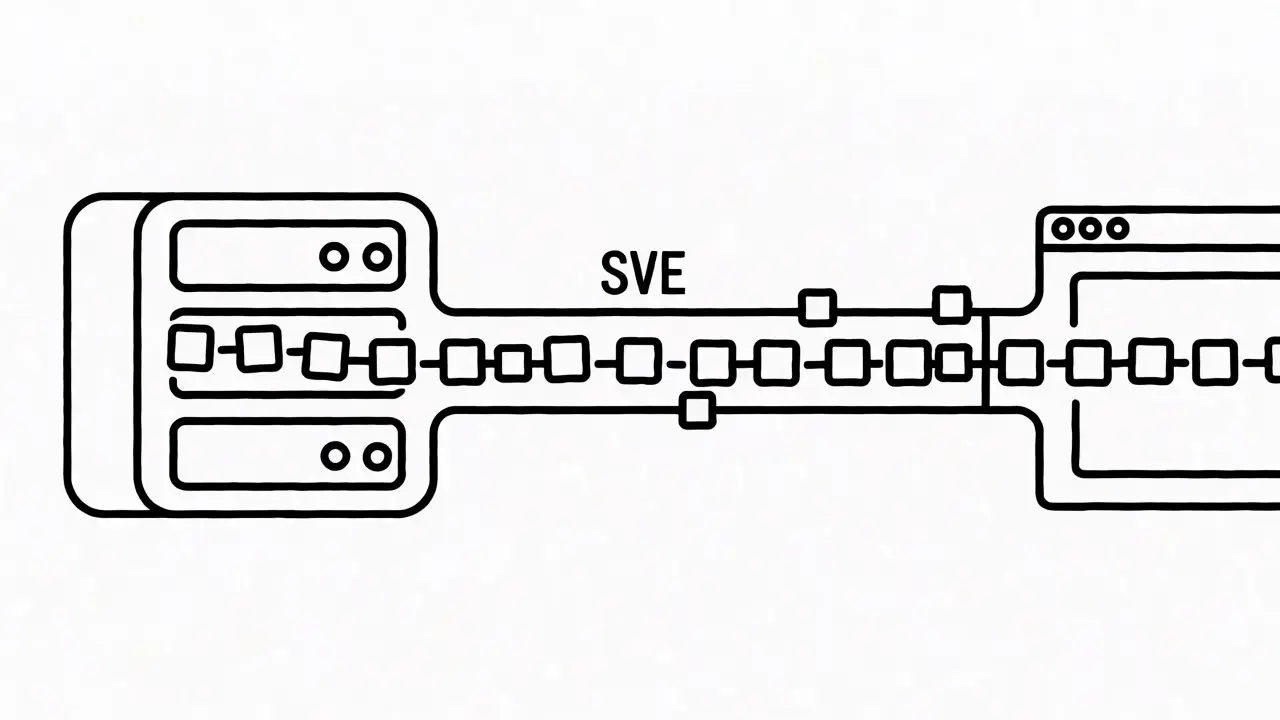
To understand why streaming works, you need to look at the transport layer. Most modern LLM APIs use Server-Sent Events (SSE). You might be wondering, "Why not WebSockets?" That’s a fair question. WebSockets provide bidirectional communication, which is great for multiplayer games or live chats where both sides talk constantly. But for an LLM query, the interaction is mostly unidirectional during the response phase. You send one prompt; the server sends back many chunks. SSE is lighter, simpler, and runs over standard HTTP, meaning it plays nicely with existing load balancers, firewalls, and CDNs without requiring special protocol upgrades.
When you set stream=true in your request, the server keeps the HTTP connection open. Instead of closing after sending one payload, it flushes small chunks of data periodically. Each chunk is formatted according to the SSE specification: a line starting with data:, followed by a JSON fragment containing the new tokens, and ending with two newlines.
| Feature | Server-Sent Events (SSE) | WebSockets | HTTP Chunked Transfer |
|---|---|---|---|
| Directionality | Unidirectional (Server → Client) | Bidirectional | Unidirectional (Server → Client) |
| Complexity | Low (Standard HTTP) | High (Protocol Upgrade) | Medium (Raw framing) |
| Reconnection | Automatic (Last-Event-ID) | Manual implementation required | Manual implementation required |
| Best For | Token-by-token LLM output | Real-time collaborative apps | Legacy systems |
SSE handles reconnections automatically. If your Wi-Fi flickers, the browser can resume the stream where it left off using the Last-Event-ID. This resilience is crucial for mobile users or unstable networks. WebSockets require you to write custom logic to detect disconnections and restart the generation process, which often means losing context unless you carefully manage session state.
Provider Implementations: OpenAI vs. Anthropic
While the concept is universal, each provider implements streaming slightly differently. Knowing these nuances saves hours of debugging.
OpenAI uses a straightforward approach. When you enable streaming on their Responses API, you receive a series of events. Early versions used simple delta objects, but newer iterations use "semantic events." These events tell you exactly what part of the message is being updated-whether it’s content, reasoning traces, or tool calls. The stream ends with a specific sentinel value, typically [DONE], signaling that the connection can be closed. Developers must iterate through these events asynchronously, accumulating the deltas into a final string.
Anthropic’s Claude API offers a more structured event model. Their streaming sequence is explicit: message_start, followed by content_block_start, multiple content_block_delta events, content_block_stop, and finally message_stop. This granularity allows you to handle complex responses, such as those involving multiple tool uses or interleaved thinking blocks, with precision. Their SDKs provide helper methods like text_stream that abstract away the raw event parsing, yielding plain text chunks directly to your UI code.
Other frameworks like LangChain wrap these provider differences behind unified interfaces. LangChain’s streaming callbacks allow you to subscribe to token events regardless of whether the underlying model is GPT-4o or Claude 3.5 Sonnet. This abstraction is powerful for prototyping but can obscure performance bottlenecks if you aren’t careful. Always profile your chain to ensure the framework overhead isn’t adding noticeable latency between the provider’s emission and your UI update.
The Frontend Challenge: Rendering Without Jank
Getting tokens from the server is only half the battle. Displaying them correctly is the other half. A common mistake is updating the DOM for every single token received. If a model generates 1,000 tokens rapidly, you trigger 1,000 layout recalculations. This causes "jank"-visible stuttering or flickering-as the browser struggles to keep up.
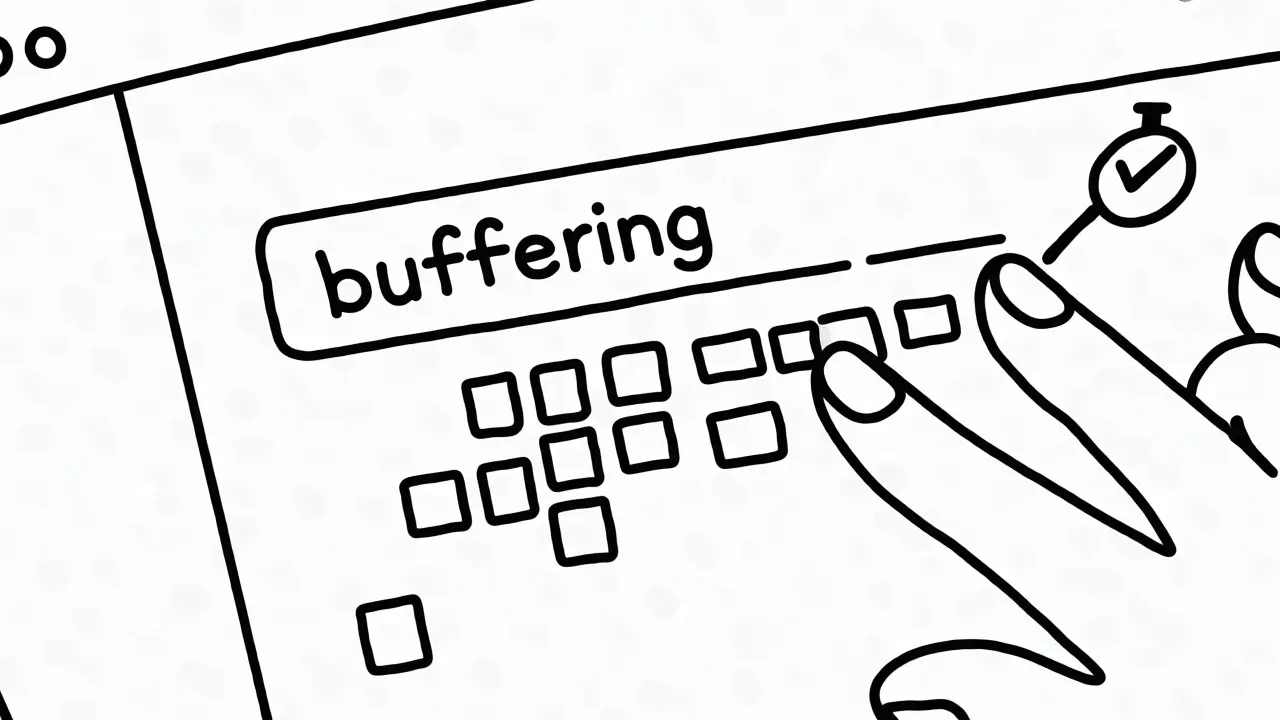
The fix is buffering. Don’t render every token immediately. Instead, collect incoming tokens in a temporary variable for a short interval-say, 50 to 100 milliseconds-or until a certain number of characters accumulate. Then, update the UI once with the batch. This reduces the number of repaints significantly while maintaining the illusion of real-time typing.
- Buffer Strategy: Wait for 3-5 tokens or 50ms before flushing to the DOM.
- Scroll Management: Auto-scroll the container to the bottom as new text arrives, but pause auto-scroll if the user manually scrolls up to read earlier parts.
- Cleanup: Ensure you abort the fetch request if the component unmounts. Leaving dangling streams consumes memory and bandwidth.
Another UX detail: handle the end of the stream gracefully. Users expect a clear signal when the AI has finished speaking. Some interfaces add a blinking cursor that disappears upon completion, or change the button state from "Stop" back to "Send." These micro-interactions confirm that the system is idle and ready for the next input.
Common Pitfalls and Best Practices
Even experienced developers trip up on streaming. Here are the most frequent issues and how to solve them.
1. Ignoring Backpressure: If your frontend can’t consume tokens as fast as the backend sends them, buffers fill up. In Node.js environments, use async iterators properly. Don’t let the loop block. If the UI is slow, consider dropping intermediate frames rather than queuing infinite updates.
2. Poor Error Handling: Streams can break mid-response due to network timeouts or server errors. Your code must distinguish between a normal stop (finish_reason: stop) and an error. If the stream cuts off unexpectedly, show a retry option. Never leave the user staring at a partial sentence with no explanation.
3. Mismanaging Cancellation: If a user clicks "Stop Generation," you must cancel the HTTP request. Simply hiding the UI isn’t enough; the server continues generating tokens and burning compute credits until the connection closes. Use AbortController in JavaScript to kill the fetch request instantly.
4. Security Leaks: Be cautious with logging streamed data. Raw token dumps can contain sensitive information if you log entire request/response bodies. Sanitize logs or limit verbosity during production streaming.
Future-Proofing Your Architecture
As we move deeper into 2026, streaming is evolving beyond simple text delivery. Providers are beginning to stream multimodal outputs-images, audio snippets, and structured data blocks-using the same SSE infrastructure. This means your architecture needs to be flexible enough to handle different MIME types within a single stream.
Furthermore, edge computing is reducing the physical distance between users and inference servers. Placing LLM proxies closer to users via CDN edges further minimizes latency, making the first token arrive almost instantaneously. Combining edge deployment with efficient streaming protocols creates an experience that feels less like querying a database and more like talking to a person.
Building a robust streaming pipeline isn't trivial, but it pays dividends in user retention. People tolerate slowness if they feel progress. They don't tolerate silence. By mastering the flow of tokens from GPU to pixel, you transform a technical constraint into a competitive advantage.
Does streaming actually make the AI faster?
No, the total generation time remains roughly the same. Streaming improves perceived speed by showing results sooner. The user sees the first token in milliseconds rather than waiting seconds for the full response, which makes the application feel much more responsive.
Why should I use SSE instead of WebSockets for LLMs?
SSE is simpler, uses standard HTTP, and handles reconnections automatically. Since LLM responses are primarily one-way (server to client), the bidirectional capability of WebSockets is unnecessary overhead. SSE integrates easier with existing web infrastructure like load balancers and firewalls.
How do I handle long responses that take too long to stream?
Implement a timeout mechanism and allow users to cancel the stream. Also, consider summarizing very long outputs or breaking them into smaller chunks if the context window allows. Ensure your UI provides visual cues that generation is ongoing, such as a progress indicator or animated dots.
Can I stream images or audio with current LLM APIs?
Yes, many modern APIs support multimodal streaming. While text streams token-by-token, binary data like images may be sent in larger base64-encoded chunks or via separate URLs provided in the stream metadata. Check your specific provider's documentation for multimodal event structures.
What happens if the user closes the tab mid-stream?
The HTTP connection will close, triggering a cancellation on the server side. Most providers stop billing for generation once the connection drops. However, you should explicitly handle cleanup in your backend to release resources associated with that session.
 Artificial Intelligence