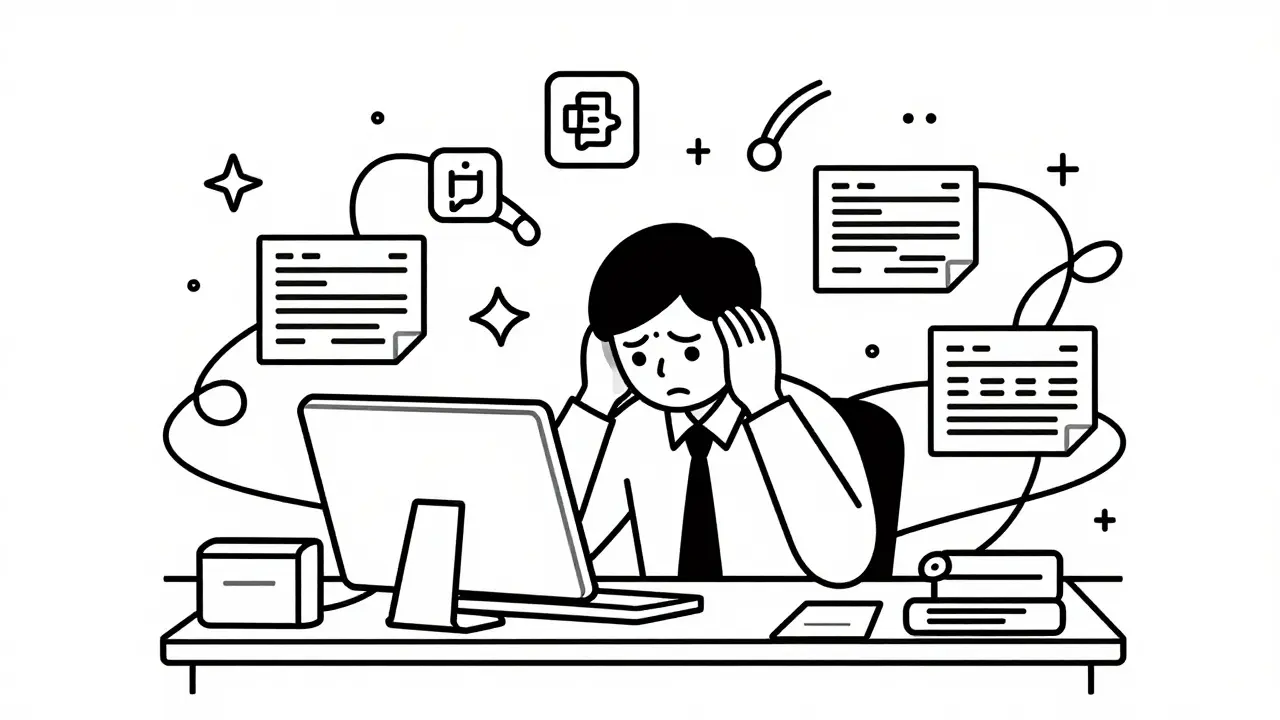
You spend hours every week waiting. You wait for the engineering team to prioritize your request. You wait for a developer to translate your vague idea into technical specs. You wait for bugs to be fixed in the internal tool you desperately need to track client data or automate reports. By the time that tool launches, the project is over, or you’ve already built a messy spreadsheet workaround that breaks if someone sneezes.
There is a new way out of this bottleneck. It’s called vibe coding.
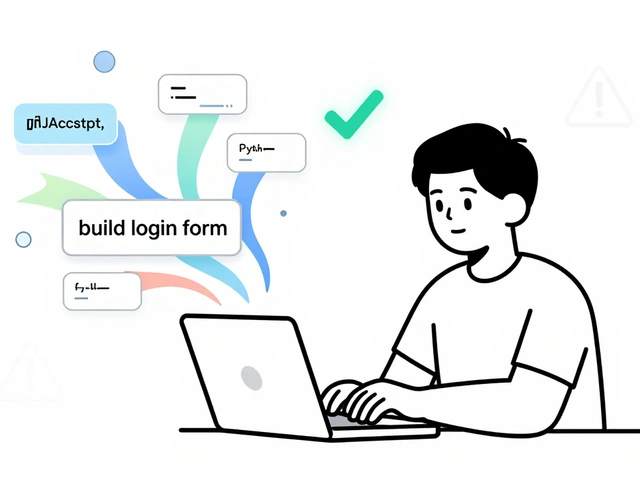
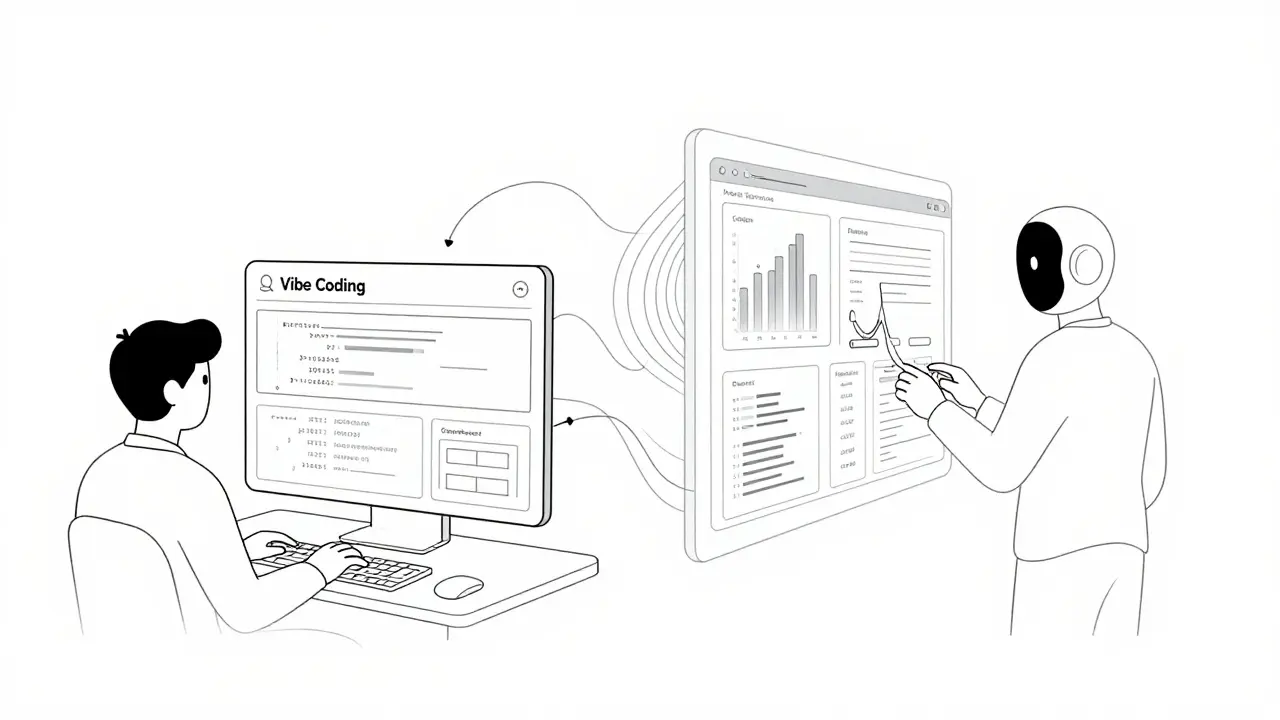
Vibe coding isn’t about learning Python or JavaScript. It’s not about becoming a full-stack engineer. It is the practice of using natural language-plain English-to describe what you want an application to do, and letting artificial intelligence build it for you. For knowledge workers like marketers, operations managers, and analysts, this shift turns weeks of development time into afternoons of tweaking prompts. The result? Personal tools that save you 12 to 15 hours a week, according to recent case studies from platforms like Memberstack.
What Is Vibe Coding and Why Does It Matter?
The term "vibe coding" emerged around 2023-2024 as large language models (LLMs) became sophisticated enough to understand intent rather than just syntax. Platforms like Knack, which launched its AI features in early 2023, defined it as building apps by describing the desired outcome instead of writing code.
Think of it like ordering food at a restaurant versus cooking from scratch. In traditional coding, you are buying ingredients, chopping vegetables, and managing heat levels. In vibe coding, you tell the chef (the AI) exactly how you want the dish to taste, look, and feel, and they handle the execution.
For knowledge workers, this matters because it removes the dependency on IT departments for simple tasks. You don’t need to explain API endpoints or database schemas. You just say, "I need a dashboard that pulls data from my Airtable base and shows me weekly sales trends." The AI generates the structure, the logic, and the interface. This democratizes software creation, allowing non-technical users to solve their own problems without creating tickets that sit in a backlog for months.
Top Tools for Vibe Coding in 2026
Not all AI builders are created equal. Some focus on front-end design, while others handle complex data relationships. Here are the leading platforms that have matured significantly by mid-2026:
| Platform | Best For | Starting Price | Key Feature |
|---|---|---|---|
| Knack | Internal databases & CRUD apps | $79/month | Instant Page Construction (UI in ~8 seconds) |
| Memberstack | Webflow integrations & user portals | $99/month | Collaborative Vibe Coding with version history |
| Quixy | Enterprise workflows & prototyping | $25/user/month | Free tier for individuals; rapid prototyping |
Knack is often the go-to for structured data applications. Its "Instant Page Construction" feature allows you to generate responsive user interfaces from text descriptions in an average of 8.2 seconds. If you need a client portal where users can log in and view their specific records, Knack handles the backend logic seamlessly.
Memberstack shines when you are working within the Webflow ecosystem. If you already have a beautiful website but need to add login functionality, subscription management, or member-only content areas, Memberstack’s AI lets you describe these features in plain English. Their October 2024 update introduced collaborative features, meaning teams can refine prompts together, which reduces the "one person knows everything" bottleneck.
Quixy targets more complex enterprise needs but remains accessible. It excels at workflow automation. If your job involves moving data between systems-like triggering an email when a lead enters Salesforce-Quixy can map those connections via prompt. Its free tier makes it a low-risk option for testing the waters.
How Much Time Can You Actually Save?
The promise of vibe coding is speed, but does it deliver? The data suggests yes, but with caveats.
A 2024 benchmarking study by Memberstack found that vibe coding accelerates development cycles by 6 to 8 times for standard applications. Building a simple Create-Read-Update-Delete (CRUD) application traditionally takes 40 to 60 hours of coding, testing, and debugging. With vibe coding, that same task drops to 5 to 8 hours.
Consider a marketing operations manager who needs a tool to track campaign performance across three different ad platforms. Traditionally, they would write a ticket, wait two weeks for a dev, then spend another week refining the requirements. With vibe coding, they might spend Tuesday afternoon prompting the AI, Wednesday morning reviewing the output, and Thursday launching the tool. That is a saving of roughly 12 to 15 hours per week once the initial learning curve is passed.
However, vibe coding struggles with high-performance computing. If you need sub-100ms response times for real-time trading algorithms or complex animations, traditional coding still wins. Tanium’s May 2024 analysis noted that approximately 68% of complex business logic still requires manual intervention. Vibe coding is best for internal tools, prototypes, and data-heavy dashboards-not for building the next Instagram or a high-frequency trading bot.
Mastering Prompt Engineering for Apps
The biggest hurdle isn’t the technology; it’s communication. Many users fail because they give vague instructions. Saying "make it look professional" is useless to an AI. Instead, you must learn to decompose problems.
Netlify’s research showed that users who spent 4-6 hours learning specific prompting techniques achieved 73% better results than those using casual descriptions. Here is a framework for effective vibe coding prompts:
- Define the User Role: Start by specifying who will use the app. "Build a dashboard for regional sales managers..."
- Specify Data Sources: Tell the AI where the data lives. "...that pulls quarterly revenue data from our connected Google Sheets..."
- Describe the Action: What should happen? "...and automatically flag any region that misses its target by more than 10%."
- Set Visual Constraints: Be specific about layout. "Display this as a bar chart with red indicators for missed targets, placed above a summary table."
This level of detail prevents "prompt fatigue," a common complaint where users get frustrated because the AI keeps guessing wrong. When you provide clear constraints, the AI acts as a precise executor rather than a creative partner trying to read your mind.
Pitfalls and How to Avoid Them
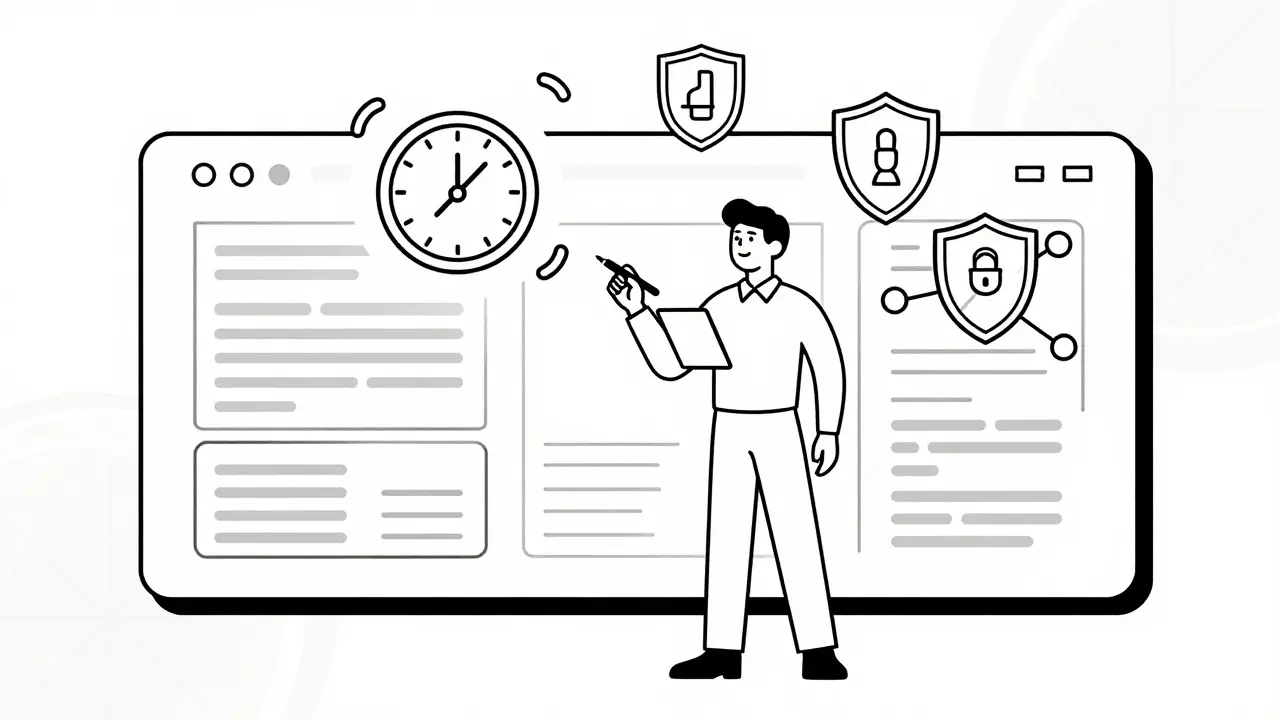
Vibe coding is powerful, but it introduces new risks. The most significant is security. Google Cloud’s June 2024 assessment noted that 43% of vibe coding implementations require additional security review for enterprise deployment. Why? Because AI processing can sometimes expose sensitive data patterns if not configured correctly.
To mitigate this:
- Check Compliance: Ensure your chosen platform has SOC 2 Type II compliance. Both Knack and Memberstack offer this, but always verify before uploading proprietary customer data.
- Implement Human-in-the-Loop Reviews: Never deploy an AI-generated tool directly to customers without a human review. DataCamp’s 2024 analysis found that AI-generated code required 22% more refactoring for long-term maintainability. Treat the AI output as a first draft, not final product.
- Watch for Intellectual Property Issues: As of late 2024, legal departments are increasingly concerned about ownership of AI-generated code. Check your contract terms. Most major platforms now clarify that you own the generated application, but the underlying model weights remain the provider's property.
Another pitfall is over-reliance. Martin Fowler, Chief Scientist at ThoughtWorks, warned in June 2024 that vibe coding risks creating developers who understand what to build but not how it works. For knowledge workers, this means maintaining a basic understanding of logic flows. If the AI builds a broken loop, you need enough conceptual knowledge to identify why it’s failing.
Getting Started: A Step-by-Step Guide
If you want to start vibe coding today, follow this path:
- Identify a Low-Risk Tool: Don’t start with your company’s core billing system. Pick something small, like a team directory or a meeting scheduler.
- Choose Your Platform: Sign up for a free trial of Quixy or Knack. No credit card needed for initial exploration.
- Write Your First Prompt: Use the framework above. Describe the user, the data, the action, and the visuals.
- Iterate Visually: Most platforms allow you to click and drag elements after the AI generates the base. Use this to tweak layouts without rewriting prompts.
- Connect Integrations: Link your existing tools via Zapier or native connectors. Knack supports over 1,200 services, making this step straightforward.
- Test with Colleagues: Share the link with two trusted peers. Ask them to perform key actions. Note where they get stuck.
- Refine and Deploy: Fix the issues based on feedback, then roll it out to your wider team.
Most non-technical users become productive within 3 to 5 hours of training, according to Memberstack’s Q3 2024 onboarding data. The key is consistency. Spend one hour a week experimenting. You will quickly find that the barrier to entry is lower than you thought.
The Future of Work and Vibe Coding
We are only at the beginning. Gartner projects that 40% of enterprise developers will use vibe coding tools by 2026, up from 12% in mid-2024. But the impact goes beyond developers. For knowledge workers, this is about autonomy.
Imagine a world where you don’t ask IT for permission to build a solution. You just build it. The market for low-code and vibe coding platforms is projected to reach $187.4 billion by 2030, driven by the persistent shortage of skilled developers and the demand for faster digital transformation.
As these tools evolve, we will see more domain-specific versions. Healthcare, finance, and education sectors are already seeing specialized implementations that understand industry regulations. This could save professionals 20+ hours weekly on compliant application development.
The goal isn’t to replace developers. As Google Cloud’s Sarah Chen noted, the real power is acting as a force multiplier. Experienced developers report 35% higher productivity when using these tools. For knowledge workers, it’s about reclaiming your time. Stop waiting. Start building.
Do I need to know how to code to use vibe coding tools?
No. Vibe coding is designed specifically for non-technical users. You interact with the platform using natural language prompts. However, having a basic understanding of logical structures (like if/then statements) helps you write better prompts and debug issues.
Is vibe coding secure for enterprise data?
It can be, but you must choose platforms with strong security certifications like SOC 2 Type II. Major providers like Knack and Memberstack offer end-to-end encryption. However, for highly sensitive data, always conduct a security review before deployment, as AI processing can introduce unexpected vulnerabilities.
How much does vibe coding cost?
Pricing varies by platform. Quixy offers a free tier for individuals and paid plans starting at $25/user/month. Knack starts at $79/month for basic AI features, while Memberstack charges $99/month for teams. These costs are often offset by the hours saved in development time.
Can vibe coding replace professional developers?
Not entirely. Vibe coding excels at internal tools, prototypes, and standard CRUD applications. Complex systems requiring custom algorithms, high-performance optimization, or intricate security architectures still require professional developers. Think of vibe coding as a tool that frees developers from routine tasks so they can focus on complex problems.
What happens if the AI generates buggy code?
AI-generated code often requires refinement. DataCamp found it needs 22% more refactoring than manual code for long-term maintenance. Use a "human-in-the-loop" approach: test thoroughly, review the logic, and make adjustments. Most platforms also offer debugging assistance where you can describe the error in plain English.
 Artificial Intelligence