Imagine describing your app idea in plain English and watching it build itself. That is the promise of vibe coding, a workflow where you guide an AI assistant to write code instead of typing every line yourself. For a single founder, this changes everything. You stop being blocked by syntax errors or unfamiliar libraries. Instead, you become the product director, focusing on what the user needs while the machine handles the heavy lifting.
This approach was popularized by Andrej Karpathy in early 2025. He described it as programming through conversation. By mid-2026, major players like Google Cloud, Microsoft, and IBM have officially adopted the term. It is no longer a niche hack; it is a recognized paradigm for building software fast. If you are a one-person team looking to launch without hiring a dev shop, this is your playbook.
What Is Vibe Coding Really?
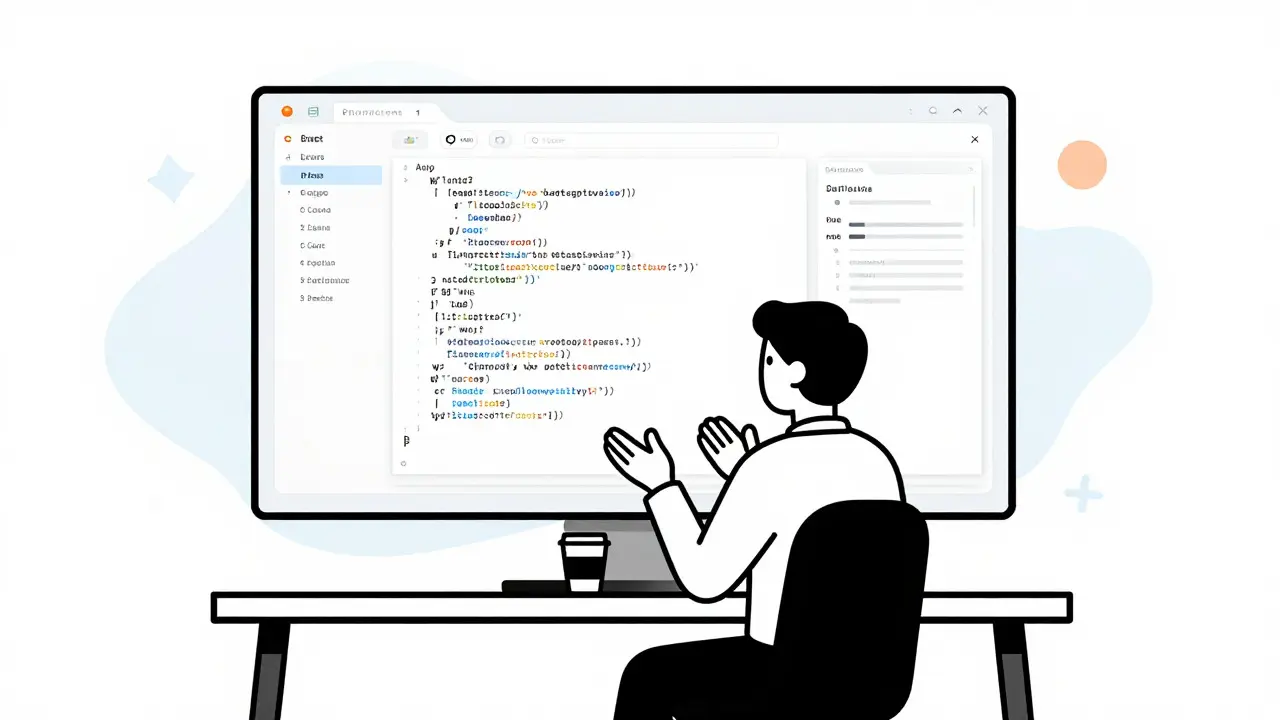
Vibe coding is an AI-assisted development method where developers describe goals in natural language, and large language models generate the implementation. Unlike traditional coding, where you fight with compilers, vibe coding is about intent. You tell the AI, "Create a dark mode toggle," and it writes the CSS and JavaScript. Your job shifts from writing code to reviewing it.
The core loop is simple but powerful:
- Formulate a specific goal (e.g., "Add a login page").
- Prompt the AI to generate the solution.
- Review the generated code diff.
- Test the feature immediately.
- Refine the prompt if something breaks.
You are not just copying and pasting snippets. You are steering a ship. The AI provides the engine, but you hold the wheel. This distinction is crucial because it means you still need to understand what the code does, even if you didn't write it.
Why Solo Founders Need This Workflow
Time is your scarcest resource. In a traditional startup, you might spend three months building an MVP before showing it to users. With vibe coding, that timeline compresses to days. One founder shared on Reddit that they generated $23,000 in revenue in their first month using this approach. They didn't have a team of engineers; they had a clear vision and an AI assistant.
The barrier to entry has dropped significantly. You don't need to be a senior backend engineer to build a SaaS product. You just need to know how to explain problems clearly. JPMorgan’s recent guides highlight that non-technical founders can now use cloud LLM APIs to build functional prototypes. This democratizes software creation. You can test market demand before spending thousands on developers.
However, speed comes with risk. If you let the AI run wild, your codebase becomes a mess. Edmund Ng, who wrote a governance framework for solo teams in May 2026, argues that you need rules. Without them, AI-generated code can create security holes or logical dead ends that take weeks to untangle.
The Essential Tool Stack
You don't need expensive enterprise software. Several tools have emerged specifically for this workflow. Here is how they compare:
| Tool | Primary Strength | Best For | Key Feature |
|---|---|---|---|
| Cursor | IDE Integration | Full-stack apps | Context-aware editing within VS Code |
| GitHub Copilot | Ecosystem Access | Git-based workflows | Agentic mode for multi-step tasks |
| Replit | Browser-Based Speed | Rapid prototyping | Instant deployment without local setup |
| Google AI Studio | No-Code Interface | Non-technical founders | Generates full apps from text prompts |
Choose based on your comfort level. If you know some code, Cursor gives you control. If you want to skip the setup entirely, Replit or Google AI Studio lets you start building in minutes. The common thread is that all these tools treat your prompt as the source of truth.

Governance for One-Person Teams
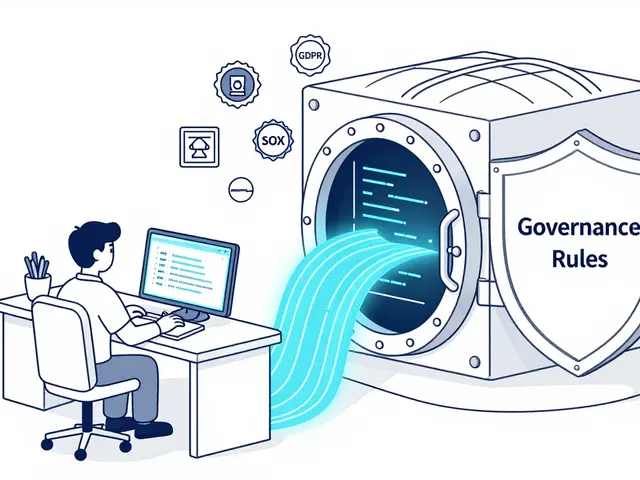
Here is where most solo founders fail. They get excited, generate code fast, and forget to clean up. Edmund Ng’s framework suggests six components to keep your project safe. You don't need to implement all of them on day one, but you should think about them.
- Phase Documents: Write down what you are building right now. Define the goal, what is *not* included, and how you will verify it works.
- The Constitution: Set hard stops. For example, "No direct handling of credit card numbers" or "All user data must be encrypted."
- Decision Logs: Keep an append-only record of why you made certain architectural choices. Future-you will thank present-you.
- Weekly Pruning: Once a week, delete demo code that isn't used. AI loves to leave behind experimental branches that confuse later features.
This sounds bureaucratic, but it prevents chaos. Think of it as training wheels. As your project grows, you can loosen the reins, but early on, structure saves time.
Testing Strategy: The 10/80/10 Rule
How do you test code you didn't write? Ng proposes a 10/80/10 strategy. Automate the middle 80% of testing. Use standard unit tests and integration tests that the AI can help generate. But reserve the other 20% for human judgment.
The first 10% is edge cases. What happens when the internet drops? What if a user enters 500 characters into a name field? The AI might miss these. You need to poke at the weak spots manually. The last 10% is user experience. Does the button feel responsive? Is the error message helpful? These subjective elements require a human eye.
Don't trust the AI blindly. An arXiv study from August 2026 found that developers spend more time reviewing output than writing code. That is the new normal. Your value is in verification, not generation.

Common Pitfalls to Avoid
Even with great tools, you can trip up. Here are the most common mistakes I see:
Vague Prompts: Saying "make it better" does nothing. Say "increase font size by 2px and add padding to the header." Specificity yields results.
Ignoring Dependencies: AI might suggest a library that is outdated or has security vulnerabilities. Always check the package version and community support before installing.
Skipping Code Review: Accepting every diff without reading it leads to technical debt. Read the changes. Understand the logic. If you don't understand it, ask the AI to explain it before accepting.
Over-Engineering: Don't build a microservices architecture for a simple landing page. Start simple. Add complexity only when the user base demands it.
From Idea to Launch: A Practical Example
Let's walk through building a simple budget tracker. First, open Cursor or Replit. Create a new project. Then, write your first prompt:
"Build a React frontend with a form to add expenses. Each expense should have a description, amount, and category. Display a list of recent expenses below the form. Use Tailwind CSS for styling."
The AI generates the component. You review the code. It looks good. Now, prompt again: "Add a summary section that shows total spent per category." The AI updates the state management. You test it. You enter a few fake expenses. The totals update correctly. Next, you ask for a chart. The AI suggests Chart.js. You accept. Within two hours, you have a functional prototype.
This speed is addictive. But remember, this is just the front end. Later, you will need a database. You will prompt the AI to set up Supabase or Firebase. You will handle authentication. Each step follows the same loop: prompt, review, test, refine.
Frequently Asked Questions
Do I need to know how to code to vibe code?
You don't need to be an expert, but basic literacy helps. Understanding concepts like variables, functions, and APIs makes it easier to debug issues. However, tools like Google AI Studio allow non-technical users to build simple apps purely through prompts.
Is vibe coding reliable for production apps?
Yes, provided you apply rigorous testing and governance. Many startups are already generating revenue with AI-assisted codebases. The key is treating the AI as a junior developer who needs supervision, not an autonomous genius.
Which tool is best for beginners?
Replit is often recommended for absolute beginners because it runs in the browser and handles deployment automatically. If you are comfortable with VS Code, Cursor offers more power and flexibility for complex projects.
How much does it cost to start?
Most platforms offer free tiers or low-cost subscriptions. You may also pay for API usage if you use external LLMs. Expect to spend between $20 and $100 per month on tools and infrastructure for a small project.
Can I switch tools later?
Yes. Since the code is standard (React, Python, etc.), you can move your repository from Replit to GitHub and use Cursor locally. The workflow is portable, but the context history might reset, so document your decisions carefully.
 Artificial Intelligence