
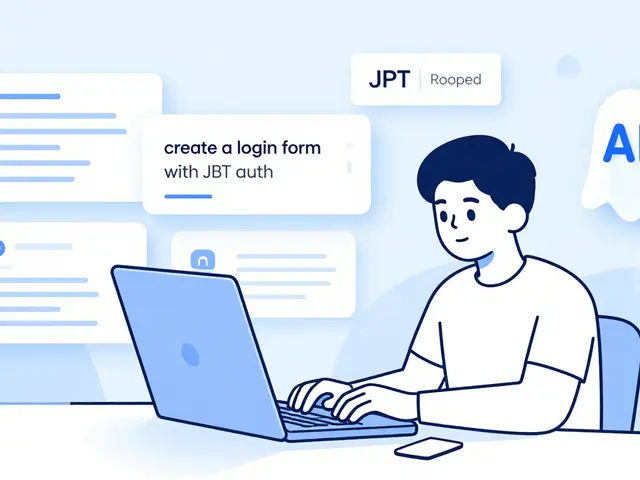
Imagine building a functional web app in 20 minutes instead of spending two days writing boilerplate code. That is the promise of vibe coding, a development methodology where you use natural language to instruct AI coding assistants rather than typing syntax manually. This approach has exploded in popularity since 2023, driven by tools like GitHub Copilot and Claude. But here is the catch: if your prompts are vague, your code will be brittle. If your instructions are precise, you unlock a superpower that transforms ideas into working prototypes instantly. The difference between frustration and flow comes down to how you talk to the machine.
You do not need to be a prompt engineer expert to get results. You just need a system. This guide breaks down the specific techniques that separate successful vibe coders from those who end up debugging hallucinated logic. We will look at the exact structures, the common pitfalls, and the real-world data showing why this method works for prototyping but needs caution for production environments.
The Core Mechanics of Vibe Coding
Vibe coding is a software development practice relying on natural language prompts to generate code via AI models. It emerged alongside advanced tools like GitHub Copilot (launched in 2021) and Amazon CodeWhisperer (announced in 2022). However, the term gained traction in developer communities around mid-2023 as these models became capable enough to handle multi-line context. The core value proposition is speed and flow. According to a January 2025 whitepaper by AIM Consulting, effective vibe coding achieves "instant success and flow," allowing developers to move from concept to functional application in minutes. But it is not magic. It is a collaboration. You provide the intent; the AI provides the syntax. When you treat the AI as a junior developer who is fast but lacks context, your prompting strategy shifts from "commanding" to "guiding."
Structuring Prompts for Precision
Vague prompts lead to vague code. If you tell an AI to "make a login page," it might use outdated libraries or ignore your existing design system. Specificity is the single biggest lever you have. Data from WeAreFounders shows that maintaining brevity (under 50 words for initial requests) while including exact UI elements and validation rules improves first-attempt code accuracy by 73% compared to generic prompts.
To achieve this, consider using the six-step prompting methodology outlined by RantheBuilder in late 2025:
- Define the Persona: Tell the AI who it is. For example, "Act as a senior React developer specializing in accessibility." This sets the tone for code quality and best practices.
- State the Problem Clearly: Be direct. "Build a contact form with name, email, and message fields." Avoid ambiguity.
- Provide Context: Mention your stack. "This integrates with our Next.js 14 application using Tailwind CSS." Without this, the AI might suggest jQuery when you want modern hooks.
- Ask for a Plan First: Before asking for code, ask the AI to outline its implementation steps. This reduces hallucination errors by 67%, according to chief architect David Kim.
- Recognize Complexity: Adjust your depth based on the task. Simple components need simple prompts; complex flows need detailed constraints.
- Implement Chained Prompting: Break large tasks into sequential, smaller prompts. This is the most praised technique in developer communities, with 85% of positive comments citing its effectiveness.
Notice the shift from technical jargon to user actions. Emergent’s A/B testing showed a 41% reduction in required revisions when prompts described outcomes like "users should be able to submit their email and receive a confirmation message" instead of technical instructions like "create a form with email validation." Describe what happens, not just what exists.
Constraints and Negative Prompting
One of the most overlooked aspects of vibe coding is telling the AI what not to do. By default, AI models try to be helpful, which often means adding features you didn't ask for or using libraries you don't have installed. System constraints are critical.
In AIM Consulting's case studies, specifying library restrictions (e.g., "use only React Hook Form, not Formik") and negative prompting (e.g., "do not use external APIs") reduced incompatible code outputs by 62%. Think of constraints as guardrails. They keep the AI within your project's boundaries.
Consider this comparison of prompt styles:
| Prompt Element | Generic Approach | Constrained Approach | Outcome Difference |
|---|---|---|---|
| Library Usage | "Create a dashboard chart" | "Create a bar chart using Recharts, no other libraries" | Prevents dependency conflicts |
| Data Handling | "Fetch user data" | "Fetch user data from /api/users, handle 404 errors gracefully" | Ensures robust error handling |
| UI Style | "Make it look nice" | "Use minimal design, 16px font size, primary color #3B82F6" | Matches brand guidelines immediately |
These small additions save hours of cleanup later. They force the AI to work within your reality, not its training data's idealized version of your project.
When Vibe Coding Works Best (and Worst)
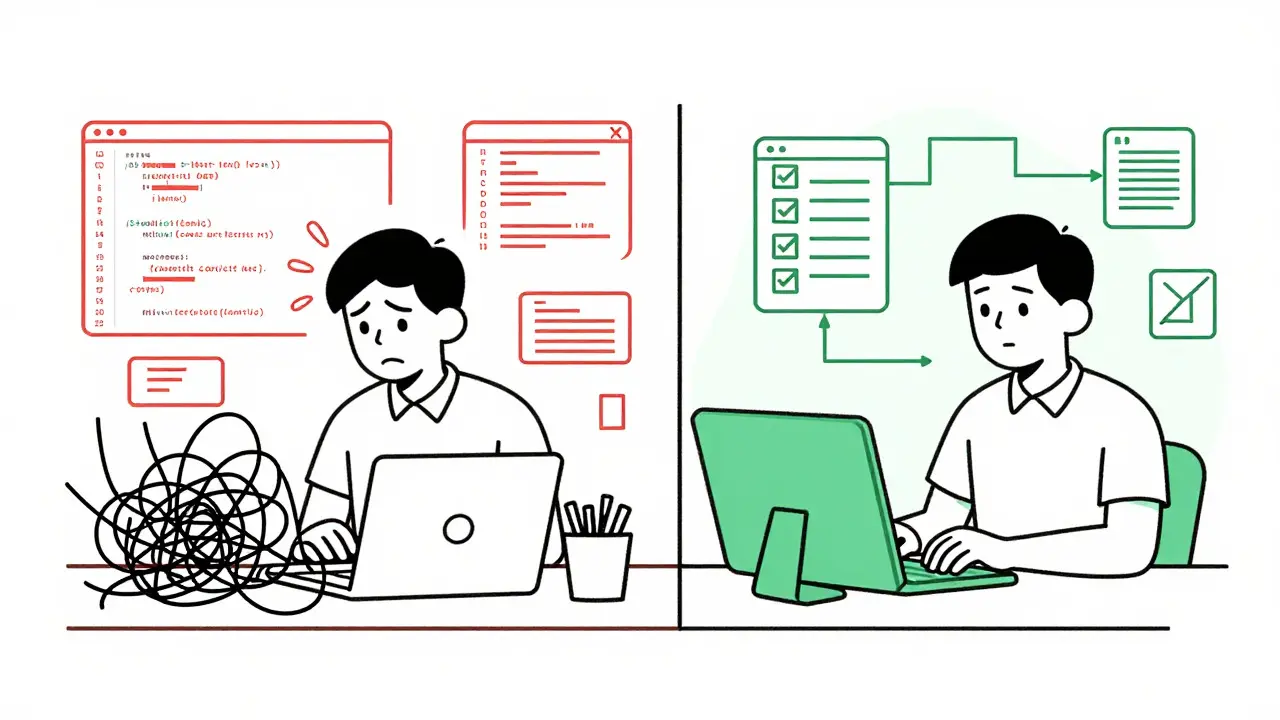
Vibe coding is not a one-size-fits-all solution. It excels in specific scenarios and struggles in others. Understanding these boundaries helps you decide when to use it and when to switch back to manual coding.
Where it shines:
- Rapid Prototyping: Reduces initial implementation time from 4-8 hours to 15-30 minutes, according to Supabase benchmarks.
- UI Component Creation: 72% faster than traditional coding for isolated interface elements.
- Educational Purposes: Great for learning new frameworks by seeing generated examples.
- Complex System Architecture: Success rate drops to 37% for full-stack apps requiring database integration and authentication flows.
- Algorithmic Logic: Human-written code maintains 94% accuracy for complex computations versus 68% for AI-generated solutions.
- Production Readiness: 83% of vibe-coded prototypes needed architectural refactoring before release in a Dev.to case study.
The key takeaway? Use vibe coding to build the skeleton and the skin. Then, put on your engineer hat to wire up the nervous system. Don't expect the AI to understand your entire business logic unless you feed it every relevant detail, which is often impractical.
Managing Technical Debt and Security
Speed comes with a cost. Dr. Elena Rodriguez warned that vibe coding without proper constraints creates 3.2x more technical debt than traditional development. Why? Because AI tends to optimize for the happy path. It writes code that works when everything goes right, but fails silently when edge cases appear.
Security is another major concern. An audit by RantheBuilder found that 83% of AI-generated code contains at least one minor security oversight. These range from missing input sanitization to hardcoded secrets. You must maintain human oversight. Never deploy AI-generated code without review.
To mitigate these risks, adopt a "progressive enhancement" workflow:
- Generate the core functionality using vibe coding.
- Manually refine critical paths, especially authentication and data persistence.
- Implement rigorous testing protocols. Test-driven vibe coding reduced production defects by 61% compared to pure prompt-and-deploy approaches.
Treat the AI output as a draft, not a final product. Your job shifts from writing every line to reviewing and curating the best lines.
Real-World Feedback and Experience Levels
How does this feel in practice? Developer feedback varies significantly by experience level. Junior developers (1-3 years) report high satisfaction, with 78% highlighting reduced intimidation. One user on Reddit noted shipping their first portfolio site in 2 hours using vibe coding, a task that would have taken weeks manually.
Senior developers (8+ years) have a more nuanced view. While 63% acknowledge productivity gains for routine components, 89% report challenges in debugging AI-generated code. As one architect noted on Hacker News: "The time saved in initial creation gets consumed 3x over in understanding and fixing the AI's assumptions."
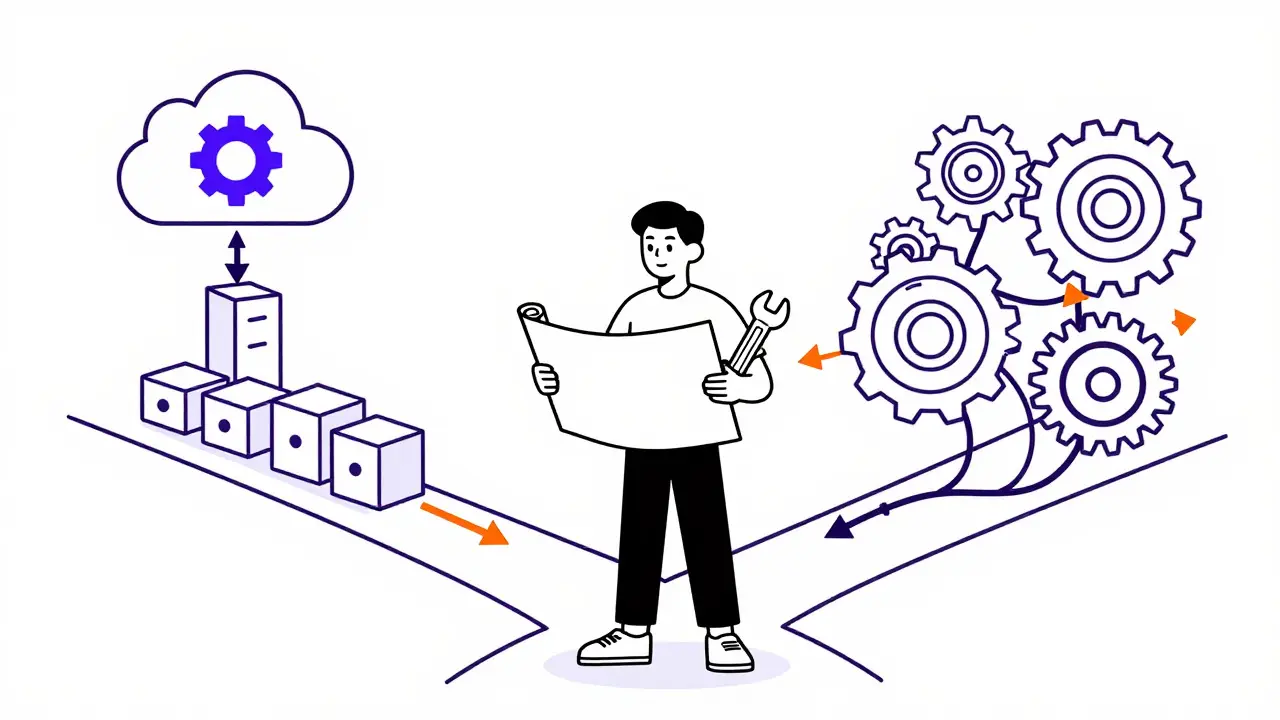
This suggests that vibe coding lowers the barrier to entry but raises the ceiling for maintenance. If you are new to coding, it is a fantastic on-ramp. If you are an experienced developer, it is a force multiplier for repetitive tasks, provided you remain vigilant about code quality.
Future Trends and Tool Integration
The landscape is evolving rapidly. Gartner places vibe coding at the "slope of enlightenment" phase, predicting it will become standard within 3-5 years. New tools are addressing the pain points of early adoption. Supabase introduced "prompt validation layers" in January 2026 that automatically check code against security benchmarks, reducing post-generation fixes by 44%.
Anthropic's recent updates also demonstrate "self-correcting prompts," where the AI evaluates its own output against quality metrics, leading to 29% fewer required revisions. These advancements mean that the gap between prototype and production is narrowing, but human judgment remains essential for strategic decisions.
For now, the best practice is hybrid. Use AI to accelerate the boring parts, and reserve your creative energy for architecture, user experience, and problem-solving. Vibe coding isn't about replacing developers; it's about changing what developers spend their time on.
What is the best AI tool for vibe coding?
There is no single "best" tool, as effectiveness depends on your stack. GitHub Copilot is excellent for IDE-integrated assistance, while Claude and ChatGPT are better for larger, contextual conversations. Choose the tool that offers the longest context window and best support for your specific programming languages.
How long does it take to learn effective prompting?
Developers typically need 12-15 hours of deliberate practice to achieve basic proficiency. The steepest learning curve involves understanding AI limitations, as 92% of beginners initially overestimate what can be accomplished through natural language alone.
Is vibe coding safe for production applications?
It can be, but only with significant human oversight. 83% of AI-generated code contains minor security issues. Always review code, add tests, and refactor complex logic manually before deploying to production.
What is chained prompting?
Chained prompting is breaking a complex task into a sequence of smaller, dependent prompts. Instead of asking for a whole app, you ask for the database schema, then the API endpoints, then the frontend components. This keeps the AI focused and reduces errors.
How do I reduce technical debt from vibe coding?
Apply strict constraints in your prompts, such as limiting libraries and defining style guides. Use a progressive enhancement workflow where you generate core features with AI but manually refine critical paths. Regular code reviews and automated testing are essential to catch hidden issues.
 Artificial Intelligence

tiffany King
August 18, 2026 AT 06:40I am so excited about this shift in how we build things! It feels like the barrier to entry is finally dropping for people who have ideas but get stuck on the syntax. The part about treating the AI like a junior dev really clicked for me because it changes the whole dynamic from commanding to guiding. I think this is going to open up so many doors for non-technical founders to actually see their visions come to life without waiting months for a dev team. The stats on reducing prototyping time are just incredible to look at honestly.
Elisabeth Ballet
August 18, 2026 AT 08:12Let’s be real here, if you aren’t using chained prompting yet you are leaving money on the table. I have seen too many teams try to ask for the whole app in one go and then wonder why the code is a mess. Break it down, keep it simple, and let the model breathe. This is not magic, it is a skill set that anyone can learn with a bit of practice. Stop overthinking the prompt and start iterating quickly. You will find your flow state much faster than you think. Embrace the process and trust the system. Your future self will thank you for the speed.
Bonnie Watt
August 20, 2026 AT 06:10Oh please, another article telling us that AI is the new savior of software engineering. We all know these tools break under the slightest pressure and the moment you need something complex it falls apart. I remember when everyone said no-code was going to replace developers, where is that now? These 'vibe coders' are just creating a mountain of technical debt that someone else has to clean up later. It is exciting for the juniors sure, but for the rest of us it is just more noise. Let us hope the next big thing doesn't also end up being a fad in six months.
Meagan Mueller
August 20, 2026 AT 20:49they are watching you through the code you write. every line is a fingerprint. the ai knows what you think before you do. it is all about control and they want to take that away. the security risks are not accidents they are features. keep your secrets safe or lose them all. the conspiracy is right in front of you in the dependencies.
Dave Gibbeson
August 22, 2026 AT 03:54Good points on the constraints. I found that specifying the exact version of libraries saves hours. If you don't pin the versions the AI will guess and usually pick something deprecated. It is a small habit that makes a huge difference in production stability. Also, always ask for unit tests in the same prompt. It forces the AI to think about edge cases rather than just the happy path. This workflow has cut my debugging time in half recently. Do not skip the review step though. It is still critical. Trust but verify. That is the mantra for this era of development.
Sabrina Newland
August 23, 2026 AT 19:47it makes me thikn about how much we rely on the machine to understand intent vs syntax 🤔 there is something profound about shifting from writing code to describing behavior. i love the idea that we are becoming more like directors than actors in this process. it feels very natural to speak to the computer now. does anyone else feel a bit lost when they have to switch back to manual coding? the transition is jarring but necessary. i think we are entering a phase where soft skills matter more than hard skills in dev. it is a fascinating time to be alive in tech 💡
Amara Akbar
August 24, 2026 AT 15:48It is indeed a fascinating evolution in our craft. While the enthusiasm is palpable, we must remain grounded in the reality of maintainability. The hybrid approach mentioned in the guide seems to be the most prudent path forward for professional environments. One should view the AI as a powerful assistant rather than a replacement for human judgment. By maintaining rigorous testing protocols, we ensure that the speed gains do not come at the cost of reliability. This balance between innovation and stability is key to long-term success. I encourage everyone to experiment while keeping their eyes on the quality metrics. The future is bright, provided we navigate it with care.