You’ve got a powerful Large Language Model (LLM) running on your server, but the cloud bill is skyrocketing, or maybe you’re trying to squeeze it onto a laptop that’s struggling to breathe. It’s a common headache in 2026. The instinct is often to hit the "compress" button-shrink the model, save memory, and move on. But here’s the catch: sometimes shrinking a model breaks its brain. Other times, swapping it for a smaller, smarter architecture saves you way more time than fighting with compression algorithms.
Deciding whether to compress an existing model or switch to a different one isn’t just a technical tweak; it’s a strategic architectural choice. Get it wrong, and you end up with a fast model that hallucinates facts, or a slow model that costs a fortune to run. This guide cuts through the noise to help you decide which path fits your specific constraints, budget, and performance needs.
The Core Dilemma: Efficiency vs. Capability
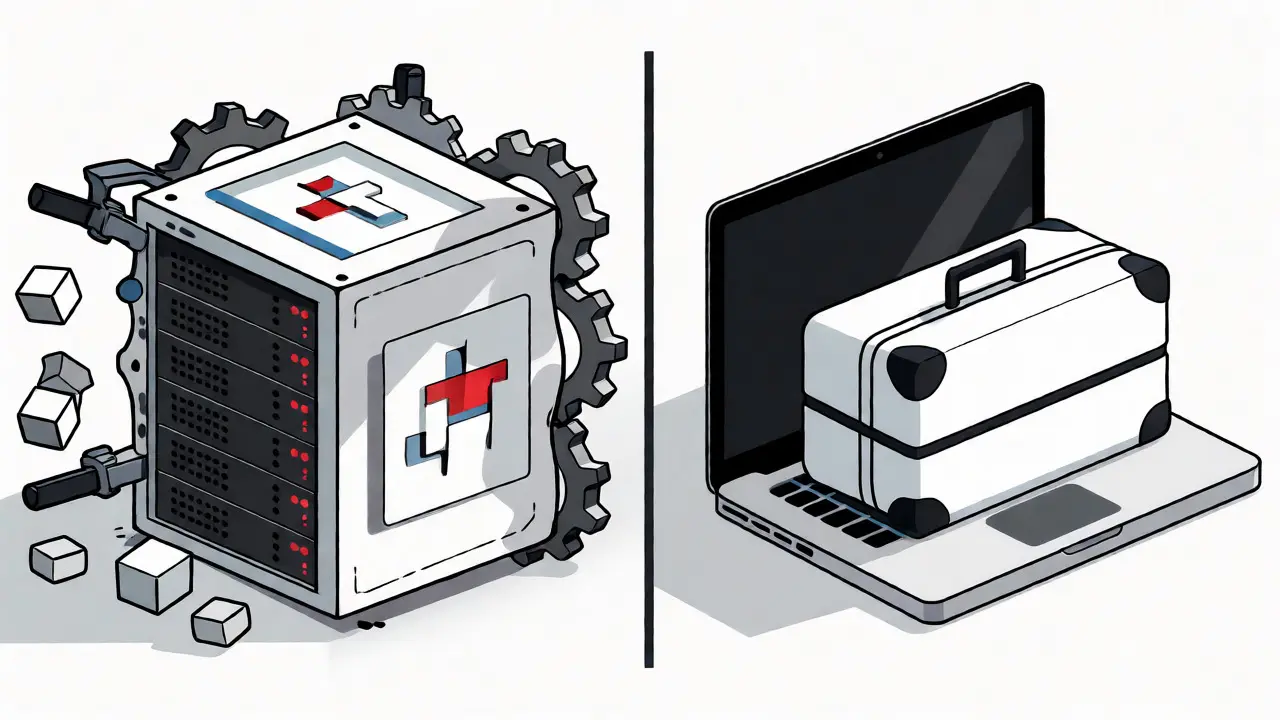
Think of model compression like packing a suitcase for a trip. You can roll clothes tighter (quantization) or remove items you don’t need (pruning). Both make the bag lighter, but if you pack too tightly, things get wrinkled, and if you cut too much, you forget your toothbrush. Switching models is like buying a new, smaller suitcase designed specifically for travel. It might hold less overall, but everything fits perfectly without being crushed.
In the world of LLMs, this translates to a trade-off between maintaining the nuanced knowledge of a large model and gaining the raw speed and cost-efficiency of a smaller or optimized one. Recent industry data suggests that while 68% of Fortune 500 companies use some form of compression, nearly 40% eventually switch to purpose-built smaller models for critical tasks because compression alone couldn’t meet their accuracy standards.
When to Choose Compression
Compression is your best friend when you have a highly specialized model that you’ve fine-tuned extensively, and you cannot afford to lose that specific domain knowledge. If you’ve spent months training a legal AI on case law, swapping it for a generic open-source model means starting from scratch. Here, compression preserves that hard-won expertise while reducing the hardware footprint.
Quantization is the most popular compression technique today. It works by converting high-precision numbers (like 32-bit floating points) into lower-precision formats (like 4-bit integers). According to research from Red Hat, this can reduce memory requirements by 50-60% with minimal impact on perplexity-a metric that measures how well a model predicts text. For general tasks like summarization or chat, 4-bit quantization often retains 90-95% of the original accuracy. It’s a no-brainer if your primary goal is fitting a massive model like Llama 70B onto a single GPU instead of four.
Another strong candidate for compression is AWQ (Activation-aware Weight Quantization). Unlike basic quantization, AWQ identifies the top 1% of important parameters and keeps them at full precision while compressing the rest. This selective approach achieves nearly 8x compression without significant performance loss. If you’re dealing with latency-sensitive applications where every millisecond counts, AWQ offers a sweet spot between speed and quality.
However, be warned: not all compression methods are created equal. Pruning, which removes unnecessary connections in the neural network, can be tricky. Apple’s research indicates that pruning suffers significant performance degradation at just 25-30% sparsity for knowledge-intensive tasks. If your application relies heavily on factual retrieval, aggressive pruning might strip away the very memories your model needs to answer questions correctly.

When to Switch Models Instead
Sometimes, the problem isn’t that the model is too big-it’s that it’s the wrong tool for the job. If you’re using a massive general-purpose model for a narrow task, you’re paying for capabilities you never use. In these cases, switching to a smaller, specialized model is often superior to compressing the giant.
Consider the rise of small language models (SLMs) like Microsoft’s Phi-3 series. These models are trained on curated datasets rather than the entire internet, making them surprisingly efficient at reasoning and coding despite having far fewer parameters. If you find yourself compressing a 70B model down to 4-bit only to realize it still feels sluggish or inaccurate compared to a native 7B model, it’s time to switch. The architectural efficiency of newer models often beats brute-force compression of older architectures.
Switching is also the right move when fundamental architectural limitations block your progress. For example, if you need multimodal capabilities (processing images and text together) but your current model is text-only, no amount of compression will add vision capabilities. Similarly, if newer architectures like Mixture-of-Experts (MoE) offer better inference speeds for your specific workload, migrating to an MoE model might yield better results than squeezing a dense transformer.
There’s also the issue of "perplexity blindness." Traditional metrics like perplexity often fail to capture subtle drops in capability after compression. The LLM-KICK benchmark shows that knowledge-intensive tasks can see 30-40% accuracy drops even when perplexity changes minimally. If your users complain about factual errors after you compressed the model, but your monitoring dashboard looks green, you’re likely facing this blind spot. Switching to a model that natively performs well on those specific benchmarks is safer than debugging compression artifacts.
Technical Trade-offs: A Comparison
To make this concrete, let’s look at how different strategies stack up against real-world constraints. The table below summarizes key attributes based on current industry standards and research findings.
| Strategy | Best Use Case | Memory Savings | Risk to Accuracy | Implementation Effort |
|---|---|---|---|---|
| 4-bit Quantization | General chat, summarization, low-latency APIs | ~75% | Low (5-10% drop) | Low (Days) |
| AWQ Quantization | High-fidelity tasks requiring speed | ~85% | Very Low (<5% drop) | Medium (Weeks) |
| Structured Pruning | Hardware-constrained edge devices | Variable (up to 50%) | High (for QA tasks) | High (Months) |
| Switching to SLM | Narrow domains, cost optimization | ~90%+ (vs 70B model) | Task-dependent | Medium (Retraining/Fine-tuning) |
Notice the effort column. While quantization can be implemented in days using tools like llama.cpp or Hugging Face Optimum, effective pruning requires deep expertise and often takes weeks to tune properly. If your engineering team is stretched thin, the "quick win" of quantization usually wins out over the potential long-term gains of complex pruning or model migration.

Real-World Scenarios and Pitfalls
Let’s ground this in reality. Imagine you’re deploying a customer service bot. Users report that the bot answers simple queries quickly but fails on complex medical questions. You try pruning the model by 50%. Suddenly, the bot starts hallucinating dosage recommendations. Why? Because pruning removed connections critical for retrieving specific medical facts. In this case, switching to a specialized medical LLM or using a higher-precision quantization method would have been better than aggressive pruning.
On the other hand, consider Roblox’s experience scaling their ML inference pipelines. By implementing quantization and using vLLM as their serving engine, they reduced compute costs by 60% while supporting five times more concurrent users. They didn’t switch models; they optimized the infrastructure around their existing ones. This highlights that compression is often a scaling solution, whereas switching is a specialization solution.
A common pitfall is ignoring calibration data. Techniques like AWQ require representative samples from your actual production data to determine which weights are "important." If you calibrate on generic Wikipedia text but deploy on legal contracts, the quantization will miss the mark. Always use domain-specific data for calibration to avoid unexpected accuracy drops.
Making the Decision: A Quick Checklist
Still unsure? Run through this quick decision tree:
- Do you have unique, fine-tuned knowledge? If yes, lean towards compression (Quantization/AWQ). Retraining loses that value.
- Is the task knowledge-intensive (QA, fact retrieval)? If yes, avoid aggressive pruning. Test quantization first, then consider switching to a specialized model if accuracy dips.
- Are you hitting hardware limits? If you can’t fit the model in memory, start with 4-bit quantization. It’s the fastest path to deployment.
- Is latency the main bottleneck? Try AWQ or a smaller native model. Compression helps, but architecture matters more for speed.
- Has the model become obsolete? If a newer, smaller model outperforms your compressed giant on benchmarks, switch. Don’t cling to legacy tech.
Remember, there is no silver bullet. Many successful systems in 2026 use a hybrid approach: maintaining a portfolio of models at different sizes, applying compression where beneficial, and switching when necessary. The goal isn’t just to shrink the model-it’s to deliver the best user experience at the lowest sustainable cost.
Does quantization always reduce accuracy?
Not always significantly. With modern techniques like AWQ or GPTQ, 4-bit quantization typically retains 90-95% of the original model's performance for general tasks. However, for highly specialized or reasoning-heavy tasks, the drop can be more noticeable, especially if the calibration data doesn't match the deployment environment.
Is pruning better than quantization?
It depends on the task. Quantization is generally safer and easier to implement for most LLMs. Pruning can achieve higher compression ratios but risks severe performance degradation, particularly for knowledge-intensive tasks, unless done very carefully with structured approaches. Most engineers prefer quantization as a first step.
Should I switch to a Small Language Model (SLM) instead of compressing?
If your task is narrow (e.g., code generation, specific customer support), switching to an SLM like Phi-3 or Mistral-7B often yields better results than compressing a 70B model. SLMs are architecturally efficient and cheaper to run. Compress a large model only if you rely on its broad, general-world knowledge.
What tools do I need for LLM compression?
Popular tools include Hugging Face Optimum for easy integration, NVIDIA TensorRT-LLM for high-performance GPU inference, and llama.cpp for CPU-based quantization. For advanced users, libraries like AutoGPTQ or AWQ provide finer control over the quantization process.
How does compression affect inference speed?
Compression usually improves inference speed because it reduces memory bandwidth requirements. A 4-bit quantized model loads faster and processes tokens quicker than a 16-bit float model, provided your hardware supports the integer operations efficiently. However, poorly optimized quantization kernels can sometimes negate these gains.
 Artificial Intelligence