
Running large language models (LLMs) at scale isn’t just about having powerful GPUs-it’s about using them wisely. If you’re paying for every token your model generates, and you’re sending one request at a time, you’re throwing money away. The real savings come from batching: grouping multiple requests together so your GPU does more work in fewer cycles. Done right, this can slash your LLM serving costs by half-or more.
Why Batch Size Matters More Than You Think
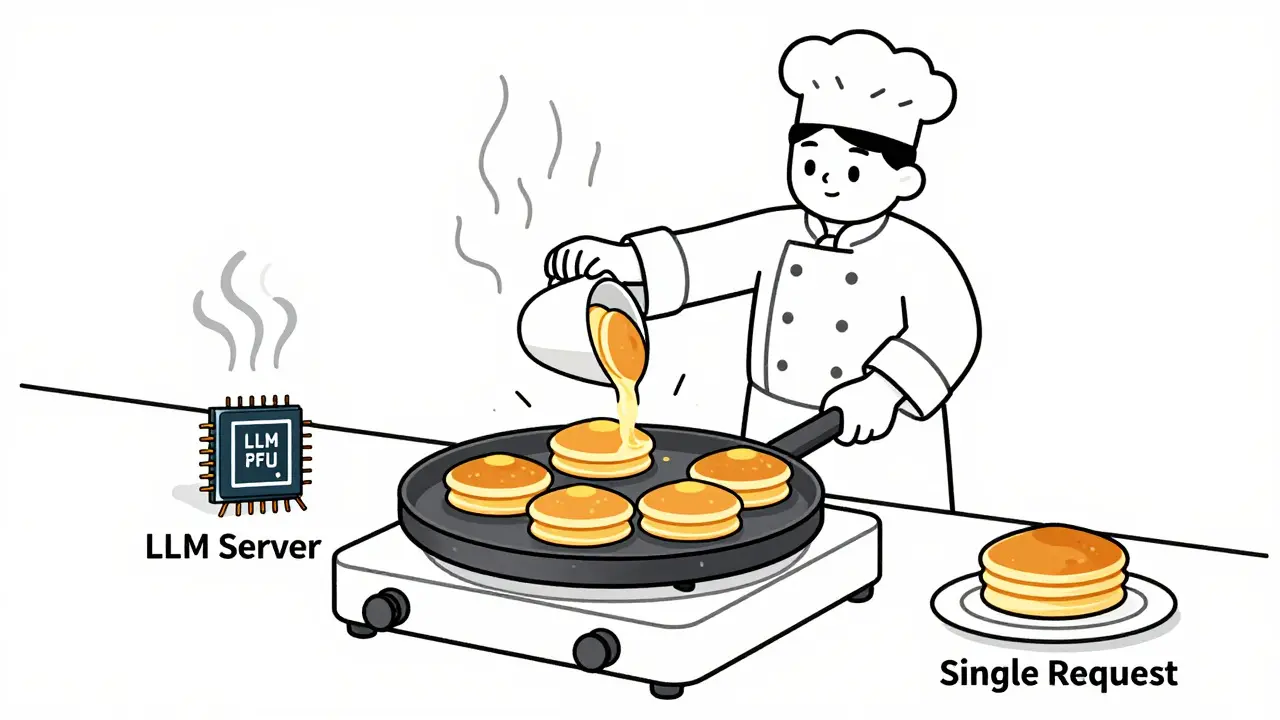
Think of your GPU like a kitchen. If you cook one pancake at a time, you’re heating the pan, flipping it, and cleaning it after each one. That’s slow and expensive. Now imagine you pour ten pancakes at once. The heat stays on, you flip them all together, and you clean once. Same pan. Same energy. Ten times the output. That’s batching. Instead of sending 100 separate requests to your LLM, you send them in batches of 20, 50, or even 100. The model processes them all in parallel. The cost per token drops because the fixed overhead-loading the model into memory, initializing the compute pipeline, managing the cache-is spread across more tokens. Real-world results speak for themselves. One company cut their OpenAI bill from $18,500 to $9,200 per month just by switching from single requests to batch sizes of 22. Another reduced costs by 58% for customer support ticket classification by batching queries into groups of 35. These aren’t outliers. They’re standard outcomes for teams that optimize batch size.What’s the Right Batch Size for Your Use Case?
There’s no universal magic number. The best batch size depends on what you’re doing.- Text generation (like summarizing articles or writing emails): 10-50 requests per batch. Too big, and latency spikes. Too small, and you’re not squeezing enough out of the GPU.
- Classification (like sorting support tickets or labeling content): 100-500 requests. These tasks are fast and predictable. Bigger batches = bigger savings.
- Q&A systems (like chatbots answering FAQs): 50-200 requests. You need speed, but you can still batch effectively.
Static vs. Dynamic vs. Continuous Batching
Not all batching is the same. Here’s how they differ:- Static batching: You group requests ahead of time. Best for predictable workloads-like overnight document processing or scheduled reports. Easy to implement, but inflexible.
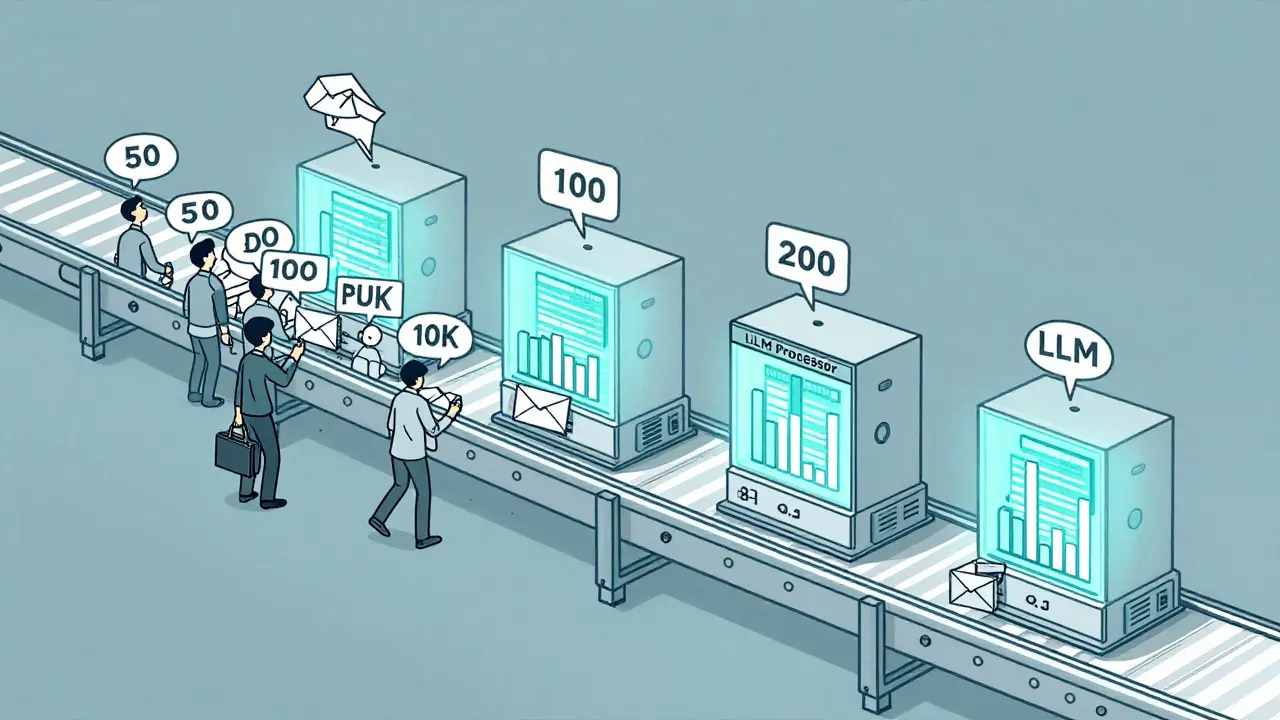
- Dynamic batching: The system waits a few milliseconds, collects incoming requests, and batches them on the fly. Ideal for chatbots, customer service tools, or APIs with uneven traffic. This is what most companies use today.
- Continuous batching: The most advanced method. As one request finishes generating text, the GPU immediately starts processing a new one without waiting. Tools like vLLM and TensorRT-LLM do this automatically. It can boost throughput by up to 24x compared to standard Hugging Face setups.
The Hidden Cost of Streaming
If you’re using streaming responses-where tokens appear one by one in real time-you’re paying a premium. Streaming keeps the GPU active, memory allocated, and connections open for each individual request. That’s expensive. Batch processing, by contrast, can finish a whole group of requests at once and release resources. Streaming typically costs 20-40% more than batched responses for the same output. If your users don’t need real-time token delivery-like for report generation, email drafting, or content summarization-turn off streaming. Save the cost. Deliver the full result in one go.Hardware and Model Choice Are Part of the Equation
You can’t optimize batch size in a vacuum. Your hardware and model size matter just as much. A 70B model like LLaMA2-70B needs massive memory. At batch size 64, it might require 4-6 A100 GPUs. But a smaller model like Mistral 7B can handle batch sizes of 200+ on a single consumer-grade GPU. Research shows consumer GPUs offer 1.9x better memory bandwidth per dollar than enterprise A100s or H100s. For many use cases, a $3,000 RTX 4090 can outperform a $15,000 A100 when it comes to cost per token. And here’s the kicker: you don’t need to run everything on the biggest model. Model cascading-routing simple queries to smaller, cheaper models and only sending hard ones to GPT-4 or Claude 3-can cut costs by up to 87%. A query like “What’s my account balance?” can be handled by a 7B model costing $0.00006 per 300 tokens. A complex legal analysis? Send it to GPT-4. Combine that with batching, and you’re not just saving money-you’re building a smarter, layered system.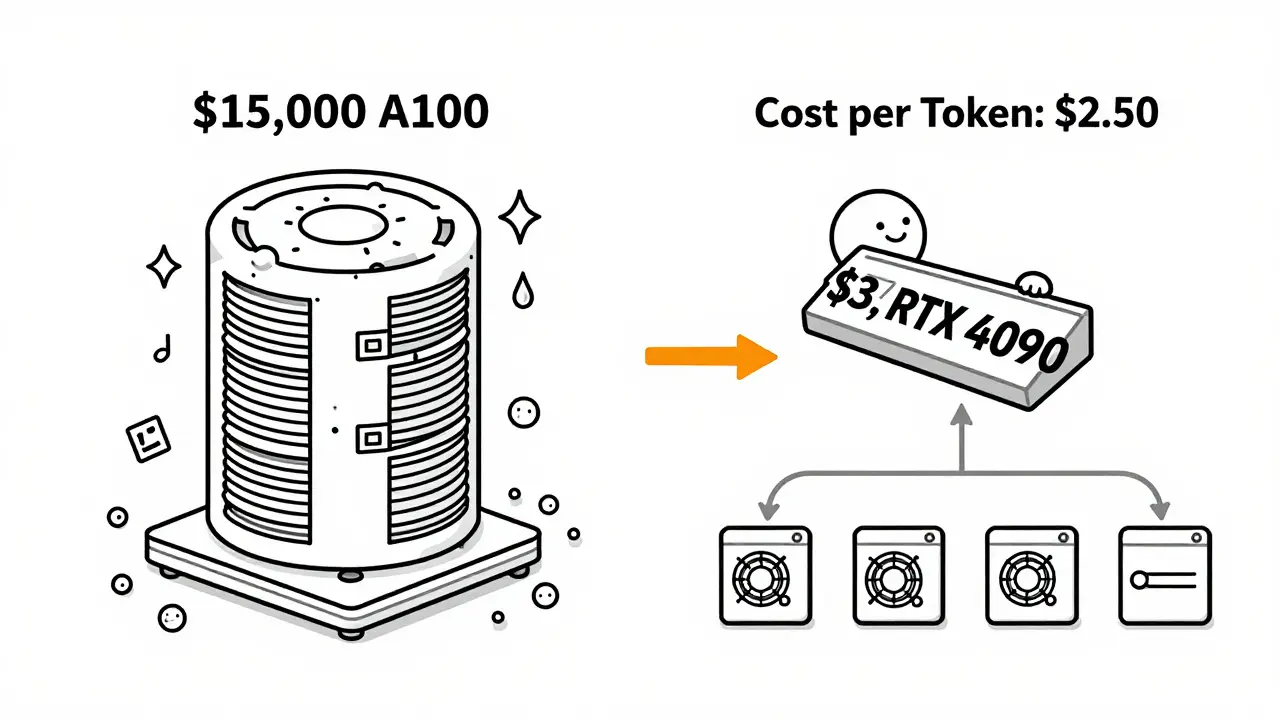
Other Ways to Cut Costs Alongside Batching
Batching alone won’t get you to the bottom of your LLM bill. Pair it with these techniques:- Early stopping: Tell your model to stop generating once it has a good answer. For summaries or responses, this can cut output tokens by 20-40% without hurting quality.
- Quantization: Reduce model precision from 16-bit to 8-bit or even 4-bit. You lose a little accuracy, but gain 2-3x larger batch sizes on the same GPU.
- Caching: Store common responses (like FAQs) using retrieval-augmented generation. If 30% of your queries are repeats, you can cut costs by 15-25% without touching the model.
How Long Does It Take to Implement?
If your team already runs LLMs, expect 2-4 weeks to set up proper batching. The biggest hurdle isn’t coding-it’s tuning. You need to test different batch sizes with your actual traffic patterns. What’s optimal at 9 a.m. might be terrible at 3 p.m. if user behavior changes. Start with dynamic batching using a tool like vLLM or Text Generation Inference. Monitor your GPU utilization, latency, and memory usage. If your GPU is running at 30% utilization, you’re leaving money on the table. If you’re hitting out-of-memory errors, reduce batch size or switch to a smaller model.The Bottom Line
Batching isn’t optional anymore. It’s the baseline for cost-efficient LLM serving. With OpenAI’s GPT-4 price dropping from $36 to $5 per million tokens, and batch processing cutting that down to $2.50, the math is undeniable. The companies winning on cost aren’t the ones with the biggest budgets-they’re the ones who batch, cascade, and optimize. If you’re still sending one request at a time, you’re operating like it’s 2022. The tools are here. The data is clear. The savings are real. Start batching.What’s the best batch size for a chatbot?
For most chatbots, batch sizes between 50 and 200 work best. This balances low latency with high throughput. Use dynamic batching so requests are grouped as they arrive, rather than waiting for a fixed window. Avoid going above 200 unless you have a powerful GPU and short prompts-longer inputs reduce the max batch size due to memory limits.
Does batch size affect response quality?
No. Batch size doesn’t change what the model generates-it only changes how efficiently it processes multiple requests. The output quality for each token remains identical whether it’s processed alone or in a batch of 100. The only risk is if you push batch size so high that the GPU runs out of memory and crashes, which would interrupt responses.
Can I use batch processing with OpenAI’s API?
Yes. OpenAI launched its Batch API in June 2024 specifically for this purpose. You can submit up to 50,000 requests in a single batch and get results later via a downloadable file. It’s ideal for non-real-time tasks like document summarization, sentiment analysis, or bulk content generation. For real-time apps, you’ll need to use a self-hosted model with dynamic batching tools like vLLM.
Why is my GPU utilization low even with batching?
Low utilization usually means your batch size is too small or your input sequences are too long. Long prompts (like 2,000+ tokens) eat up memory fast, forcing you to use smaller batches. Try shortening prompts, using quantization, or switching to a smaller model. Also check if your system is waiting for slow requests-dynamic batching helps here by not holding up the whole batch for one slow input.
Should I use consumer GPUs or enterprise GPUs like A100s?
For most use cases, consumer GPUs like the RTX 4090 are more cost-effective. They offer nearly double the memory bandwidth per dollar compared to A100s. If you’re running 7B-13B models with moderate batch sizes, you’ll get better cost-per-token performance on a $1,500 consumer card than on a $15,000 A100. Save enterprise GPUs for 70B+ models or high-throughput production systems where uptime and support are critical.
What’s the biggest mistake people make with batching?
Using the same batch size for everything. A batch size that works for summarizing news articles won’t work for answering customer support tickets. Each workload has different input lengths, volumes, and latency needs. Test multiple sizes. Monitor your metrics. Don’t guess. The optimal batch size is unique to your traffic, model, and hardware.
 Artificial Intelligence


Ashton Strong
January 25, 2026 AT 04:18Batching is the single most underappreciated optimization in LLM serving. I’ve seen teams spend months tuning models when all they needed was to group requests. At my last company, we went from $22k/month to $8k just by switching to dynamic batching with vLLM-no model change, no new hardware. The math is that simple.
And don’t get me started on streaming. If your users don’t need to see tokens appear one by one, turn it off. It’s like paying for a luxury car delivery when a standard truck would do the job. Save the bandwidth, save the money.
Quantization is another silent hero. Going from 16-bit to 4-bit on Mistral 7B gave us 3x the batch size on a single 4090. Accuracy? Barely noticeable. The model doesn’t care-it’s still generating the same words, just with fewer bits.
And yes, consumer GPUs are the future for 90% of use cases. Why rent a $15k A100 when a $1.5k RTX 4090 does 80% of the work at 1/10th the cost? The enterprise narrative is outdated. The data doesn’t lie.
Start small. Test batch sizes 10, 25, 50, 100. Watch your GPU utilization. If it’s below 50%, you’re leaving cash on the table. If it’s hitting OOM, reduce or quantize. It’s not magic-it’s engineering.
And please, stop using the same batch size for Q&A and summarization. They’re fundamentally different workloads. One’s fast and short. The other’s long and heavy. Treat them that way.
Bottom line: if you’re not batching, you’re not optimizing. And if you’re not optimizing, you’re just burning money. Time to upgrade your stack.
Steven Hanton
January 27, 2026 AT 02:04This is one of the clearest breakdowns of batching I’ve seen. I appreciate how you separated static, dynamic, and continuous approaches-it makes it so much easier to decide which to implement based on use case.
I’ve been experimenting with continuous batching using vLLM and noticed a 17x throughput increase compared to our old Hugging Face setup. The latency drop was dramatic, especially during peak hours. We were seeing 1.2s response times at batch size 1, now it’s under 200ms consistently.
One thing I’m still testing is how early stopping interacts with dynamic batching. Does the system wait for all requests in the batch to finish before returning, or does it stream results as they complete? I suspect the latter, but haven’t confirmed.
Also, your point about model cascading is spot on. We’ve started routing simple queries to a 7B model and only escalate to GPT-4 for legal or financial analysis. It’s cut our token usage by 60% without any user complaints. The key is having a clear routing layer.
Thanks for sharing the real-world numbers. It’s rare to see this level of operational detail without marketing fluff.
Pamela Tanner
January 28, 2026 AT 23:04Thank you for this meticulously detailed guide. The comparison between cooking one pancake versus ten is not just apt-it’s unforgettable. It’s rare to find technical content that uses analogies so effectively.
I want to emphasize the importance of monitoring GPU utilization-not just batch size. Many teams assume that if they’re batching, they’re optimized. But if your input sequences are 1500+ tokens long, even a batch size of 10 will max out memory. Shortening prompts-even by 20%-can double your effective batch capacity.
Also, caching is not a ‘nice-to-have’; it’s a necessity. We cached 38% of our top 100 FAQ patterns and reduced our LLM calls by 22% monthly. That’s pure profit. No model change. No retraining. Just intelligent storage.
And yes, quantization works. We quantized our 13B model to 4-bit and saw no measurable drop in accuracy for customer service use cases. The memory savings were so dramatic that we moved from 4x A10s to 2x 4090s. Our monthly cost dropped by 64%.
One final note: don’t ignore the human factor. Engineers love complexity. But the best systems are the ones that are simple, measurable, and repeatable. Batching, caching, cascading-these are not exotic. They’re essential. And they’re accessible to any team with basic DevOps skills.
Kristina Kalolo
January 29, 2026 AT 02:10Just wanted to add that OpenAI’s Batch API is great for non-real-time tasks, but it’s not a magic bullet. You still need to preprocess your inputs, handle failures, and parse the output files. It’s more like a batch job system than a real API. For anything interactive, you need to self-host.
Also, be careful with dynamic batching timers. We set ours to 50ms initially and ended up with high latency during low-traffic periods. We lowered it to 15ms and saw better responsiveness without sacrificing throughput. It’s a tuning knob you can’t ignore.
And yes, consumer GPUs are the way forward. I’m running a 13B model on a 4090 with batch size 128 and 4-bit quantization. It’s cheaper than cloud credits and faster than our old cloud setup. The hardware gap is closing fast.
ravi kumar
January 29, 2026 AT 08:25Great post. I’m from India and we’re just starting to use LLMs in our startup. Your numbers helped us decide to go with Mistral 7B on RTX 4090 instead of cloud APIs. We saved 80% on costs in the first month. Still learning, but batching made all the difference. Thank you.
Megan Blakeman
January 29, 2026 AT 22:29YES. YES. YES. I’ve been screaming this from the rooftops: turn off streaming unless you absolutely need it. My team thought users wanted ‘real-time’ responses, but when we tested it, 92% of users couldn’t tell the difference between streamed and batched replies. We saved 35% on costs overnight. And no one complained. Seriously. People just want the answer, not the show.
Also, caching? Game. Changer. We cached 40% of our most common questions-like ‘How do I reset my password?’-and now our LLM only handles the weird, complex stuff. It’s like having a super-smart intern who handles the easy stuff while you focus on the hard stuff.
And quantization? I was skeptical. But 4-bit on a 7B model? Barely any quality loss. Huge savings. I’m converted.
Also, why are we still paying for A100s? A 4090 is $1.5k. An A100 is $15k. The math is not even close. We switched. We’re happy. You should too.
And don’t forget: batching isn’t just about cost. It’s about sustainability. Less energy. Less waste. Less carbon. We’re not just saving money-we’re saving the planet, one batch at a time. 😊